

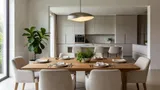

Living room
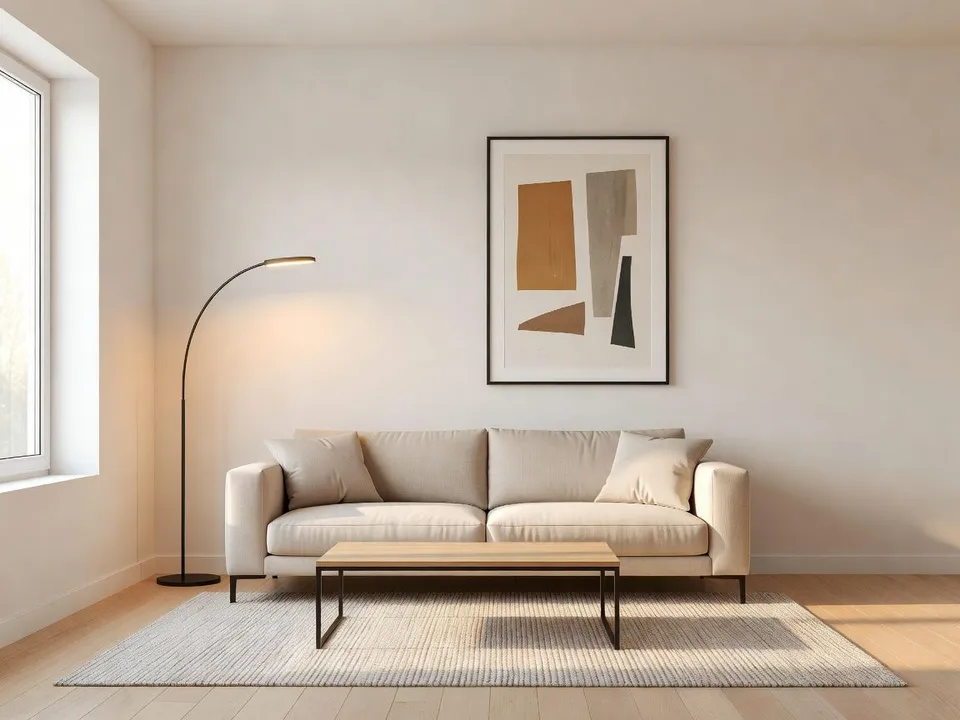
The empty main room furnished with a sofa, rug, and soft daylight, so buyers can picture where the family gathers instead of staring at bare walls.
Prompt bearbeiten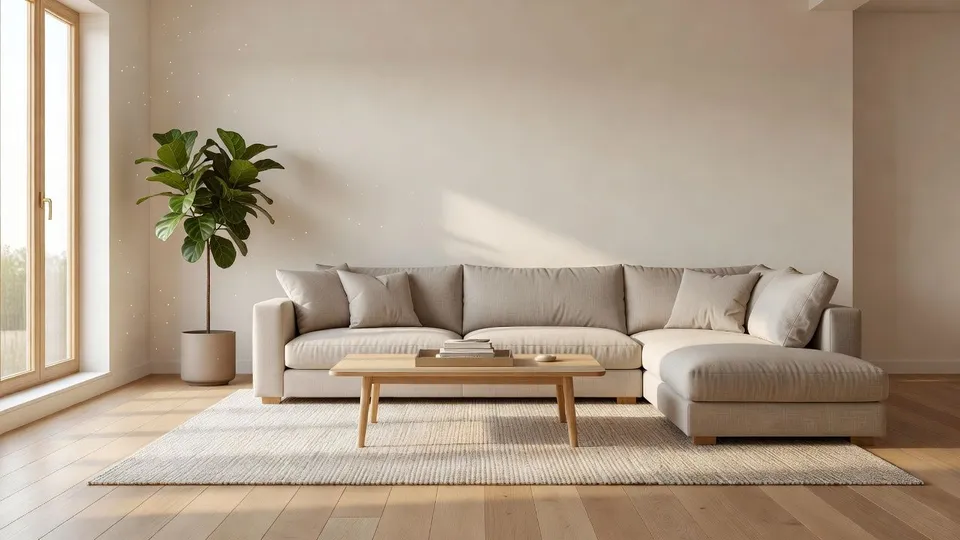
Whether you list vacant homes or tired rentals, upload one photo of an empty room and get back a fully furnished, buyer-ready shot. No rented furniture, no staging crew, no extra day on market.
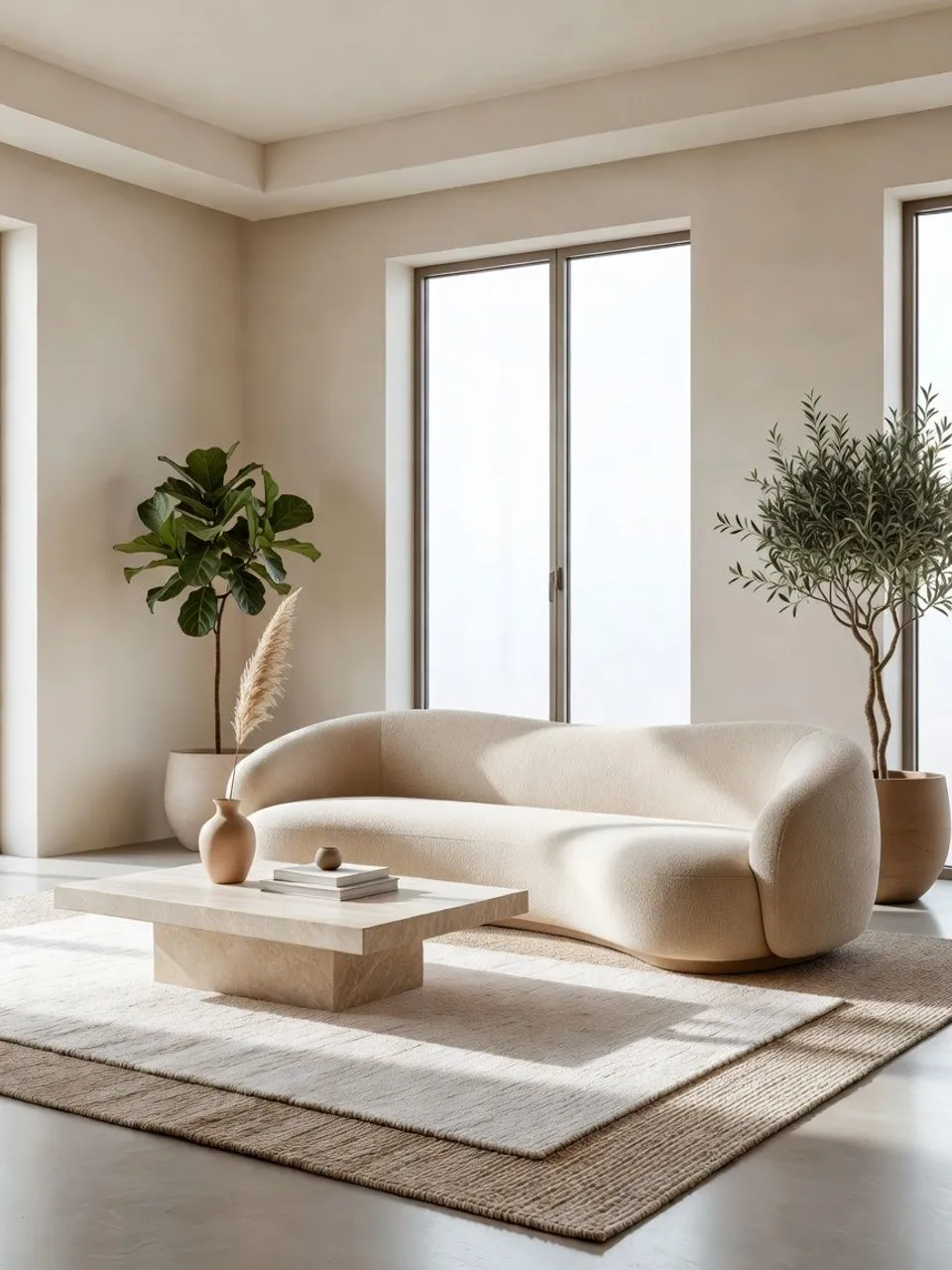
Upload a photo of the bare room and describe the style you want. Morphic keeps the walls, windows, and floor exactly as they are and furnishes the same space, and you keep every staged version it makes.
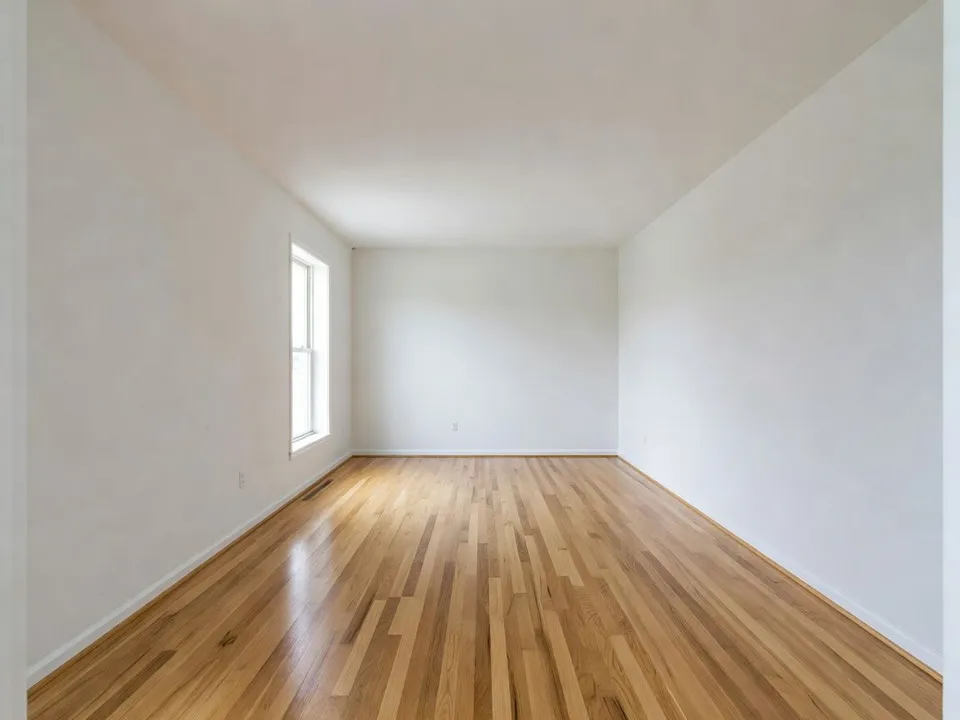
Drop in a single photo of the vacant space. A straight shot from the doorway is enough, and Morphic reads the walls, windows, and floor.
Say what you want in one plain sentence: the furniture, the palette, the mood. Tweak the words and run it again until the room fits the buyer.
Get a set of staged variants at full resolution, ready to drop straight onto the MLS, the listing page, or the brochure.
Every room a buyer walks through, from the living room and bedroom to the kitchen and the patio, each staged from a single photo of the empty space so the whole listing feels warm, cohesive, and lived in.
The empty main room furnished with a sofa, rug, and soft daylight, so buyers can picture where the family gathers instead of staring at bare walls.
Prompt bearbeitenThe bare bedroom staged with a made bed, nightstands, and calm styling, the shot that makes a vacant space feel restful and move-in ready.
Prompt bearbeiten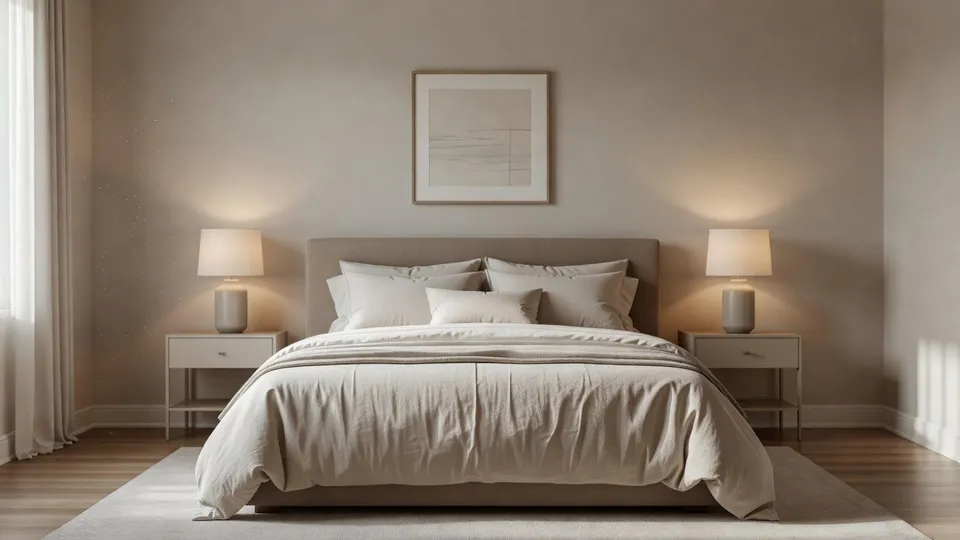
The dining area set with a table, chairs, and a few clean details, so buyers see how the space handles a real meal and everyday flow.
Prompt bearbeiten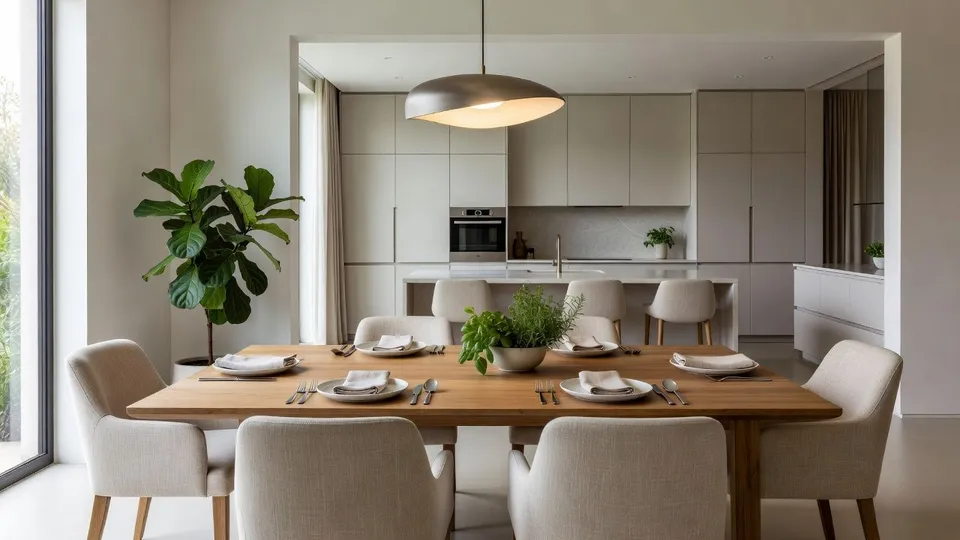
The empty patio or balcony staged with outdoor seating and greenery, the lifestyle shot that turns unused square footage into a selling point.
Prompt bearbeiten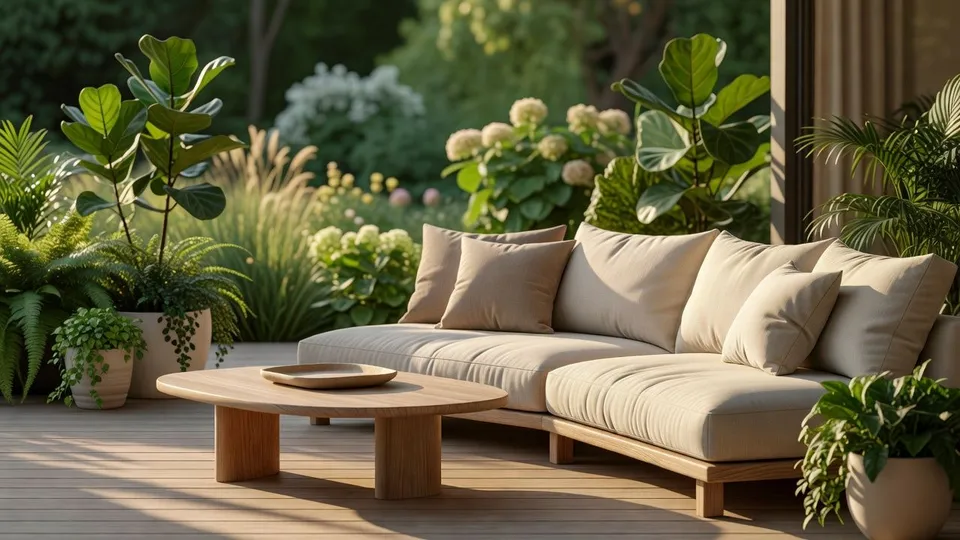
AI covers most of the staging work here. A few things, from disclosure to the true layout, still want your eye before you list the property, so here is where each one sits and who should own the call.

Describe your fabric type, pattern, color, and use. Get a photorealistic 2K textile swatch to spec.
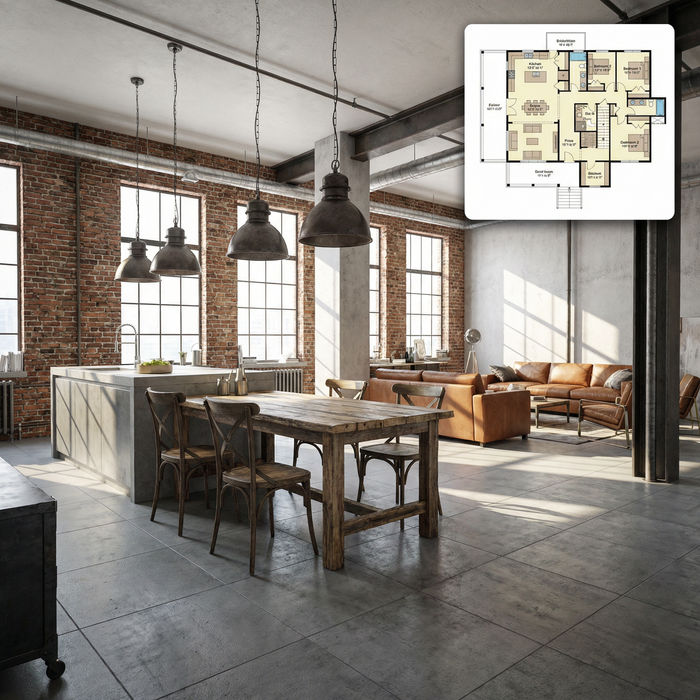
Get photorealistic interior renders with furnished rooms, lighting, and materials.
Choose your viewing angles and get precise perspective shifts of any image with full camera control.
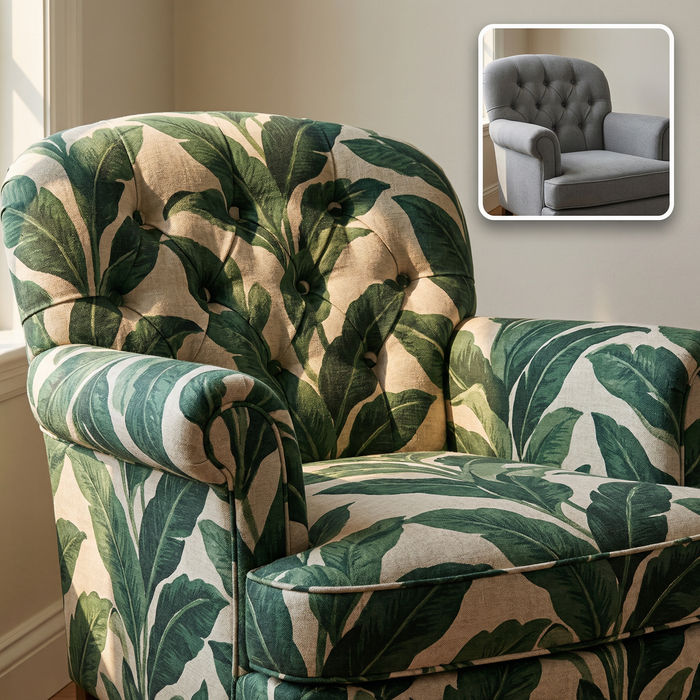
Swap the fabric on any furniture, cushion, or curtain. New texture, same shape and lighting.

Turn any sketch or drawing into a finished render.

Get a detailed prompt extracted from a reference image, and then a fresh recreation.
Starten Sie noch heute kostenlos, mit der Option, jederzeit zu upgraden oder zu kündigen.
Basic
2400 monatliche Credits
1 Nutzer
Alle Modelle
Workflows
Standard
3625 monatliche Credits
1 Nutzer
Alle Modelle
Workflows
Pro
6350 gemeinsame monatliche Credits
1 Nutzer
Alle Modelle
Workflows
Max
24650 gemeinsame monatliche Credits
1 Nutzer
Alle Modelle
Workflows
Enterprise
Für höhere Limits
Individuell
Preis- und Abrechnungsbedingungen

Free
Zum Ausprobieren
$0
dauerhaft kostenlos