A 2-second scroll-stopping hook
A tight opening frame where the product snaps into focus against a bold color field, a fast push-in and a bright key light making it register before the second is up, the camera locking on the item.
Prompt bearbeiten
Direct a 15 second ad video in your browser with Morphic's ad video generator. Generate the hook, the product beat, and the end card that a paid spot needs to land in fifteen seconds. Voice it with Speech, then cut the six, fifteen, and thirty second versions from one concept on Compose.
A tight opening frame where the product snaps into focus against a bold color field, a fast push-in and a bright key light making it register before the second is up, the camera locking on the item.
Prompt bearbeitenA slow push-in on the product against a clean seamless backdrop, soft even light rolling across the surface as the item turns a few degrees, the shot held long enough to read clearly at speed.
Prompt bearbeiten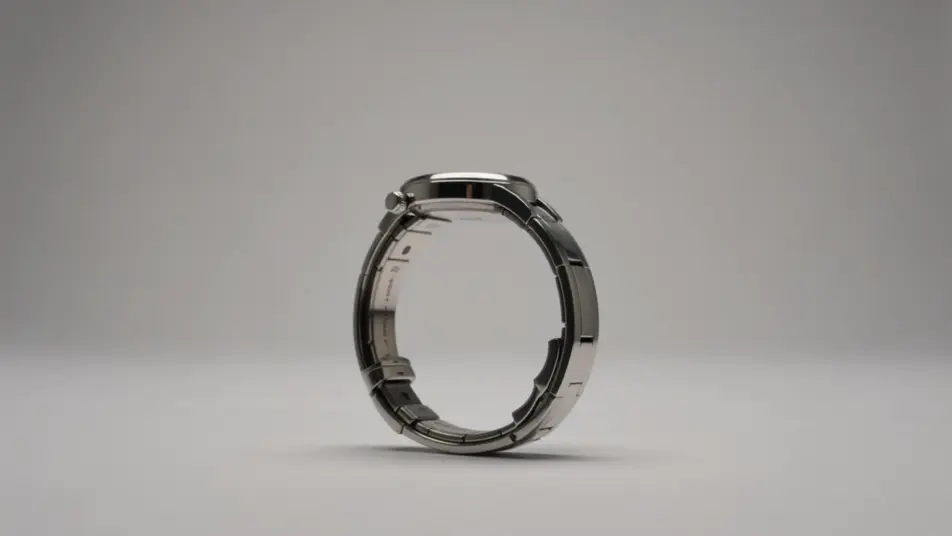
A frame that opens on a small everyday frustration and cuts to the smooth result the product delivers, the transition quick and satisfying under a palette that shifts from tense to calm.
Prompt bearbeiten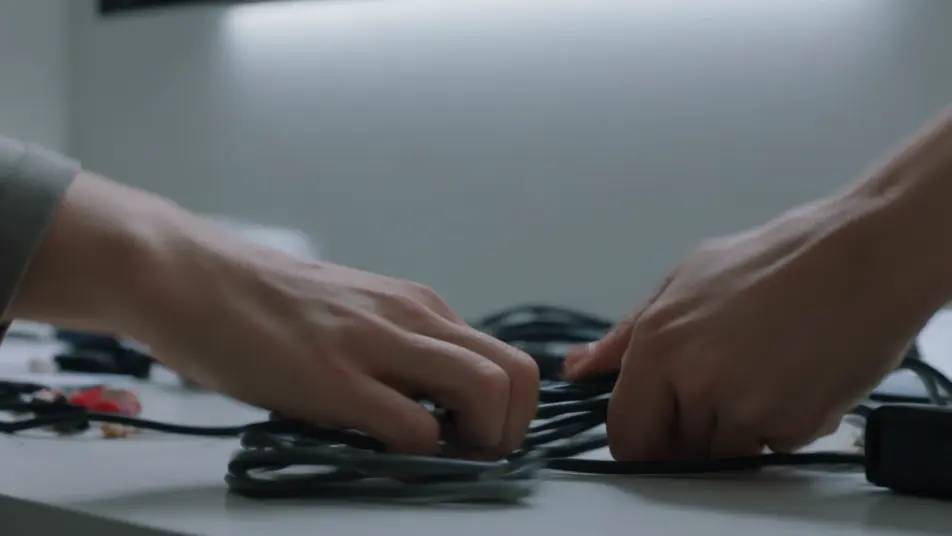
A closing frame filled with a smooth brand-color gradient where a single abstract geometric mark settles at center and a soft forward-arrow motion sweeps upward as the field holds for the final beat.
Prompt bearbeiten
Beschreiben Sie die 15 second ad video-Szene, die Sie möchten, in einfachen Worten.
Morphic generiert in Sekunden einen filmreifen Clip auf Ihrer Canvas.
Passen Sie den Prompt an, generieren Sie Varianten und laden Sie die Aufnahme herunter oder teilen Sie sie.

Dramatize any text conversation into a cinematic multi-shot video.
Cinematic time-freeze short film for any scene

Generate a professional film title card from scratch, with optional cinematic animation.
Photo of any real-estate becomes a cinematic renovation timelapse video with construction SFX and music.
One image to a 9-scene cinematic video.
Drop in a photo of yourself. Get a 12-second cinematic movie with animation and a matched soundtrack.
AI 6 second bumper ads
Generate a 6 second bumper ad with AI on Morphic. Land one image, one line, one product beat, then re-cut the idea to 15 and 30 seconds. Create now.
AI 30 second commercials
Make a 30 second commercial with no crew or shoot day. Build the setup, the story, and a sign-off, then re-cut to every length and aspect. Create now.
AI Pre-roll ad videos
Produce a pre-roll ad video that lands your brand in the first five seconds. Cut a cold open and a value beat, then reformat to any duration. Produce.
AI In-feed video ads
Create an in-feed video ad from a short description. Open on a hook, caption the demo, add a testimonial beat, then export short cuts. Create.
Starten Sie noch heute kostenlos, mit der Option, jederzeit zu upgraden oder zu kündigen.
Basic
2400 monatliche Credits
1 Nutzer
Alle Modelle
Workflows
Standard
3625 monatliche Credits
1 Nutzer
Alle Modelle
Workflows
Pro
6350 gemeinsame monatliche Credits
1 Nutzer
Alle Modelle
Workflows
Max
24650 gemeinsame monatliche Credits
1 Nutzer
Alle Modelle
Workflows
Enterprise
Für höhere Limits
Individuell
Preis- und Abrechnungsbedingungen

Free
Zum Ausprobieren
$0
dauerhaft kostenlos