Verfolgungsjagd auf sonniger Wiese unter hellen Wolken
Eine weite grüne Wiese unter Schäfchenwolken, Held und Sidekick im vollen Sprint, gefolgt von Squash-and-Stretch-Bewegungslinien, Schmetterlinge stieben auseinander.
Prompt bearbeiten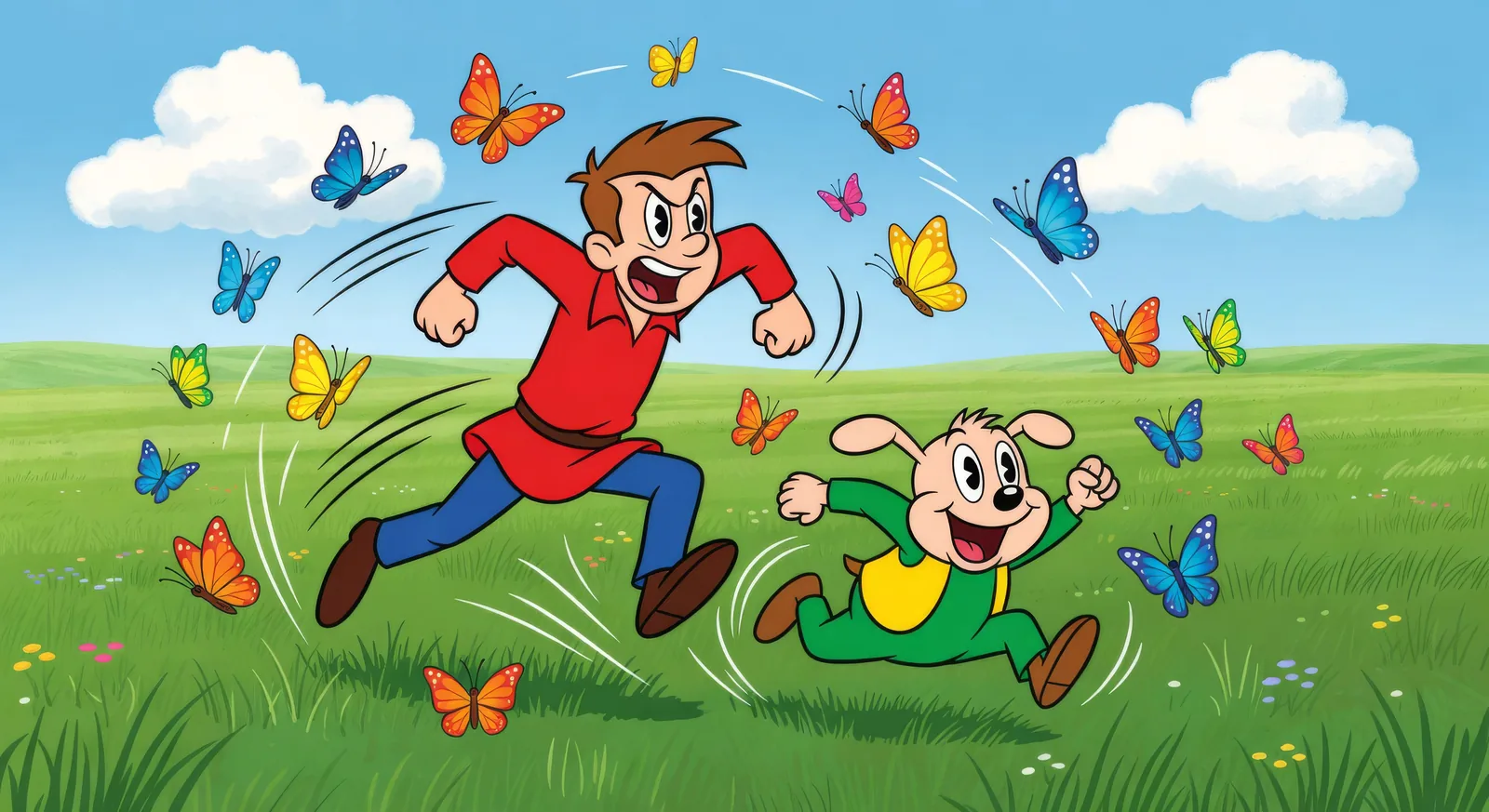
Animieren Sie Ideen in Ihrem Browser mit dem KI-Videogenerator für Cartoons von Morphic. Erzeugen Sie eine Verfolgungsjagd auf sonniger Wiese, einen Heldensprung über Dächer im Morgengrauen oder den Keller eines Erfinders mit funkensprühender Apparatur. Vertonen Sie mit Speech und Music und legen Sie Ihren Helden mit Character Lineup fest.
Eine weite grüne Wiese unter Schäfchenwolken, Held und Sidekick im vollen Sprint, gefolgt von Squash-and-Stretch-Bewegungslinien, Schmetterlinge stieben auseinander.
Prompt bearbeitenDer Kinderheld mit Handtuch-Umhang mitten im Sprung über eine Lücke zwischen zwei stilisierten Stadtdächern, die Sonne steigt über der Skyline auf, ein Wasserturm dahinter.
Prompt bearbeiten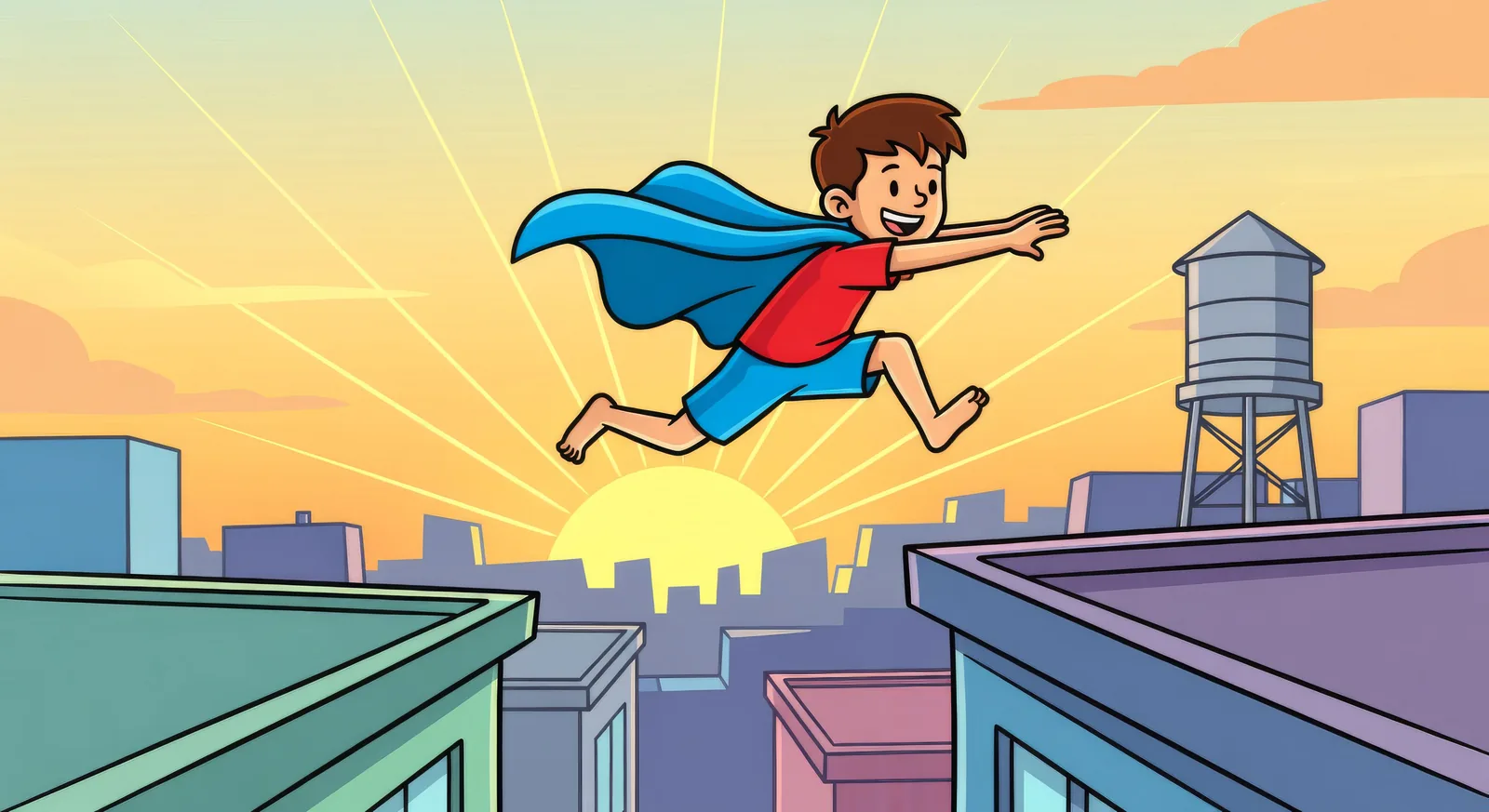
Die Kellerwerkstatt des Erfinders, überquellend mit Apparaten, eine Vorrichtung, die auf der Werkbank Funken sprüht, eine einzelne hängende Glühbirne, die sanft schwingt.
Prompt bearbeiten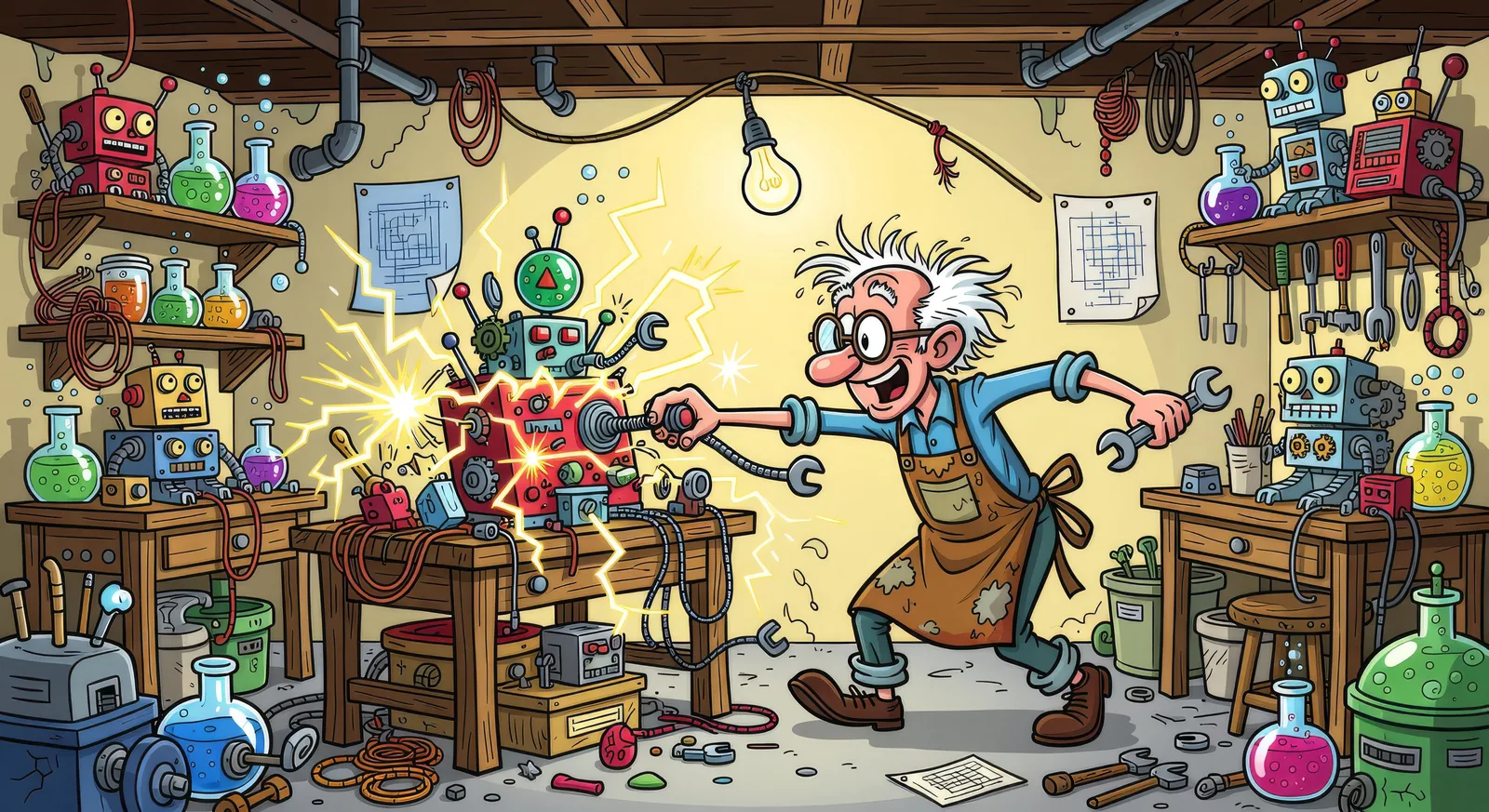
Eine Geburtstagsfeier im Garten, Partyhüte schief, ein großer runder Kuchen mit brennenden Kerzen, Kinder beugen sich mitten im Jubel vor, umgeben von Bewegungslinien-Höfen.
Prompt bearbeiten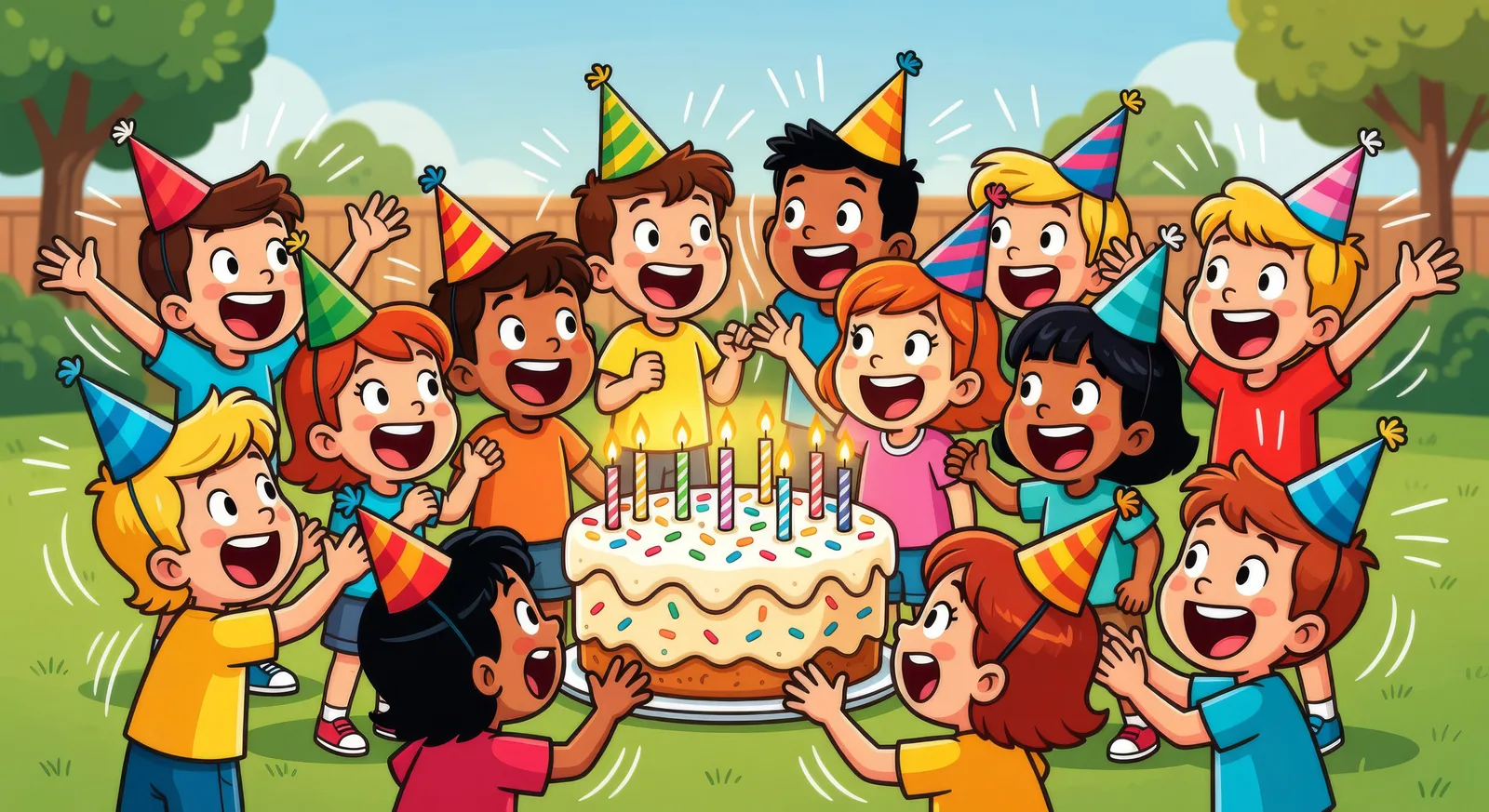
Beschreiben Sie die Cartoon-Szene, die Sie möchten, in einfachen Worten.
Morphic generiert in Sekunden einen filmreifen Clip auf Ihrer Canvas.
Passen Sie den Prompt an, generieren Sie Varianten und laden Sie die Aufnahme herunter oder teilen Sie sie.

Pick any anime illustration as your style guide. Apply its look to any image.

Turn any sketch or drawing into a finished render.

Take any character image and generate 6 distinct facial expressions on a single reference sheet.

All your characters on a single lineup image, side by side with height comparison.
Provide first frame and last frame and generate a video from uploaded keyframes.

Turn any photo or description into an animated chibi sprite. Dance, jump, wave, attack, and more.
Anime KI-Videos
Erstellen Sie Anime-Videos mit Morphic. Slice-of-Life-Szenen, Mecha-Aufnahmen, Magical-Girl-Verwandlungen und ganze Anime-Episoden, erzeugt aus einem einzigen Prompt.
Anime KI-Videos
Erstellen Sie Anime-Kampfszenen, Schwertduelle, Magieschlachten und Mecha-Kämpfe mit Morphic. Erzeugen, animieren, vertonen und untermalen Sie Szenen aus einem einzigen Prompt.
Mahabharata KI-Videos
Mahabharata-Schlachten, Charakterporträts und ganze Mythologie-Episoden mit KI erstellen. Generieren, vertonen und untermalen Sie Videos aus einem einzigen Prompt.
Adult Animation KI-Videos
Beschreiben Sie ein Kammerspiel zu zweit im Auto oder Hotelflur und erhalten Sie gemalte Adult Animation mit KI. Gratis starten.
Starten Sie noch heute kostenlos, mit der Option, jederzeit zu upgraden oder zu kündigen.
Basic
2400 monatliche Credits
1 Nutzer
Alle Modelle
Workflows
Standard
3625 monatliche Credits
1 Nutzer
Alle Modelle
Workflows
Pro
6350 gemeinsame monatliche Credits
1 Nutzer
Alle Modelle
Workflows
Max
24650 gemeinsame monatliche Credits
1 Nutzer
Alle Modelle
Workflows
Enterprise
Für höhere Limits
Individuell
Preis- und Abrechnungsbedingungen

Free
Zum Ausprobieren
$0
dauerhaft kostenlos