Direct dark fantasy in your browser with Morphic's dark fantasy AI video generator. Generate a black knight in a cursed wolf-forest or a ruined cathedral with a shattered rose window, add a low-string drone with Music, and stitch the beats on the Canvas.

Dark fantasy characters you can create

Dark fantasy scenes you can direct

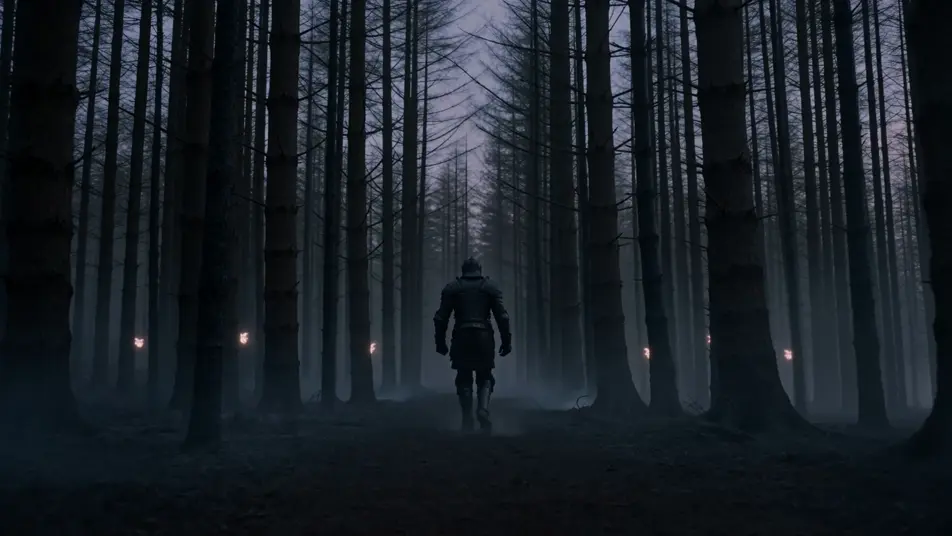
Cursed wolf-forest at dusk

Cursed wolf-forest at dusk, blackened pine trunks crowding the path, six pale wolf-eyes glowing between the trees, a single black-armoured knight walking the centre of the path away from camera.

Prompt bearbeiten

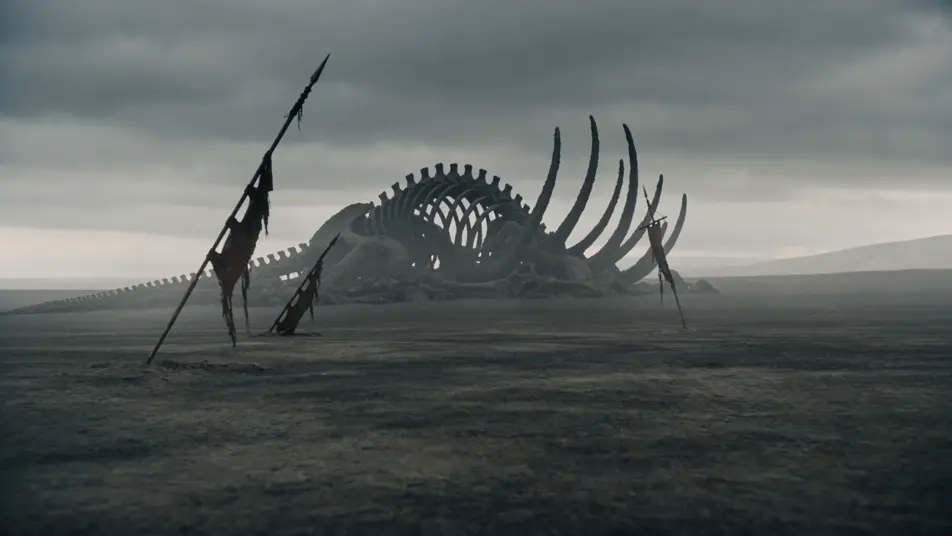
Ash-grey wastes with toppled banners

Ash-grey waste with three toppled regiment banners half-buried in the dust, charred ribcage of some great beast in the middle distance, leaden overcast sky pressing down.

Prompt bearbeiten

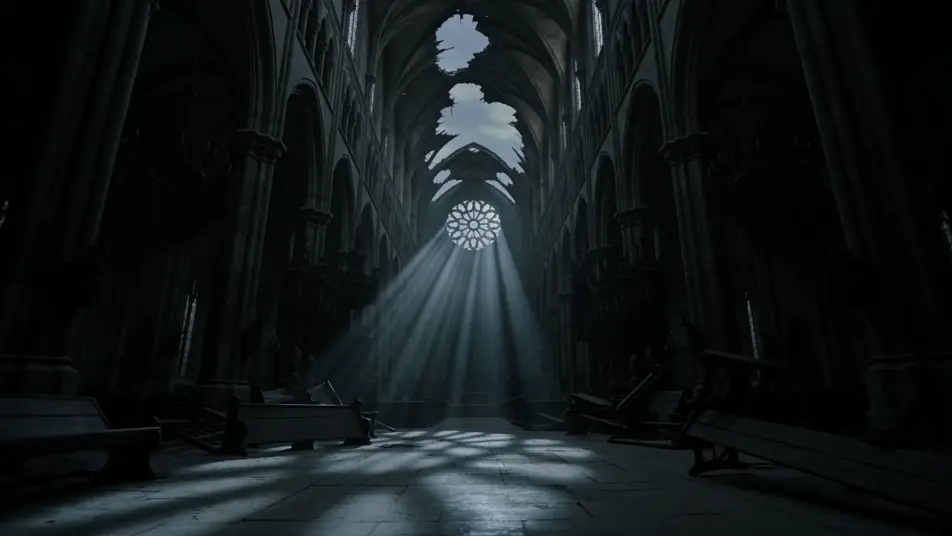
Ruined cathedral nave at twilight

Ruined cathedral nave at twilight, the great rose window shattered with shards still clinging to the lead-came, ash-grey light pouring through the gap, broken pews stacked toward the apse.

Prompt bearbeiten

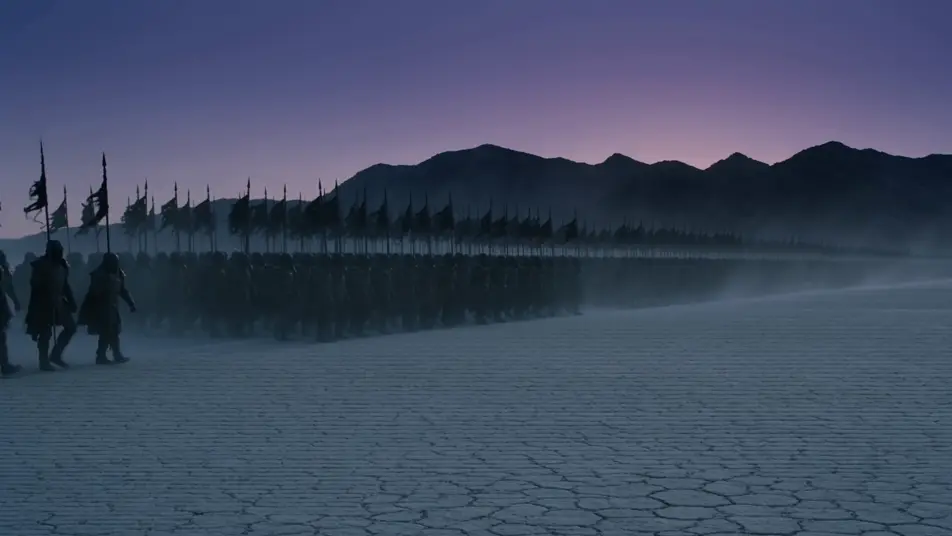
Black-banner host on a salt plain

Host of black-banner soldiers marching across a salt plain at dusk, banners flapping in a high wind, kicked-up salt dust trailing the column, mountains a black silhouette on the horizon.

Prompt bearbeiten

dark fantasy-Videos in drei Schritten erstellen

  1. 01

    Beschreiben Sie Ihre dark fantasy-Szene

    Beschreiben Sie die dark fantasy-Szene, die Sie möchten, in einfachen Worten.

  2. 02

    Video generieren

    Morphic generiert in Sekunden einen filmreifen Clip auf Ihrer Canvas.

  3. 03

    dark fantasy-Video verfeinern

    Passen Sie den Prompt an, generieren Sie Varianten und laden Sie die Aufnahme herunter oder teilen Sie sie.

Verwandte Workflows

Das könnte Ihnen auch gefallen

Einfache Preise

Starten Sie noch heute kostenlos, mit der Option, jederzeit zu upgraden oder zu kündigen.

Basic

$0/ Monat
abgerechnet als $0 pro Jahr

900 monatliche Credits

1 Nutzer

Alle Modelle

Workflows

Standard

$0/ Monat
abgerechnet als $0 pro Jahr

3200 monatliche Credits

1 Nutzer

Alle Modelle

Workflows

Pro

$0/ Monat
abgerechnet als $0 pro Jahr

6200 gemeinsame monatliche Credits

1 Nutzer

+ bis zu 4 weitere gegen Aufpreis

Alle Modelle

Workflows

Pro Max

$0/ Monat
abgerechnet als $0 pro Jahr

24000 gemeinsame monatliche Credits

1 Nutzer

+ bis zu 9 weitere gegen Aufpreis

Alle Modelle

Workflows

Enterprise

Für höhere Limits

Individuell

Preis- und Abrechnungsbedingungen

Unbegrenzte Credits
Individuelle Platzlimits
Alle Modelle
Workflows
Pricing Gradient

Free

Zum Ausprobieren

$0

dauerhaft kostenlos

Bis zu 20 Credits
Nur 1 Nutzer
Eingeschränkte Modelle
Workflows

Häufig gestellte Fragen

Where can I make dark fantasy videos with AI?
You can create dark fantasy scenes directly in your browser on Morphic. Open the Text to Video tool, describe the corruption marker, the cursed environment, and the leaden light, and Morphic produces the clip. No installs and no specialist software needed.
What defines dark fantasy at the prompt level?
Three things define dark fantasy: a corruption marker on the character (broken visor with red-glow eye-slits, ash on the brow, charred banner over the shoulder), a cursed environment (blackened pine wolf-forest, ash-grey waste, ruined cathedral), and a cold leaden-light palette with no golden-hour warmth. Name all three so Morphic does not default to bright epic high fantasy.
How is dark fantasy different from horror or the fantasy page?
Dark fantasy sits between three siblings. /resources/videos/horror-videos focuses on monster reveal, jump-scare, and dread pacing in a contemporary or gothic register. /resources/videos/folk-horror-videos focuses on daylight pagan ritual (wicker effigy, cornfield procession). /resources/videos/fantasy-videos is the bright umbrella. Dark fantasy is the grimdark slice: epic-fantasy architecture and host scale, but with corrupted knights, cursed forests, leaden overcast, and no triumph. If your story has dragon banners and clean victory, you want the umbrella; if it has black banners and ash, you are in the right place.
How do I keep my dark fantasy look consistent across scenes?
Use the Character Lineup workflow to lock the wardrobe and corruption markers for each archetype (the red-visor knight, the ash-streaked survivor, the bone-mask plague-priest), then reference those character cards in every prompt. For the palette, lock a Style Transfer reference frame (leaden overcast, ash-grey mid-tones, dried-blood accent) and apply it across the whole shot list so the look holds from forest to waste to cathedral.
Can I add a dirge score and voiceover to my dark fantasy videos?
Yes. The Music tool produces an original soundtrack, and a dirge register (low-string drone, bone flute, distant funeral bell) sits cleanly under the cathedral and salt-plain march beats. The Speech tool generates voiceover (hooded narrator, surviving herald, dying king) in the voice you choose, layered onto the generated video to publish a complete dark fantasy short.
Do I need any background to make dark fantasy videos with AI?
No. Morphic runs in your browser and you direct it with plain-language prompts. If you can describe a black-armoured knight walking into a wolf-forest and a ruined cathedral with a shattered rose window, you can produce a dark fantasy scene. The prompts on this page are written so anyone can paste and run.