Jekyll and Hyde AI Videos

Direct Stevenson's transformation in your browser with Morphic's Jekyll and Hyde AI video generator. Generate the tincture convulsing the doctor's face or Hyde under a Soho gas-lamp, voice both halves with Speech and Music, and stitch a gothic-horror episode.

Jekyll and Hyde characters you can direct

Jekyll and Hyde scenes you can stage

The transformation in the laboratory

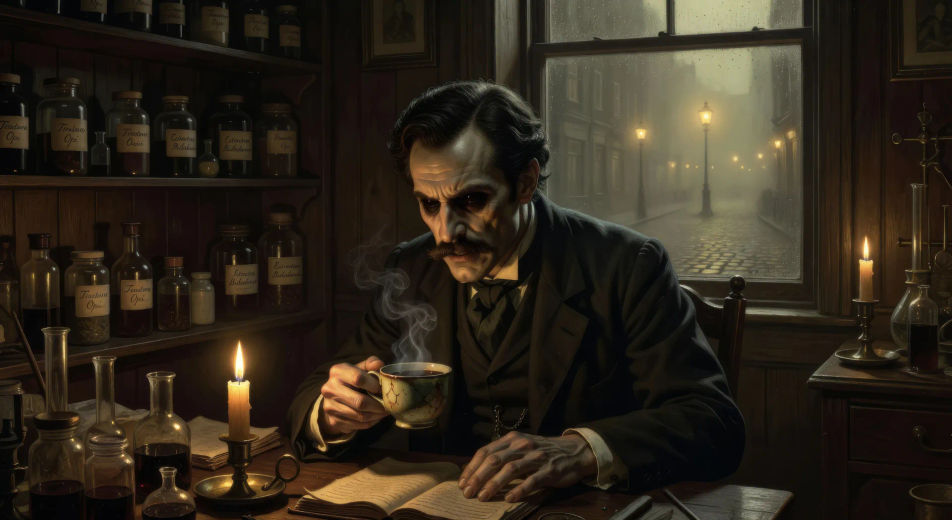
In the locked laboratory at Cavendish Square at midnight, Jekyll drinks the steaming tincture under candlelight. His face convulses across a held close-up, jaw narrowing, eyes darkening, hands curling, becoming Hyde.

Prompt bearbeiten
The transformation in the laboratory

Hyde tramples the child in Soho

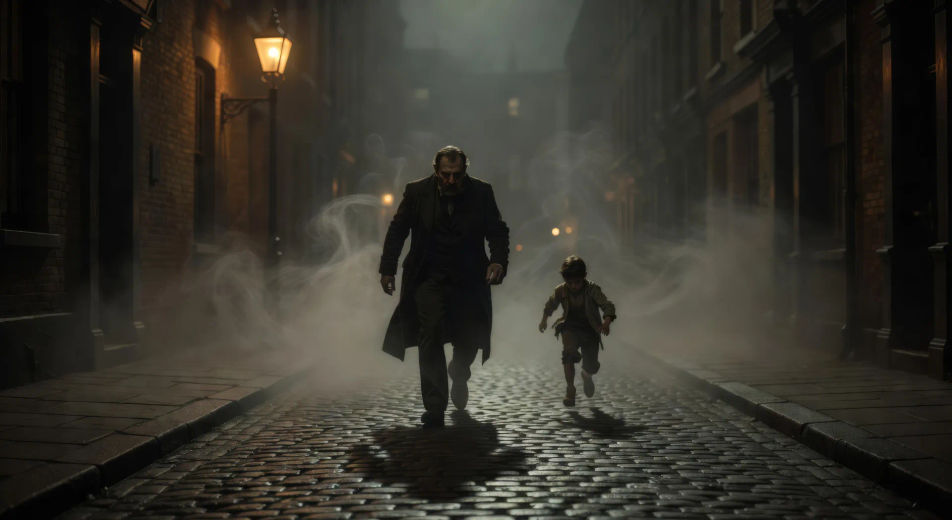
In a fog-thickened Soho side-street at three in the morning under a single gas-lamp, the small heavy figure of Hyde walks straight over a child running on the cobbles, then keeps walking without looking back.

Prompt bearbeiten
Hyde tramples the child in Soho

The murder of Sir Danvers Carew

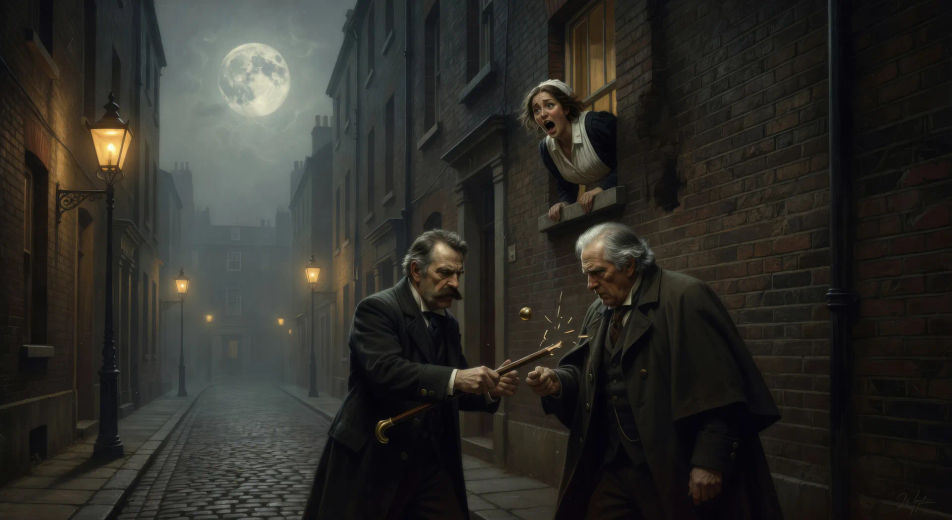
Under a high full moon on a quiet London lane, Hyde brings the cane down on Sir Danvers Carew over and over until the gold-knobbed wood breaks, the white-haired old man crumpling, a maid screaming through her window above.

Prompt bearbeiten
The murder of Sir Danvers Carew

Jekyll on the bench in Regent's Park

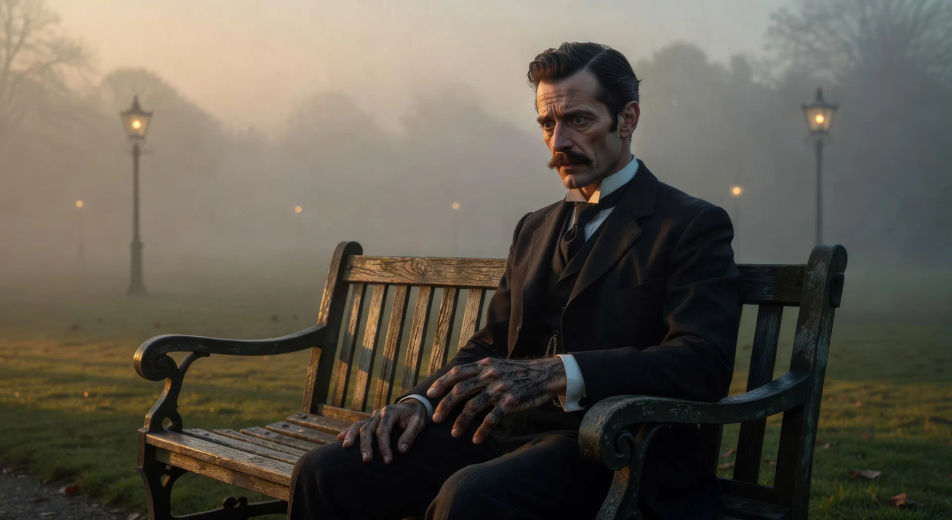
On a Regent's Park bench in pale afternoon sun, Jekyll sits in respectable suit and looks down at his own hand turning dark and hairy in his lap, his face caught between disbelief and a long quiet horror.

Prompt bearbeiten
Jekyll on the bench in Regent's Park

Jekyll and Hyde-Videos in drei Schritten erstellen

  1. 01

    Beschreiben Sie Ihre Jekyll and Hyde-Szene

    Beschreiben Sie die Jekyll and Hyde-Szene, die Sie möchten, in einfachen Worten.

  2. 02

    Video generieren

    Morphic generiert in Sekunden einen filmreifen Clip auf Ihrer Canvas.

  3. 03

    Jekyll and Hyde-Video verfeinern

    Passen Sie den Prompt an, generieren Sie Varianten und laden Sie die Aufnahme herunter oder teilen Sie sie.

Verwandte Workflows

Das könnte Ihnen auch gefallen

Einfache Preise

Starten Sie noch heute kostenlos, mit der Option, jederzeit zu upgraden oder zu kündigen.

Basic

$0/ Monat
abgerechnet als $0 pro Jahr

900 monatliche Credits

1 Nutzer

Alle Modelle

Workflows

Standard

$0/ Monat
abgerechnet als $0 pro Jahr

3200 monatliche Credits

1 Nutzer

Alle Modelle

Workflows

Pro

$0/ Monat
abgerechnet als $0 pro Jahr

6200 gemeinsame monatliche Credits

1 Nutzer

+ bis zu 4 weitere gegen Aufpreis

Alle Modelle

Workflows

Pro Max

$0/ Monat
abgerechnet als $0 pro Jahr

24000 gemeinsame monatliche Credits

1 Nutzer

+ bis zu 9 weitere gegen Aufpreis

Alle Modelle

Workflows

Enterprise

Für höhere Limits

Individuell

Preis- und Abrechnungsbedingungen

Unbegrenzte Credits
Individuelle Platzlimits
Alle Modelle
Workflows
Pricing Gradient

Free

Zum Ausprobieren

$0

dauerhaft kostenlos

Bis zu 20 Credits
Nur 1 Nutzer
Eingeschränkte Modelle
Workflows

Häufig gestellte Fragen

Where can I make Jekyll and Hyde videos with AI?
You can create Jekyll and Hyde scenes directly in your browser on Morphic. Open the Text to Video tool, describe the moment you want, and Morphic produces the clip. No installs and no specialist software needed.
What kinds of Jekyll and Hyde scenes work best with AI video?
The transformation itself is the centerpiece, held as a tight close-up under wavering candlelight. Around it: the trampling in Soho, the Carew murder under a full moon, Jekyll on the Regent's Park bench, Hyde slipping through a side-door at dawn, Utterson breaking the laboratory door. Anchor each Jekyll and Hyde scene to a specific London location, light source, and weather.
How do I direct the Jekyll-to-Hyde transformation in AI video?
Hold a tight close-up on Jekyll's face under candlelight. Describe the change as a sequence of small specifics: jaw narrowing, eyes darkening, the brow growing heavy, the hands curling, the moustache thickening. Let the camera stay still while the face changes. Specify a single light source so the AI does not lose focus on the face.
How do I make my Jekyll and Hyde videos feel like Stevenson, not a film?
Anchor your prompts to Stevenson's actual locations: Cavendish Square, the laboratory side-door on a courtyard, the Soho rooms, Regent's Park, the gas-lit fog-bound back-streets. Reference Whistler's London nocturnes and the late Pre-Raphaelites as the visual anchor. Avoid likeness language for any film performer.
Can I add narration and music to my Jekyll and Hyde videos?
Yes. The Speech tool generates a Utterson-narration voiceover from your script in the voice you choose, and the Music tool produces an original Victorian-gothic soundtrack. Layer them onto your generated video to publish a complete Jekyll and Hyde episode.
What visual style works best for a Jekyll and Hyde video?
Three styles consistently land. Cinematic photoreal in the spirit of high-budget Victorian period drama delivers the prestige look. Painterly oil with chiaroscuro echoes Whistler's London nocturnes and the late Pre-Raphaelites. Expressionist black-and-white with hard shadows lands as homage to the silent-era horror genre. Name the style directly in the prompt.