A developer at the keyboard
A wide desk shot of a developer's hands working at a keyboard with a monitor's soft glow blooming behind, the interface never legible, the interaction carried by the hands.
Prompt bearbeiten
Direct a feature release video in your browser with Morphic's feature release video generator. Generate a feature-in-action demo, a before-and-after, a quick how-to, or a short changelog card in one look. Narrate the update with Speech, then assemble the clips into one release announcement on the Canvas.
A wide desk shot of a developer's hands working at a keyboard with a monitor's soft glow blooming behind, the interface never legible, the interaction carried by the hands.
Prompt bearbeitenA wide frame of a person at a laptop whose posture and expression relax as they work, the screen a soft glow, the improvement shown through the human response rather than the interface.
Prompt bearbeiten
A minimal frame where numbered steps appear over a product screen one after another, a soft highlight moving to the active control with a smooth confident motion style and a centered hold.
Prompt bearbeiten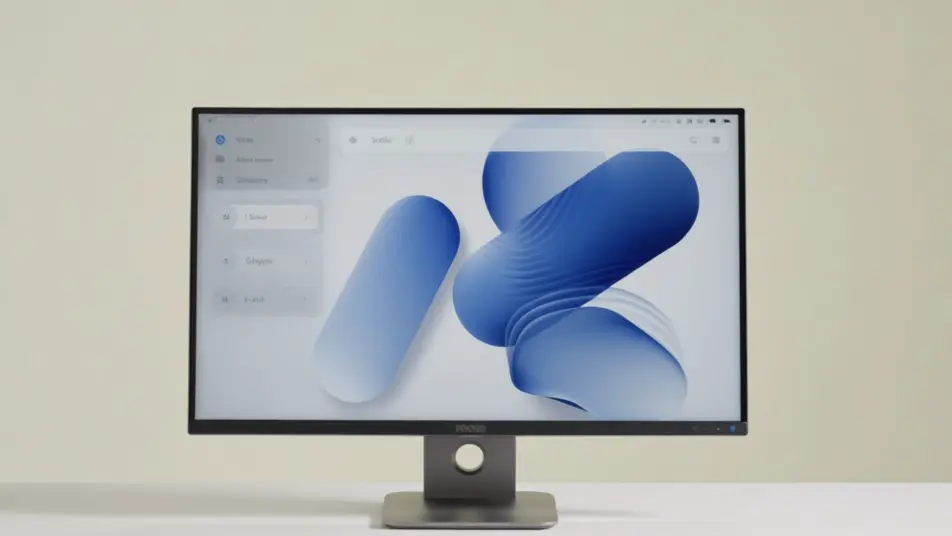
A wide shot of a small team gathered as one member gestures toward a glowing display, the screen an unreadable blur, standing in for the moment the release is presented.
Prompt bearbeiten
Beschreiben Sie die feature release video-Szene, die Sie möchten, in einfachen Worten.
Morphic generiert in Sekunden einen filmreifen Clip auf Ihrer Canvas.
Passen Sie den Prompt an, generieren Sie Varianten und laden Sie die Aufnahme herunter oder teilen Sie sie.

Dramatize any text conversation into a cinematic multi-shot video.
Cinematic time-freeze short film for any scene

Generate a professional film title card from scratch, with optional cinematic animation.
Photo of any real-estate becomes a cinematic renovation timelapse video with construction SFX and music.
One image to a 9-scene cinematic video.

Describe a first-person scenario. Get sequential POV frames animated into video clips with audio.
AI Software walkthrough videos
Make a software walkthrough video from a description with Morphic. Build guided UI tours, feature spotlights, and click-path demos in-house, ready for web.
AI Roadmap videos
Create a roadmap video from a description with Morphic. Build a phased timeline, milestone cards, and a now-next-later breakdown, no crew required.
AI Integration demo videos
Integration demo video, produced in-house on Morphic. Show the setup, the data moving between apps, and a workflow running end to end. No crew.
AI API explainer videos
AI API explainer video generator for developer docs. Turn an API reference into an animated request-and-response walkthrough. Generate it in-house today.
Starten Sie noch heute kostenlos, mit der Option, jederzeit zu upgraden oder zu kündigen.
Basic
2400 monatliche Credits
1 Nutzer
Alle Modelle
Workflows
Standard
3625 monatliche Credits
1 Nutzer
Alle Modelle
Workflows
Pro
6350 gemeinsame monatliche Credits
1 Nutzer
Alle Modelle
Workflows
Max
24650 gemeinsame monatliche Credits
1 Nutzer
Alle Modelle
Workflows
Enterprise
Für höhere Limits
Individuell
Preis- und Abrechnungsbedingungen

Free
Zum Ausprobieren
$0
dauerhaft kostenlos