Street under standing water
A wide hold on a residential street with brown water at the tops of the kerbs, houses and a grey sky reflected in the flat surface.
Prompt bearbeiten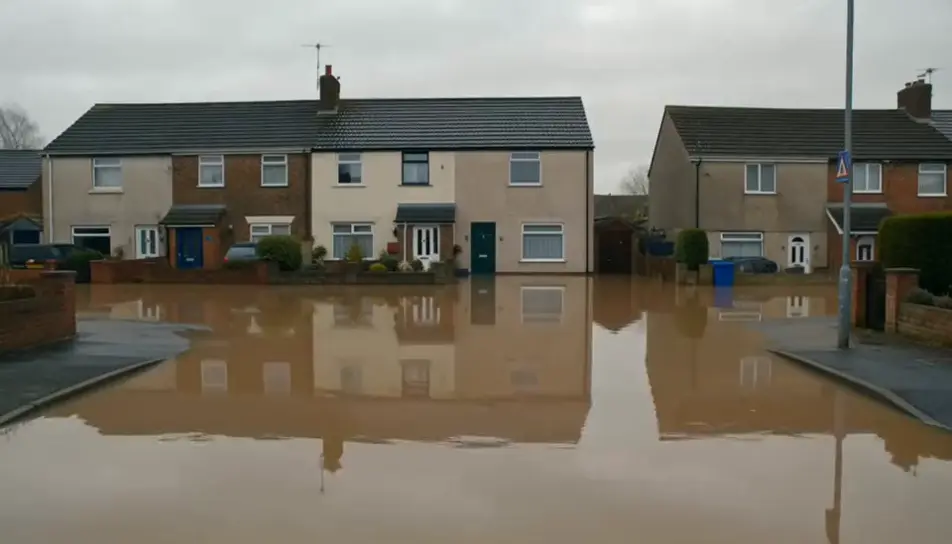
Generate flooding stock video in Morphic's AI video generator: a car wheel half under brown water, or a river brimming at the top of its bank. Cut the whole run on Compose.
A wide hold on a residential street with brown water at the tops of the kerbs, houses and a grey sky reflected in the flat surface.
Prompt bearbeitenA high slow drift over flooded farmland at sunrise, the water turning gold around fence lines and hedges while mist lifts off the surface.
Prompt bearbeiten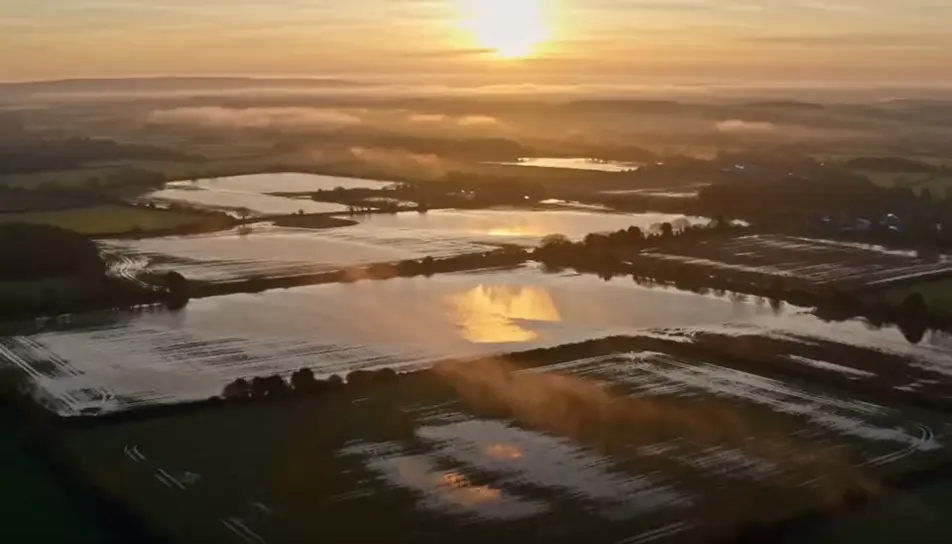
A mid shot of a sandbag line across a doorway with brown water creeping up its face in steady rain, the door behind it dry for now.
Prompt bearbeiten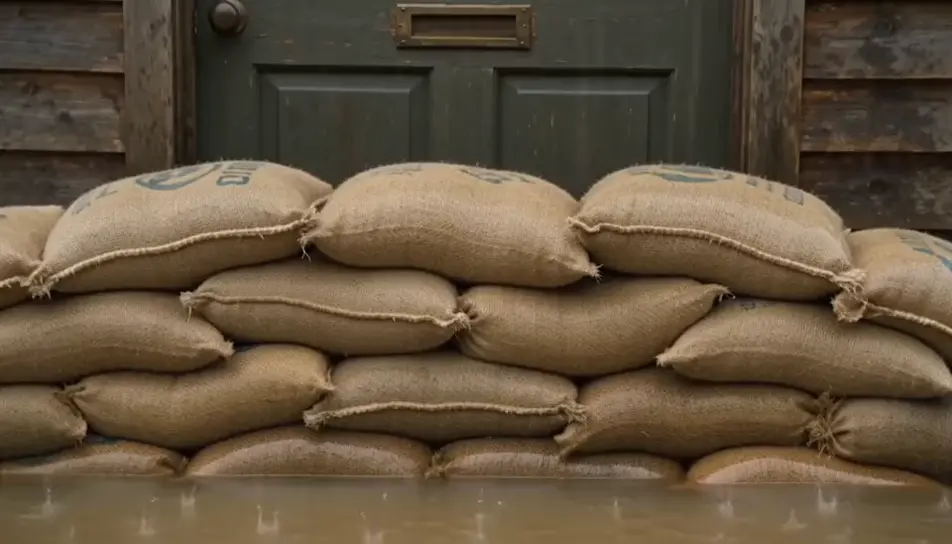
Leaves, twigs and a plastic bucket drift slowly past a half-submerged garden fence, the current visible in the trail each object leaves.
Prompt bearbeiten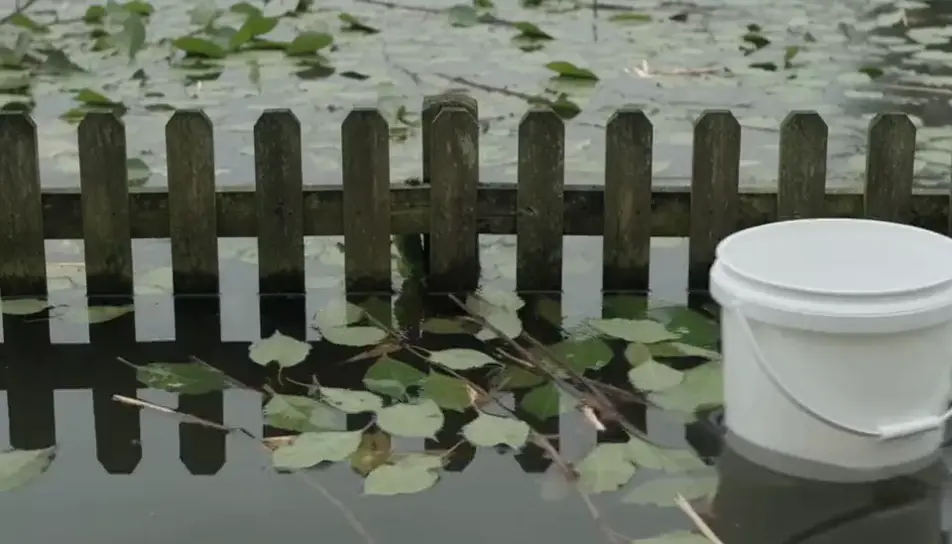
Beschreiben Sie die flooding stock-Szene, die Sie möchten, in einfachen Worten.
Morphic generiert in Sekunden einen filmreifen Clip auf Ihrer Canvas.
Passen Sie den Prompt an, generieren Sie Varianten und laden Sie die Aufnahme herunter oder teilen Sie sie.

Dramatize any text conversation into a cinematic multi-shot video.
Cinematic time-freeze short film for any scene

Generate a professional film title card from scratch, with optional cinematic animation.
Photo of any real-estate becomes a cinematic renovation timelapse video with construction SFX and music.
One image to a 9-scene cinematic video.
Drop in a photo of yourself. Get a 12-second cinematic movie with animation and a matched soundtrack.
AI raining stock footage
Browse raining stock footage and generate your own shots at the exact length, ratio and look the cut needs. Morphic makes video, image, voice and sound.
AI earthquake stock video
Browse earthquake stock video and generate your own shots at the exact length, ratio and look the cut needs. Morphic makes video, image, voice and sound.
Wassersimulation KI-Videos
Wassersimulations-Videos auf Morphic. Erzeugen Sie brechende Wellen, Dammbruchfluten, Tropfenkronen und Wildwasser-Stromschnellen aus Prompts in Alltagssprache.
Katastrophen KI-Videos
Erstellen Sie eindrucksvolle KI-Katastrophen-Videos mit unserem Katastrophen-Videogenerator. Finden Sie einzigartige, kinoreife Katastrophen-Szenen für jedes Projekt in Sekunden.
Starten Sie noch heute kostenlos, mit der Option, jederzeit zu upgraden oder zu kündigen.
Basic
2400 monatliche Credits
1 Nutzer
Alle Modelle
Workflows
Standard
3625 monatliche Credits
1 Nutzer
Alle Modelle
Workflows
Pro
6350 gemeinsame monatliche Credits
1 Nutzer
Alle Modelle
Workflows
Max
24650 gemeinsame monatliche Credits
1 Nutzer
Alle Modelle
Workflows
Enterprise
Für höhere Limits
Individuell
Preis- und Abrechnungsbedingungen

Free
Zum Ausprobieren
$0
dauerhaft kostenlos