Found Footage Thriller AI Videos

Direct in-camera suspense in your browser with Morphic's found footage thriller AI video generator. Generate found footage thriller scenes like a shaky camcorder POV down a dark stairwell, a night-vision corridor with a timecode burn, or a dashcam catching something it should not, and pair them with the Speech tool to add the panicked in-world dialogue. Stitch the recordings into a full found footage thriller short without leaving the Canvas.

Found footage thriller characters you can create

Found footage thriller scenes you can direct

The camcorder stairwell descent

A shaky first-person camcorder POV descending a pitch-dark stairwell, a wobbling on-camera light, timecode and a battery icon in the corner, breath loud, harsh handheld realism.

Prompt bearbeiten

The night-vision corridor

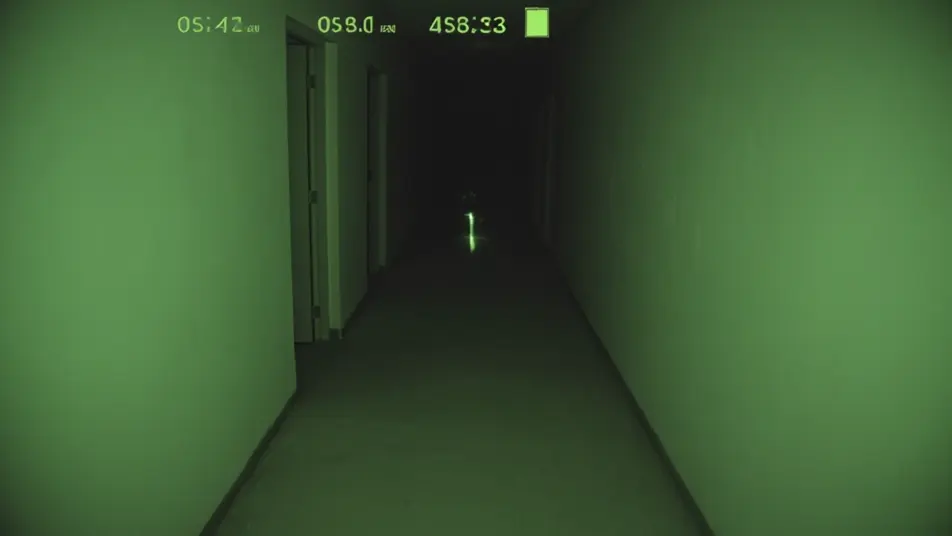
Grainy green night-vision footage creeping down a black corridor, eyeshine glinting at the far end, a timecode burn ticking, the image tearing into digital dropout, jittery handheld.

Prompt bearbeiten

The dashcam catch

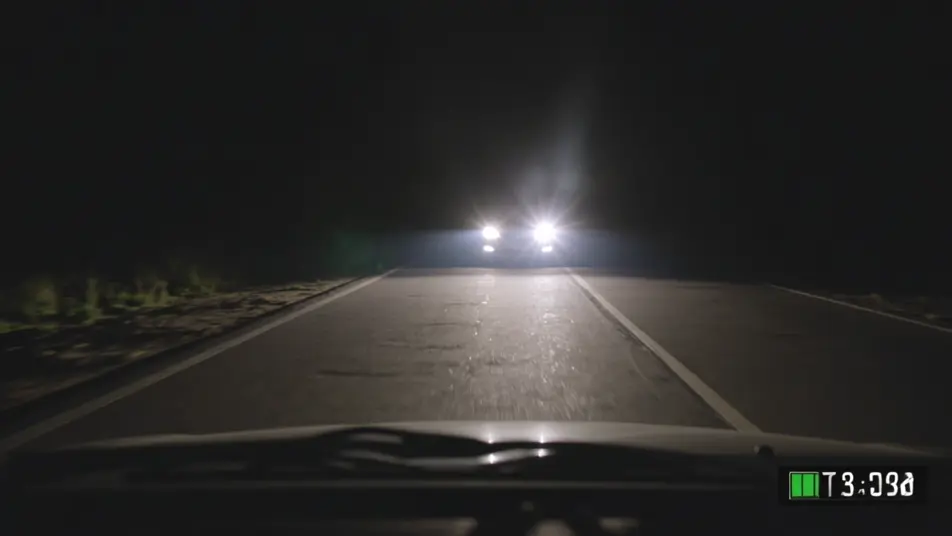
A car dashcam on a deserted night road, headlights and a timestamp overlay, something stepping into the beam ahead, the frame juddering and glitching, locked low dashboard angle.

Prompt bearbeiten

The reviewed evidence freeze

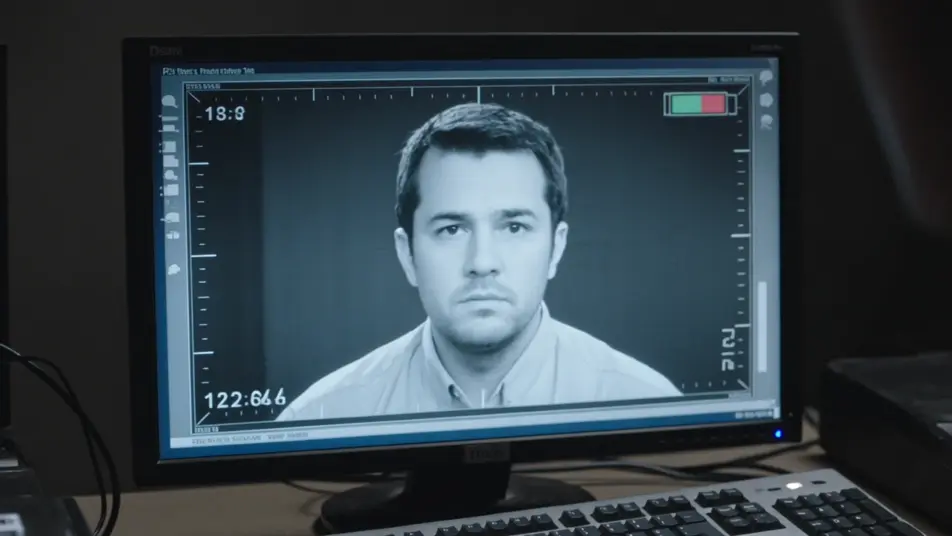
A monitor playing back recovered footage, an investigator pausing on a single frame and pushing in, scan lines and compression artifacts, the cursor hovering over a shape in the dark.

Prompt bearbeiten

found footage thriller-Videos in drei Schritten erstellen

  1. 01

    Beschreiben Sie Ihre found footage thriller-Szene

    Beschreiben Sie die found footage thriller-Szene, die Sie möchten, in einfachen Worten.

  2. 02

    Video generieren

    Morphic generiert in Sekunden einen filmreifen Clip auf Ihrer Canvas.

  3. 03

    found footage thriller-Video verfeinern

    Passen Sie den Prompt an, generieren Sie Varianten und laden Sie die Aufnahme herunter oder teilen Sie sie.

Verwandte Workflows

Das könnte Ihnen auch gefallen

Einfache Preise

Starten Sie noch heute kostenlos, mit der Option, jederzeit zu upgraden oder zu kündigen.

Basic

$0/ Monat
abgerechnet als $0 pro Jahr

900 monatliche Credits

1 Nutzer

Alle Modelle

Workflows

Standard

$0/ Monat
abgerechnet als $0 pro Jahr

3200 monatliche Credits

1 Nutzer

Alle Modelle

Workflows

Pro

$0/ Monat
abgerechnet als $0 pro Jahr

6200 gemeinsame monatliche Credits

1 Nutzer

+ bis zu 4 weitere gegen Aufpreis

Alle Modelle

Workflows

Pro Max

$0/ Monat
abgerechnet als $0 pro Jahr

24000 gemeinsame monatliche Credits

1 Nutzer

+ bis zu 9 weitere gegen Aufpreis

Alle Modelle

Workflows

Enterprise

Für höhere Limits

Individuell

Preis- und Abrechnungsbedingungen

Unbegrenzte Credits
Individuelle Platzlimits
Alle Modelle
Workflows
Pricing Gradient

Free

Zum Ausprobieren

$0

dauerhaft kostenlos

Bis zu 20 Credits
Nur 1 Nutzer
Eingeschränkte Modelle
Workflows

Häufig gestellte Fragen

Where can I make found footage thriller videos with AI?
You can create found footage thriller scenes directly in your browser on Morphic. Open the Text to Video tool, describe the in-world camera, the recording artifacts, and the darkness, and Morphic produces the clip. No installs and no specialist software needed.
What defines a found footage thriller scene for an AI prompt?
Three things: an in-world camera POV (a camcorder, night-vision, a dashcam), recording artifacts that sell the footage as real (timecode, battery icon, dropout, scan lines), and shaky handheld immediacy in darkness. Name all three so Morphic lands the found-footage register.
How do I get the realistic recorded-footage look?
Specify the overlays and the flaws: "timecode burn and battery icon in the corner, grainy low light, the image tearing into digital dropout, a wobbling on-camera light, breath loud on the mic." Those camera artifacts are what convince a viewer the footage is real.
How is a found footage thriller different from a found footage horror?
They share the same camera grammar; the difference is the threat. A found footage thriller leans on human danger, surveillance, and dread, while found footage horror leans on supernatural or monstrous scares. Pick thriller for grounded suspense, horror for the supernatural.
Can I add panicked in-world dialogue?
Yes. The Speech tool generates the breathless, panicked dialogue and whispered narration in the voice you choose, sourced as if spoken on camera. Layer it onto the generated clips, keeping the sound diegetic, to publish a complete found footage thriller short.
Do I need filmmaking experience to make a found footage thriller?
No. Morphic runs in your browser and you direct it in plain language. If you can describe a camcorder descent, a night-vision corridor, and a dashcam catch, you can produce a found footage scene. The prompts on this page are written so anyone can paste and run.