Ein Rubber-Hose-Straßengang
Eine Rubber-Hose-Figur, die eine altmodische Straße entlanghüpft, federndes Timing, runde Pie-Eyes, verwitterte Körnung und sanftes Flackern, ein gleichmäßiges seitliches Mitfahren.
Prompt bearbeiten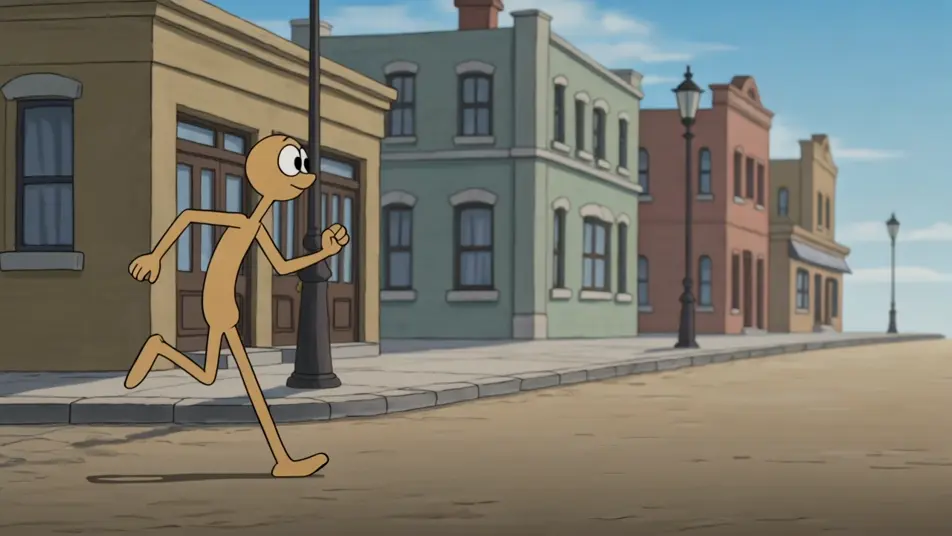
Inszenieren Sie Cartoons im Stil der 1930er in Ihrem Browser mit Morphics KI-Videogenerator für Golden-Age-Animation. Erzeugen Sie eine Rubber-Hose-Figur, die eine Straße entlanghüpft, eine Tanznummer in Zweifarben-Technik oder einen körnigen Schwarz-Weiß-Gag. Vertonen und untermalen Sie mit Speech und Music auf der Canvas.
Eine Rubber-Hose-Figur, die eine altmodische Straße entlanghüpft, federndes Timing, runde Pie-Eyes, verwitterte Körnung und sanftes Flackern, ein gleichmäßiges seitliches Mitfahren.
Prompt bearbeitenEine Gruppe von Rubber-Hose-Figuren, die in früher Zweifarben-Technik in Rosa-und-Türkis tanzen, hüpfendes synchronisiertes Timing, altmodische Körnung, eine langsame Dolly-Rückfahrt.
Prompt bearbeiten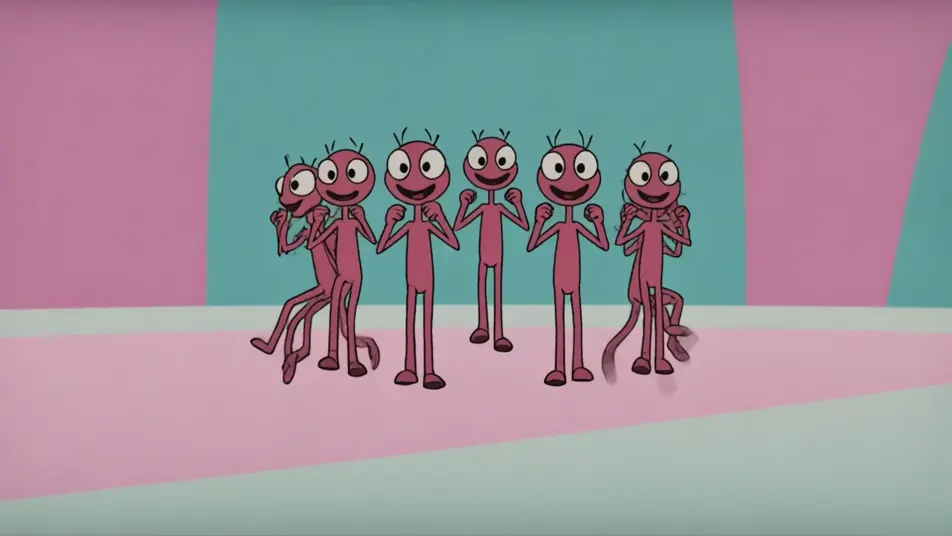
Eine einzelne Rubber-Hose-Figur mitten im Gag in verwittertem Schwarz-Weiß, übertriebenes Squash-and-Stretch, schwere Filmkörnung und Flackern, weit gehalten.
Prompt bearbeiten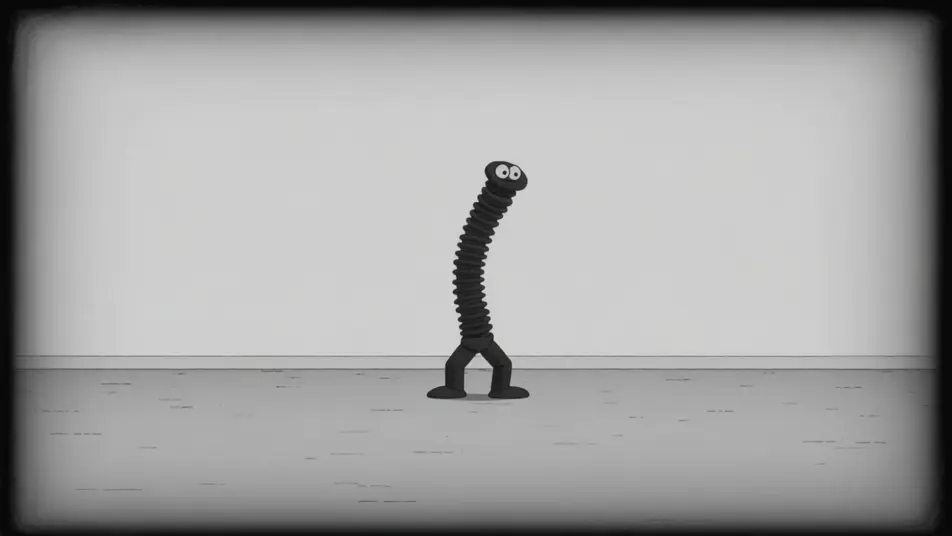
Eine Rubber-Hose-Figur, die über einen einfachen altmodischen Hintergrund gejagt wird, wilde Nudelglied-Bewegung, hüpfendes Timing, körniges Material und Flackern, ein schneller Schwenk.
Prompt bearbeiten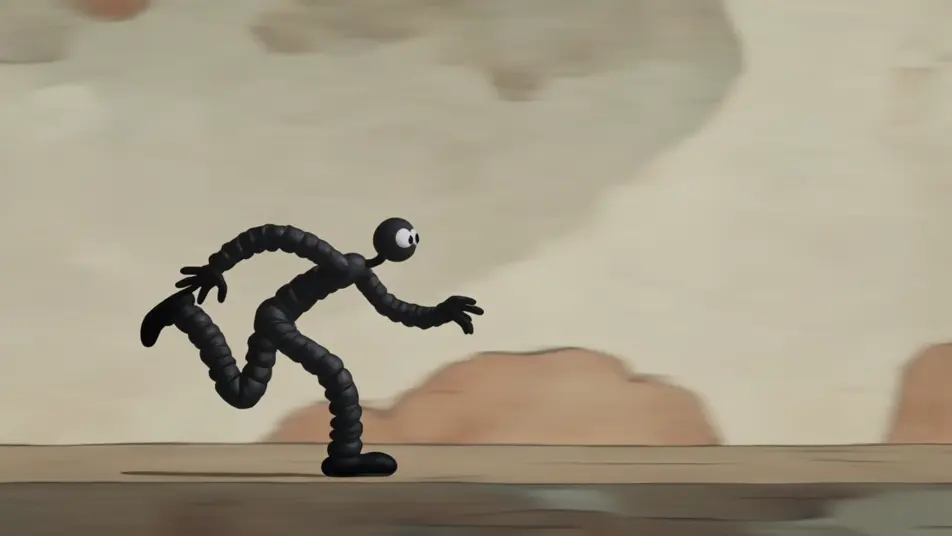
Beschreiben Sie die Golden-Age-Animation-Szene, die Sie möchten, in einfachen Worten.
Morphic generiert in Sekunden einen filmreifen Clip auf Ihrer Canvas.
Passen Sie den Prompt an, generieren Sie Varianten und laden Sie die Aufnahme herunter oder teilen Sie sie.

Pick any anime illustration as your style guide. Apply its look to any image.

Turn any photo or description into an animated chibi sprite. Dance, jump, wave, attack, and more.

Turn any sketch or drawing into a finished render.

Take any character image and generate 6 distinct facial expressions on a single reference sheet.

All your characters on a single lineup image, side by side with height comparison.
Provide first frame and last frame and generate a video from uploaded keyframes.
Cel-Shading KI-Videos
Cel-Shading-Videos mit KI auf Morphic. Flache, hartkantige Farbbänder, kräftige Umrisse und ein Comic-3D-Anime-Render-Look aus Prompts. Legen Sie los.
Flat-Animation KI-Videos
Flat-Animation-Videos mit KI auf Morphic. Flat-Design-2D, minimale Schattierung, kräftige Formen und ein moderner Look mit begrenzter Palette aus Prompts. Jetzt erstellen.
Retro cartoon videos
Make a retro cartoon in minutes. Rubber-hose bounce, mid-century flat color, inky outlines, and film-grain frames, staged scene by scene. Generate now.
Rubber Hose Animation KI-Videos
Erzeugen Sie Rubber-Hose-Animation-Videos auf Morphic. Biegsame Gliedmaßen, Kulleraugen, weiße Handschuhe und schwungvolle 1930er-Schwarzweiß-Cartoons aus Prompts in einfacher Sprache.
Starten Sie noch heute kostenlos, mit der Option, jederzeit zu upgraden oder zu kündigen.
Basic
2400 monatliche Credits
1 Nutzer
Alle Modelle
Workflows
Standard
3625 monatliche Credits
1 Nutzer
Alle Modelle
Workflows
Pro
6350 gemeinsame monatliche Credits
1 Nutzer
Alle Modelle
Workflows
Max
24650 gemeinsame monatliche Credits
1 Nutzer
Alle Modelle
Workflows
Enterprise
Für höhere Limits
Individuell
Preis- und Abrechnungsbedingungen

Free
Zum Ausprobieren
$0
dauerhaft kostenlos