Hanuman springt vom Mahendra-Gipfel nach Lanka
Hanuman wächst auf Bergesgröße heran und startet von der Südküste des Mahendra. Eine Wolkenspur hinter ihm, der Ozean unter ihm, die Türme von Lanka am Horizont im ersten Licht.
Prompt bearbeiten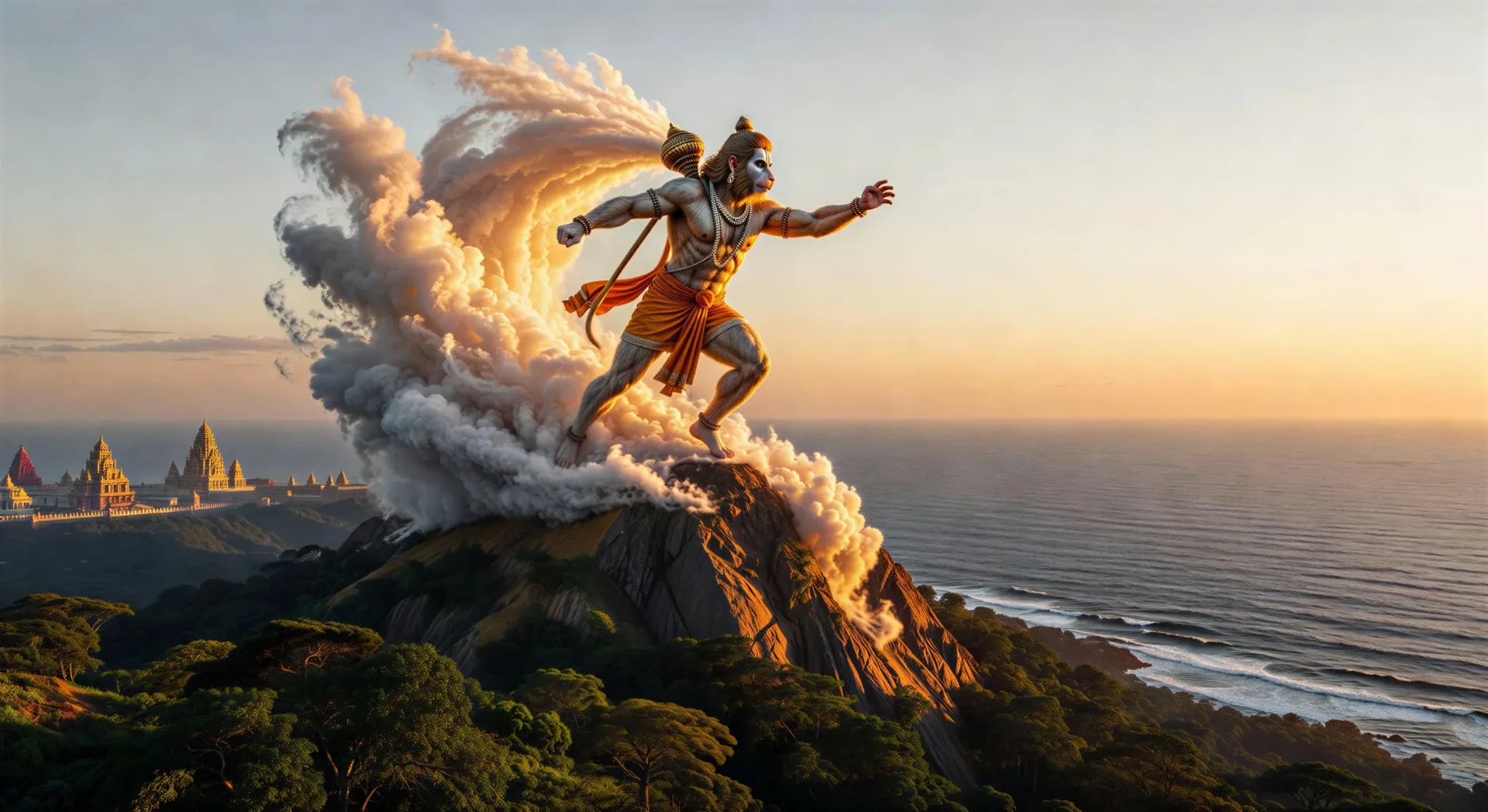
Inszenieren Sie den springenden Vanara im Browser mit Morphics Hanuman-KI-Videogenerator. Generieren Sie den Sprung nach Lanka, den Brand Lankas mit lodernden Schweif oder Hanuman, der seine Brust öffnet, um Rama und Sita zu zeigen. Vertonen und untermalen Sie mit Speech und Music, dann fügen Sie eine Ramayana-Episode zusammen.
Hanuman wächst auf Bergesgröße heran und startet von der Südküste des Mahendra. Eine Wolkenspur hinter ihm, der Ozean unter ihm, die Türme von Lanka am Horizont im ersten Licht.
Prompt bearbeitenIm Palastgarten von Ravana bei Dämmerung lässt sich Hanuman von einem Baum mit Ramas Ring herab. Sita unter dem Ashoka-Baum, im rot-goldenen Sari, ringsum schlafende Dämoninnen.
Prompt bearbeiten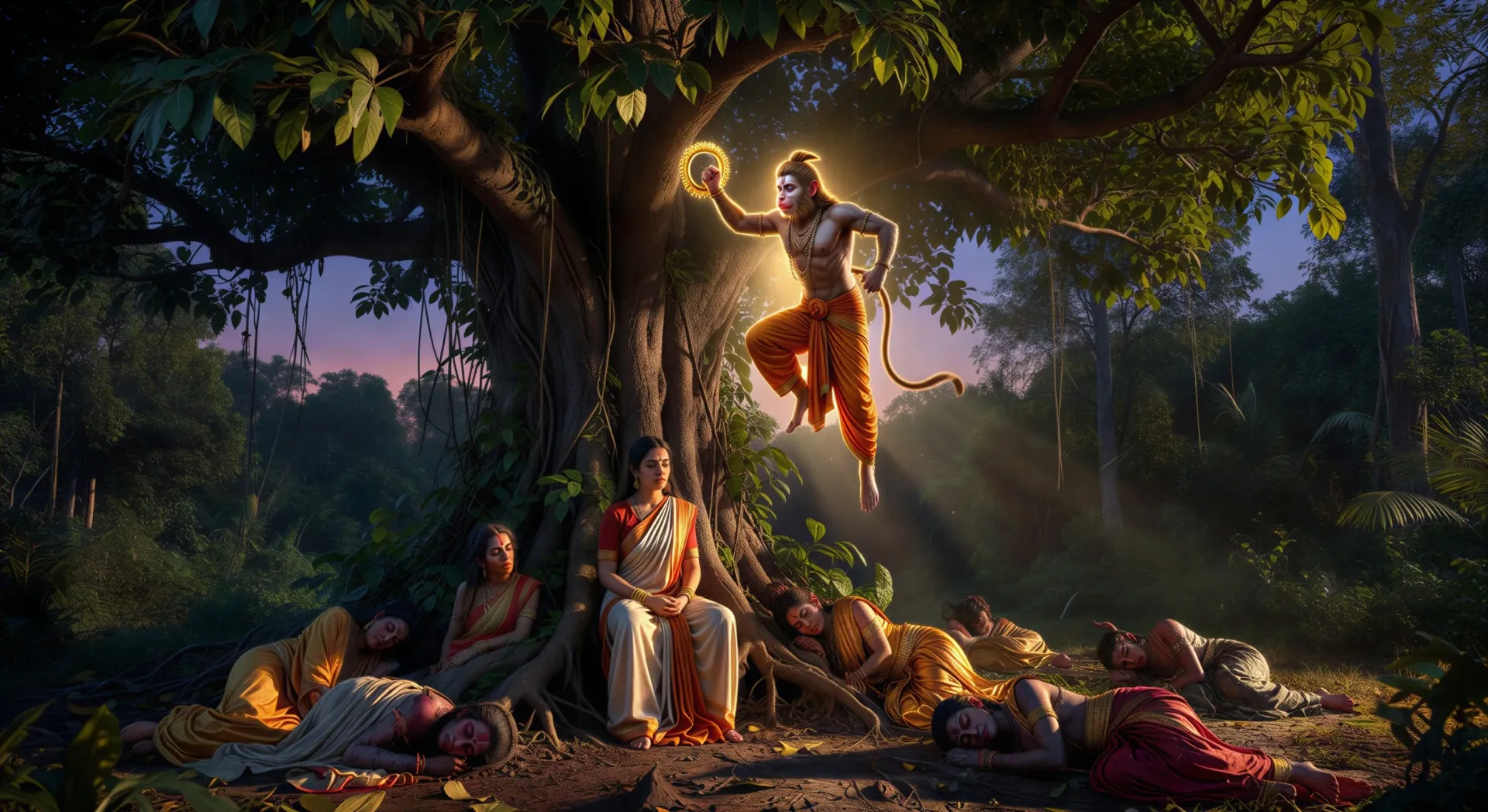
Hanuman bewegt sich von Dach zu Dach, sein Schwanz zieht eine Feuerspur. Rauchsäulen steigen über der goldenen Stadt in den Nachthimmel, Funken wirbeln, Dämonen fliehen durch die Straßen.
Prompt bearbeiten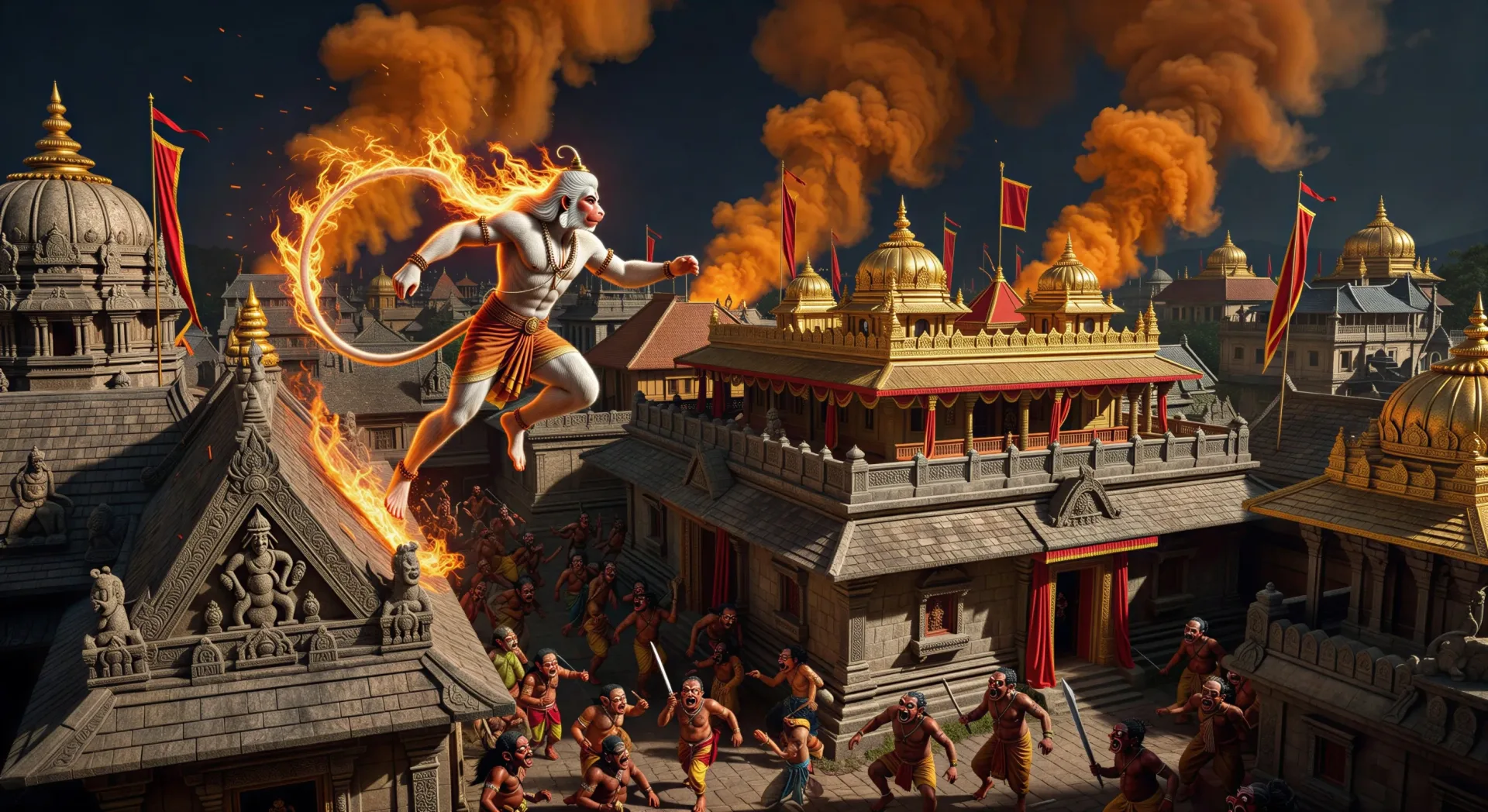
Lakshmana liegt verwundet auf dem Schlachtfeld. Hanuman fliegt bei Sonnenaufgang aus dem Himalaya zurück und trägt den gesamten Sanjeevani-Gipfel, leuchtende Kräuter fangen das erste Licht ein, Wolken teilen sich um ihn.
Prompt bearbeiten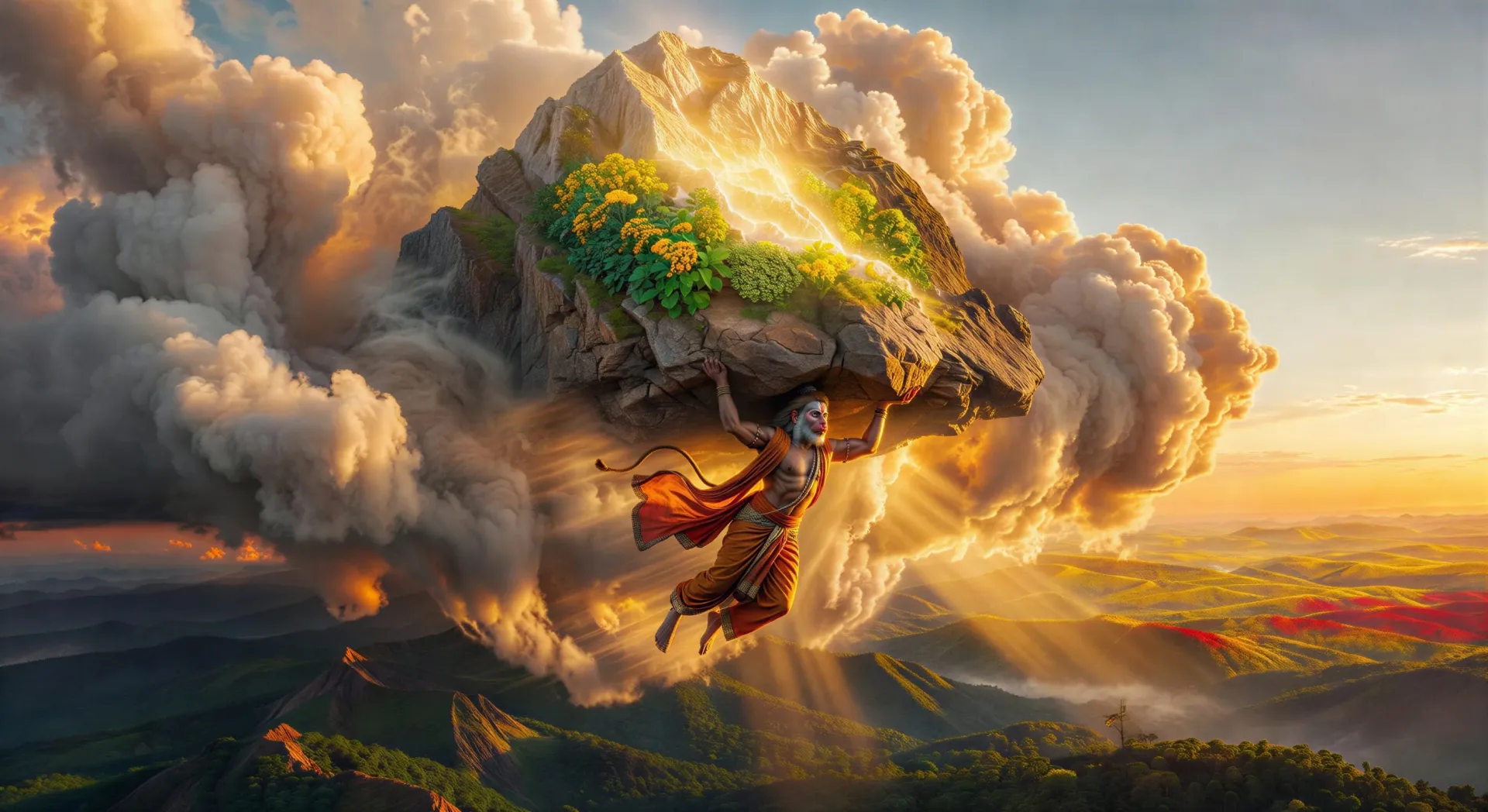
Beschreiben Sie die Hanuman-Szene, die Sie möchten, in einfachen Worten.
Morphic generiert in Sekunden einen filmreifen Clip auf Ihrer Canvas.
Passen Sie den Prompt an, generieren Sie Varianten und laden Sie die Aufnahme herunter oder teilen Sie sie.

Share a scene description with character references. Get a full storyboard with shot angles and mood.

Feed in a single image. Get 9 cinematic beats laid out as a 3x3 storyboard grid.
One image to a 9-scene cinematic video.

Take any character image and generate 6 distinct facial expressions on a single reference sheet.
Cinematic time-freeze short film for any scene
Drop in a photo of yourself. Get a 12-second cinematic movie with animation and a matched soundtrack.
Ramayana KI-Videos
Erstellen Sie Ramayana-Szenen, Charakterporträts und vollständige Episoden mit Morphic. Erzeugen, erzählen und untermalen Sie Ramayana-Videos aus einem einzigen Prompt.
Krishna KI-Videos
Erstellen Sie Krishna-Szenen, Charakterporträts und vollständige devotionale oder epische Episoden mit Morphic. Erzeugen, vertonen und untermalen Sie Krishna-Videos aus einem einzigen Prompt.
Durga KI-Videos
Erstellen Sie Durga-Szenen, die Tötung von Mahishasura und Navratri-Episoden mit Morphic. Erzeugen, vertonen und untermalen Sie Durga-Videos aus einem einzigen Prompt.
Ganesh KI-Videos
Erstellen Sie Ganesh-Szenen, den Elefantenkopf, den abgebrochenen Stoßzahn und vollständige hinduistische Mythos-Episoden mit Morphic. Ganesh-Videos aus einem einzigen Prompt generieren, vertonen und erzählen.
Starten Sie noch heute kostenlos, mit der Option, jederzeit zu upgraden oder zu kündigen.
Basic
2400 monatliche Credits
1 Nutzer
Alle Modelle
Workflows
Standard
3625 monatliche Credits
1 Nutzer
Alle Modelle
Workflows
Pro
6350 gemeinsame monatliche Credits
1 Nutzer
Alle Modelle
Workflows
Max
24650 gemeinsame monatliche Credits
1 Nutzer
Alle Modelle
Workflows
Enterprise
Für höhere Limits
Individuell
Preis- und Abrechnungsbedingungen

Free
Zum Ausprobieren
$0
dauerhaft kostenlos