Inszenieren Sie stille häusliche Beklemmung in Ihrem Browser mit dem KI-Videogenerator für J-Horror von Morphic. Erzeugen Sie einen nasshaarigen Onryō in einem leeren Korridor oder einen durchnässten Fußabdruck auf Fliesen, fügen Sie mit Speech und Music eine geflüsterte Stimme hinzu und fügen Sie auf dem Canvas einen J-Horror-Kurzfilm zusammen.
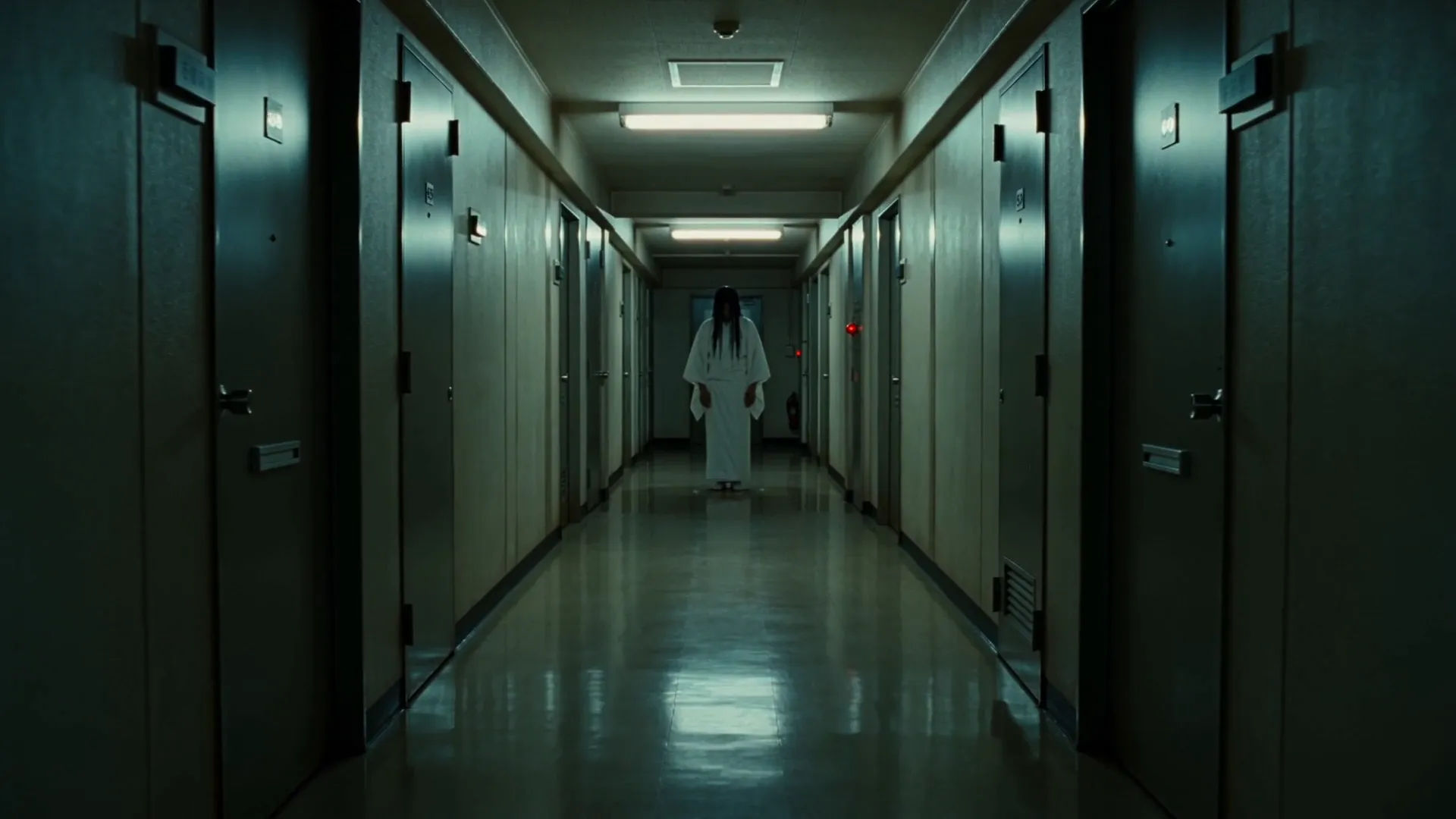
Ein langer von Neonröhren beleuchteter Wohnblock-Korridor um 3 Uhr nachts, Linoleumboden, identische Stahltüren, die ins Dunkel zurückweichen, der nasshaarige Onryō reglos am fernen Ende stehend, die nächste Lichtröhre tickend und flackernd.
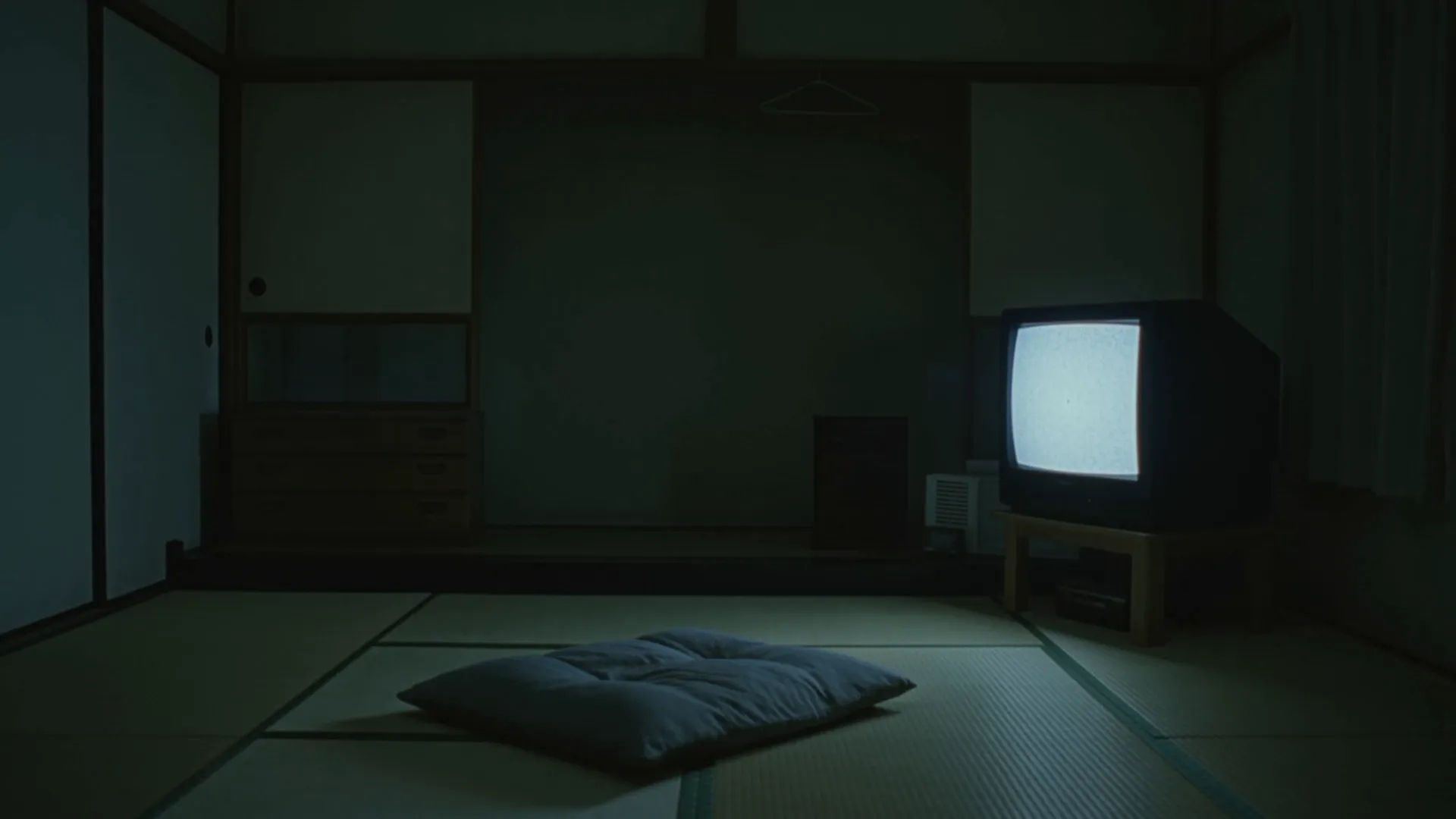
Rauschgesprenkeltes VHS in einem dunklen Wohnzimmer
Ein kleines Tokioter Wohnzimmer der 90er bei Nacht, niemand im Bild, ein Röhrenfernseher, der ein rauschgesprenkeltes Band abspielt, das Bild löst sich langsam zu einem einzelnen Auge auf, das Leuchten beleuchtet ein leeres Kissen auf dem Boden.
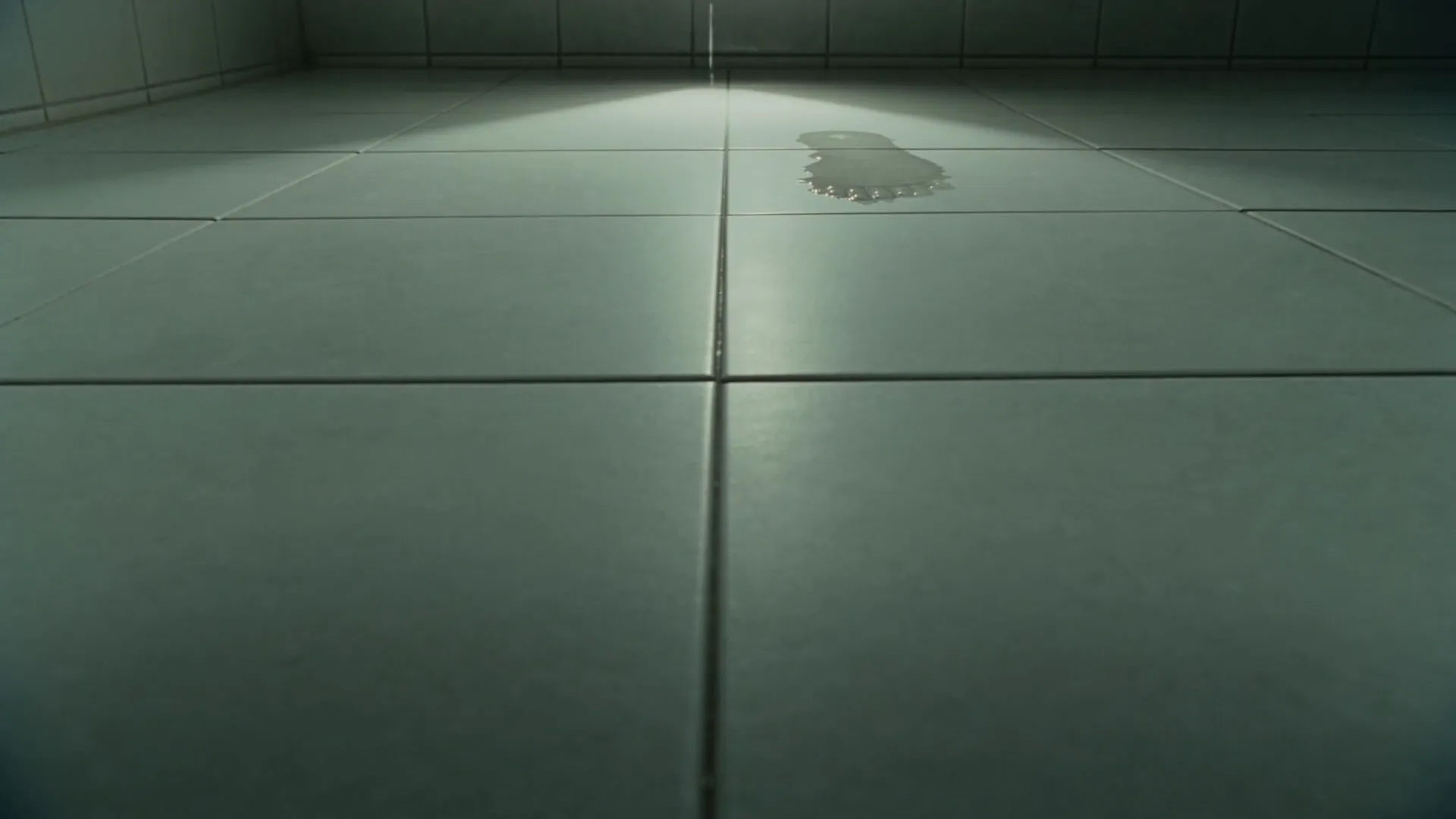
Ein kleines gefliestes Wohnungsbadezimmer um Mitternacht, ein einzelner bloßer durchnässter Fußabdruck auf der weißen Fliese sichtbar, dann ein weiterer einen halben Meter näher, die Kamera hält tief und still auf dem Boden, während ein dritter erscheint.
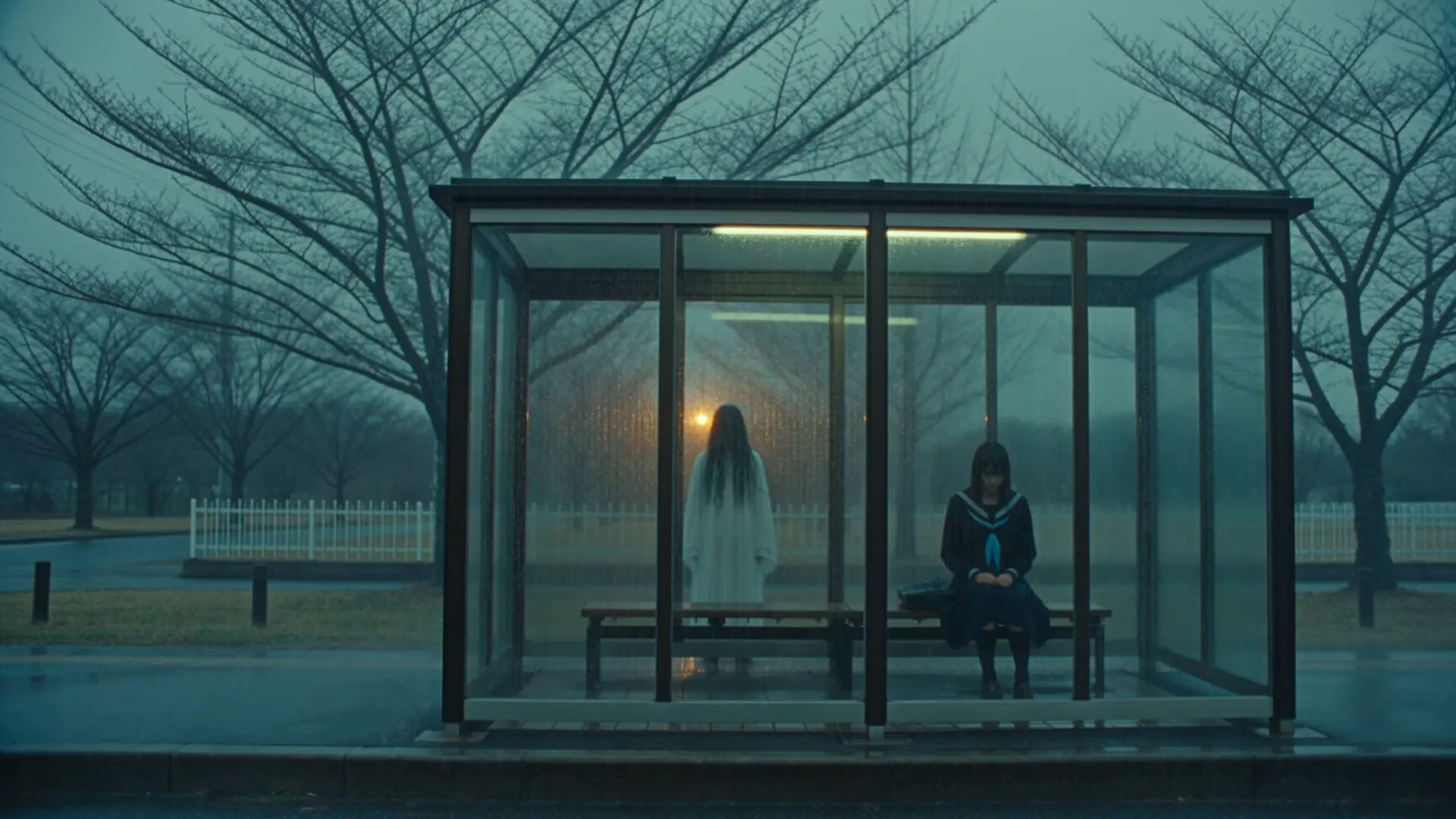
Eine überdachte Bushaltestelle an einer stillen Vorortstraße in der Dämmerung bei starkem Regen, die Schülerin allein auf der Bank, eine reglose nasshaarige Gestalt, die im Regen knapp jenseits des Unterstands steht, keine von beiden bewegt sich einen langen Moment.
Sie können J-Horror-Szenen direkt in Ihrem Browser auf Morphic erstellen. Öffnen Sie das Text to Video Tool, beschreiben Sie den beklemmenden Moment, den Schauplatz und die Kamerabewegung, und Morphic erzeugt den Clip. Keine Installationen und keine Spezialsoftware nötig.
Was definiert eine J-Horror-Szene für einen KI-Prompt?
Vier Dinge: eine dem Genre entnommene Handlung (Korridorstarren, VHS-Wiedergabe, vorrückender Fußabdruck, Bushaltestellen-Begegnung, Treppenhaus-Stille), ein häuslicher japanischer Schauplatz (Wohnblock, 90er-Wohnzimmer, gefliestes Badezimmer, Tatami-Zimmer), unbarmherziges schwaches Licht (Neonflackern, Röhrenglühen, einzelne Schreibtischlampe) und ein reglose Archetyp im Bild. Nennen Sie alle vier, damit sich die Szene als echter J-Horror liest.
Wie erzeuge ich das Gefühl stiller J-Horror-Beklemmung in einer Szene?
Halten Sie das Bild still, halten Sie die Gestalt reglos oder in Mikrobewegungen, setzen Sie auf eine einzige Lichtquelle (eine flackernde Röhre, einen Röhrenbildschirm, eine Schreibtischlampe) und stellen Sie ein analoges Objekt in den Mittelpunkt (VHS-Band, Talisman, Münzfernsprecher, Fußabdruck). Nennen Sie die Stille, das einzelne Licht und das analoge Objekt direkt, damit Morphic den langsamen Aufbau in den Mittelpunkt stellt.
Wie halte ich meine J-Horror-Figuren über mehrere Szenen hinweg konsistent?
Nutzen Sie den Character Lineup Workflow, um die Totenrobe, Schuluniform, den Trenchcoat und den Schlafanzug für jede Rolle festzulegen (Onryō, Schülerin, Journalistin, Kind), und verweisen Sie in jedem Prompt auf diese Karten. Morphic bewahrt die Besetzung über den Korridor, das Badezimmer und das Treppenhaus hinweg.
Welche Arten von J-Horror-Szenen funktionieren am besten mit KI-Video?
Einzelmoment-Setpieces: ein Wohnblock-Korridor um 3 Uhr nachts, ein rauschgesprenkeltes VHS in einem dunklen Wohnzimmer, ein Fußabdruck im Badezimmer um Mitternacht, eine Begegnung an der regnerischen Bushaltestelle, ein Treppenhaus im Morgengrauen. Verankern Sie jede J-Horror-Szene an einem Moment, einem Schauplatz und einer Kamerabewegung.
Kann ich meinen J-Horror-Videos eine geflüsterte Kinderstimme und eine dünne Freizeichen-Vertonung hinzufügen?
Ja. Das Speech Tool erzeugt aus Ihrem Skript die geflüsterte Kinderstimme und eine tonlose Warnung eines Mediums, und das Music Tool produziert einen dünnen Freizeichen-Drone mit sparsamer Koto und verstimmtem Klavier. Legen Sie beides über den generierten Clip, um einen vollständigen J-Horror-Kurzfilm zu veröffentlichen.
Everything on this page is fictional depiction for film, games and creative work. It does not depict real events, and does not place real, identifiable people in them.
Results vary by model. Some models apply stricter content policies than others, so a shot one model declines may generate on another.