Direct anime loops in your browser with Morphic’s lofi anime AI video generator. Generate a girl studying by a rain-streaked window or a midnight vinyl bedroom, add a lofi-hiphop beat with the Music tool, and lock the retro palette with Video Style Transfer.

Lofi anime characters you can create

Lofi anime scenes you can direct

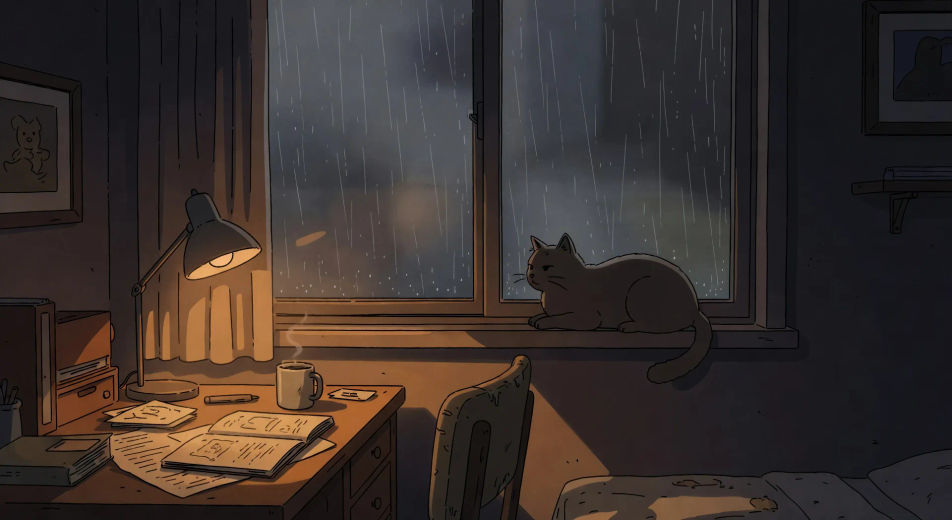
Rain on bedroom window

Slow loopable shot of soft rain streaking down a bedroom window at night, single desk lamp warming the foreground, lazy cat silhouetted against the rain on the sill.

Prompt bearbeiten
Rain on bedroom window

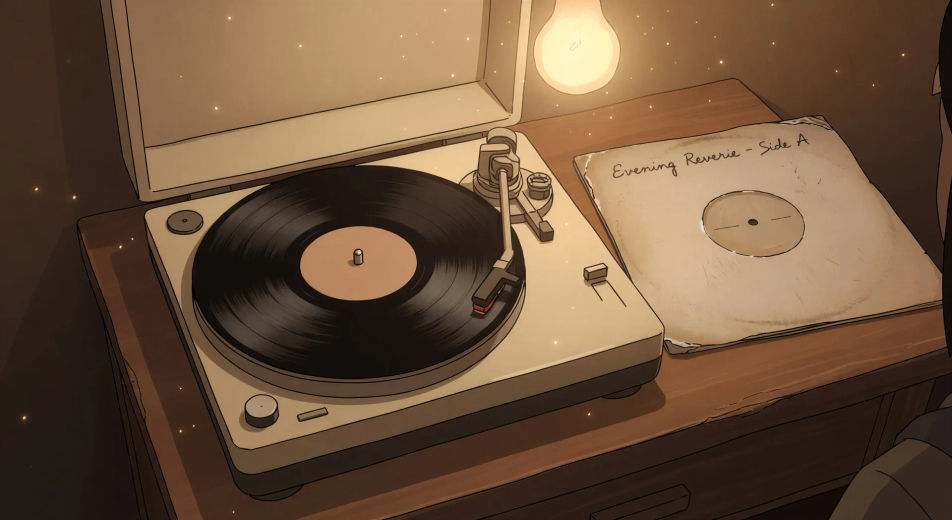
Vinyl spinning under lamplight

Tight close-up of a vinyl record spinning slowly on a small turntable, dust motes in the warm bulb light overhead, hand-written sleeve resting beside, gentle wow-and-flutter implied.

Prompt bearbeiten
Vinyl spinning under lamplight

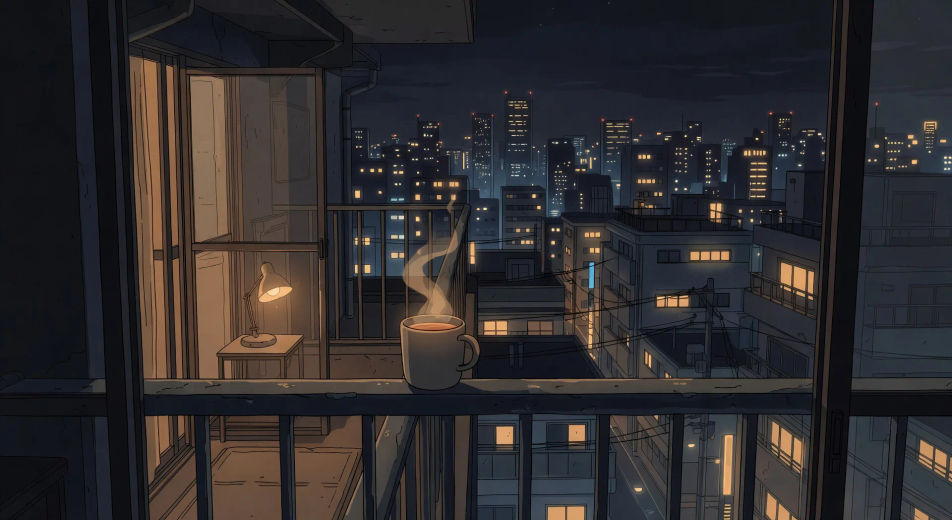
Tokyo balcony city-lights view

Wide loopable view from a small Tokyo apartment balcony at midnight, distant city lights twinkling in painted layers, single mug of tea steaming on the rail in the foreground.

Prompt bearbeiten
Tokyo balcony city-lights view

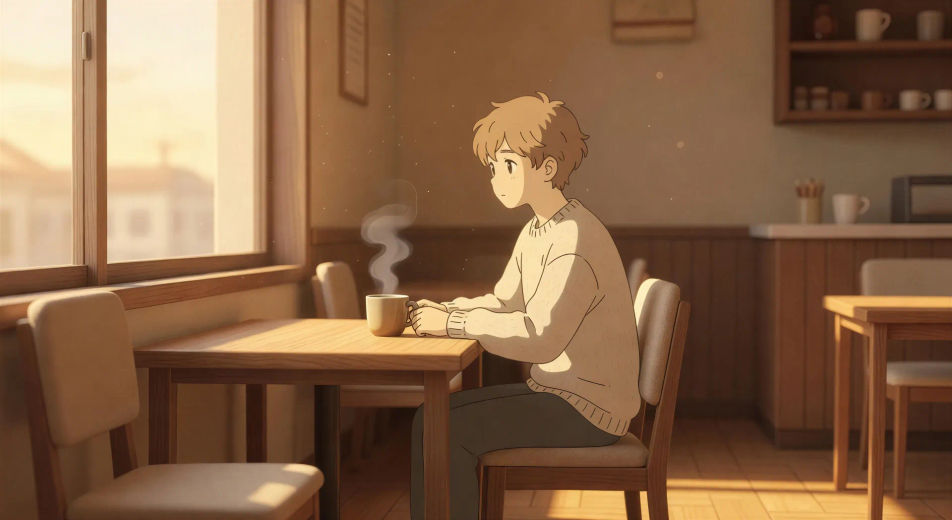
Coffee shop interior at golden hour

Slow loopable wide shot of a small coffee shop interior at golden hour, late-afternoon sun through the window, single character at a corner seat, steam rising from a mug.

Prompt bearbeiten
Coffee shop interior at golden hour

Lofi anime-Videos in drei Schritten erstellen

  1. 01

    Beschreiben Sie Ihre Lofi anime-Szene

    Beschreiben Sie die Lofi anime-Szene, die Sie möchten, in einfachen Worten.

  2. 02

    Video generieren

    Morphic generiert in Sekunden einen filmreifen Clip auf Ihrer Canvas.

  3. 03

    Lofi anime-Video verfeinern

    Passen Sie den Prompt an, generieren Sie Varianten und laden Sie die Aufnahme herunter oder teilen Sie sie.

Verwandte Workflows

Das könnte Ihnen auch gefallen

Einfache Preise

Starten Sie noch heute kostenlos, mit der Option, jederzeit zu upgraden oder zu kündigen.

Basic

$0/ Monat
abgerechnet als $0 pro Jahr

900 monatliche Credits

1 Nutzer

Alle Modelle

Workflows

Standard

$0/ Monat
abgerechnet als $0 pro Jahr

3200 monatliche Credits

1 Nutzer

Alle Modelle

Workflows

Pro

$0/ Monat
abgerechnet als $0 pro Jahr

6200 gemeinsame monatliche Credits

1 Nutzer

+ bis zu 4 weitere gegen Aufpreis

Alle Modelle

Workflows

Pro Max

$0/ Monat
abgerechnet als $0 pro Jahr

24000 gemeinsame monatliche Credits

1 Nutzer

+ bis zu 9 weitere gegen Aufpreis

Alle Modelle

Workflows

Enterprise

Für höhere Limits

Individuell

Preis- und Abrechnungsbedingungen

Unbegrenzte Credits
Individuelle Platzlimits
Alle Modelle
Workflows
Pricing Gradient

Free

Zum Ausprobieren

$0

dauerhaft kostenlos

Bis zu 20 Credits
Nur 1 Nutzer
Eingeschränkte Modelle
Workflows

Häufig gestellte Fragen

Where can I make lofi anime videos with AI?
You can create lofi anime videos directly in your browser on Morphic. Open the Text to Video tool, describe the scene with the location, warm light source, and loopable element spelled out, and Morphic produces the clip. No installs and no specialist software needed.
What kinds of lofi anime scenes work best with AI video?
Loopable single-shot moments with quiet composition: a rain-streaked bedroom window, a vinyl record spinning under a warm bulb, a Tokyo balcony at midnight, a coffee shop at golden hour, a tiny apartment study desk, a foggy commuter train window. Anchor each scene to a warm light source and a slow loopable element.
How do I get the warm retro lofi palette in AI video?
Stack the warm-light cues. Use phrases like "single warm desk lamp", "hanging filament bulb", "golden-hour window light", "warm tungsten bedside glow", "vinyl-grain texture overlay". The palette is built on amber, dusty rose, and deep slate-blue, with no neon and no harsh shadows.
How do I make my lofi anime videos loopable for study streams?
Build the scene around a single repeating element: rain streaks falling at a constant rhythm, a vinyl record spinning at a steady speed, breath visible in cool air on a steady beat. Keep the camera move slow and short, and the action self-contained. Most lofi videos loop a 5–8 second clip seamlessly under a longer beat track.
Can I add a lofi soundtrack to my generated video?
Yes. The Music tool produces an original lofi-hiphop or chill jazz beat from a short prompt, and the Speech tool can layer in soft ASMR ambience or a sparse narrative line. Layer the music under the looping clip to publish a complete lofi anime scene for study streams or YouTube ambient channels.
Do I need any prior animation experience to make lofi anime videos?
No. Morphic runs in your browser and you direct it with plain-language prompts. Anyone who can describe a lofi scene can produce one. After Effects, animation rigs, and frame-by-frame loop authoring are not required.