A safety shutdown intro
A steady wide shot where equipment powers down and a clear caution card lands under even light, the camera holding so the isolation step reads before any work begins.
Prompt bearbeiten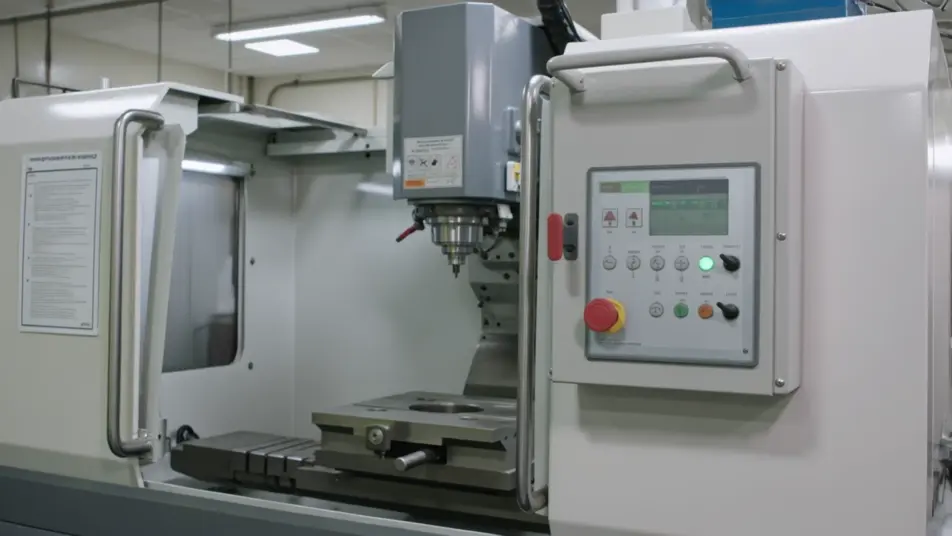
Direct a maintenance guide video in your browser with Morphic's maintenance guide video generator. Generate a safety intro, an inspection checklist beat, and a service step sequence from a written brief. Voice it with Speech, then assemble the steps into one continuous guide on Compose.
A steady wide shot where equipment powers down and a clear caution card lands under even light, the camera holding so the isolation step reads before any work begins.
Prompt bearbeitenA tight frame where hands clean and tighten a part under soft even light, the camera steady and the motion slow enough to follow, each action holding for a beat.
Prompt bearbeiten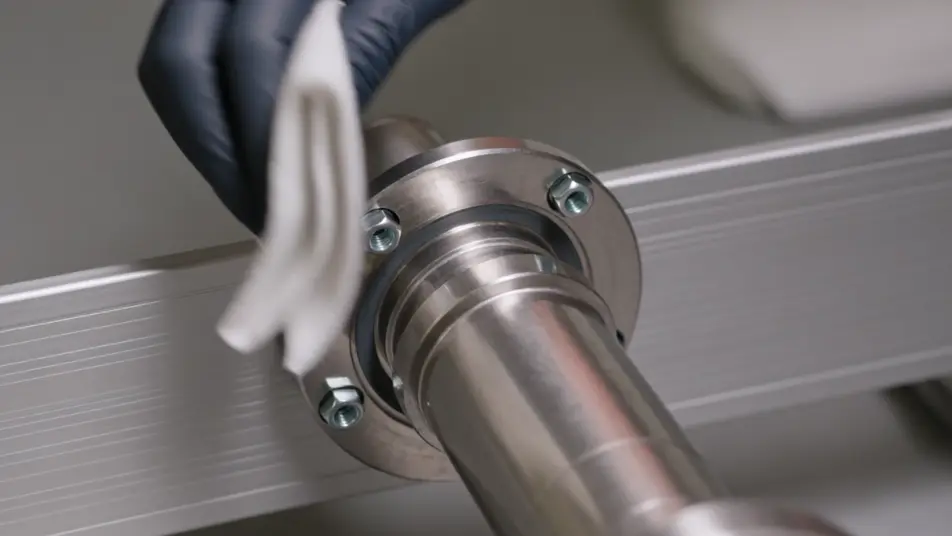
A macro shot where a worn component is removed and a new one seated in crisp focus, the light even so the fit is clear enough for a technician to copy. Only hands and hardware fill the frame.
Prompt bearbeiten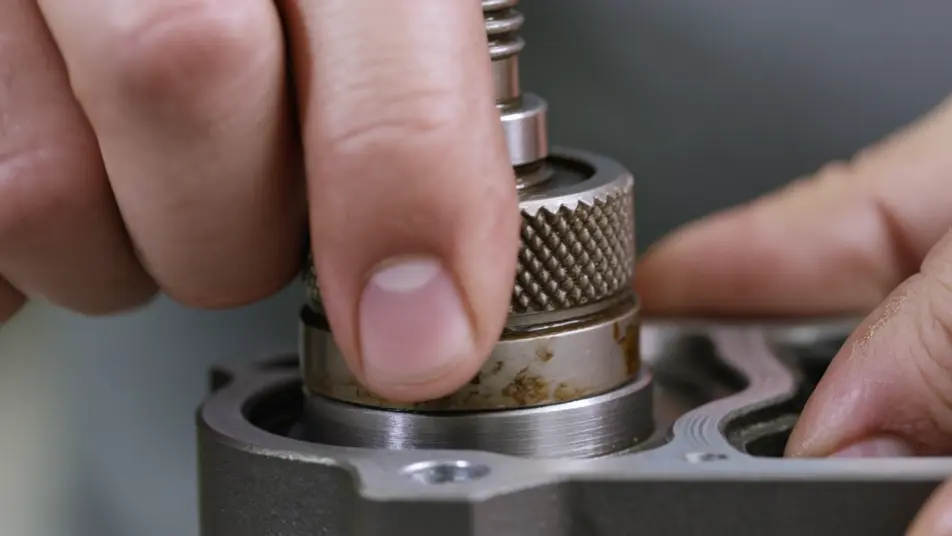
A steady wide shot where the equipment powers back on and runs a quick check under warm light, the camera holding so the working result confirms the service is done.
Prompt bearbeiten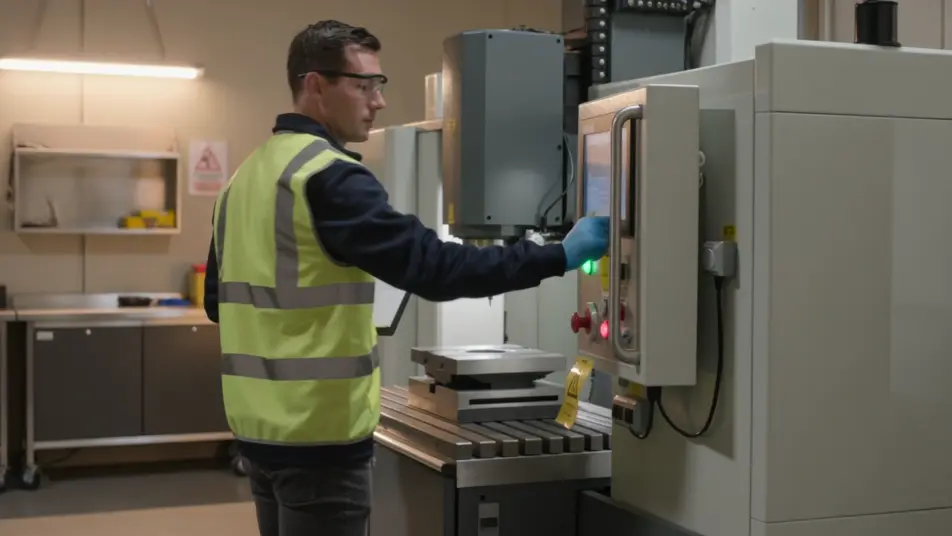
Beschreiben Sie die maintenance guide video-Szene, die Sie möchten, in einfachen Worten.
Morphic generiert in Sekunden einen filmreifen Clip auf Ihrer Canvas.
Passen Sie den Prompt an, generieren Sie Varianten und laden Sie die Aufnahme herunter oder teilen Sie sie.

Dramatize any text conversation into a cinematic multi-shot video.
Cinematic time-freeze short film for any scene

Generate a professional film title card from scratch, with optional cinematic animation.
Photo of any real-estate becomes a cinematic renovation timelapse video with construction SFX and music.
One image to a 9-scene cinematic video.

Describe a first-person scenario. Get sequential POV frames animated into video clips with audio.
AI Installation guide videos
Installation guide videos from a description. Show unboxing, each fitting step, and the final check, then update it when the product changes. Make it now.
AI Troubleshooting videos
Make a troubleshooting video that takes a user from symptom to fix. Direct a step-by-step repair, a close-up, and a verification check. Produce now.
AI Equipment operation videos
Produce an equipment operation video in minutes, not weeks. Direct startup steps, controls, and safe shutdown, then update it anytime. Produce.
Safety induction video maker
Make a safety induction video from a description. Direct a hazard walkthrough, a PPE demo, and an exit routine, kept consistent across teams. Create.
Starten Sie noch heute kostenlos, mit der Option, jederzeit zu upgraden oder zu kündigen.
Basic
2400 monatliche Credits
1 Nutzer
Alle Modelle
Workflows
Standard
3625 monatliche Credits
1 Nutzer
Alle Modelle
Workflows
Pro
6350 gemeinsame monatliche Credits
1 Nutzer
Alle Modelle
Workflows
Max
24650 gemeinsame monatliche Credits
1 Nutzer
Alle Modelle
Workflows
Enterprise
Für höhere Limits
Individuell
Preis- und Abrechnungsbedingungen

Free
Zum Ausprobieren
$0
dauerhaft kostenlos