Cockpit-Startsequenz bei Morgengrauen
Enge Cockpit-Aufnahme, Konsolenglühen auf dem Pilotenvisier, hydraulische Klammern lösen sich, Startalarm pulsiert rot, Dampf entweicht an der Kanzel vorbei.
Prompt bearbeiten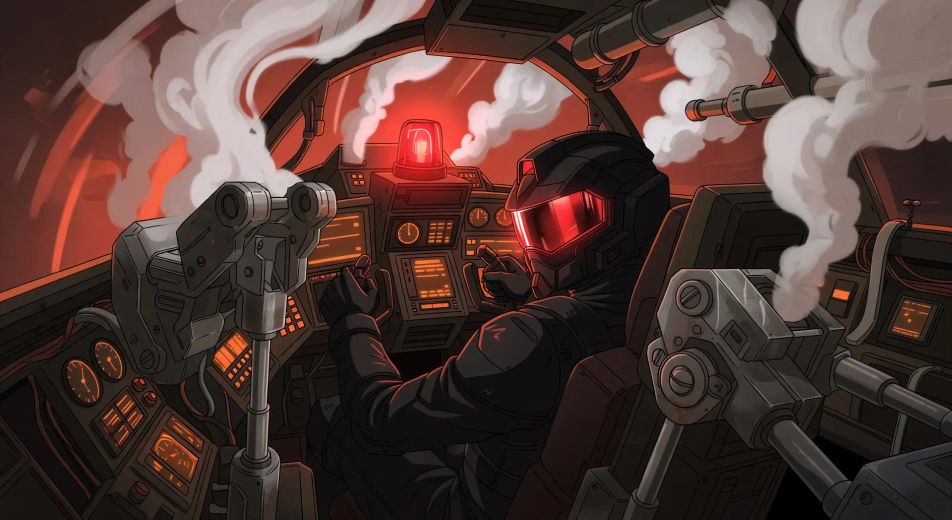
Inszenieren Sie hangartaugliche Hardware in Ihrem Browser mit dem Mecha-KI-Videogenerator von Morphic. Erzeugen Sie einen Cockpit-Start, während die Klammern abfallen, oder einen gefallenen Rahmen gegen einen Wolkenkratzer, fügen Sie mit Speech einen Piloten-Voiceover hinzu und fixieren Sie dann das cel-schattierte Gewicht mit Video Style Transfer.
Enge Cockpit-Aufnahme, Konsolenglühen auf dem Pilotenvisier, hydraulische Klammern lösen sich, Startalarm pulsiert rot, Dampf entweicht an der Kanzel vorbei.
Prompt bearbeitenZwei Mecha-Rahmen tauschen Raketensalven über einer neonbeleuchteten Stadtlandschaft in der Dämmerung, Kondensstreifen kreuzen sich, Zielerfassungs-Reticles blinken über das Cockpit-HUD.
Prompt bearbeiten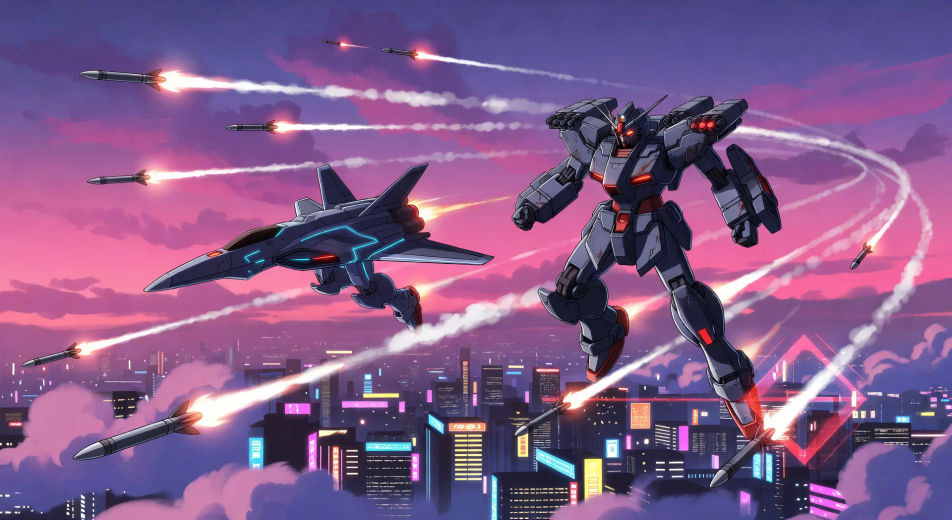
Weite Aufnahme auf Bodenhöhe, gefallener Mecha-Rahmen sackt gegen einen halb eingestürzten Wolkenkratzer, Rauchsäulen steigen auf, Zivilisten klein am vorderen Bildrand.
Prompt bearbeiten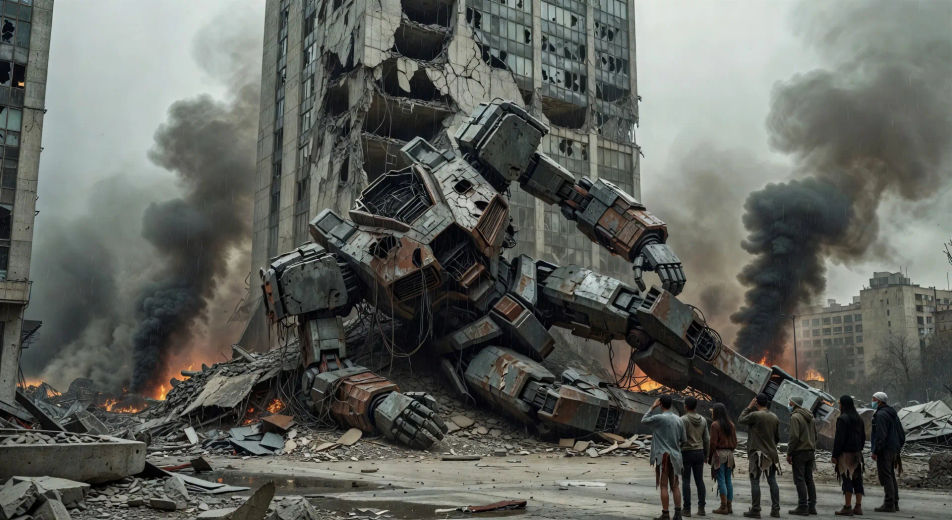
Riesige unterirdische Hangar, vier Mecha-Rahmen in Startgestellen, orange Bodenlichter, Gerüst-Crews bewegen sich über Laufstege, Dampf sammelt sich auf Bodenhöhe.
Prompt bearbeiten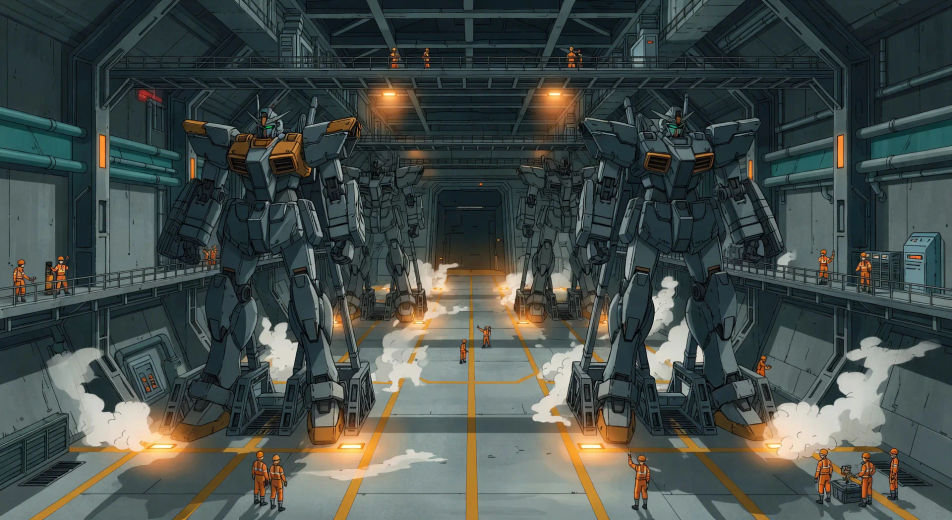
Beschreiben Sie die Mecha-Szene, die Sie möchten, in einfachen Worten.
Morphic generiert in Sekunden einen filmreifen Clip auf Ihrer Canvas.
Passen Sie den Prompt an, generieren Sie Varianten und laden Sie die Aufnahme herunter oder teilen Sie sie.

Pick any anime illustration as your style guide. Apply its look to any image.

Turn any sketch or drawing into a finished render.

Take any character image and generate 6 distinct facial expressions on a single reference sheet.

All your characters on a single lineup image, side by side with height comparison.

Turn any photo or description into an animated chibi sprite. Dance, jump, wave, attack, and more.
Upload a character image and make it dance in any style.
Anime KI-Videos
Erstellen Sie Anime-Videos mit Morphic. Slice-of-Life-Szenen, Mecha-Aufnahmen, Magical-Girl-Verwandlungen und ganze Anime-Episoden, erzeugt aus einem einzigen Prompt.
Anime KI-Videos
Erstellen Sie Anime-Kampfszenen, Schwertduelle, Magieschlachten und Mecha-Kämpfe mit Morphic. Erzeugen, animieren, vertonen und untermalen Sie Szenen aus einem einzigen Prompt.
Cyberpunk-Anime KI-Videos
Erstellen Sie Cyberpunk-Anime-Videos mit Morphic. Neon-Tokyo-Straßen, gesprungene Visiere, Körperaugmentierung und regennasse Dach-Standoffs, aus einem Prompt generiert.
Anime-Stil KI-Videos
Erzeugen Sie Anime-Stil-Videos auf Morphic. Cel-Shading, klare Linienführung, ausdrucksstarke Figuren und dynamische Szenen aus Prompts in normaler Sprache.
Starten Sie noch heute kostenlos, mit der Option, jederzeit zu upgraden oder zu kündigen.
Basic
2400 monatliche Credits
1 Nutzer
Alle Modelle
Workflows
Standard
3625 monatliche Credits
1 Nutzer
Alle Modelle
Workflows
Pro
6350 gemeinsame monatliche Credits
1 Nutzer
Alle Modelle
Workflows
Max
24650 gemeinsame monatliche Credits
1 Nutzer
Alle Modelle
Workflows
Enterprise
Für höhere Limits
Individuell
Preis- und Abrechnungsbedingungen

Free
Zum Ausprobieren
$0
dauerhaft kostenlos