Park Chan-wook AI Videos

Direct painterly vengeance in your browser with Morphic's Park Chan-wook style AI video generator. Generate a wallpapered hotel corridor at midnight or a 1930s library at last light, lay a baroque waltz with Music, and stitch a slow-burn noir on the Canvas.

Park Chan-wook style characters you can create

Park Chan-wook style scenes you can direct

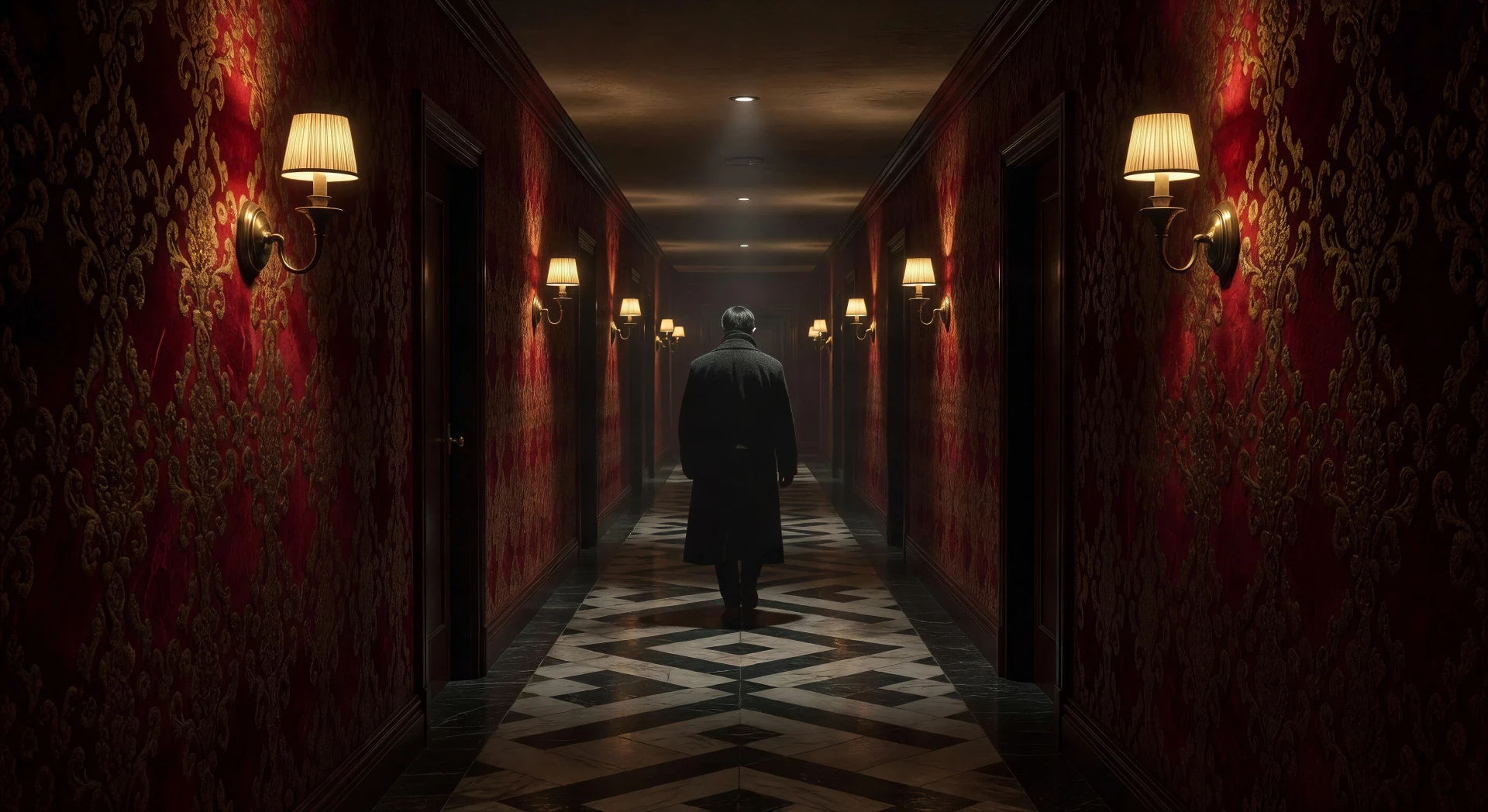
Wallpapered hotel corridor at midnight

Long hotel corridor with ornate patterned wallpaper, brass sconces alternating along the walls, single figure walking away from camera, slow tracking oner.

Prompt bearbeiten
Wallpapered hotel corridor at midnight

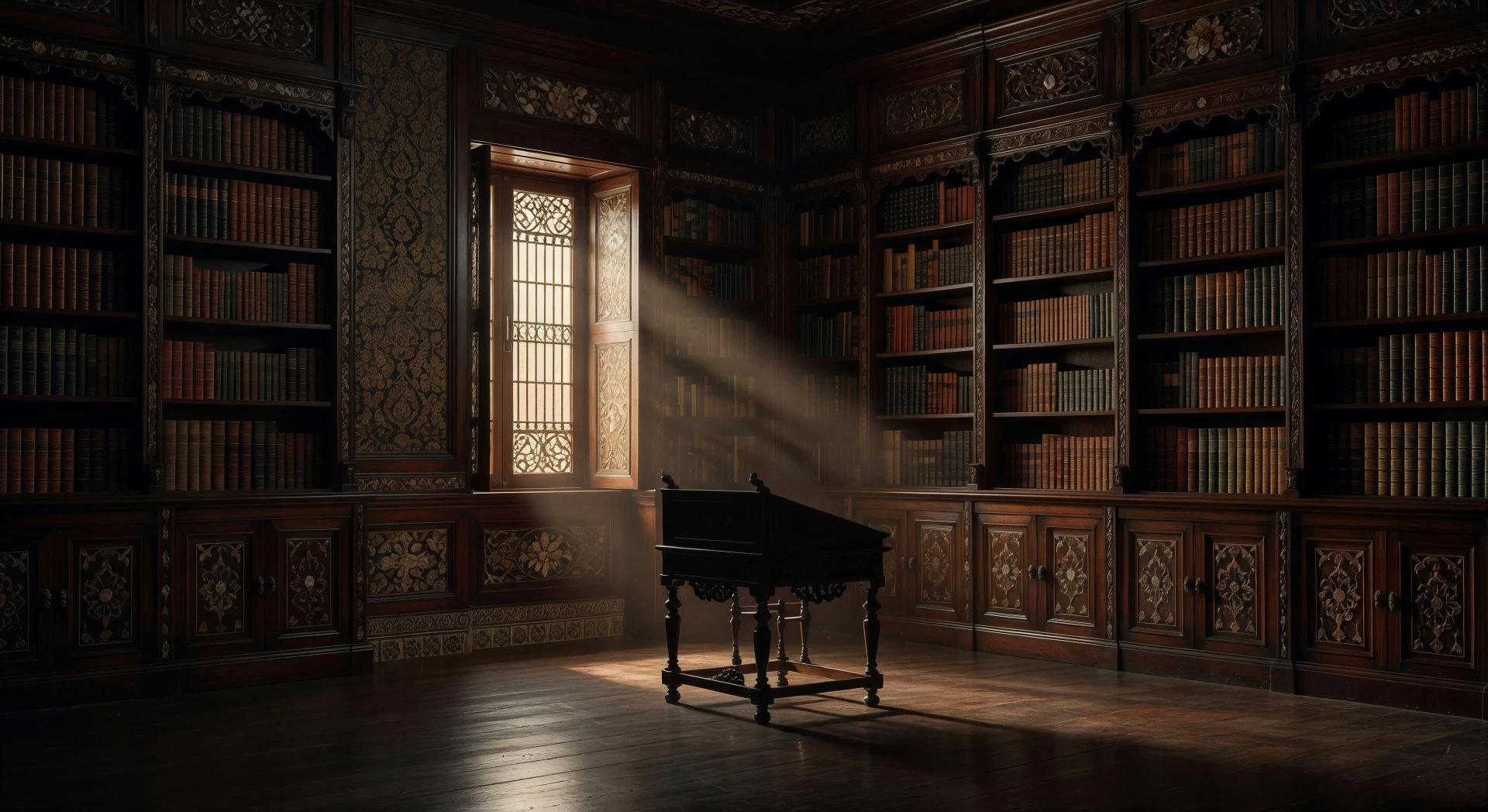
1930s mansion library at last light

Colonial-era mansion library, lacquered shelves to the ceiling, single ornate paper-screen window throwing a shaft of light across the polished floorboards.

Prompt bearbeiten
1930s mansion library at last light

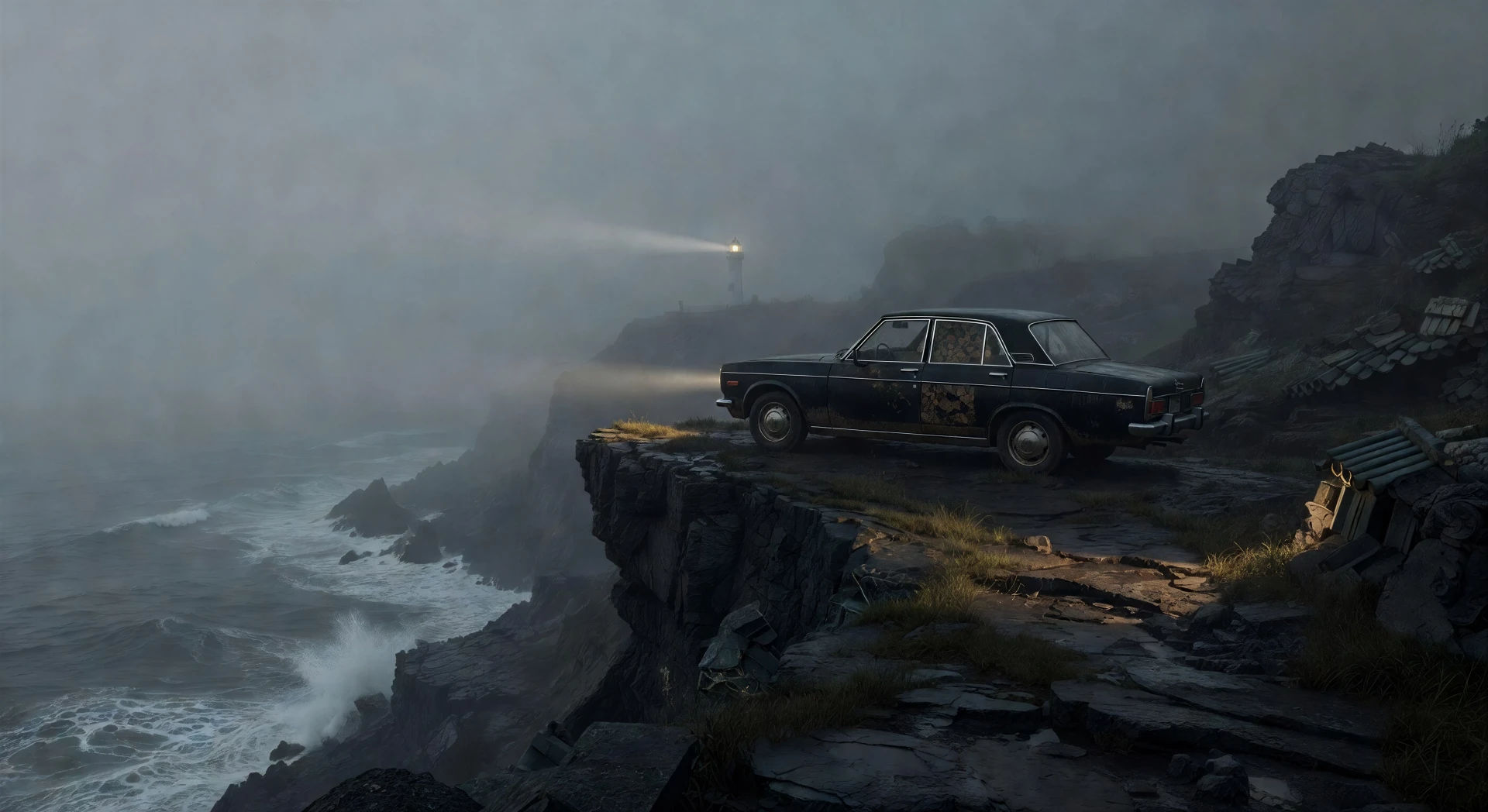
Foggy cliff-coast at dawn

Wide cliff path along a foggy Korean coast at dawn, single black sedan parked at the edge, lighthouse beam barely visible in the haze, distant ocean roar.

Prompt bearbeiten
Foggy cliff-coast at dawn

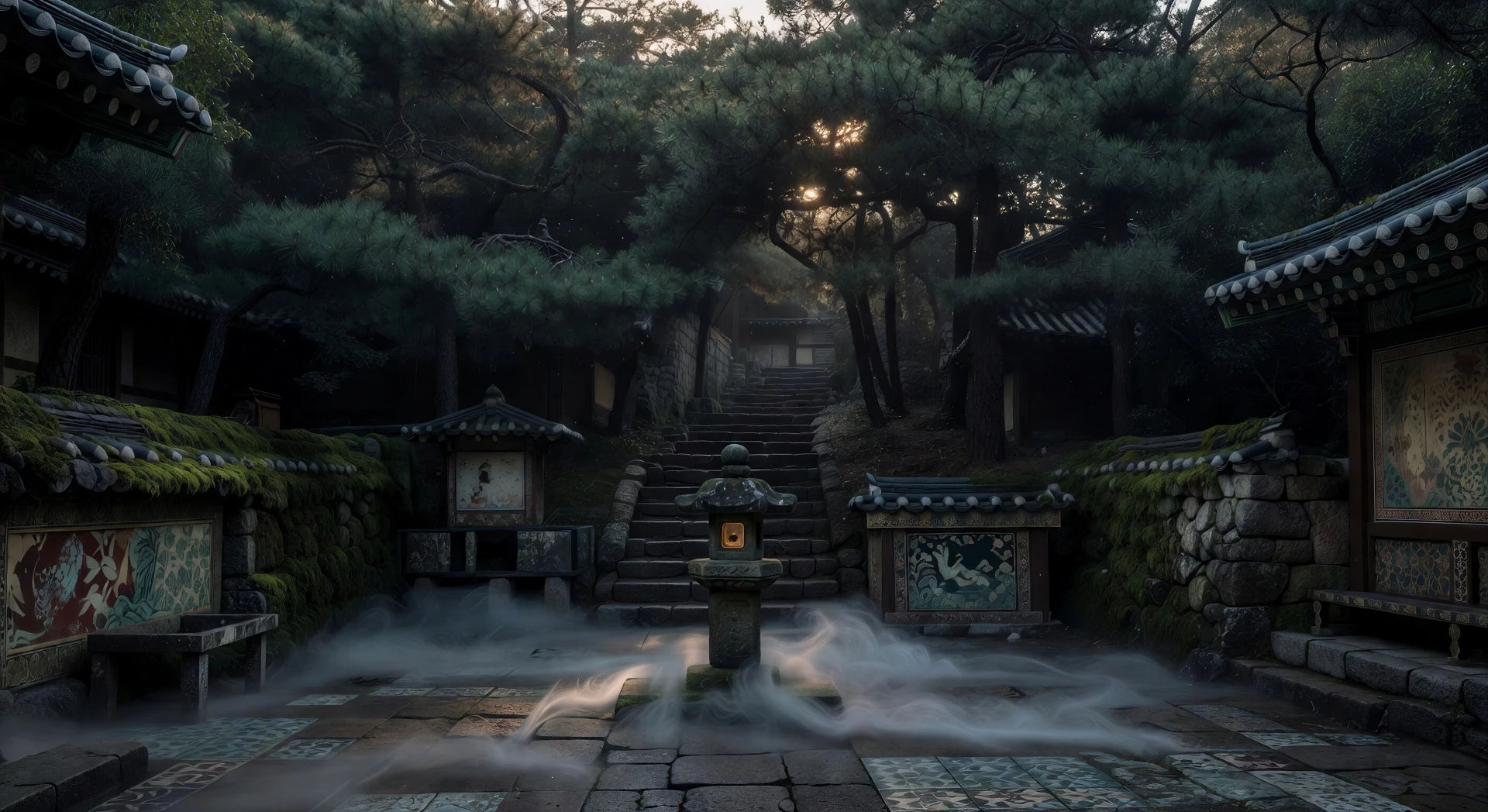
Mountain temple courtyard at first light

Small mountain temple courtyard at dawn mist, single stone lantern, pine trees crowding the stairs above, soft golden light bleeding through the branches.

Prompt bearbeiten
Mountain temple courtyard at first light

Park Chan-wook-Videos in drei Schritten erstellen

  1. 01

    Beschreiben Sie Ihre Park Chan-wook-Szene

    Beschreiben Sie die Park Chan-wook-Szene, die Sie möchten, in einfachen Worten.

  2. 02

    Video generieren

    Morphic generiert in Sekunden einen filmreifen Clip auf Ihrer Canvas.

  3. 03

    Park Chan-wook-Video verfeinern

    Passen Sie den Prompt an, generieren Sie Varianten und laden Sie die Aufnahme herunter oder teilen Sie sie.

Verwandte Workflows

Das könnte Ihnen auch gefallen

Einfache Preise

Starten Sie noch heute kostenlos, mit der Option, jederzeit zu upgraden oder zu kündigen.

Basic

$0/ Monat
abgerechnet als $0 pro Jahr

900 monatliche Credits

1 Nutzer

Alle Modelle

Workflows

Standard

$0/ Monat
abgerechnet als $0 pro Jahr

3200 monatliche Credits

1 Nutzer

Alle Modelle

Workflows

Pro

$0/ Monat
abgerechnet als $0 pro Jahr

6200 gemeinsame monatliche Credits

1 Nutzer

+ bis zu 4 weitere gegen Aufpreis

Alle Modelle

Workflows

Pro Max

$0/ Monat
abgerechnet als $0 pro Jahr

24000 gemeinsame monatliche Credits

1 Nutzer

+ bis zu 9 weitere gegen Aufpreis

Alle Modelle

Workflows

Enterprise

Für höhere Limits

Individuell

Preis- und Abrechnungsbedingungen

Unbegrenzte Credits
Individuelle Platzlimits
Alle Modelle
Workflows
Pricing Gradient

Free

Zum Ausprobieren

$0

dauerhaft kostenlos

Bis zu 20 Credits
Nur 1 Nutzer
Eingeschränkte Modelle
Workflows

Häufig gestellte Fragen

Where can I make Park Chan-wook style videos with AI?
You can create Park Chan-wook style scenes directly in your browser on Morphic. Open the Text to Video tool, describe the period, the room, the painterly composition, and the camera move, and Morphic produces the clip. No installs and no specialist software needed.
What defines the Park Chan-wook style for an AI prompt?
Three things: painterly composition with ornate patterned surfaces and figures placed at deliberate geometric points, the long unbroken oner where the camera tracks patiently across a corridor or a coastline, and a period anchor (1930s colonial, 1970s Seoul, or contemporary noir) that drives wallpaper, costuming, and architecture. Name all three so Morphic does not default to flat thriller coverage.
How do I prompt for the long oner in a Park Chan-wook scene?
Specify the move explicitly: "slow tracking oner along a wallpapered corridor that holds the shot for the entire move", "unbroken sideways dolly across a cliff path", "patient hold on an empty stairwell before a figure descends." Tell Morphic the camera should not cut, and pair it with a wide-enough framing that the move has somewhere to go.
How do I write painterly composition into a Park Chan-wook style scene?
Name the patterned surface, the geometric placement of figures, and the single light source. For example: "ornate red-and-gold wallpaper receding to a vanishing point, single figure placed exactly on the third, brass sconce light alternating along each wall, lacquered floor catching every reflection." Morphic responds well to "painterly" and "still-life" as composition cues.
Can I add narration and music to my Park Chan-wook style videos?
Yes. The Speech tool generates a voiceover in the voice you choose, and the Music tool produces an original soundtrack. A waltz, a chamber-string motif, or a single mournful piano line all sit cleanly inside the Park palette.
Do I need any prior video editing experience to make Park Chan-wook style videos?
No. Morphic runs in your browser and you direct it with plain-language prompts. Anyone who can describe a Park Chan-wook scene can produce one. After Effects, Blender, and manual rigging are not required.