Der lange Gang vom Mittelkreis
Ein Spieler löst sich aus dem untergehakten Kreis und beginnt den langen Gang, der Stadionlärm sinkt zu einem Herzschlag, eine langsame Verfolgungsaufnahme von hinten.
Prompt bearbeiten
Schreiben Sie das Elfmeterschießen in Ihrem Browser mit dem KI-Videogenerator für Elfmeterschießen von Morphic. Inszenieren Sie den langen Gang, einen Panenka durch die Mitte oder die Parade, die einen Sprint auslöst. Fügen Sie mit Speech einen packenden Kommentar hinzu und schneiden Sie dann eine Sequenz der K.o.-Nacht in Compose.
Ein Spieler löst sich aus dem untergehakten Kreis und beginnt den langen Gang, der Stadionlärm sinkt zu einem Herzschlag, eine langsame Verfolgungsaufnahme von hinten.
Prompt bearbeitenEin Anlauf mit vollem Tempo, dann schwebt der sanfteste Heber durch die Mitte, während der Torwart zur Seite abtaucht, tiefe Kamera hinter dem Tor.
Prompt bearbeiten
Der Handschuh trifft den Ball in voller Streckung, und der Torwart sprintet davon, während die Mitspieler von der Mittellinie herbeiströmen, die Kamera wackelt mit dem Lauf.
Prompt bearbeiten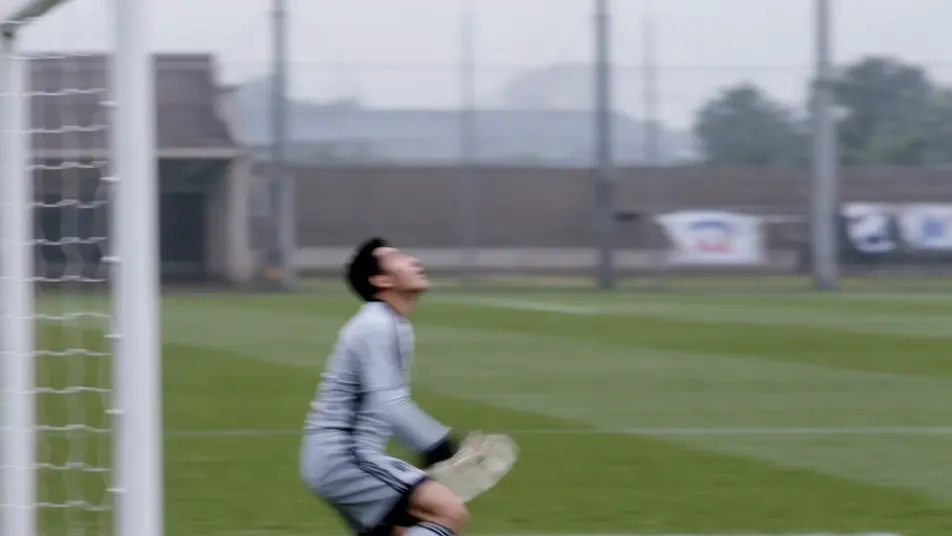
Sudden Death, der Schuss knallt von der Latte in die Nacht, eine Seite still, die andere explodiert, ein Standbild auf dem Ball.
Prompt bearbeiten
Beschreiben Sie die Elfmeterschießen-Szene, die Sie möchten, in einfachen Worten.
Morphic generiert in Sekunden einen filmreifen Clip auf Ihrer Canvas.
Passen Sie den Prompt an, generieren Sie Varianten und laden Sie die Aufnahme herunter oder teilen Sie sie.
Cinematic time-freeze short film for any scene

Dramatize any text conversation into a cinematic multi-shot video.
One image to a 9-scene cinematic video.
Drop in a photo of yourself. Get a 12-second cinematic movie with animation and a matched soundtrack.

Share a scene description with character references. Get a full storyboard with shot angles and mood.

Feed in a single image. Get 9 cinematic beats laid out as a 3x3 storyboard grid.
Torwart-Edit-Maker
Erstellen Sie einen Torwart-Edit mit KI: inszenieren Sie Fingerspitzenparaden, Eins-gegen-Eins-Ersticken und Last-Line-Heldentaten und synchronisieren Sie sie dann mit Kommentar und Musik. ausprobieren.
Fußball-Fan-Edit-Maker
Erstellen Sie einen Fußball-Fan-Edit mit KI: Tunnel-Auszüge, Schalwände der Fankurve, Tore mit dem letzten Schuss, auf den Beat geschnitten. Cineastische, Retro- oder Fancam-Stile. testen.
World Cup Anime Video-Maker
Verwandeln Sie jeden Fußballmoment mit KI in einen viralen World-Cup-Anime-Edit: Inszenieren Sie das Tor, den Jubel und die Menge, fügen Sie Kommentar und Musik hinzu. testen.
Underdog-Geschichte Video-Maker
Erstellen Sie Underdog-Geschichte-Videos mit KI: der Pokal-Überraschungssieg des Underdogs, der Marathonläufer um 5 Uhr, ein Hinterbänkler-Podium im Regen. Fügen Sie Kommentar und Musik hinzu. Testen Sie es.
Starten Sie noch heute kostenlos, mit der Option, jederzeit zu upgraden oder zu kündigen.
Basic
2400 monatliche Credits
1 Nutzer
Alle Modelle
Workflows
Standard
3625 monatliche Credits
1 Nutzer
Alle Modelle
Workflows
Pro
6350 gemeinsame monatliche Credits
1 Nutzer
Alle Modelle
Workflows
Max
24650 gemeinsame monatliche Credits
1 Nutzer
Alle Modelle
Workflows
Enterprise
Für höhere Limits
Individuell
Preis- und Abrechnungsbedingungen

Free
Zum Ausprobieren
$0
dauerhaft kostenlos