Ein sonnendurchflutetes Render-Studio
Eine Photoreal-3D-Figur, die in einem hellen Studio mit weicher globaler Beleuchtung steht, realistische Haut und Stoff, eine geringe Schärfentiefe und ein langsames Heranfahren.
Prompt bearbeiten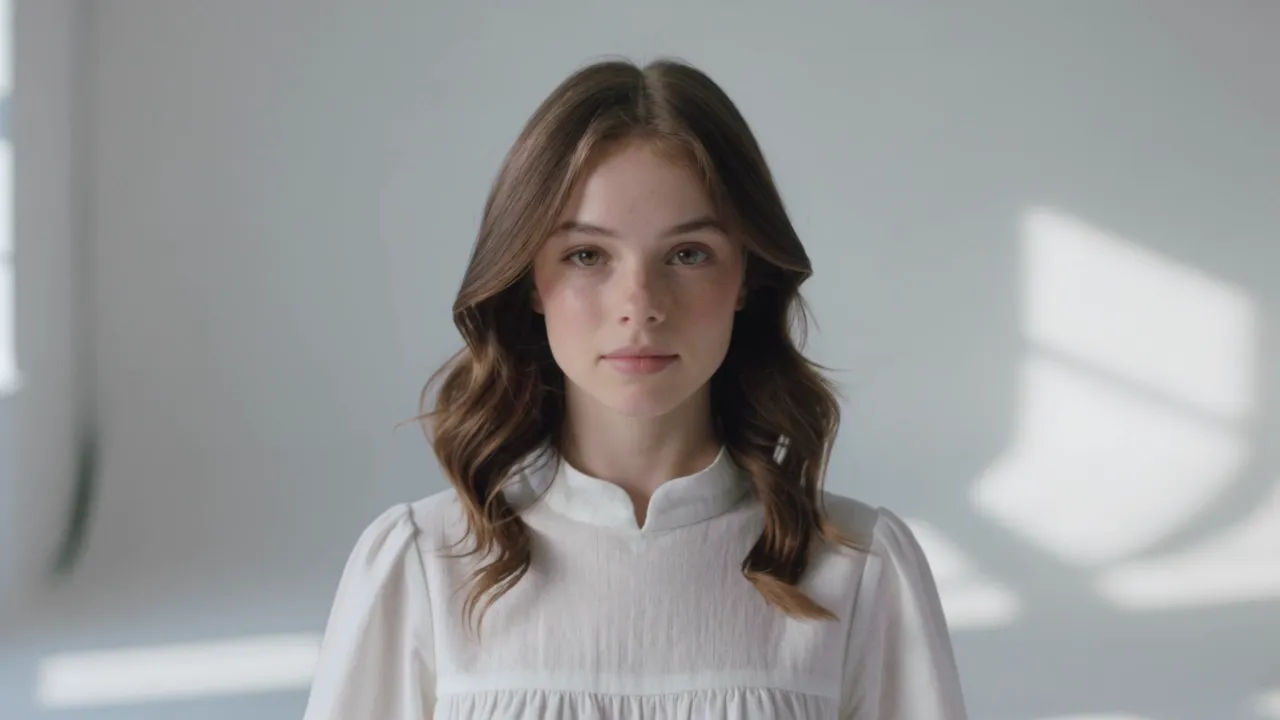
Inszenieren Sie hochwertiges Photoreal 3D im Browser mit Morphics KI-Videogenerator für Photoreal 3D. Erzeugen Sie eine gerenderte Figur in einem sonnendurchfluteten Studio, ein detailliertes Produkt auf einem Drehteller oder eine Kreatur in einem nebligen Wald. Vertonen Sie jede Aufnahme mit Speech und Music und fügen Sie alles auf der Canvas zusammen.
Eine Photoreal-3D-Figur, die in einem hellen Studio mit weicher globaler Beleuchtung steht, realistische Haut und Stoff, eine geringe Schärfentiefe und ein langsames Heranfahren.
Prompt bearbeitenEine Photoreal-3D-Kreatur, die sich bei Morgengrauen durch einen nebligen Wald bewegt, volumetrische Lichtstrahlen und realistisches Laub, weiche globale Beleuchtung und eine langsame Verfolgung.
Prompt bearbeiten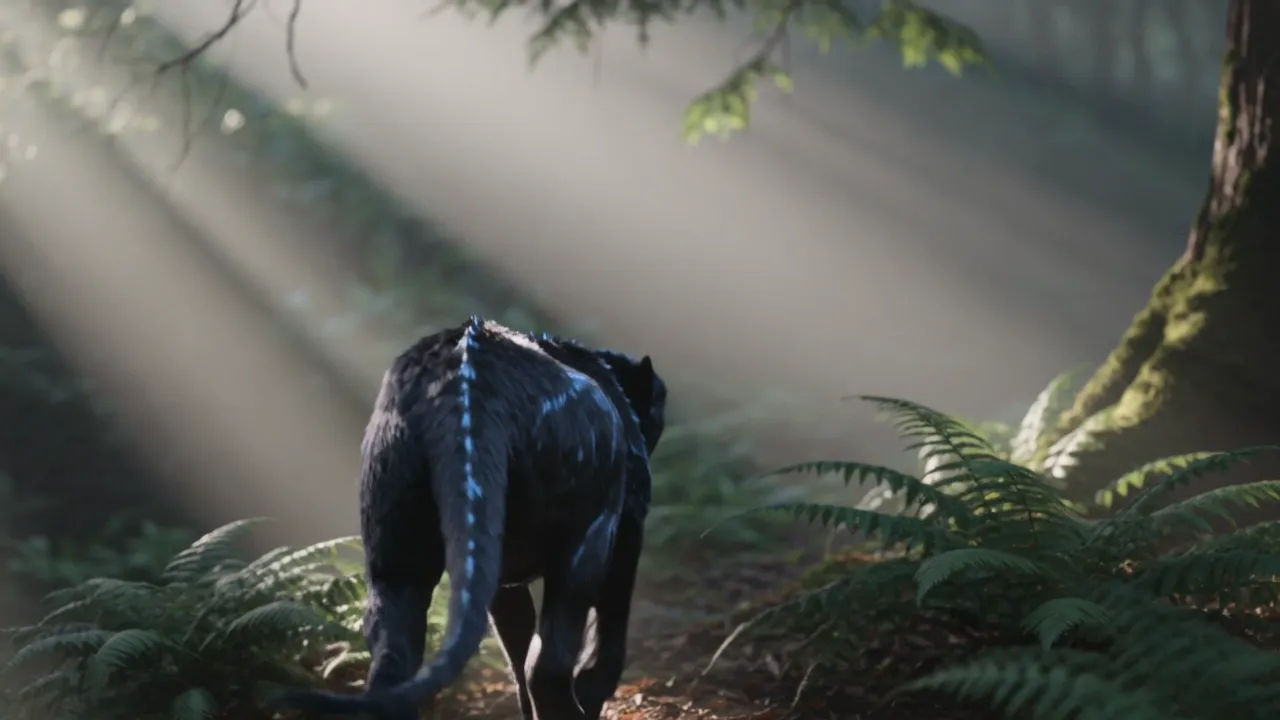
Eine Photoreal-3D-Gestalt auf einer regennassen Straße mit realistischen Reflexionen und nassem Asphalt, weiches Neon-Abstrahllicht und filmische Schärfentiefe, eine langsame Kamerafahrt.
Prompt bearbeiten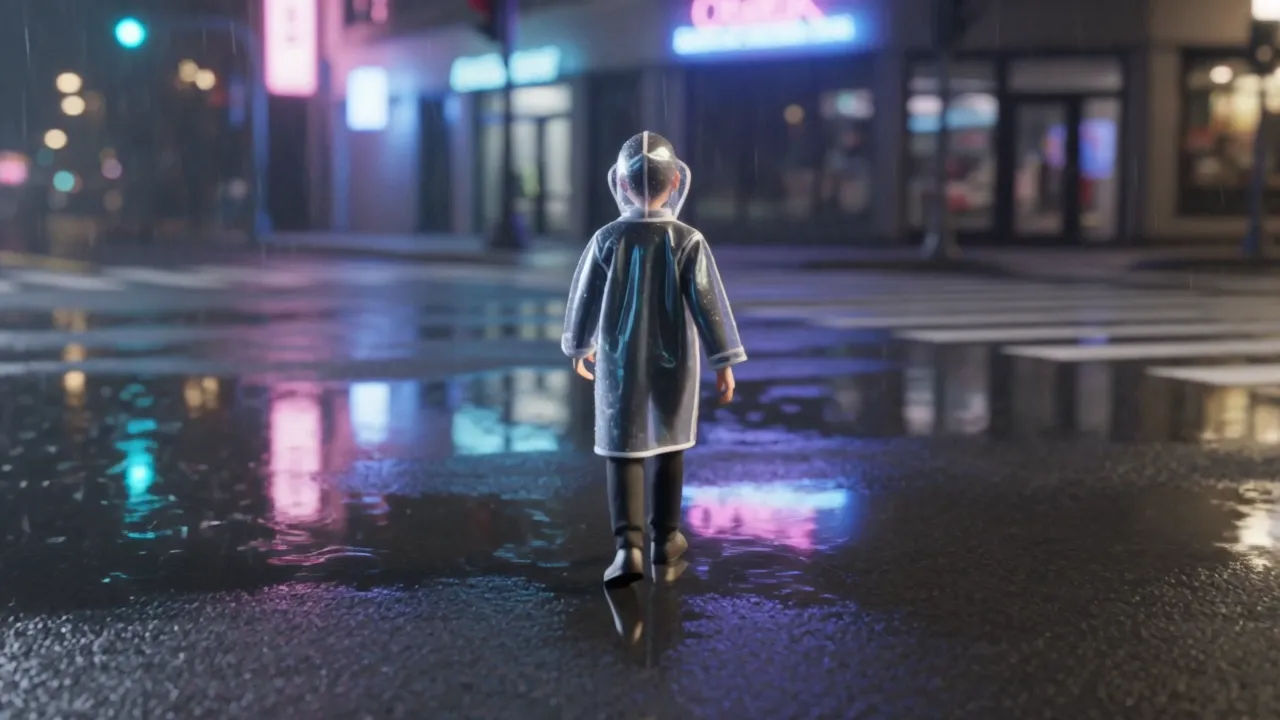
Eine Photoreal-3D-Figur in einem dunklen Studio mit einem einzelnen weichen Führungslicht und sanfter Kante, lebensechte Haut- und Stoffdetails, eine langsame filmische Umkreisung.
Prompt bearbeiten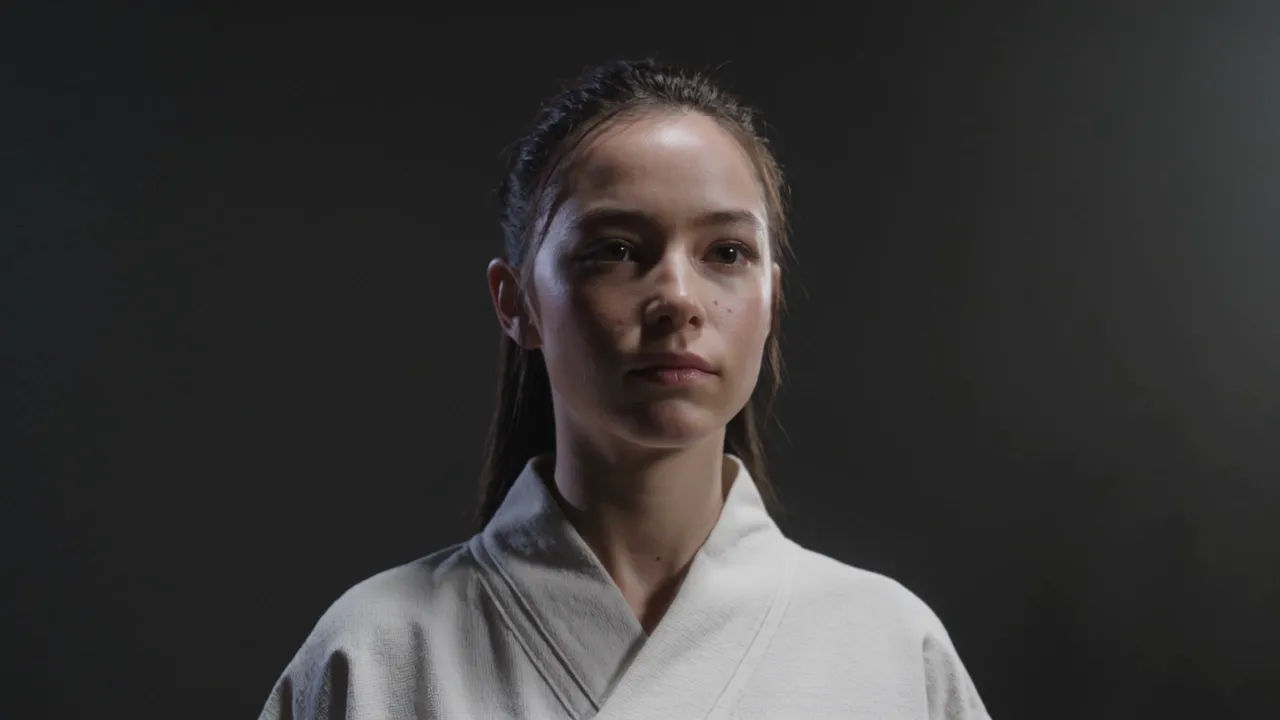
Beschreiben Sie die Photoreal 3D-Szene, die Sie möchten, in einfachen Worten.
Morphic generiert in Sekunden einen filmreifen Clip auf Ihrer Canvas.
Passen Sie den Prompt an, generieren Sie Varianten und laden Sie die Aufnahme herunter oder teilen Sie sie.

Share a scene description with character references. Get a full storyboard with shot angles and mood.

Feed in a single image. Get 9 cinematic beats laid out as a 3x3 storyboard grid.

Take any character image and generate 6 distinct facial expressions on a single reference sheet.
Cinematic time-freeze short film for any scene
Drop in a photo of yourself. Get a 12-second cinematic movie with animation and a matched soundtrack.

Upload a photo of a person or character and get a single grid image showing them at different life stages, from baby to elderly.
Low Poly 3D KI-Videos
Erzeugen Sie Low-Poly-3D-Videos auf Morphic. Facettierte Geometrie, flache Schattierung und saubere stilisierte 3D-Szenen und -Figuren aus Prompts in klarer Sprache.
Voxel Art KI-Videos
Erzeugen Sie Voxel-Art-Videos auf Morphic. Aus Würfeln gebaute Welten, klotzige Figuren und knackige 3D-Pixel-Szenen aus Prompts in Alltagssprache.
3D-Animation KI-Videos
Erzeugen Sie 3D-Animationsvideos auf Morphic. CGI-Figuren, gerenderte Welten, dynamische Kamerabewegungen und animierte Szenen aus einfachen Prompts.
2D-Animation KI-Videos
Erzeugen Sie 2D-Animationsvideos auf Morphic. Handgezeichnete Figuren, bemalte Hintergründe, klare Linienführung und traditionell animierte Szenen aus Prompts.
Starten Sie noch heute kostenlos, mit der Option, jederzeit zu upgraden oder zu kündigen.
Basic
2400 monatliche Credits
1 Nutzer
Alle Modelle
Workflows
Standard
3625 monatliche Credits
1 Nutzer
Alle Modelle
Workflows
Pro
6350 gemeinsame monatliche Credits
1 Nutzer
Alle Modelle
Workflows
Max
24650 gemeinsame monatliche Credits
1 Nutzer
Alle Modelle
Workflows
Enterprise
Für höhere Limits
Individuell
Preis- und Abrechnungsbedingungen

Free
Zum Ausprobieren
$0
dauerhaft kostenlos