Direct contemplative long-take cinema in your browser with Morphic's slow cinema AI video generator. Generate slow cinema scenes like a single static shot of mist crossing a still valley, a figure motionless at a window as light shifts, or an empty room breathing with dust and time, and pair them with the Speech and Music tools to add the sparse ambient sound and the minimal score. Stitch the stillness into a full slow cinema short without leaving the Canvas.

Slow cinema characters you can create

Slow cinema scenes you can direct

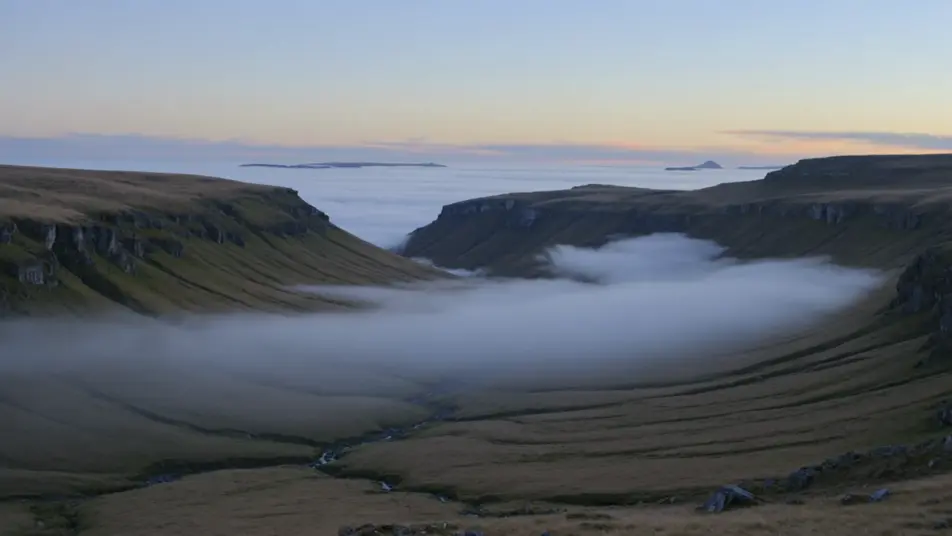
The mist over the still valley

A single locked-off static shot of a wide valley at dawn, a slow ribbon of mist drifting across it, almost no movement, the frame held far past comfort, soft cold natural light.

Prompt bearbeiten

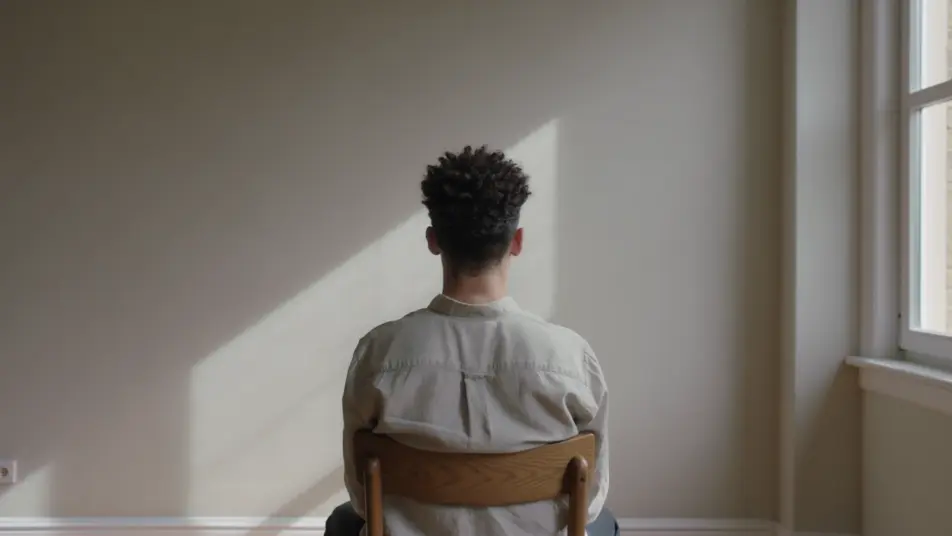
The figure at the window

A long unbroken interior take, a still figure at a window with their back to camera, the only change the slow shift of daylight across the wall, quiet ambience, no cuts.

Prompt bearbeiten

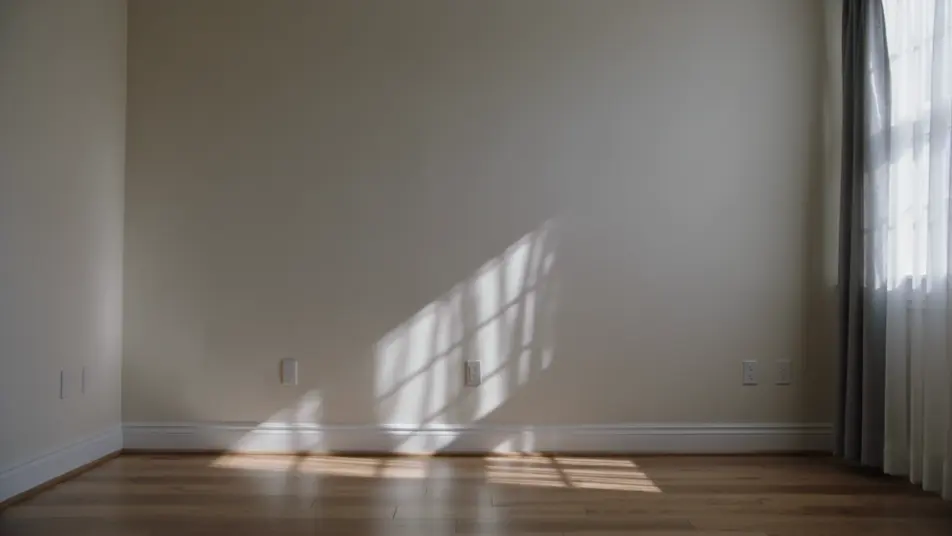
The empty room breathing

A bare room held in a long static shot, dust drifting in a shaft of light, a curtain barely stirring, time itself made visible in the stillness, soft natural light, no camera move.

Prompt bearbeiten

The long walk across the field

A vast field under a huge sky in one locked-off wide, a tiny figure crossing slowly from one edge of the frame toward the other, the whole walk played in real time, flat natural light.

Prompt bearbeiten

slow cinema-Videos in drei Schritten erstellen

  1. 01

    Beschreiben Sie Ihre slow cinema-Szene

    Beschreiben Sie die slow cinema-Szene, die Sie möchten, in einfachen Worten.

  2. 02

    Video generieren

    Morphic generiert in Sekunden einen filmreifen Clip auf Ihrer Canvas.

  3. 03

    slow cinema-Video verfeinern

    Passen Sie den Prompt an, generieren Sie Varianten und laden Sie die Aufnahme herunter oder teilen Sie sie.

Verwandte Workflows

Das könnte Ihnen auch gefallen

Einfache Preise

Starten Sie noch heute kostenlos, mit der Option, jederzeit zu upgraden oder zu kündigen.

Basic

$0/ Monat
abgerechnet als $0 pro Jahr

900 monatliche Credits

1 Nutzer

Alle Modelle

Workflows

Standard

$0/ Monat
abgerechnet als $0 pro Jahr

3200 monatliche Credits

1 Nutzer

Alle Modelle

Workflows

Pro

$0/ Monat
abgerechnet als $0 pro Jahr

6200 gemeinsame monatliche Credits

1 Nutzer

+ bis zu 4 weitere gegen Aufpreis

Alle Modelle

Workflows

Pro Max

$0/ Monat
abgerechnet als $0 pro Jahr

24000 gemeinsame monatliche Credits

1 Nutzer

+ bis zu 9 weitere gegen Aufpreis

Alle Modelle

Workflows

Enterprise

Für höhere Limits

Individuell

Preis- und Abrechnungsbedingungen

Unbegrenzte Credits
Individuelle Platzlimits
Alle Modelle
Workflows
Pricing Gradient

Free

Zum Ausprobieren

$0

dauerhaft kostenlos

Bis zu 20 Credits
Nur 1 Nutzer
Eingeschränkte Modelle
Workflows

Häufig gestellte Fragen

Where can I make slow cinema videos with AI?
You can create slow cinema scenes directly in your browser on Morphic. Open the Text to Video tool, describe the contemplative setting, the minimal movement, and the long static take, and Morphic produces the clip. No installs and no specialist software needed.
What defines a slow cinema scene for an AI prompt?
Three things: a contemplative setting (a still landscape, a quiet interior), minimal or absent action, and a long static take with soft natural light that lets duration itself become the subject. Name all three so Morphic lands the contemplative slow-cinema register.
How do I get the durational, static-take feel?
Ask for stillness and time: "single locked-off static shot, almost no movement, the frame held far past comfort, only the light slowly shifting, no cuts." Holding a near-motionless frame under soft natural light is the whole craft of slow cinema.
How do I keep a figure consistent across the stills?
Use the Character Lineup workflow to lock the figure’s look and wardrobe, then reference that card across the window, field, and shore prompts. Morphic preserves the solitary watcher so a series of held takes reads as one contemplative film.
Can I add ambient sound and a minimal score?
Yes. The Speech tool can add a sparse, occasional voiceover in the voice you choose, and the Music tool builds the minimal, near-silent score or drone the form favours. Layer both with quiet ambience onto the generated clips to publish a complete slow cinema short.
Do I need filmmaking experience to make a slow cinema video?
No. Morphic runs in your browser and you direct it in plain language. If you can describe mist over a valley, a figure at a window, and an empty room, you can produce a slow cinema scene. The prompts on this page are written so anyone can paste and run.