Direct troll folklore in your browser with Morphic's troll AI video generator. Generate a hulking cave brute lit by torchlight or a bridge-keeper looming in cold river mist, hold one design with Character Lineup, score it with Music, and cut the beats together on the Canvas.

Troll forms you can create

Troll scenes you can direct

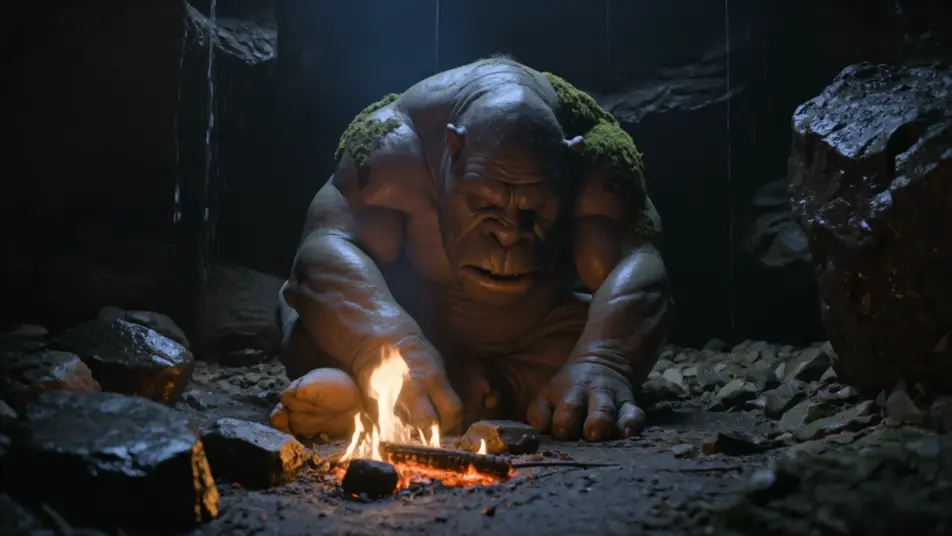
Cave brute in the torchlight

The cave troll hunched over a dying fire deep in a dripping cavern, moss on its shoulders, torchlight glinting off wet stone-grey skin. A slow low-angle push-in on the heavy jaw.

Prompt bearbeiten

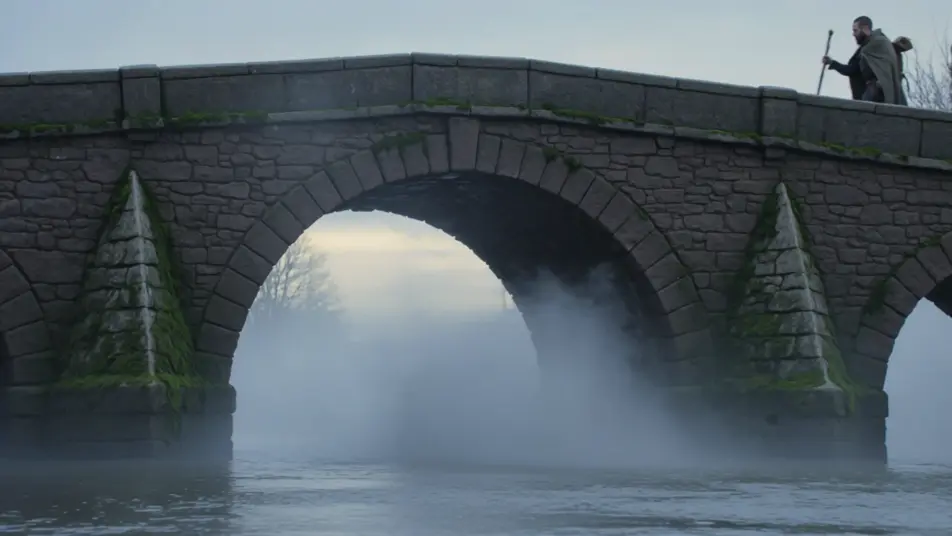
Toll at the stone bridge

The bridge-keeper rising from beneath a mossy stone arch as travellers approach, cold river mist swirling, grey dawn light behind it. A wide static shot holding the reveal.

Prompt bearbeiten

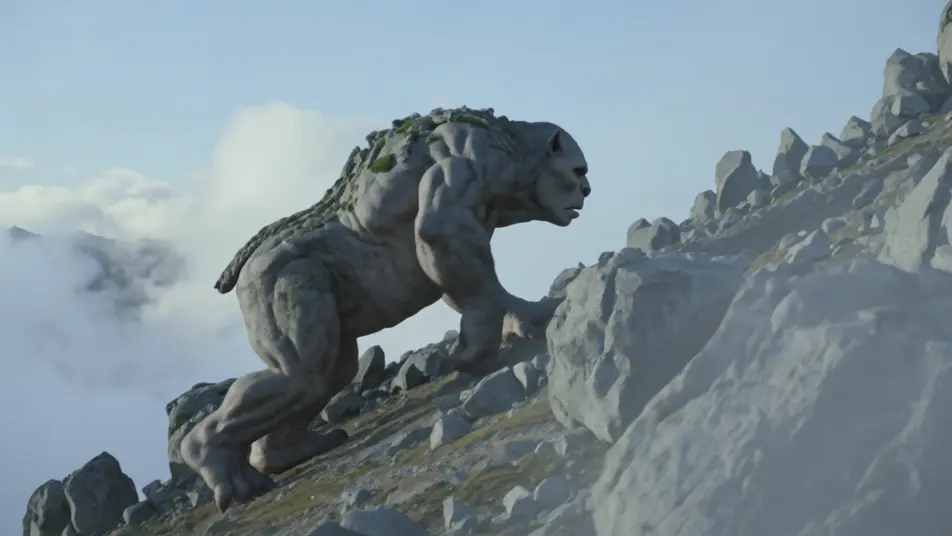
Mountain giant wakes

The colossal mountain troll shifting from a hillside of boulders, lichen sliding off its back, pale alpine light and thin cloud drifting past. A sweeping crane shot pulling up the slope.

Prompt bearbeiten

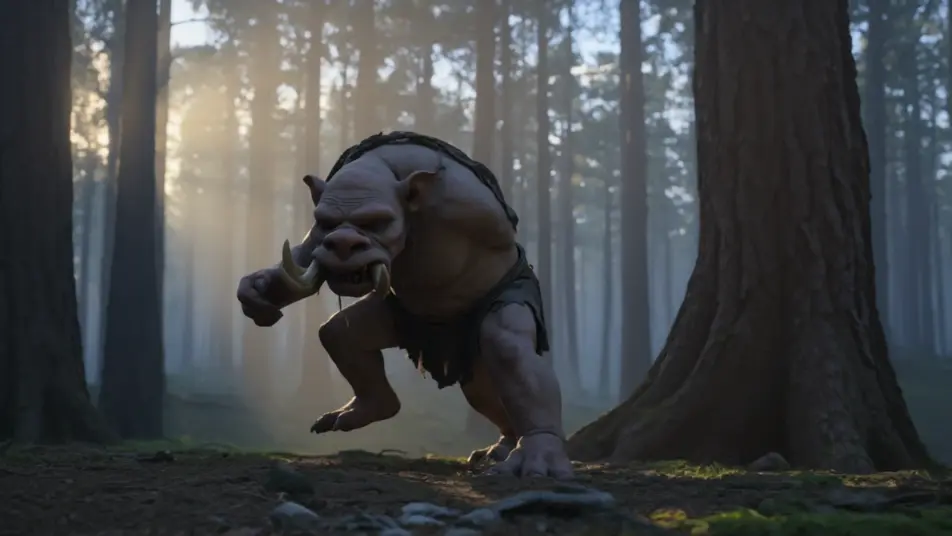
Turned to stone at sunrise

The forest troll frozen mid-stride as the first sun breaches the trees, grey stone spreading up its body, warm light catching the cracks. A slow tracking arc around the petrifying figure.

Prompt bearbeiten

troll-Videos in drei Schritten erstellen

  1. 01

    Beschreiben Sie Ihre troll-Szene

    Beschreiben Sie die troll-Szene, die Sie möchten, in einfachen Worten.

  2. 02

    Video generieren

    Morphic generiert in Sekunden einen filmreifen Clip auf Ihrer Canvas.

  3. 03

    troll-Video verfeinern

    Passen Sie den Prompt an, generieren Sie Varianten und laden Sie die Aufnahme herunter oder teilen Sie sie.

Verwandte Workflows

Das könnte Ihnen auch gefallen

Einfache Preise

Starten Sie noch heute kostenlos, mit der Option, jederzeit zu upgraden oder zu kündigen.

Basic

$9/ Monat
abgerechnet als $0 pro Jahr

900 monatliche Credits

1 Nutzer

Alle Modelle

Workflows

Standard

$24/ Monat
abgerechnet als $0 pro Jahr

3200 monatliche Credits

1 Nutzer

Alle Modelle

Workflows

Pro

$45/ Monat
abgerechnet als $0 pro Jahr

6200 gemeinsame monatliche Credits

1 Nutzer

+ bis zu 4 weitere gegen Aufpreis

Alle Modelle

Workflows

Pro Max

$170/ Monat
abgerechnet als $0 pro Jahr

24000 gemeinsame monatliche Credits

1 Nutzer

+ bis zu 9 weitere gegen Aufpreis

Alle Modelle

Workflows

Enterprise

Für höhere Limits

Individuell

Preis- und Abrechnungsbedingungen

Unbegrenzte Credits
Individuelle Platzlimits
Alle Modelle
Workflows
Pricing Gradient

Free

Zum Ausprobieren

$0

dauerhaft kostenlos

Bis zu 20 Credits
Nur 1 Nutzer
Eingeschränkte Modelle
Workflows

Häufig gestellte Fragen

Where can I make troll videos with AI?
You can create troll scenes directly in your browser on Morphic. Open the Text to Video tool, describe the register, the hide and build, and the lighting, and Morphic produces the clip. No installs and no specialist software needed.
What kinds of troll scenes work best with AI video?
Scenes with strong, damp atmosphere read best: a cave brute in torchlight, a bridge-keeper rising in river mist, a mountain giant waking from a boulder field, or a forest lurker turning to stone at sunrise. Anchor each in one location and one light source so the troll has weight and menace.
How do I keep the troll consistent across scenes?
Use the Character Lineup workflow to lock the hide colour, the build, the tusks, and the moss or lichen details, then reference that character card in every shot prompt. Morphic preserves the same troll across a cavern, a bridge, and a mountain slope so the sequence holds together.
How do I write a good prompt for a troll scene?
Name the register, then paint the surface and the light: "hulking cave troll, warty stone-grey hide, moss on the shoulders, long yellowed tusks, dripping torchlight, slow low-angle push-in." Concrete materials and a single light source give the troll believable mass.
Can I add narration and music to my troll videos?
Yes. The Music tool produces an original score, and a low, lumbering strings-and-drum cue sits cleanly under a cave or bridge scene. The Speech tool can add a guttural growl or a narrator recounting the old tale in the voice you choose, so you can publish a complete troll short.
What visual style works best for a troll video?
Damp, earthy folklore reads best: mossy greys and lichen greens, wet stone, and low practical light such as torch, fire, or grey dawn. Keeping the palette muted and the light source single makes the troll feel like part of the landscape rather than a cartoon.