A full-height product hook
A 9:16 frame with the product filling the screen and a bold caption in the top third, bright even light and a fast open beat that stops a scroll on any vertical feed.
Prompt bearbeiten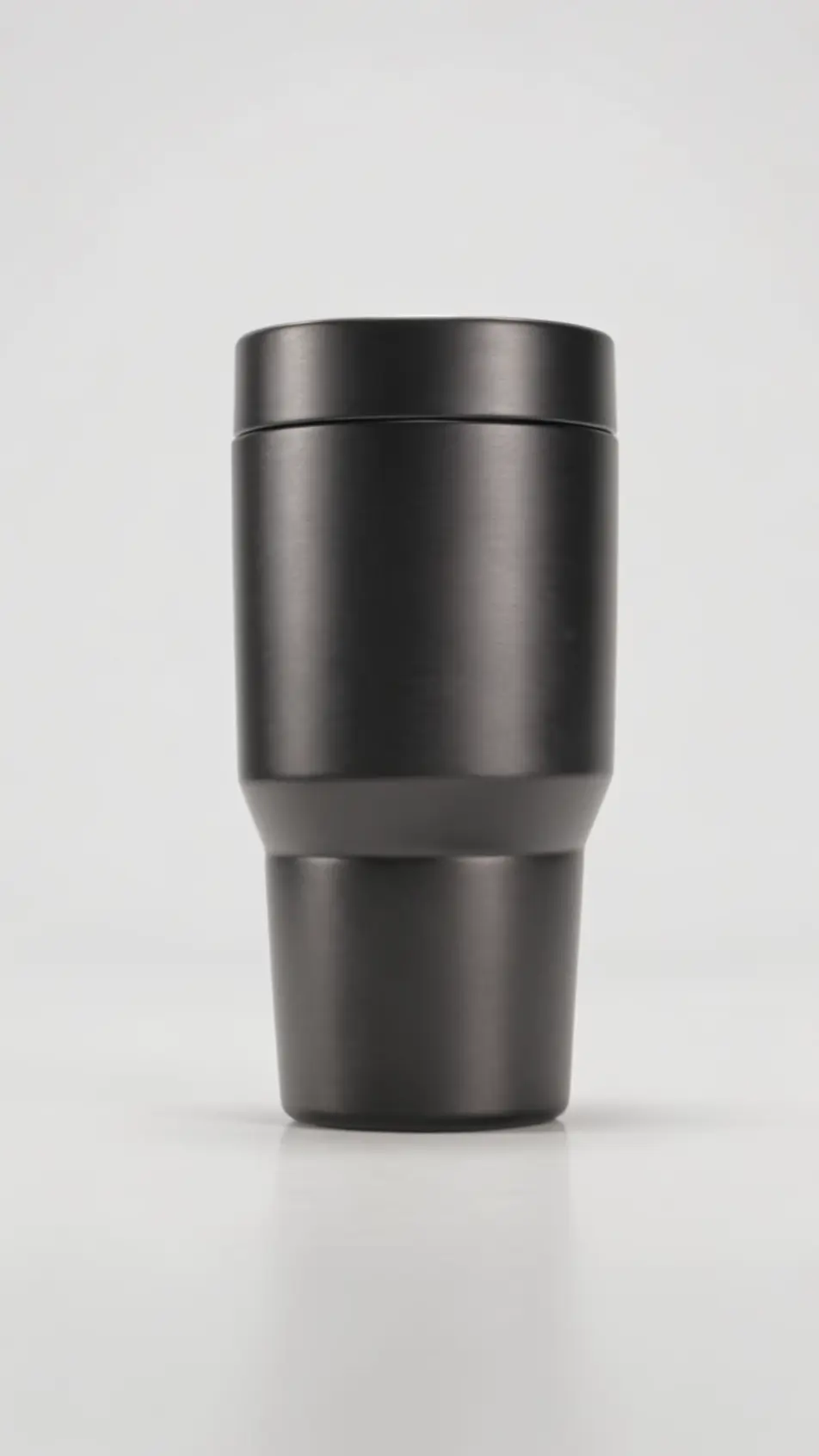
Produce a vertical video ad in your browser with Morphic's 9:16 ad generator, minutes instead of weeks. Generate a full-height hook, a product beat, and an end card built to fill the phone screen. Voice it with Speech, then reformat the one ad for each platform on the Canvas without re-editing from scratch.
A 9:16 frame with the product filling the screen and a bold caption in the top third, bright even light and a fast open beat that stops a scroll on any vertical feed.
Prompt bearbeitenA vertical frame following a person moving through a real space with the product, handheld and natural under daylight, the tall aspect keeping the subject and the room both in view.
Prompt bearbeiten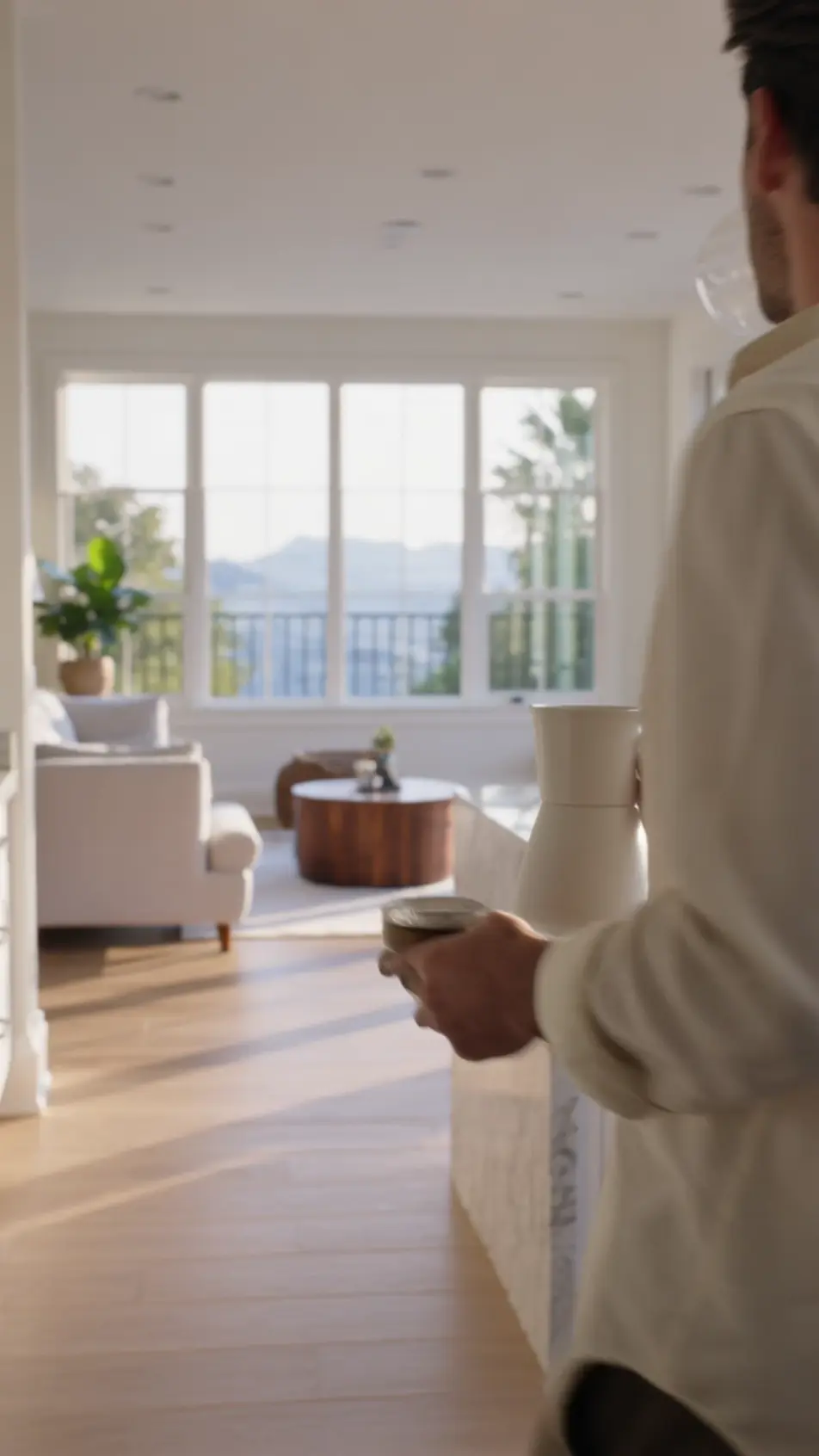
A 9:16 frame with the before state stacked over the after, both halves matched in framing and light so the vertical height reads as one clean built-in comparison.
Prompt bearbeiten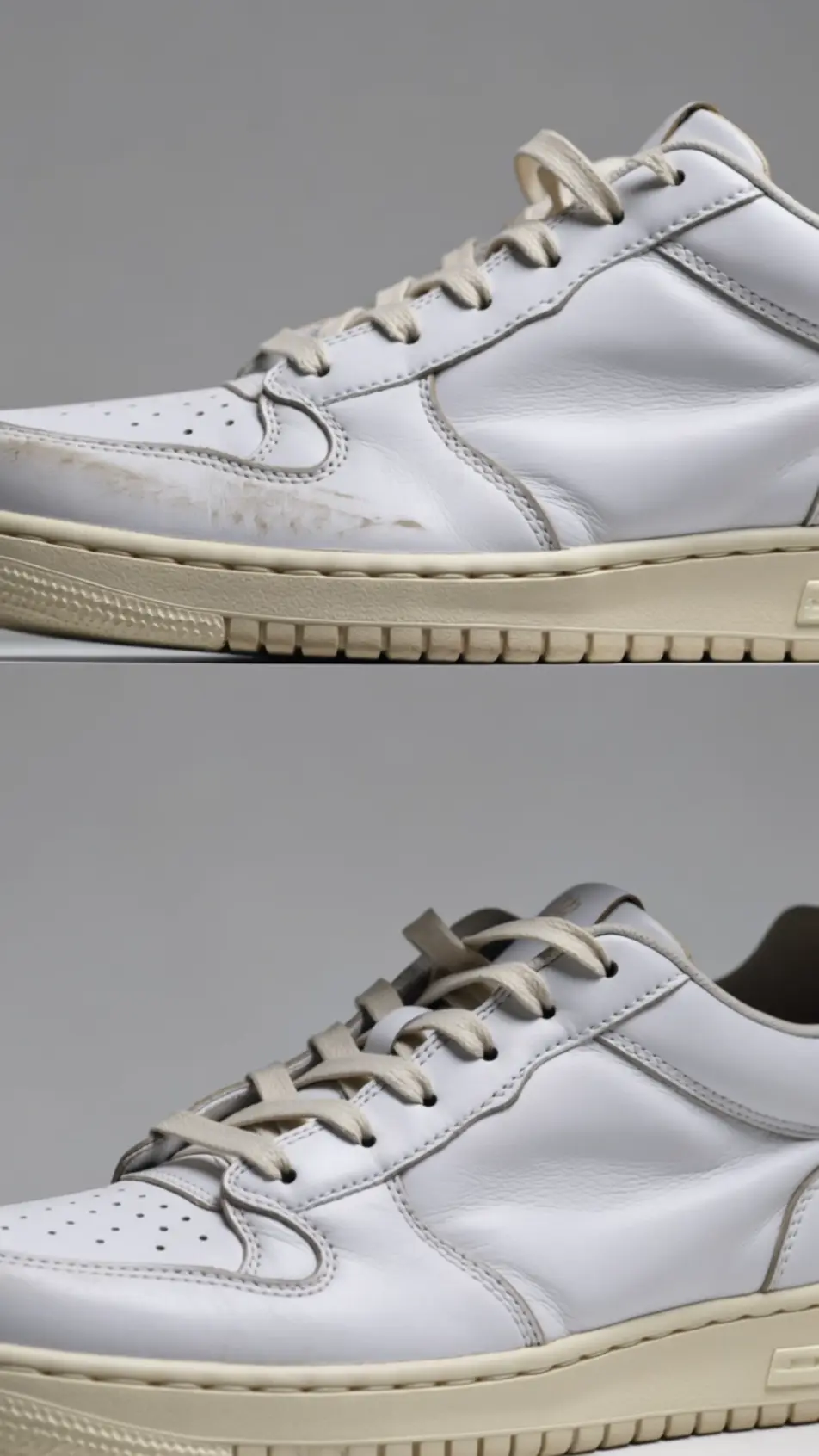
A closing 9:16 frame holding the logo, an offer, and a centered call to action, a subtle pulse on the button and a bold flat background that fills the whole phone screen.
Prompt bearbeiten
Beschreiben Sie die vertical video ad-Szene, die Sie möchten, in einfachen Worten.
Morphic generiert in Sekunden einen filmreifen Clip auf Ihrer Canvas.
Passen Sie den Prompt an, generieren Sie Varianten und laden Sie die Aufnahme herunter oder teilen Sie sie.

Dramatize any text conversation into a cinematic multi-shot video.
Cinematic time-freeze short film for any scene

Generate a professional film title card from scratch, with optional cinematic animation.
Photo of any real-estate becomes a cinematic renovation timelapse video with construction SFX and music.
One image to a 9-scene cinematic video.

Describe a first-person scenario. Get sequential POV frames animated into video clips with audio.
AI Instagram Reels ads
Make an Instagram Reels ad framed vertical for 9:16. Open on a fast hook, shoot a UGC-style demo, caption it, then export 6, 15, and 30s cuts. Create now.
AI YouTube Shorts ads
Produce a YouTube Shorts ad with AI on Morphic. Build a fast 9:16 hook, product beat, and loop-ready end card, then cut 6, 15, and 30 second versions.
AI Story ad videos
Produce a full-screen story ad video with AI on Morphic. Build a first-frame hook, product beat, and tap-to-shop end card, publish the same day.
AI TikTok Spark ads
Produce a TikTok Spark ad with AI on Morphic. Build a creator-style hook, hands-on demo, and soft call to action, then cut it to every duration and aspect.
Starten Sie noch heute kostenlos, mit der Option, jederzeit zu upgraden oder zu kündigen.
Basic
2400 monatliche Credits
1 Nutzer
Alle Modelle
Workflows
Standard
3625 monatliche Credits
1 Nutzer
Alle Modelle
Workflows
Pro
6350 gemeinsame monatliche Credits
1 Nutzer
Alle Modelle
Workflows
Max
24650 gemeinsame monatliche Credits
1 Nutzer
Alle Modelle
Workflows
Enterprise
Für höhere Limits
Individuell
Preis- und Abrechnungsbedingungen

Free
Zum Ausprobieren
$0
dauerhaft kostenlos