War of the Worlds AI Videos

Direct the Wells invasion in your browser with Morphic's War of the Worlds AI video generator. Generate the cylinder unscrewing on Horsell Common or a tripod in Weybridge, add narration and Holst-style score with Speech and Music, and stitch a sci-fi episode.

War of the Worlds figures you can direct

War of the Worlds scenes you can stage

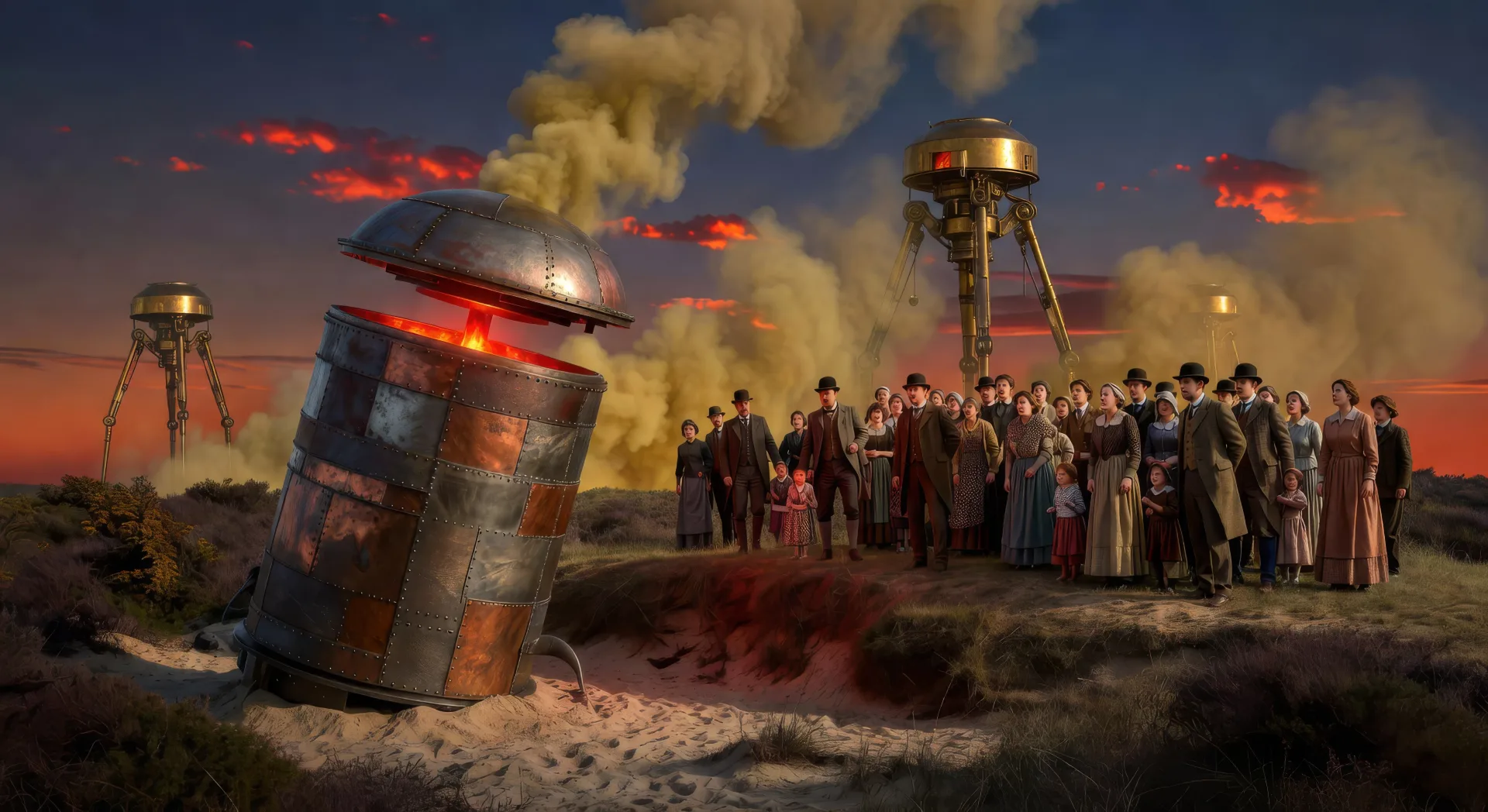
The cylinder unscrews on Horsell Common

On a sandy heath at Horsell Common in midsummer dusk, a smoking metal cylinder unscrews itself with a slow grinding sound while a crowd of Surrey villagers watches from a safe distance behind a low ridge.

Prompt bearbeiten
The cylinder unscrews on Horsell Common

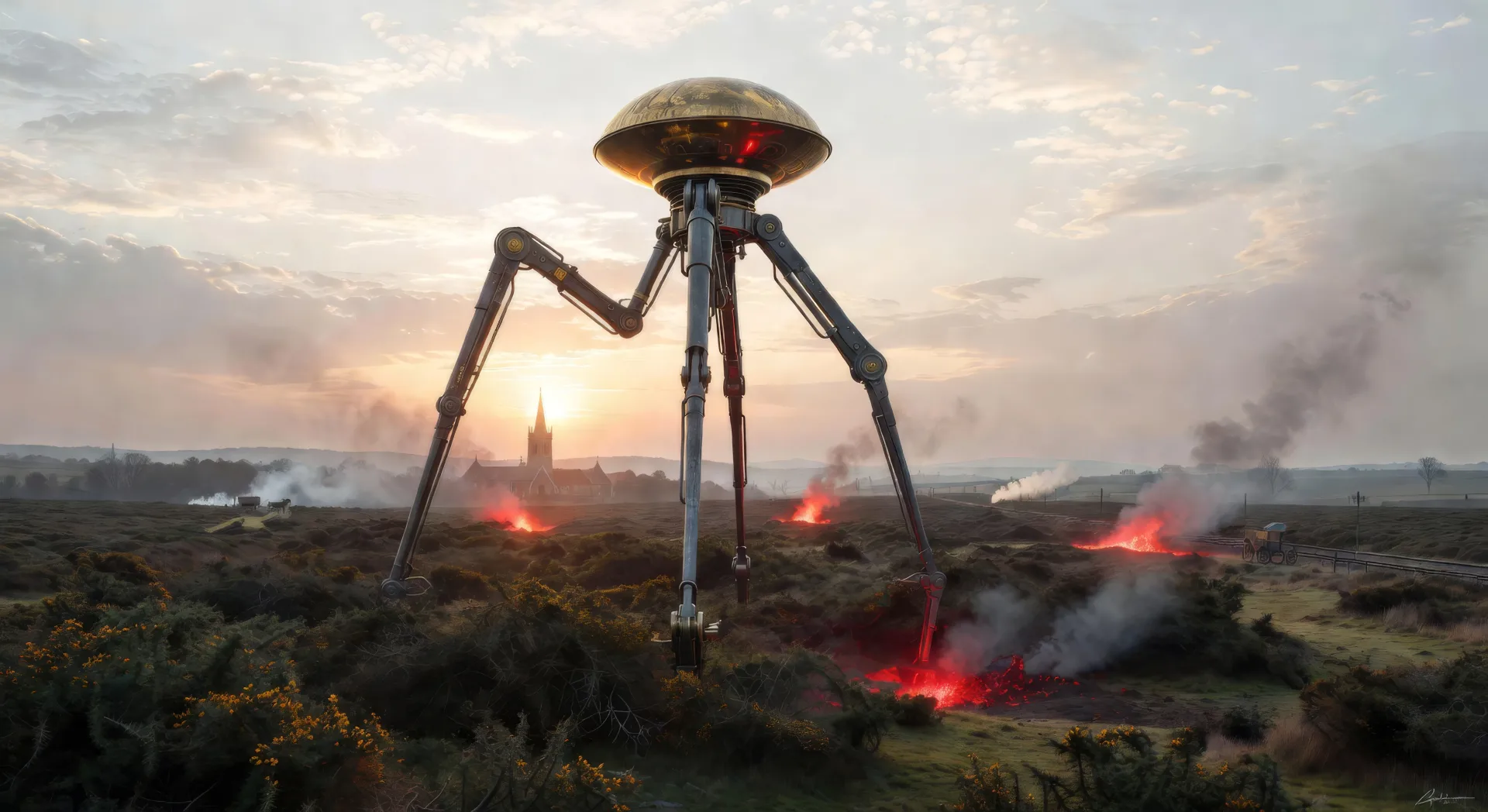
The first tripod rises

At dawn over the gorse of Horsell Common, the first Martian tripod rises on three jointed metal legs taller than a church steeple, the brass hood at its apex catching the early sun.

Prompt bearbeiten
The first tripod rises

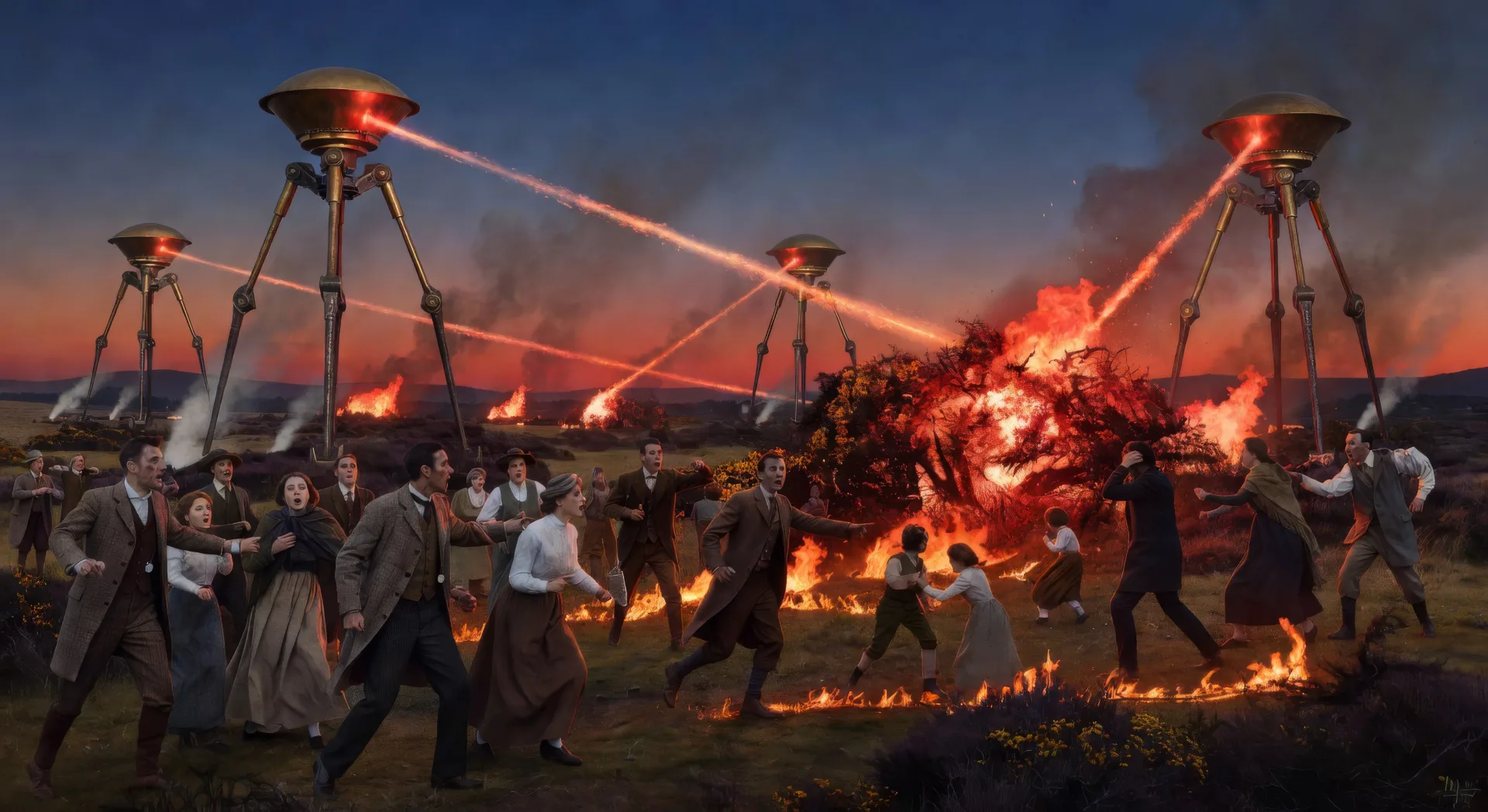
The heat-ray on the common

In late evening light on Horsell Common, the heat-ray sweeps in a near-invisible line across a fleeing crowd of Surrey villagers, gorse and human figures bursting into flame as it passes.

Prompt bearbeiten
The heat-ray on the common

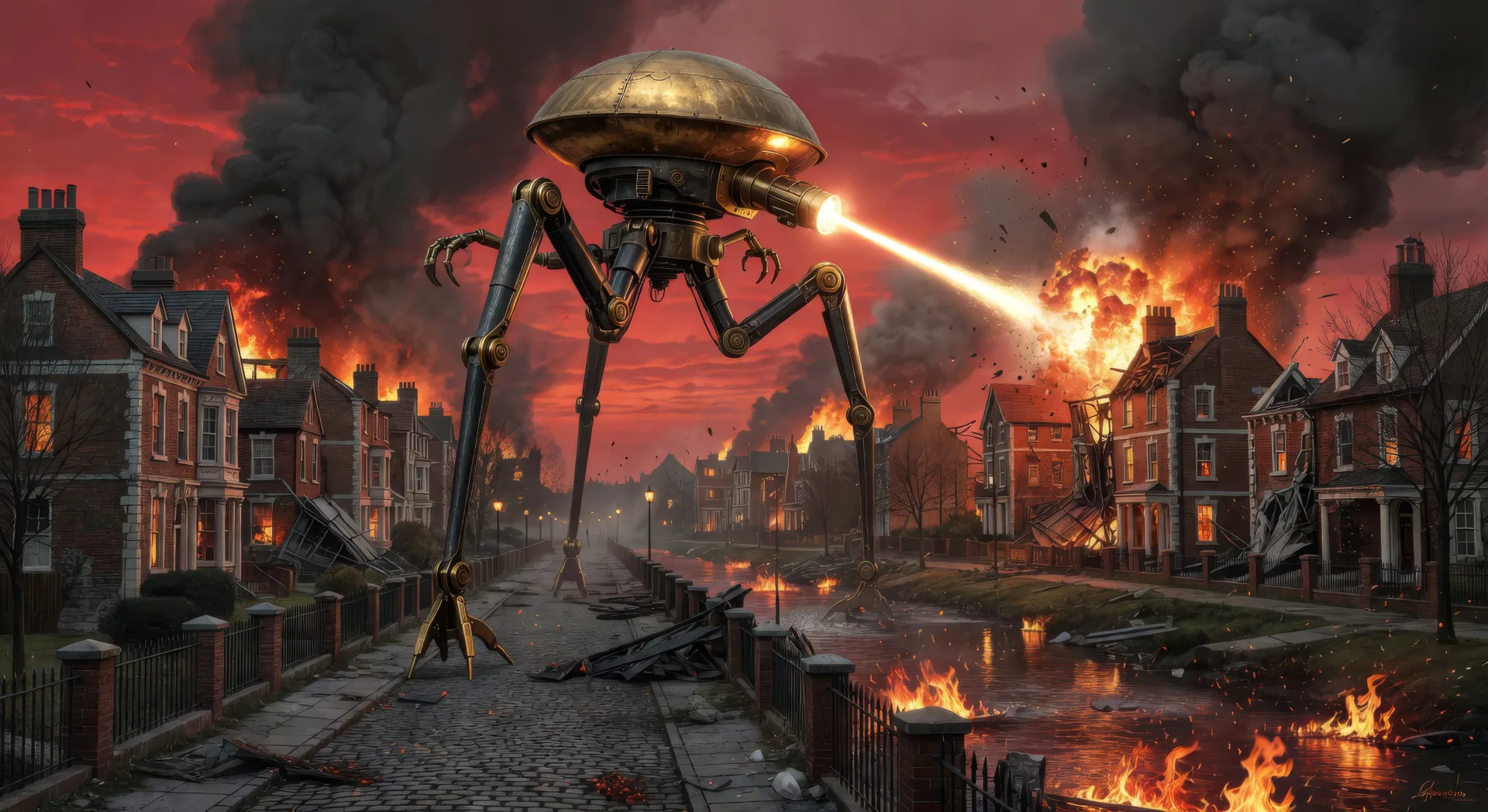
A tripod in burning Weybridge

In burning Surrey suburb streets at red dusk, a Martian tripod strides through Weybridge with the heat-ray projector firing forward as Edwardian villas collapse around it and the river runs in flame.

Prompt bearbeiten
A tripod in burning Weybridge

War of the Worlds-Videos in drei Schritten erstellen

  1. 01

    Beschreiben Sie Ihre War of the Worlds-Szene

    Beschreiben Sie die War of the Worlds-Szene, die Sie möchten, in einfachen Worten.

  2. 02

    Video generieren

    Morphic generiert in Sekunden einen filmreifen Clip auf Ihrer Canvas.

  3. 03

    War of the Worlds-Video verfeinern

    Passen Sie den Prompt an, generieren Sie Varianten und laden Sie die Aufnahme herunter oder teilen Sie sie.

Verwandte Workflows

Das könnte Ihnen auch gefallen

Einfache Preise

Starten Sie noch heute kostenlos, mit der Option, jederzeit zu upgraden oder zu kündigen.

Basic

$0/ Monat
abgerechnet als $0 pro Jahr

900 monatliche Credits

1 Nutzer

Alle Modelle

Workflows

Standard

$0/ Monat
abgerechnet als $0 pro Jahr

3200 monatliche Credits

1 Nutzer

Alle Modelle

Workflows

Pro

$0/ Monat
abgerechnet als $0 pro Jahr

6200 gemeinsame monatliche Credits

1 Nutzer

+ bis zu 4 weitere gegen Aufpreis

Alle Modelle

Workflows

Pro Max

$0/ Monat
abgerechnet als $0 pro Jahr

24000 gemeinsame monatliche Credits

1 Nutzer

+ bis zu 9 weitere gegen Aufpreis

Alle Modelle

Workflows

Enterprise

Für höhere Limits

Individuell

Preis- und Abrechnungsbedingungen

Unbegrenzte Credits
Individuelle Platzlimits
Alle Modelle
Workflows
Pricing Gradient

Free

Zum Ausprobieren

$0

dauerhaft kostenlos

Bis zu 20 Credits
Nur 1 Nutzer
Eingeschränkte Modelle
Workflows

Häufig gestellte Fragen

Where can I make War of the Worlds videos with AI?
You can create War of the Worlds scenes directly in your browser on Morphic. Open the Text to Video tool, describe the moment you want, and Morphic produces the clip. No installs and no specialist software needed.
What kinds of War of the Worlds scenes work best with AI video?
Single-shot moments tend to work best: the cylinder unscrewing on Horsell Common, the first tripod rising at dawn, the heat-ray on the common, a tripod walking through burning Weybridge, the empty Thames bridges, the dead Martian at Primrose Hill. Anchor each War of the Worlds scene to a specific Wells location and a specific light source.
How do I keep War of the Worlds figures consistent across scenes?
Use the Character Lineup workflow to lock the narrator, the artilleryman, the curate, the Martian tripod, and the Martian itself before producing scenes, then reference those character cards in every prompt. Morphic preserves the design across the invasion so a War of the Worlds series feels continuous.
How do I make my War of the Worlds videos feel like Wells, not the Spielberg film?
Anchor your prompts to Wells's actual locations: Horsell Common, Woking, Weybridge, the Thames Valley, Primrose Hill. Reference Henrique Alvim Corrêa's 1906 Belgian-edition illustrations as the visual anchor for the tripod design and the Martian itself. Set the period as late-Victorian or Edwardian, not 21st-century. Avoid likeness language for any film performer.
Can I add narration and music to my War of the Worlds videos?
Yes. The Speech tool generates a first-person-narrator voiceover from your script in the voice you choose, and the Music tool produces an original orchestral or eerie soundtrack. Layer them onto your generated video to publish a complete War of the Worlds episode.
What visual style works best for a War of the Worlds video?
Three styles consistently land. Cinematic photoreal in the spirit of high-budget Victorian sci-fi delivers the prestige Wells look. Painterly oil with chiaroscuro echoes the Henrique Alvim Corrêa illustrations from the 1906 Belgian edition. Black-and-white grainy newsreel in the spirit of the Orson Welles 1938 broadcast can carry the docu-fiction tone. Name the style directly in the prompt.