A portrait with fine 35mm grain
A close portrait carries a delicate even grain and gentle warm halation, skin and eyes holding their detail while the whole frame gains an analog breath, soft key light steady through a slow push-in.
Editar prompt
Direct an analog film-grain look in your browser with Morphic's film grain effect AI video generator. Generate a fine 35mm sheen over a portrait or heavy 16mm grain across a rain-soaked street. Lean into the mood with Music, then stitch the grainy shots into one sequence on the Canvas.
A close portrait carries a delicate even grain and gentle warm halation, skin and eyes holding their detail while the whole frame gains an analog breath, soft key light steady through a slow push-in.
Editar promptA handheld shot of a wet night street wears coarse, lively grain, muted colors and softened edges giving a raw documentary feel, neon smearing in the puddles as the camera drifts alongside a passerby.
Editar prompt
A high-contrast monochrome alley holds deep blacks and bright highlights with grain riding the shadows, a lone figure crossing the frame under a single hard light for a timeless, newsprint-edged mood.
Editar prompt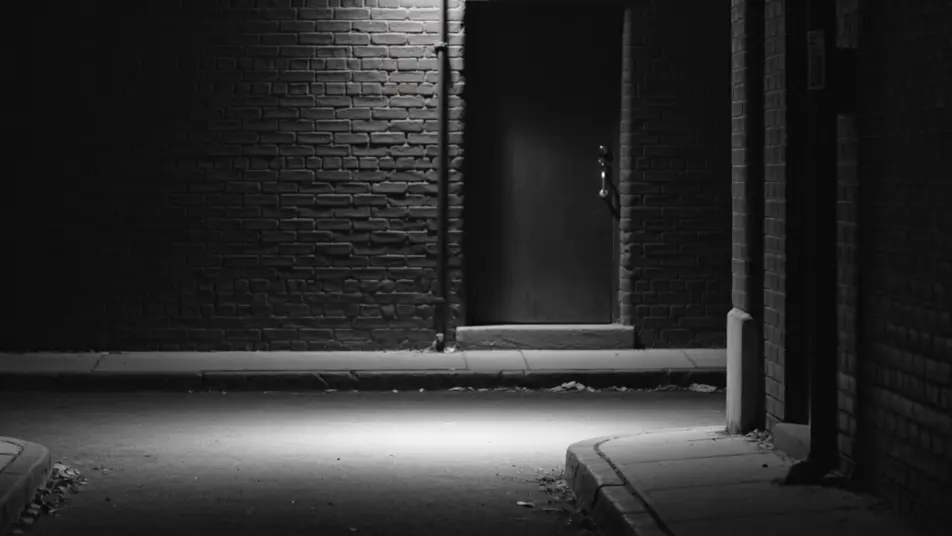
A wide field glows with warm vintage-stock grain, faded golden color and soft focus edges lending a decades-old nostalgia, tall grass swaying as the camera drifts low through the late afternoon light.
Editar prompt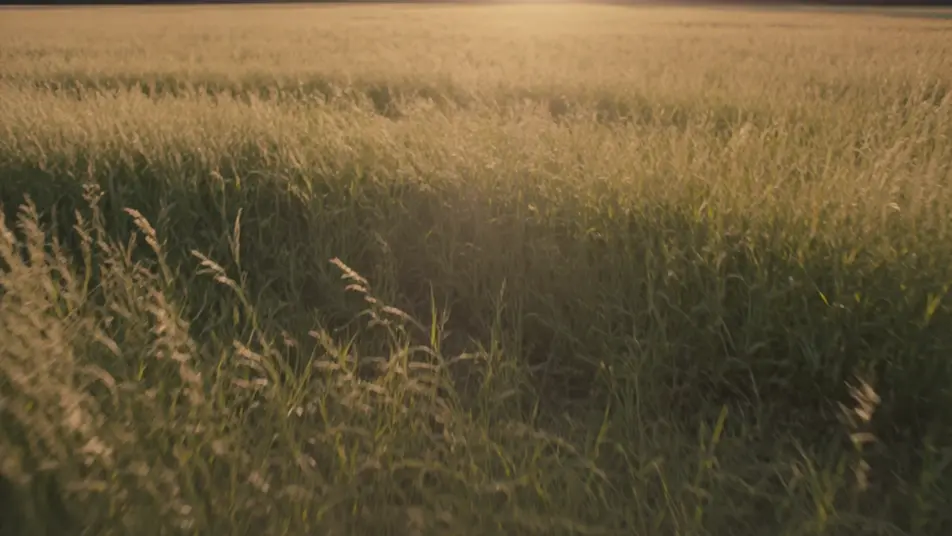
Escribe la escena de film grain effect que quieres, en palabras simples.
Morphic genera un clip cinematográfico y listo para usar en tu canvas en segundos.
Ajusta el prompt, regenera variaciones y luego descarga o comparte la toma.

Dramatize any text conversation into a cinematic multi-shot video.
Cinematic time-freeze short film for any scene

Generate a professional film title card from scratch, with optional cinematic animation.
One image to a 9-scene cinematic video.
Drop in a photo of yourself. Get a 12-second cinematic movie with animation and a matched soundtrack.
Photo of any real-estate becomes a cinematic renovation timelapse video with construction SFX and music.
Colorización de video con IA
Colorea videos en blanco y negro con IA en Morphic. Agrega color creíble, controla la paleta y mantén tonos de piel, cielo y tela consistentes.
Videos de restauración con IA
Repara videos rayados o dañados con IA en Morphic. Elimina rayones, ruido y parpadeo, estabiliza tomas y revive metraje viejo sin perder su esencia.
Videos de VFX con IA
Crea videos de VFX con IA en Morphic. Explosiones, energía, destrucción de ciencia ficción y partículas a partir de un prompt, sin pantalla verde.
Videos morph con IA
Crea videos morph con IA en Morphic: transiciones suaves, transformaciones, morphs de envejecimiento facial y cortes sincronizados al ritmo, listos para usar.
Comienza gratis hoy, con la opción de mejorar tu plan o cancelar cuando quieras.
Basic
2400 mensual créditos
1 usuario
Todos los modelos
Workflows
Standard
3625 mensual créditos
1 usuario
Todos los modelos
Workflows
Pro
6350 compartidos mensual créditos
1 usuario
Todos los modelos
Workflows
Max
24650 compartidos mensual créditos
1 usuario
Todos los modelos
Workflows
Enterprise
Para límites más altos
Personalizado
términos de precios y facturación

Free
Para experimentar
$0
gratis para siempre