Website hero band
A close shot of a 3D printer laying filament mid print, framed wide for a technology page banner.
Modifier le prompt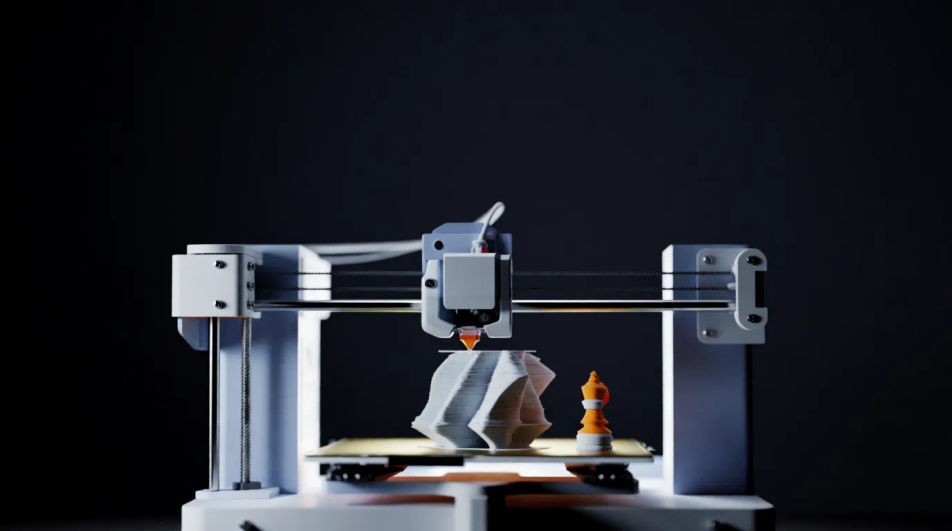
Compose 3D printing images in your browser with Morphic's AI photo generator. Try a desktop FDM printer mid-build, a glowing resin print rising from the vat, or an industrial print farm at scale. Adjust the crop and color on the Canvas, then download each in HD.
A close shot of a 3D printer laying filament mid print, framed wide for a technology page banner.
Modifier le promptA finished printed part beside the machine bed, aimed at a tutorial or hobbyist blog header.
Modifier le prompt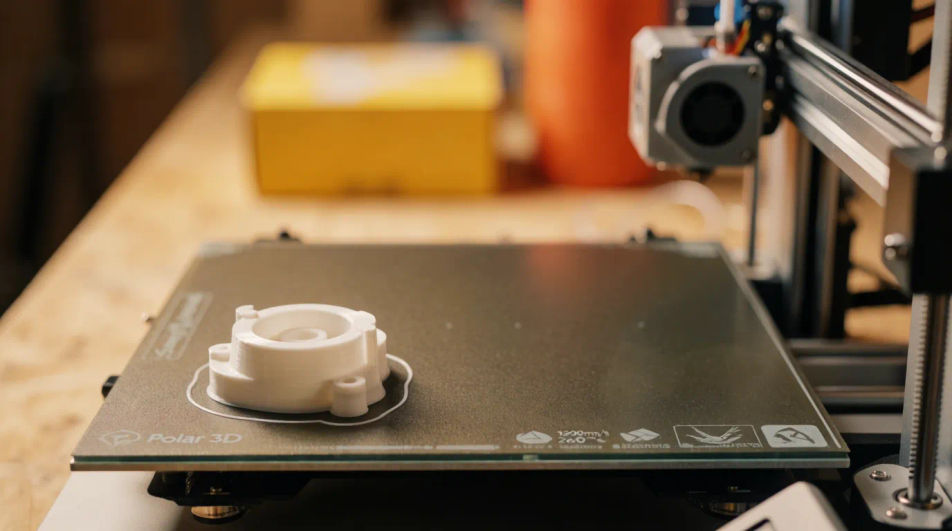
A clean studio shot of a desktop 3D printer on a workbench for a hardware listing or spec page.
Modifier le prompt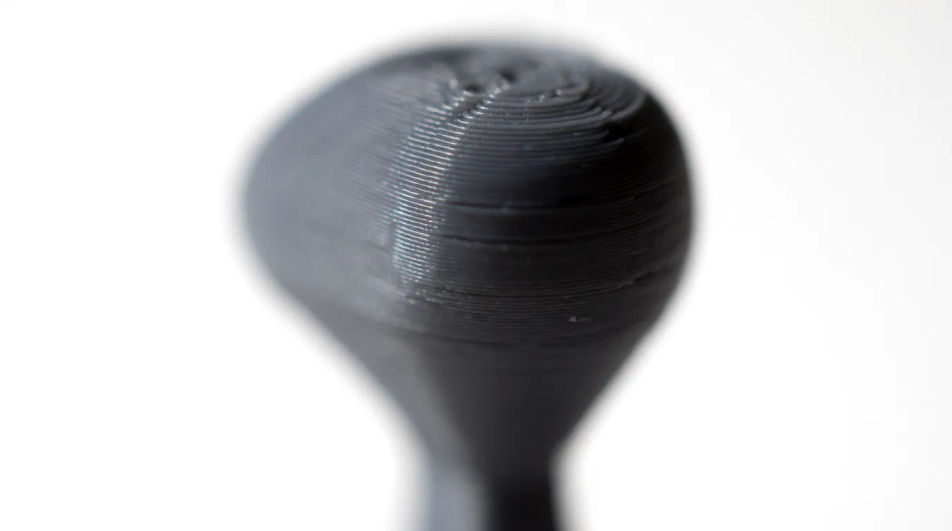
A hand holding a freshly printed prototype part, framing rapid manufacturing in a report figure.
Modifier le prompt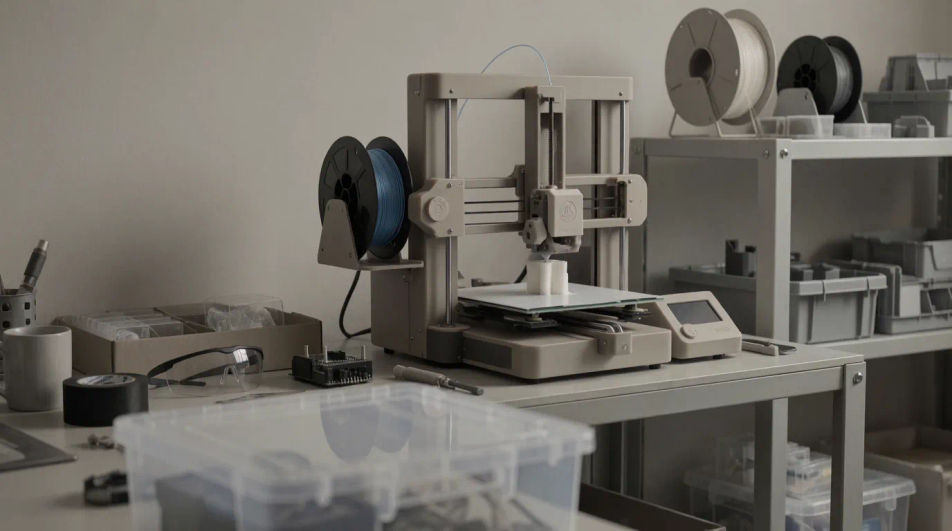
Décrivez le 3D printing que vous voulez, en mots simples.
Morphic génère votre image prête à publier en quelques secondes.
Ajustez le prompt, régénérez des variantes, téléchargez ou partagez l’image.
Court-métrage cinématographique avec effet de gel du temps pour toute scène
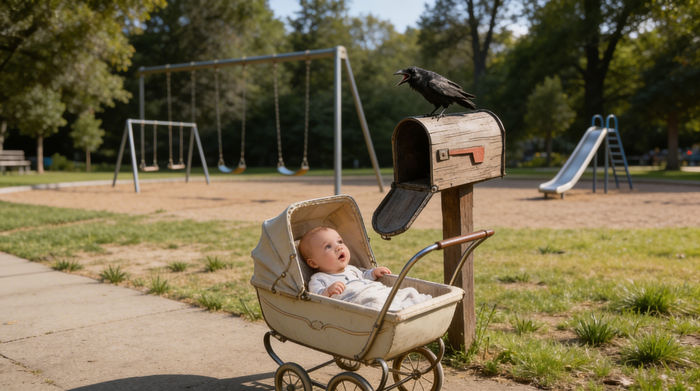
Partagez une description de scène avec des références de personnages. Obtenez un storyboard complet avec des angles de prise de vue et une ambiance.
Téléchargez une image de personnage et faites-la danser dans n'importe quel style.

Dramatiser toute conversation textuelle en une vidéo cinématographique multi-plans.
Déposez une photo de vous. Obtenez un film cinématique de 12 secondes avec animation et une bande sonore assortie.
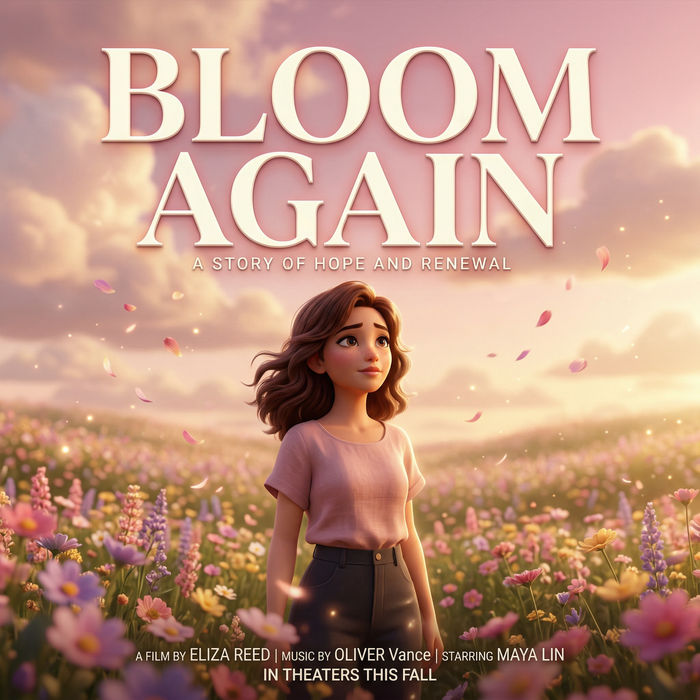
Générer une carte de titre de film professionnelle à partir de zéro, avec animation cinématographique optionnelle.
Agriculture Technology AI Images
Produce agriculture technology images in any style you need. Generate the exact scene rather than the nearest stock photo.
Airport Lounge Business AI Images
Make airport lounge business images from a text prompt. Control the setting, people and mood instead of browsing for a compromise.
Biotech Laboratory AI Images
Make biotech laboratory images from a text prompt. Control the setting, people and mood instead of browsing for a compromise. Commercial rights included.
Images d'animaux de l'Arctique par IA
Créez vos images d'animaux de l'Arctique avec l'IA pour un manuel, un album jeunesse ou une expo. Ours polaire, renard, harfang, rennes : décrivez la scène.
Commencez gratuitement dès aujourd'hui, avec la possibilité de mettre à niveau ou d'annuler à tout moment.
Basic
2400 mensuel crédits
1 utilisateur uniquement
Tous les modèles
Workflows
Standard
3625 mensuel crédits
1 utilisateur uniquement
Tous les modèles
Workflows
Pro
6350 partagé mensuel crédits
1 utilisateur
Tous les modèles
Workflows
Max
24650 partagé mensuel crédits
1 utilisateur
Tous les modèles
Workflows
Enterprise
Pour des limites plus élevées
Personnalisé
conditions de tarification et de facturation

Free
Pour expérimenter
$0
gratuit pour toujours