Email header loop
A wide banner-shaped loop with the motion kept to one edge, so the headline text can sit still and legible beside it.
Modifier le prompt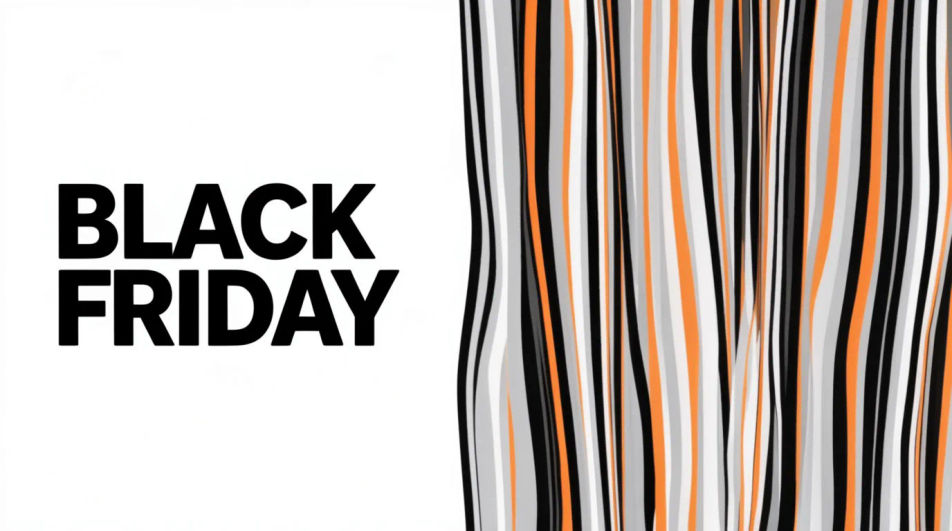
Make a Black Friday GIF in Morphic by describing a short animated moment, a price tag flipping, a bag filling with confetti, or bold type sliding into frame. Morphic generates a short clip from your prompt, which you then export as a looping GIF. Set the palette and pace to match your brand, generate a few options to compare, and drop the loop into an email header, a story, or an ad.
A wide banner-shaped loop with the motion kept to one edge, so the headline text can sit still and legible beside it.
Modifier le promptA tall full-bleed loop built for a phone screen, with the main motion centered and a few seconds of clean breathing room.
Modifier le prompt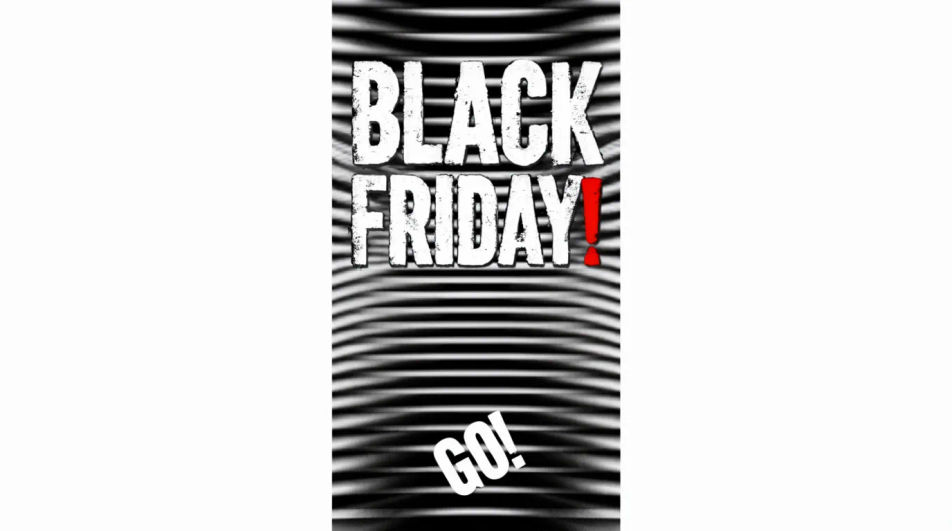
A square loop with the animated element offset to one side, leaving a flat quadrant for a logo or price to sit on top.
Modifier le prompt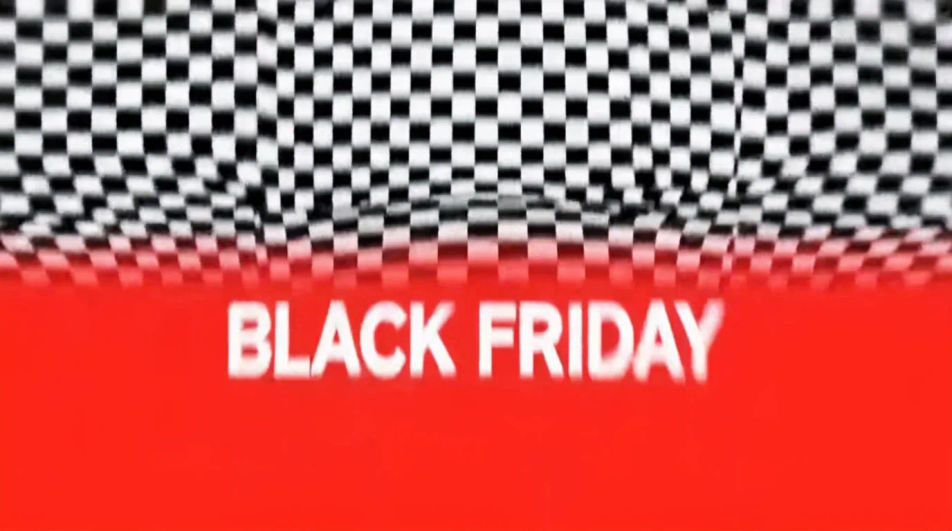
A restrained loop on a near-black ground with one small bright element moving, built to feel premium rather than loud.
Modifier le prompt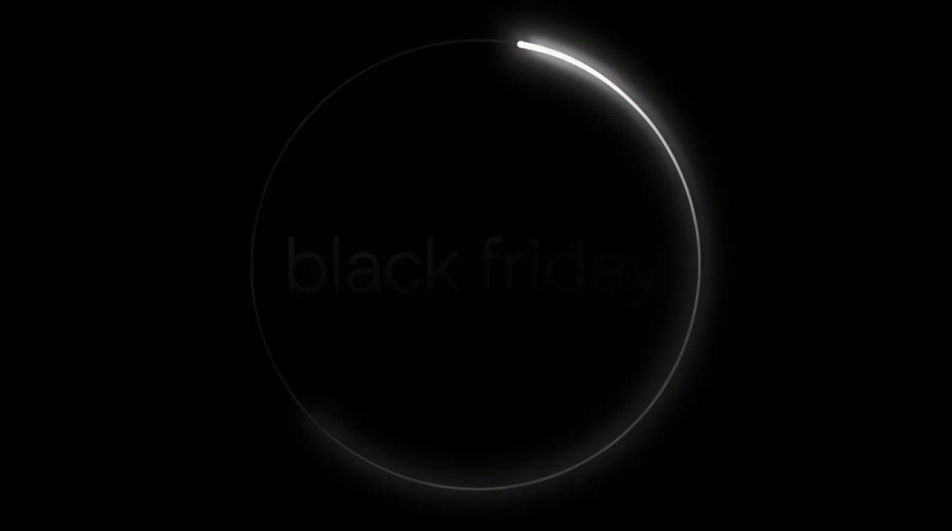
Décrivez le Black Friday GIF que vous voulez, en mots simples.
Morphic génère votre image prête à publier en quelques secondes.
Ajustez le prompt, régénérez des variantes, téléchargez ou partagez l’image.
Convertir n'importe quelle image à un nouveau rapport hauteur/largeur. Recadrer intelligemment ou étendre les bords pour s'adapter.
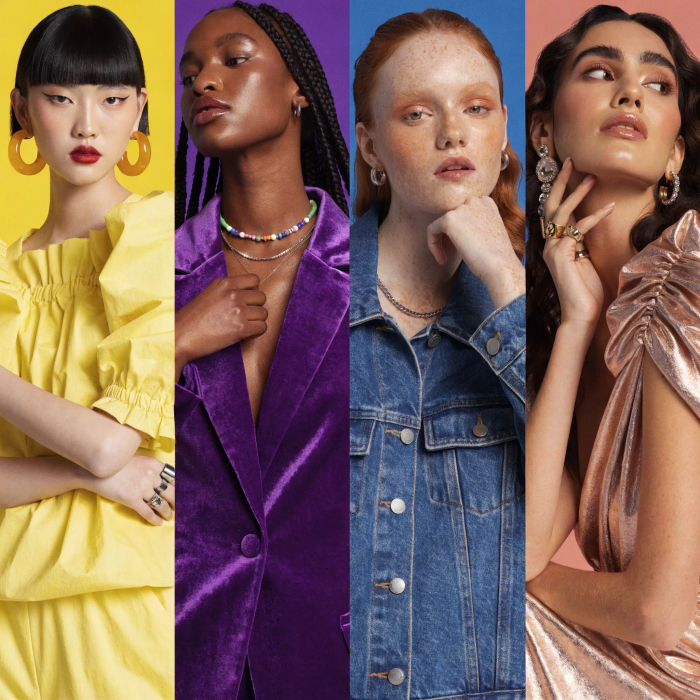
Générer une influenceuse IA. Sortie verticale, prête pour les réseaux sociaux.

Dramatiser toute conversation textuelle en une vidéo cinématographique multi-plans.
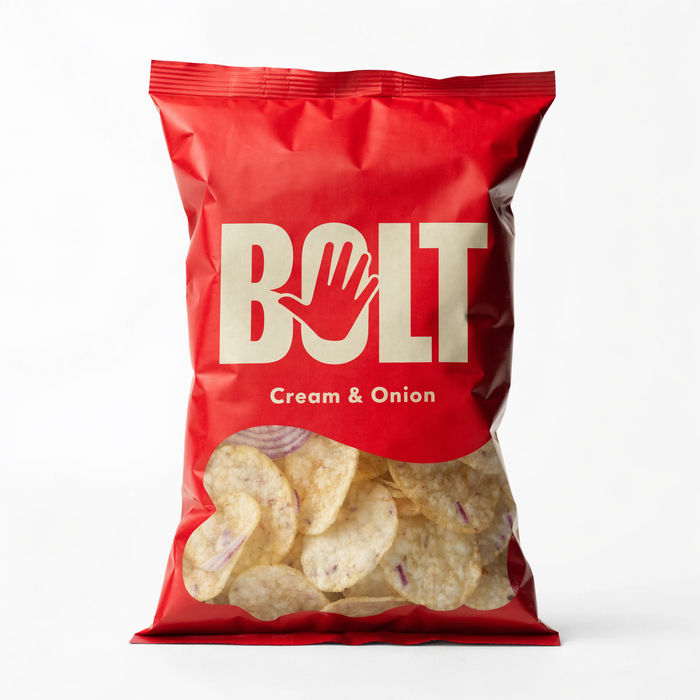
Vidéo de révélation de produit dramatique de 5 secondes avec audio.
Court-métrage cinématographique avec effet de gel du temps pour toute scène
Associez une image de personnage à une vidéo de référence. Votre personnage reprend ce mouvement exact.
Black Friday Banner AI Images
Create black friday banner without a photoshoot. Adjust style, colour and composition until it fits the brief. No stock licence needed.
Générateur de GIF IA : des boucles depuis un texte
Un GIF en boucle depuis un texte. Boucles nettes, prêtes à partager.
Cyber Monday AI Designs
Create AI cyber monday designs with our cyber monday design generator. Find unique cyber monday designs for any project in seconds.
Memorial Day AI images
Create AI memorial day images with our memorial day image generator. Find high-quality memorial day images for any project in seconds.
Commencez gratuitement dès aujourd'hui, avec la possibilité de mettre à niveau ou d'annuler à tout moment.
Basic
2400 mensuel crédits
1 utilisateur uniquement
Tous les modèles
Workflows
Standard
3625 mensuel crédits
1 utilisateur uniquement
Tous les modèles
Workflows
Pro
6350 partagé mensuel crédits
1 utilisateur
Tous les modèles
Workflows
Max
24650 partagé mensuel crédits
1 utilisateur
Tous les modèles
Workflows
Enterprise
Pour des limites plus élevées
Personnalisé
conditions de tarification et de facturation

Free
Pour expérimenter
$0
gratuit pour toujours