Video call background
A gently blurred office wide enough to sit behind a person on a video call, with a calm, even depth.
Modifier le prompt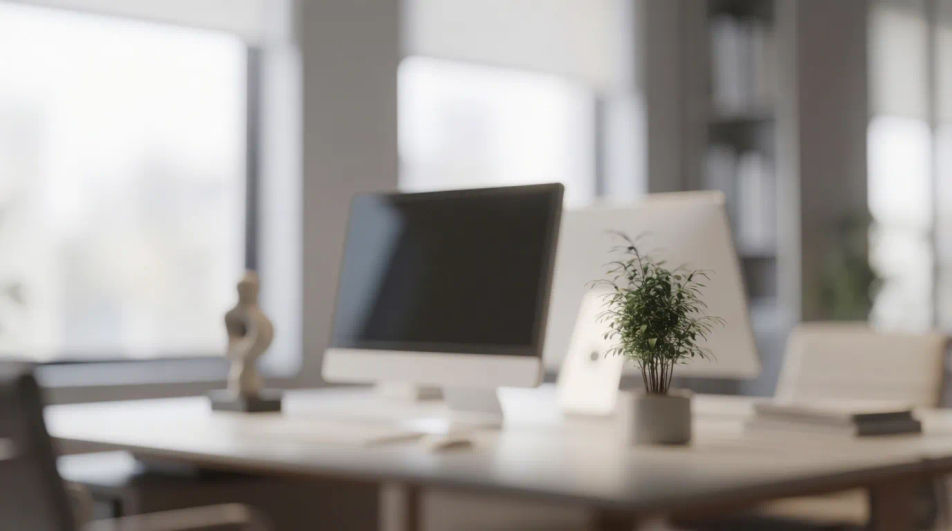
Create blurred office backgrounds in your browser with Morphic's AI image generator. Try a bright open-plan blur, a cozy warm-lit workspace, or a sleek modern lobby, all with the soft depth a video call or design needs. Adjust the tone on the Canvas, then download in HD.
A gently blurred office wide enough to sit behind a person on a video call, with a calm, even depth.
Modifier le promptA square, softly blurred office crop with a warm focal glow that reads well as a feed thumbnail.
Modifier le prompt
A detailed, high-resolution blurred office scene composed for a large print, crisp texture behind the blur.
Modifier le prompt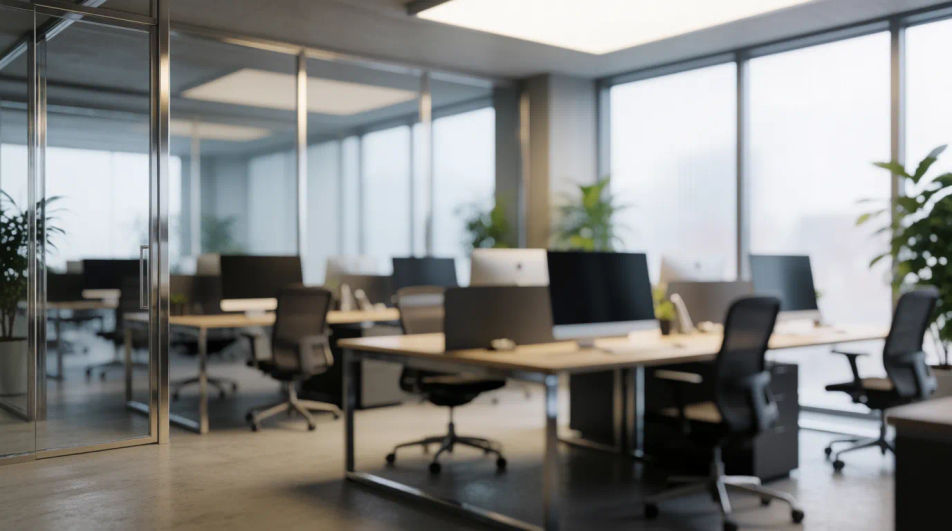
A very soft, low-contrast blurred office in muted tones, calm enough to sit behind slide text.
Modifier le prompt
Décrivez le blurred office background que vous voulez, en mots simples.
Morphic génère votre image prête à publier en quelques secondes.
Ajustez le prompt, régénérez des variantes, téléchargez ou partagez l’image.
Choisissez une image de référence, appliquez son style visuel à votre propre photo ou œuvre d'art.
Choisissez vos angles de vision et obtenez des changements de perspective précis de n'importe quelle image avec un contrôle total de la caméra.
Convertir n'importe quelle image à un nouveau rapport hauteur/largeur. Recadrer intelligemment ou étendre les bords pour s'adapter.

Décrivez votre type de tissu, motif, couleur et utilisation. Obtenez un échantillon de textile photoréaliste 2K pour spécification.
Restaurez toute image endommagée, floue ou de faible résolution. Obtenez une version 4K nette et détaillée avec une clarté naturelle restaurée.
Définissez le look avec une image de référence. Appliquez cette note exacte à n'importe quelle scène ou lot.
Fonds d'écran IA vintage
Créez des fonds d'écran IA vintage avec notre générateur de fonds vintage. Trouvez des fonds d'écran vintage nostalgiques pour tout projet en quelques secondes.
Fonds IA papier vintage
Créez des fonds IA papier vintage avec notre générateur de fonds papier vintage. Trouvez des fonds papier vintage cinématographiques pour tout projet en quelques secondes.
Images IA de fond de bureau virtuel
Créez un fond de bureau virtuel IA sobre pour vos visios client, soutenances et webinaires. Un décor professionnel sans montrer votre domicile.
Wall texture AI generator
Wall texture ideas to browse and regenerate in your own style. Pick smooth plaster, exposed brick, or rough concrete, set your tone and aspect ratio, then download HD wall surfaces for renders, product shots, backdrops, and design work with Morphic.
Commencez gratuitement dès aujourd'hui, avec la possibilité de mettre à niveau ou d'annuler à tout moment.
Basic
2400 mensuel crédits
1 utilisateur uniquement
Tous les modèles
Workflows
Standard
3625 mensuel crédits
1 utilisateur uniquement
Tous les modèles
Workflows
Pro
6350 partagé mensuel crédits
1 utilisateur
Tous les modèles
Workflows
Max
24650 partagé mensuel crédits
1 utilisateur
Tous les modèles
Workflows
Enterprise
Pour des limites plus élevées
Personnalisé
conditions de tarification et de facturation

Free
Pour expérimenter
$0
gratuit pour toujours