Crown on a velvet cushion
A jewelled crown resting on a tasselled cushion, fine engraved linework, cross-hatched shadow under the band, cream paper behind.
Modifier le prompt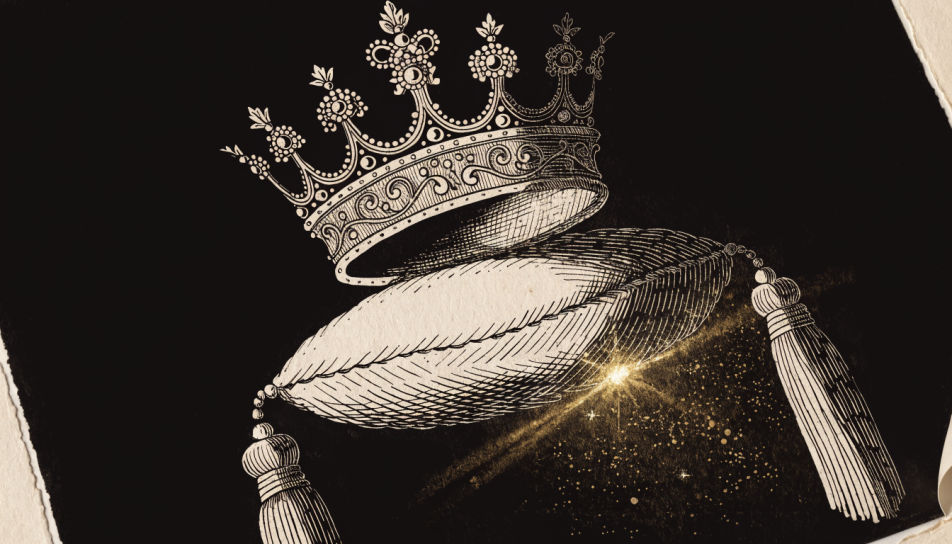
Draw a crown in your browser with Morphic's Image tool, from a five-point icon for a logo mark to an engraved royal band heavy with jewels. Set the point count, the symmetry, and the line weight, then refine the balance on the Canvas and download a clean mark in HD.
A jewelled crown resting on a tasselled cushion, fine engraved linework, cross-hatched shadow under the band, cream paper behind.
Modifier le promptA five-point crown centred above an empty ribbon banner, even black line, strict symmetry, no text, generous white space.
Modifier le prompt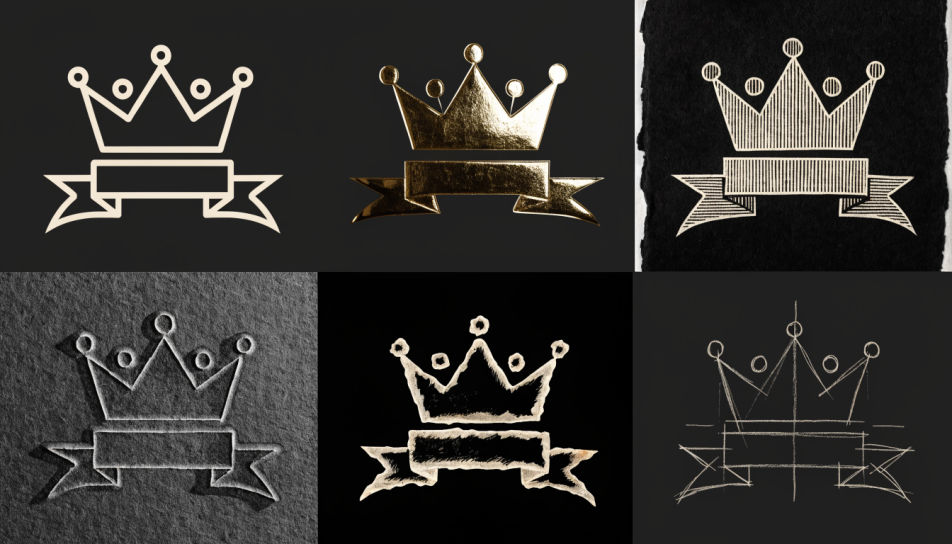
Three crown designs laid out on one sheet, bold even ink, solid fills, no shading, even spacing and blank paper between them.
Modifier le prompt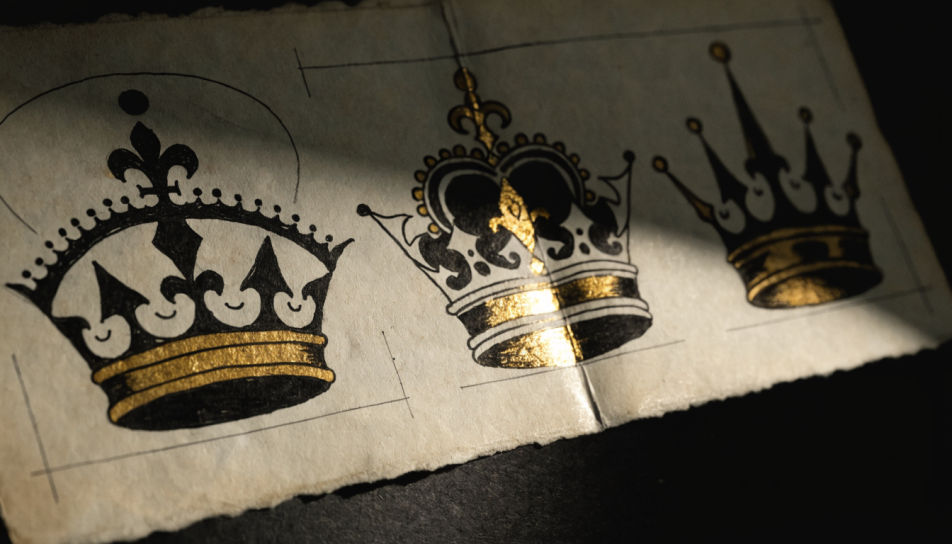
A crown lit from one side with strong cast shadow, graphite tonal modelling on the band, highlights left as bare paper.
Modifier le prompt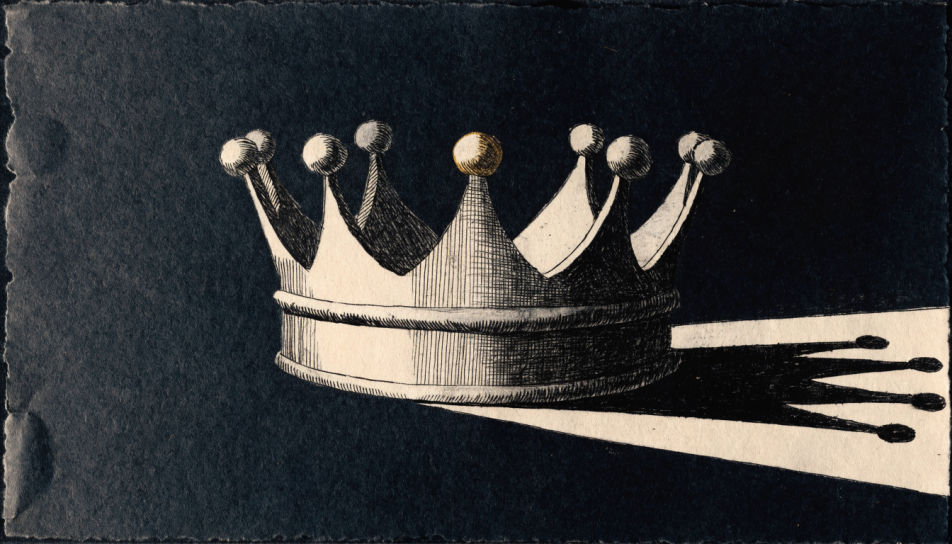
Décrivez le Crown drawing que vous voulez, en mots simples.
Morphic génère votre image prête à publier en quelques secondes.
Ajustez le prompt, régénérez des variantes, téléchargez ou partagez l’image.
Choisissez une image de référence, appliquez son style visuel à votre propre photo ou œuvre d'art.
Convertir n'importe quelle image à un nouveau rapport hauteur/largeur. Recadrer intelligemment ou étendre les bords pour s'adapter.

Transformez n'importe quel croquis ou dessin en un rendu fini.

Prenez n'importe quelle image de personnage et générez 6 expressions faciales distinctes sur une seule feuille de référence.

Choisissez n'importe quelle illustration d'anime comme guide de style. Appliquez son look à n'importe quelle image.
Réimaginez n'importe quel personnage d'anime comme un portrait photoréaliste, haute couture en live-action.
Star drawing generator
Turn a star drawing idea into a finished image in Morphic. Describe the line work and style, generate variations, then refine it on the canvas.
Cross drawing generator
Turn a cross drawing idea into a finished image in Morphic. Describe the line work and style, generate variations, then refine it on the canvas.
Heart AI Drawings
Create AI heart drawings with Morphic's heart drawing generator. Design romantic hearts, doodles, and love-themed art in seconds, no drawing skills needed. Every result is original, HD, and ready to download or share anywhere you like.
Star AI clipart
Create AI star clipart with our star clipart generator. Find clean star clipart for any project in seconds.
Commencez gratuitement dès aujourd'hui, avec la possibilité de mettre à niveau ou d'annuler à tout moment.
Basic
2400 mensuel crédits
1 utilisateur uniquement
Tous les modèles
Workflows
Standard
3625 mensuel crédits
1 utilisateur uniquement
Tous les modèles
Workflows
Pro
6350 partagé mensuel crédits
1 utilisateur
Tous les modèles
Workflows
Max
24650 partagé mensuel crédits
1 utilisateur
Tous les modèles
Workflows
Enterprise
Pour des limites plus élevées
Personnalisé
conditions de tarification et de facturation

Free
Pour expérimenter
$0
gratuit pour toujours