Flat lay with ring
The invitation laid flat beside a ring box and a few loose petals, styled for a save-worthy photo of the finished design.
Modifier le prompt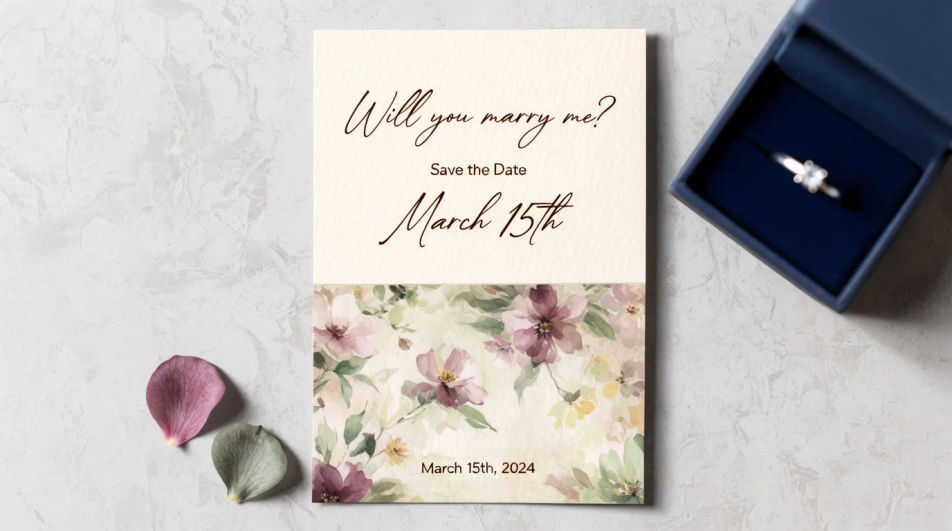
Design an engagement invitation in Morphic by describing the style, palette, and motif you want, from a floral border to a minimal modern layout. Add the couple's names, the date, and the venue, then download the card to share digitally or send to print.
The invitation laid flat beside a ring box and a few loose petals, styled for a save-worthy photo of the finished design.
Modifier le promptAn open invitation showing the cover and the interior details line together, a coordinated two-panel layout.
Modifier le prompt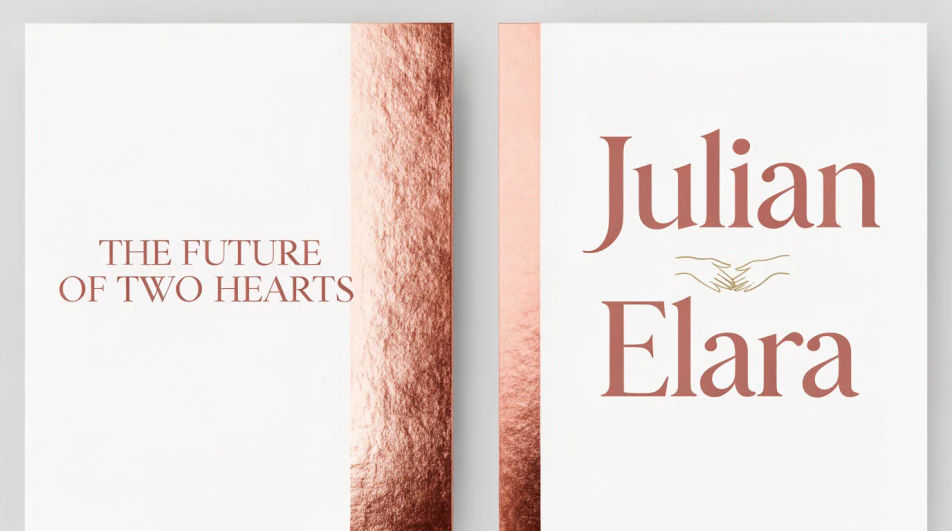
A square crop of the same design, built to read clearly as a thumbnail when shared in a chat or on a social story.
Modifier le prompt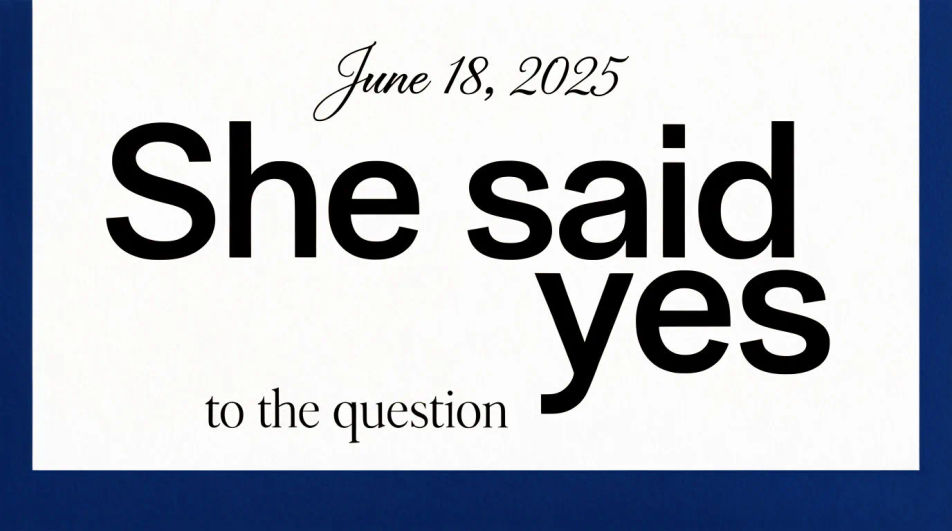
Several cards fanned to show the invitation design extended across a matching detail card and thank-you note.
Modifier le prompt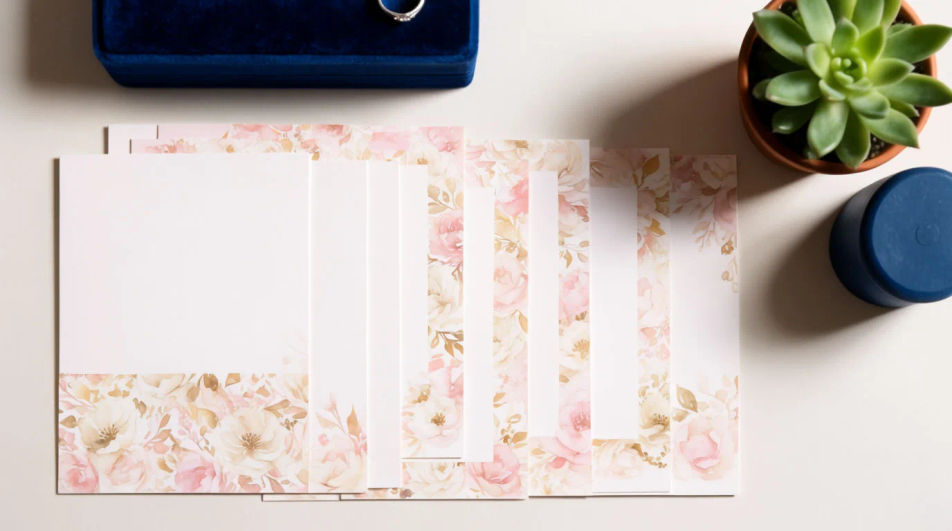
Décrivez le Engagement invitation que vous voulez, en mots simples.
Morphic génère votre image prête à publier en quelques secondes.
Ajustez le prompt, régénérez des variantes, téléchargez ou partagez l’image.
Photo de produit plus un format. Obtenez une publicité réaliste de style UGC avec quelqu'un utilisant naturellement votre produit.
Vidéo de présentation de produit multi-prises à partir d'une image fixe, d'une personne et d'un script.
Court-métrage cinématographique avec effet de gel du temps pour toute scène
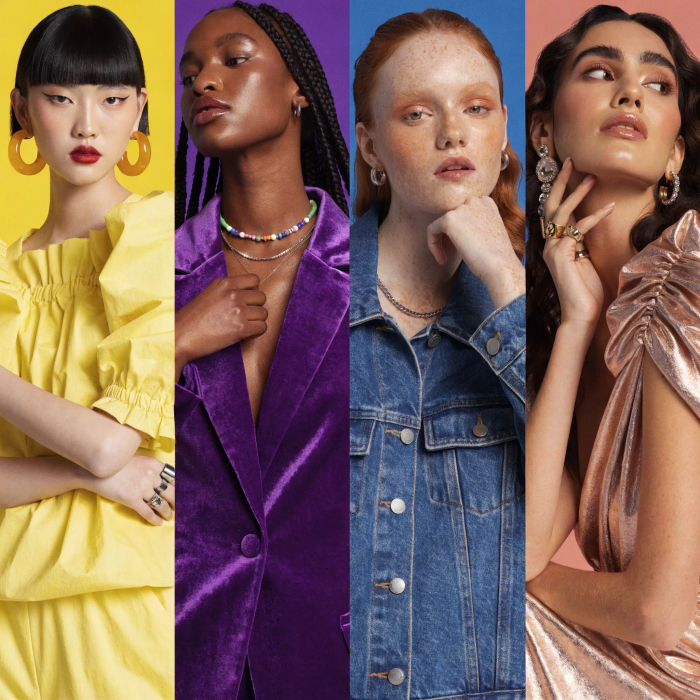
Générer une influenceuse IA. Sortie verticale, prête pour les réseaux sociaux.
Assemblez 2 à 10 images dans une vidéo en boucle parfaite avec des transitions cinématographiques fluides entre chaque image.
Convertir n'importe quelle image à un nouveau rapport hauteur/largeur. Recadrer intelligemment ou étendre les bords pour s'adapter.
Invitation card AI designs
Create invitation card designs with Morphic's AI invitation generator. Design wedding, party, formal, and themed invites in seconds. No design skills needed, describe the event, colors, and tone, then download HD cards to print or share with guests.
Wedding Invitation AI Designs
Generate wedding invitation design with AI in seconds. Generate variations until one lands, then refine it. Yours to use commercially.
Créateur de faire-part de mariage vidéo IA
Le faire-part de mariage en film. Visuel, mouvement, musique.
Google Display Ad Banner AI Images
Turn a brief into google display ad banner instantly. Test ten versions of the idea for the cost of briefing one. Commercial rights included.
Commencez gratuitement dès aujourd'hui, avec la possibilité de mettre à niveau ou d'annuler à tout moment.
Basic
2400 mensuel crédits
1 utilisateur uniquement
Tous les modèles
Workflows
Standard
3625 mensuel crédits
1 utilisateur uniquement
Tous les modèles
Workflows
Pro
6350 partagé mensuel crédits
1 utilisateur
Tous les modèles
Workflows
Max
24650 partagé mensuel crédits
1 utilisateur
Tous les modèles
Workflows
Enterprise
Pour des limites plus élevées
Personnalisé
conditions de tarification et de facturation

Free
Pour expérimenter
$0
gratuit pour toujours