Engineering firm website hero
Engineers reviewing blueprints over a technical model in a modern design studio setting.
Modifier le prompt
Compose engineering images in your browser with Morphic's AI photo generator. Try an engineer inspecting a turbine, a team reviewing blueprints on site, or a robotics lab in full swing. Adjust the crop and color in the Canvas, then download each in HD.
Engineers reviewing blueprints over a technical model in a modern design studio setting.
Modifier le promptClose up of hands measuring a machined part with calipers among technical drawings.
Modifier le prompt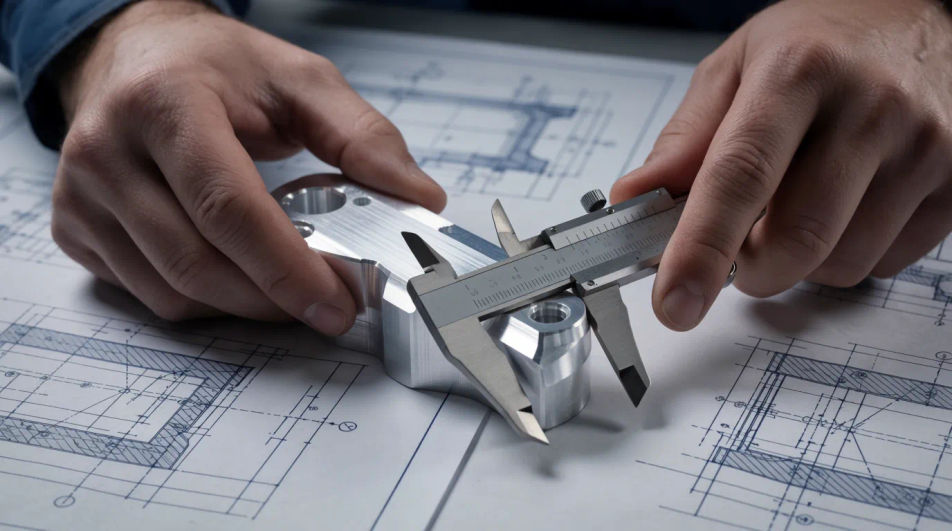
Clean CAD style render of a mechanical assembly with dimension lines on a light backdrop.
Modifier le prompt
Diverse engineering team collaborating at a workbench with prototypes and laptops around.
Modifier le prompt
Décrivez le engineering que vous voulez, en mots simples.
Morphic génère votre image prête à publier en quelques secondes.
Ajustez le prompt, régénérez des variantes, téléchargez ou partagez l’image.
Court-métrage cinématographique avec effet de gel du temps pour toute scène
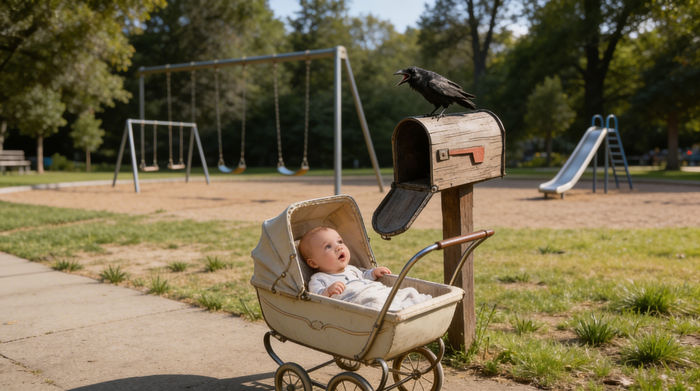
Partagez une description de scène avec des références de personnages. Obtenez un storyboard complet avec des angles de prise de vue et une ambiance.
Téléchargez une image de personnage et faites-la danser dans n'importe quel style.

Dramatiser toute conversation textuelle en une vidéo cinématographique multi-plans.
Déposez une photo de vous. Obtenez un film cinématique de 12 secondes avec animation et une bande sonore assortie.
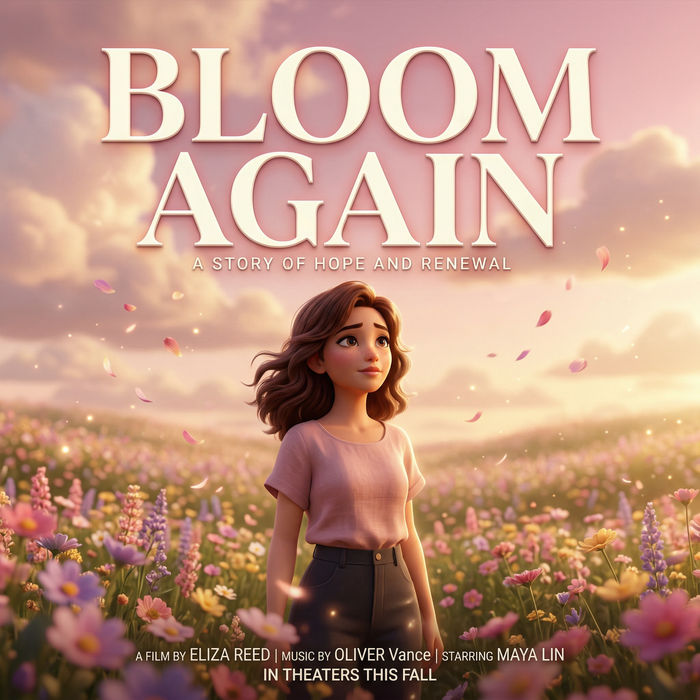
Générer une carte de titre de film professionnelle à partir de zéro, avec animation cinématographique optionnelle.
Accountant AI Images
Turn a brief into accountant images instantly. Specify the people, setting and mood instead of settling for the nearest stock photo. Yours to use commercially.
Architect AI Images
Generate architect images with AI in seconds. Generate the scene your brief describes, not the closest match in a library.
Bank Branch AI Images
Make bank branch images from a text prompt. Specify the people, setting and mood instead of settling for the nearest stock photo.
Images IA d'écureuils
Images d'écureuils en HD, queues touffues et scènes forestières créées par IA. Explorez la galerie et générez votre propre écureuil avec Morphic.
Commencez gratuitement dès aujourd'hui, avec la possibilité de mettre à niveau ou d'annuler à tout moment.
Basic
2400 mensuel crédits
1 utilisateur uniquement
Tous les modèles
Workflows
Standard
3625 mensuel crédits
1 utilisateur uniquement
Tous les modèles
Workflows
Pro
6350 partagé mensuel crédits
1 utilisateur
Tous les modèles
Workflows
Max
24650 partagé mensuel crédits
1 utilisateur
Tous les modèles
Workflows
Enterprise
Pour des limites plus élevées
Personnalisé
conditions de tarification et de facturation

Free
Pour expérimenter
$0
gratuit pour toujours