Countdown timer overlay banner
Urgent wide banner with a ticking clock motif and space for hours-left flash sale copy.
Modifier le prompt
Compose flash sale images in your browser with Morphic's AI image generator. Try a high-energy neon backdrop, a countdown-clock product scene, or a bold flat lay of hero products in electric color. Adjust the crop and color on the Canvas, then download each in HD.
Urgent wide banner with a ticking clock motif and space for hours-left flash sale copy.
Modifier le promptTiny bold square with a lightning bolt and big percent figure for app alert previews.
Modifier le prompt
Slim full-width strip with a flash badge and glowing accent to top the shop landing page.
Modifier le prompt
Vertical frame with dramatic lighting and a limited-hours callout for tap-through offers.
Modifier le prompt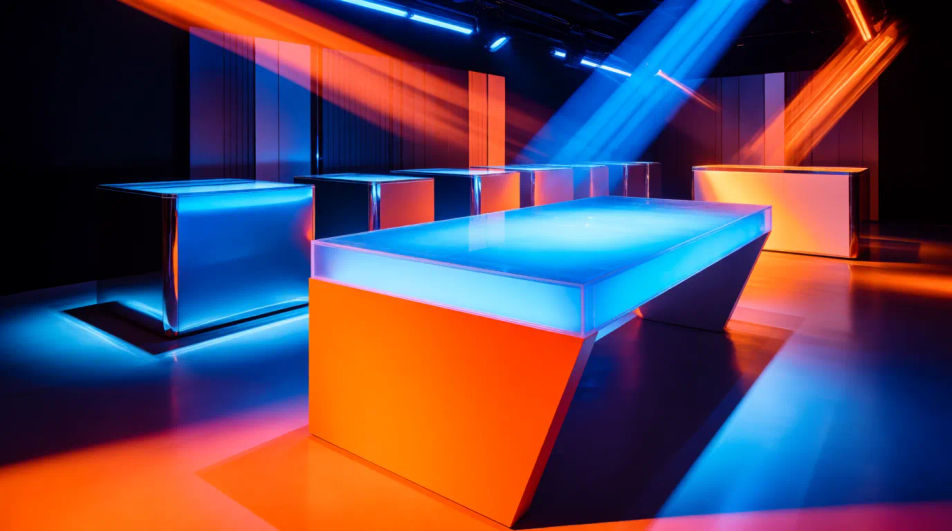
Décrivez le flash sale que vous voulez, en mots simples.
Morphic génère votre image prête à publier en quelques secondes.
Ajustez le prompt, régénérez des variantes, téléchargez ou partagez l’image.
Convertir n'importe quelle image à un nouveau rapport hauteur/largeur. Recadrer intelligemment ou étendre les bords pour s'adapter.
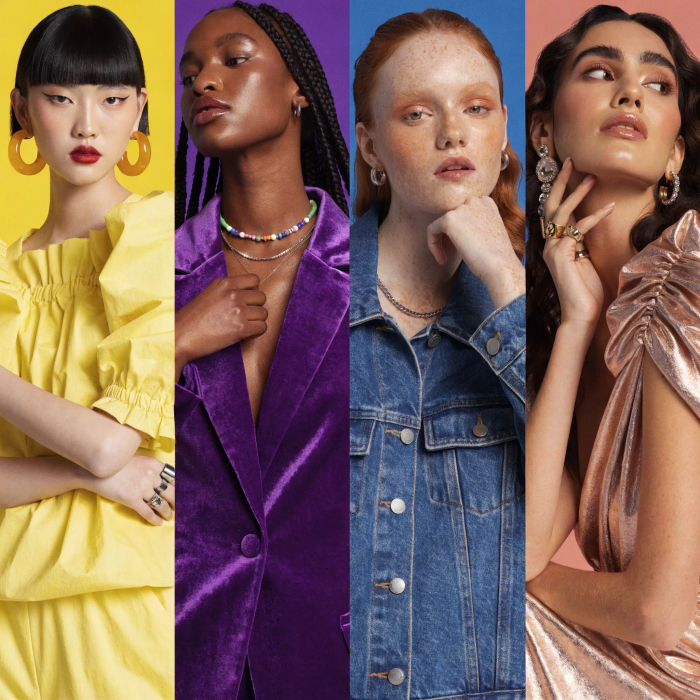
Générer une influenceuse IA. Sortie verticale, prête pour les réseaux sociaux.

Dramatiser toute conversation textuelle en une vidéo cinématographique multi-plans.
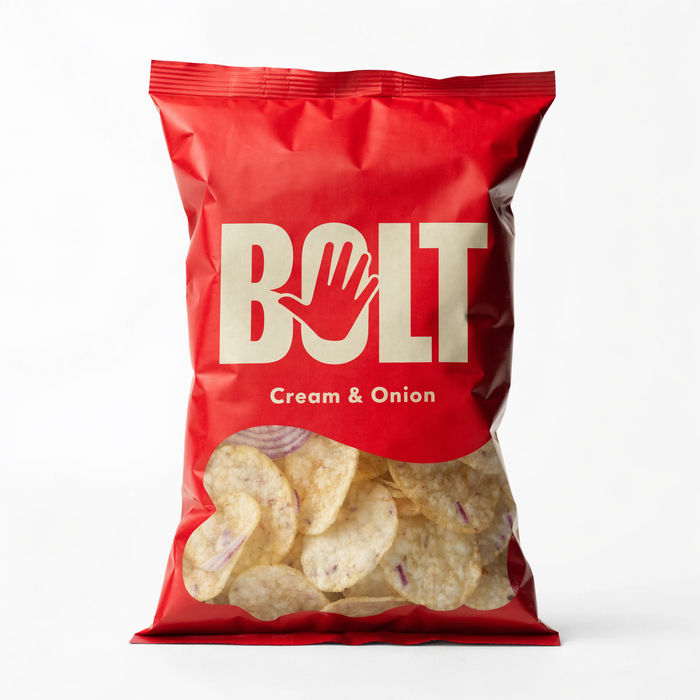
Vidéo de révélation de produit dramatique de 5 secondes avec audio.
Court-métrage cinématographique avec effet de gel du temps pour toute scène
Associez une image de personnage à une vidéo de référence. Votre personnage reprend ce mouvement exact.
Autumn Collection AI Images
Produce autumn collection images in any style you need. Get campaign visuals ready weeks ahead of the date. Yours to use commercially.
Back To School AI Images
Turn a brief into back to school images instantly. Build the seasonal set once and adapt it per market. No stock licence needed.
Boxing Day AI Images
Turn a brief into boxing day images instantly. Get campaign visuals ready weeks ahead of the date. No stock licence needed.
Images de citrouille IA
Célébrez avec des images de citrouille en HD. Parcourez des vœux, cartes et fonds générés par IA à partager avec famille et amis, ou créez les vôtres avec Morphic.
Commencez gratuitement dès aujourd'hui, avec la possibilité de mettre à niveau ou d'annuler à tout moment.
Basic
2400 mensuel crédits
1 utilisateur uniquement
Tous les modèles
Workflows
Standard
3625 mensuel crédits
1 utilisateur uniquement
Tous les modèles
Workflows
Pro
6350 partagé mensuel crédits
1 utilisateur
Tous les modèles
Workflows
Max
24650 partagé mensuel crédits
1 utilisateur
Tous les modèles
Workflows
Enterprise
Pour des limites plus élevées
Personnalisé
conditions de tarification et de facturation

Free
Pour expérimenter
$0
gratuit pour toujours