Hood close crop
A close crop of a hacker hood with only a sliver of green light under the brim, the rest of the frame near black.
Modifier le prompt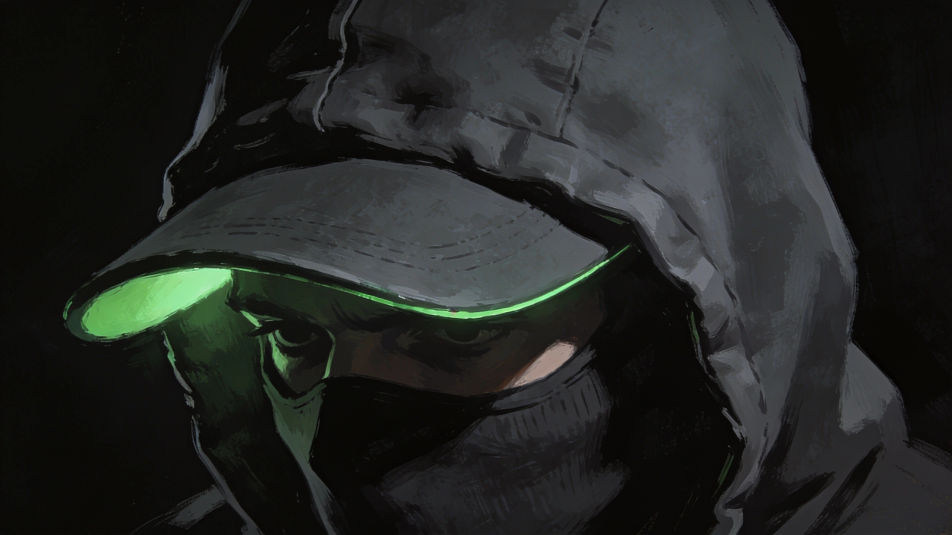
Create a hacker DP in the Image tool on Morphic by describing the hood, the glow, and the palette you want behind your name. Go for a faceless figure lit by a green screen, a glitch-art portrait, or a pixel avatar at a keyboard, keep the crop tight, and download an original picture that looks sharp in a small chat circle.
A close crop of a hacker hood with only a sliver of green light under the brim, the rest of the frame near black.
Modifier le promptA hacker seen from the side at a keyboard, screen light spilling across the hands and hood, dark room, shallow focus.
Modifier le prompt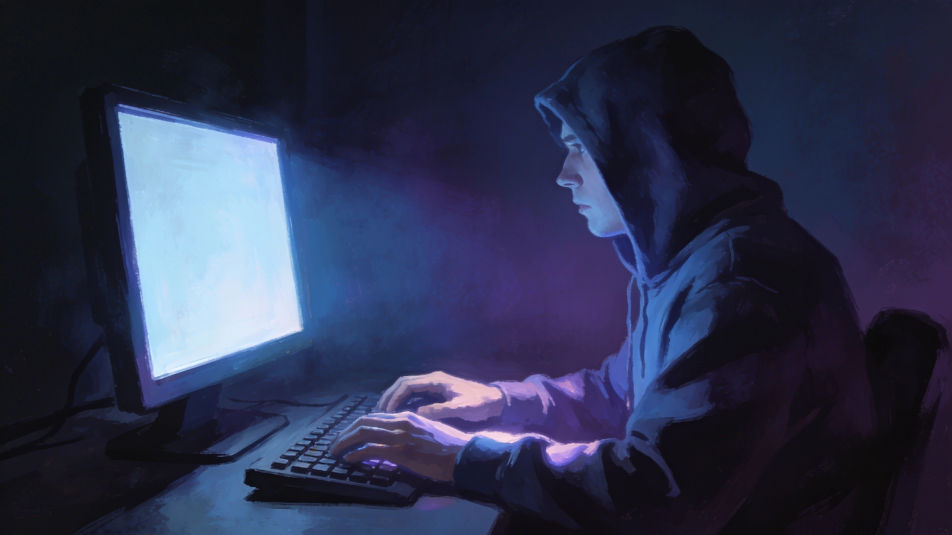
A hooded hacker by a rainy window at night, blurred abstract screen glow reflected in the glass, no readable text.
Modifier le prompt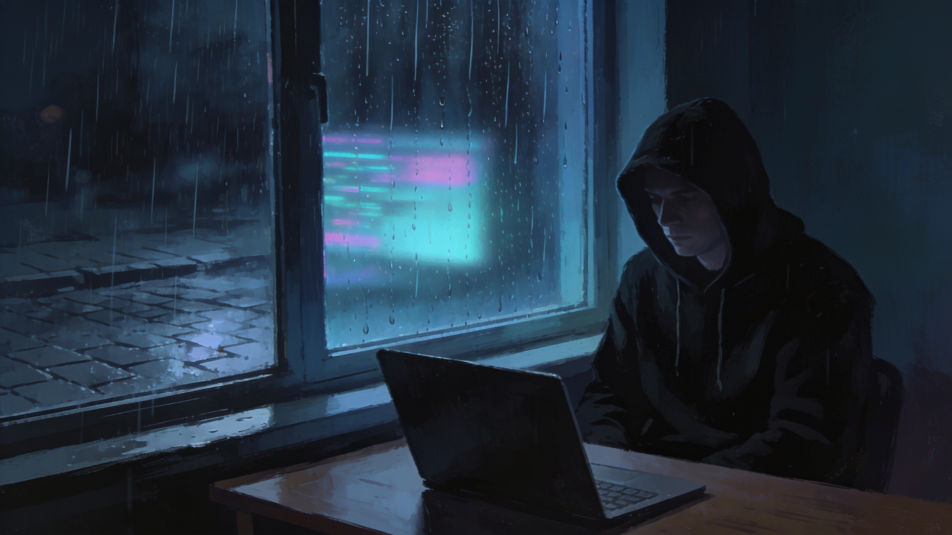
A hacker seen from behind in a plain dark hoodie in a dim room, facing two monitors filled edge to edge with glowing abstract teal wave patterns, no interface.
Modifier le prompt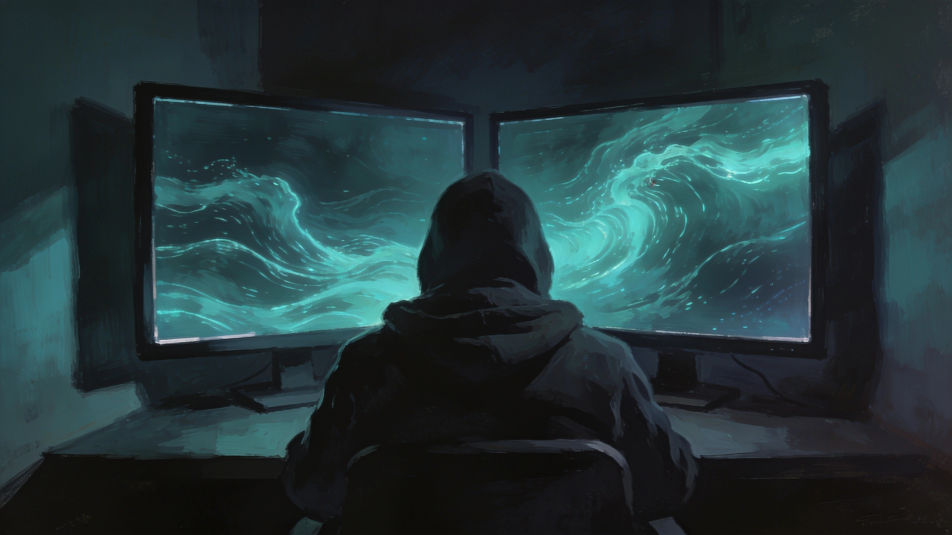
Décrivez le Hacker DP que vous voulez, en mots simples.
Morphic génère votre image prête à publier en quelques secondes.
Ajustez le prompt, régénérez des variantes, téléchargez ou partagez l’image.
Convertir n'importe quelle image à un nouveau rapport hauteur/largeur. Recadrer intelligemment ou étendre les bords pour s'adapter.
Une seule selfie devient une série de portraits professionnels. Qualité studio, styles multiples.

Générer une influenceuse IA. Sortie verticale, prête pour les réseaux sociaux.
Restaurez toute image endommagée, floue ou de faible résolution. Obtenez une version 4K nette et détaillée avec une clarté naturelle restaurée.
Séance photo complète du modèle à partir d'une photo de vous
Corrige la peau de l'IA qui semble plastique. Ajoute une texture naturelle, des pores et des imperfections pour plus de réalisme.
Images IA de hackers
Créez des images de hackers IA avec notre générateur d'images de hackers. Trouvez des images de hackers professionnelles en quelques secondes.
Anonymous PFP generator
Browse anonymous profile pictures and regenerate any in your own style, palette, and crop. Make shadowed-hood, minimal-silhouette, and glitch-static avatars that hide identity, then download original PFPs in HD, sharp at a small crop, all in Morphic.
Mask AI Profile Pictures
Create AI mask profile pictures with our mask avatar generator. Find professional mask profile pictures for any project in seconds.
Générateur IA de DP nature
DP nature à télécharger en HD. Parcourez des photos de profil IA inédites pour WhatsApp, Instagram et Discord, ou créez la vôtre avec Morphic.
Commencez gratuitement dès aujourd'hui, avec la possibilité de mettre à niveau ou d'annuler à tout moment.
Basic
2400 mensuel crédits
1 utilisateur uniquement
Tous les modèles
Workflows
Standard
3625 mensuel crédits
1 utilisateur uniquement
Tous les modèles
Workflows
Pro
6350 partagé mensuel crédits
1 utilisateur
Tous les modèles
Workflows
Max
24650 partagé mensuel crédits
1 utilisateur
Tous les modèles
Workflows
Enterprise
Pour des limites plus élevées
Personnalisé
conditions de tarification et de facturation

Free
Pour expérimenter
$0
gratuit pour toujours