Profile headshot
Square, evenly lit headshot on a clean backdrop with space around the face for a professional avatar.
Modifier le prompt
Create LinkedIn profile pictures in your browser with Morphic's AI portrait generator. Describe a clean studio headshot, a bright office portrait, or a relaxed outdoor shot and Morphic composes a polished, professional image. Adjust the crop and color on the Canvas, then download in HD, no studio session required.
Square, evenly lit headshot on a clean backdrop with space around the face for a professional avatar.
Modifier le promptCrisp portrait sized for the top corner of a CV beside a name, role, and contact details.
Modifier le prompt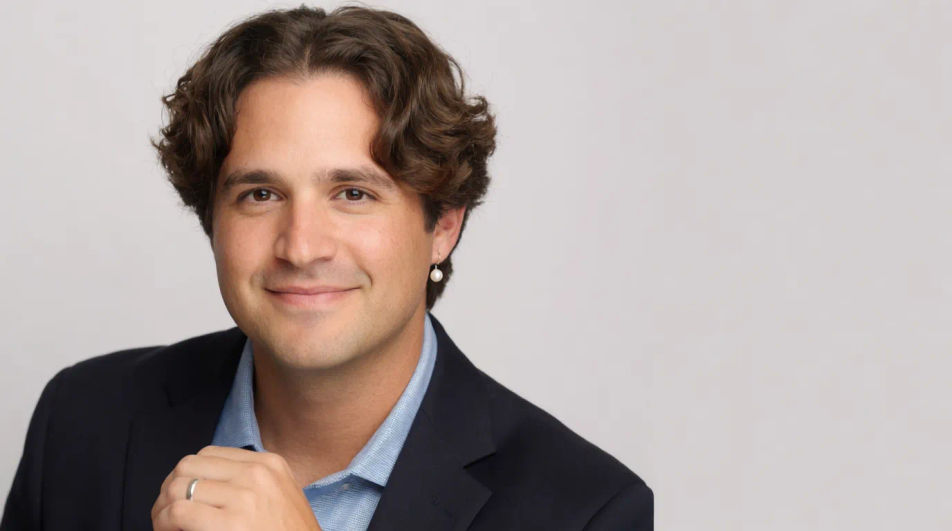
Clean headshot cropped for an event or panel roster beside a name, title, and session label.
Modifier le prompt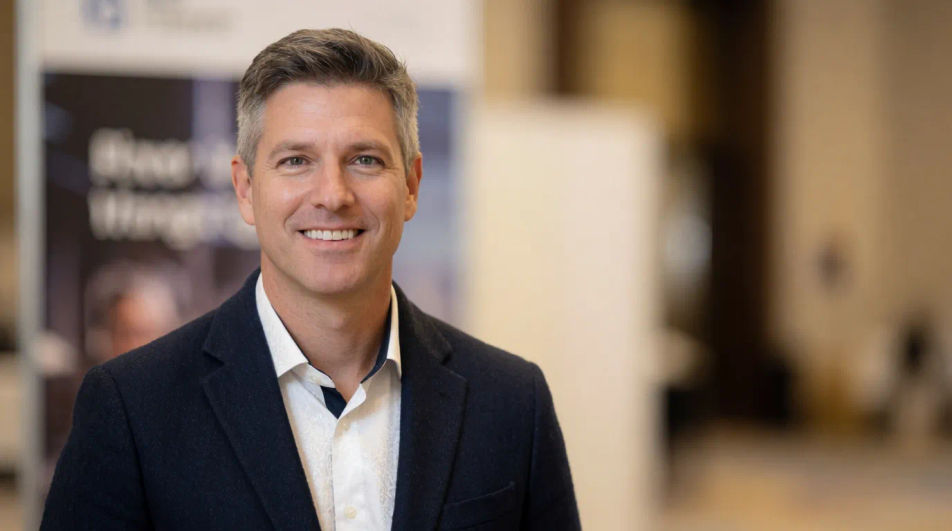
Small, sharp portrait that stays clear at thumbnail size for a signature block or team roster row.
Modifier le prompt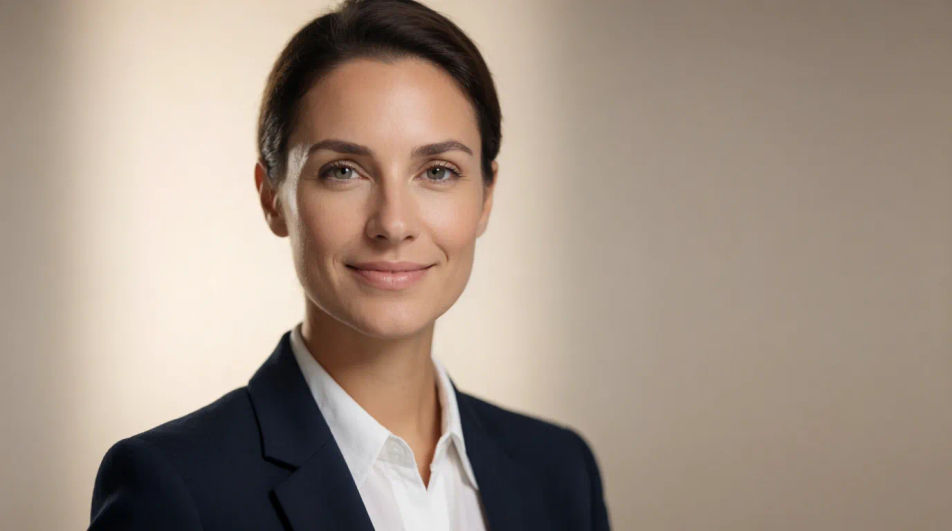
Décrivez le LinkedIn profile picture que vous voulez, en mots simples.
Morphic génère votre image prête à publier en quelques secondes.
Ajustez le prompt, régénérez des variantes, téléchargez ou partagez l’image.
Une seule selfie devient une série de portraits professionnels. Qualité studio, styles multiples.
Corrige la peau de l'IA qui semble plastique. Ajoute une texture naturelle, des pores et des imperfections pour plus de réalisme.
Choisissez vos angles de vision et obtenez des changements de perspective précis de n'importe quelle image avec un contrôle total de la caméra.
Convertir n'importe quelle image à un nouveau rapport hauteur/largeur. Recadrer intelligemment ou étendre les bords pour s'adapter.
Définissez le look avec une image de référence. Appliquez cette note exacte à n'importe quelle scène ou lot.
Restaurez toute image endommagée, floue ou de faible résolution. Obtenez une version 4K nette et détaillée avec une clarté naturelle restaurée.
Pochettes d'album par IA
Générez une pochette d'album originale avec l'IA de Morphic, dans le style de votre choix, prête à sortir en haute définition.
Amazon Listing AI Images
Make amazon listing images from a text prompt. Adjust style, colour and composition until it fits the brief. No stock licence needed.
Annual Report Cover AI Images
Create annual report cover without a photoshoot. Generate variations until one lands, then refine it. No stock licence needed.
Hair drawing generator
Turn a hair drawing idea into a finished image in Morphic. Describe the line work and style, generate variations, then refine it on the canvas.
Commencez gratuitement dès aujourd'hui, avec la possibilité de mettre à niveau ou d'annuler à tout moment.
Basic
2400 mensuel crédits
1 utilisateur uniquement
Tous les modèles
Workflows
Standard
3625 mensuel crédits
1 utilisateur uniquement
Tous les modèles
Workflows
Pro
6350 partagé mensuel crédits
1 utilisateur
Tous les modèles
Workflows
Max
24650 partagé mensuel crédits
1 utilisateur
Tous les modèles
Workflows
Enterprise
Pour des limites plus élevées
Personnalisé
conditions de tarification et de facturation

Free
Pour expérimenter
$0
gratuit pour toujours