Plumbing company website hero
Plumber fixing a pipe under a sink with tools, wide crop for an emergency call button.
Modifier le prompt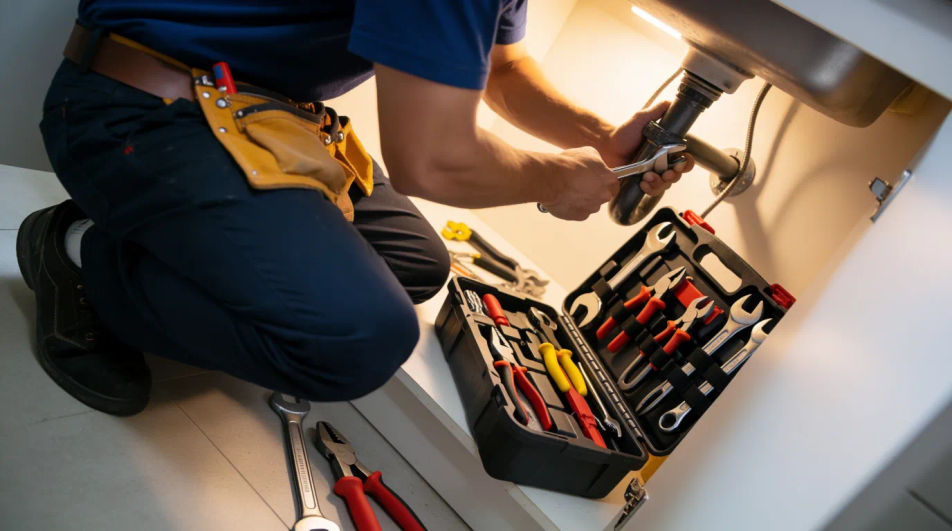
Compose plumber images in your browser with Morphic's AI photo generator. Try a plumber fixing a sink under the counter, a close detail of a wrench on a pipe joint, or a friendly tradesperson at a customer’s door. Adjust the crop and color on the Canvas, then download each in HD.
Plumber fixing a pipe under a sink with tools, wide crop for an emergency call button.
Modifier le promptTechnician in a branded van arriving at a home, room for a service list overlay.
Modifier le prompt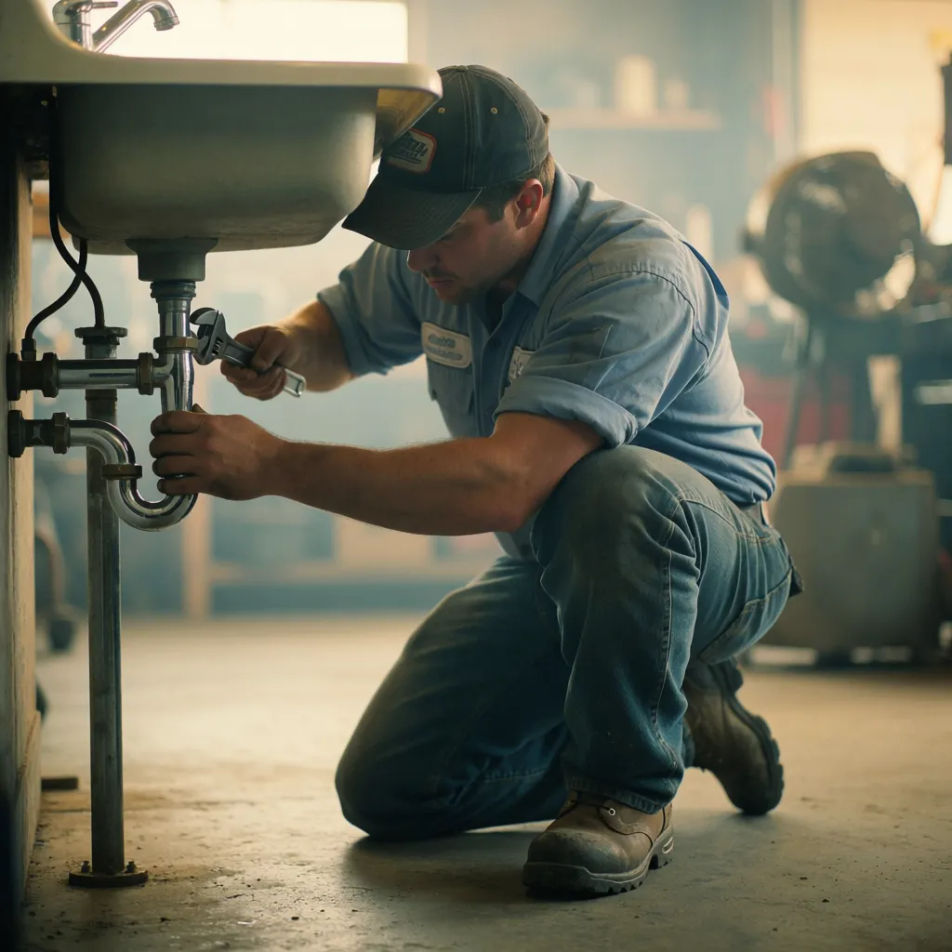
Close-up of a repaired fitting and toolkit that shows quality work for local search.
Modifier le prompt
Wrench tightening a valve in detail, horizontal crop to top a maintenance guide post.
Modifier le prompt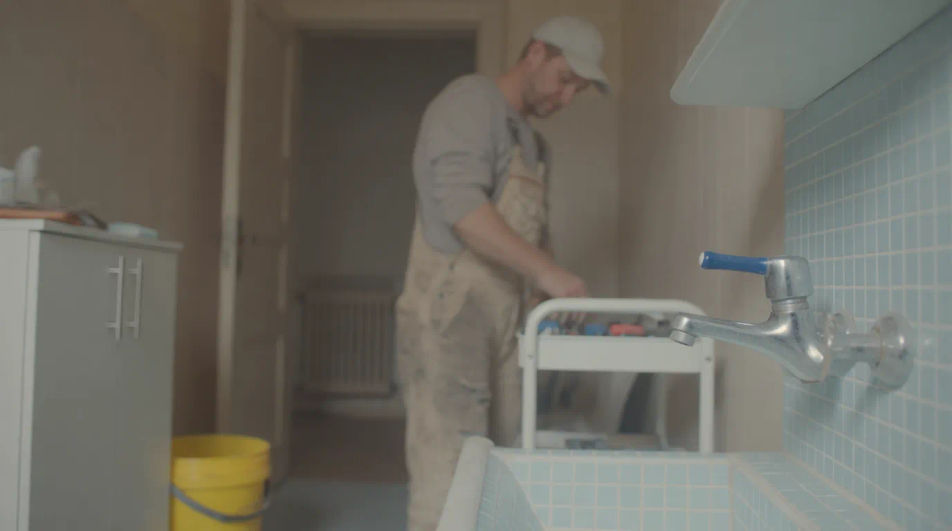
Décrivez le plumber image que vous voulez, en mots simples.
Morphic génère votre image prête à publier en quelques secondes.
Ajustez le prompt, régénérez des variantes, téléchargez ou partagez l’image.
Court-métrage cinématographique avec effet de gel du temps pour toute scène
Téléchargez une image de personnage et faites-la danser dans n'importe quel style.

Partagez une description de scène avec des références de personnages. Obtenez un storyboard complet avec des angles de prise de vue et une ambiance.
Associez une image de personnage à une vidéo de référence. Votre personnage reprend ce mouvement exact.
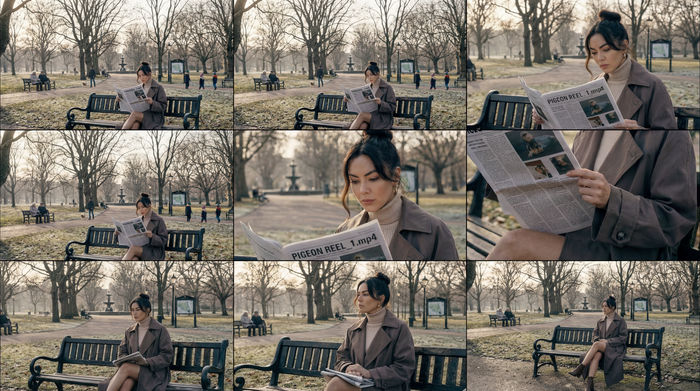
Fournissez une seule image. Obtenez 9 plans cinématographiques présentés sous forme de grille de storyboard 3x3.

Dramatiser toute conversation textuelle en une vidéo cinématographique multi-plans.
Accountant AI Images
Turn a brief into accountant images instantly. Specify the people, setting and mood instead of settling for the nearest stock photo. Yours to use commercially.
Architect AI Images
Generate architect images with AI in seconds. Generate the scene your brief describes, not the closest match in a library.
Bank Branch AI Images
Make bank branch images from a text prompt. Specify the people, setting and mood instead of settling for the nearest stock photo.
Images IA d'œil maléfique
Créez des images IA d'œil maléfique avec notre générateur d'images d'œil maléfique. Trouvez des images d'œil maléfique superbes pour tout projet en quelques secondes.
Commencez gratuitement dès aujourd'hui, avec la possibilité de mettre à niveau ou d'annuler à tout moment.
Basic
2400 mensuel crédits
1 utilisateur uniquement
Tous les modèles
Workflows
Standard
3625 mensuel crédits
1 utilisateur uniquement
Tous les modèles
Workflows
Pro
6350 partagé mensuel crédits
1 utilisateur
Tous les modèles
Workflows
Max
24650 partagé mensuel crédits
1 utilisateur
Tous les modèles
Workflows
Enterprise
Pour des limites plus élevées
Personnalisé
conditions de tarification et de facturation

Free
Pour expérimenter
$0
gratuit pour toujours