Shoot product photography in your browser with Morphic's product photography AI image generator. Generate product photography shots like a glass bottle hero on a soft gradient, a watch macro with a clean rim light, or a sneaker on a floating pedestal, and pair every frame with the Style Transfer workflow to lock the studio lighting signature across the set. Use the Background workflow to swap any hero onto a fresh sweep without reshooting.

Product photography setups you can shoot

Product photography scenes you can compose

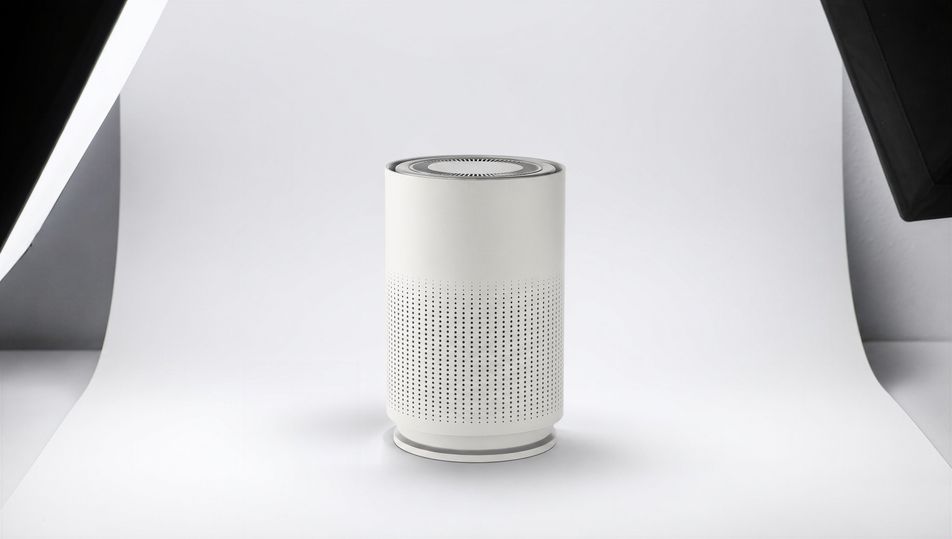
Softbox studio set with seamless sweep

A softbox studio set with an unbranded product on a white seamless sweep, two large softboxes feathering soft even light, 70mm lens, gentle gradient falloff, clean catalogue-grade lighting.

Edit prompt
Softbox studio set with seamless sweep

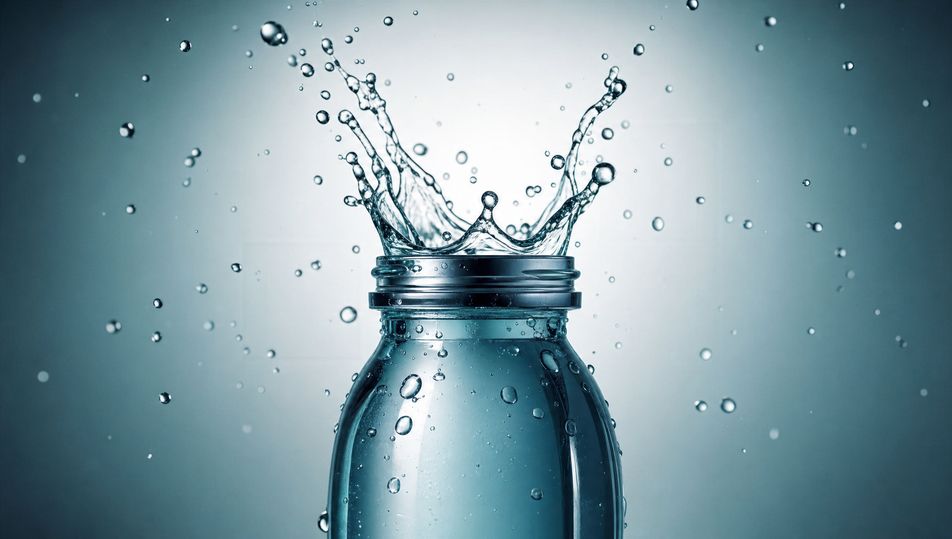
Splash-and-droplet beverage set

A beverage container frozen mid-splash with airborne droplets and a clean liquid crown, hard back light catching every drop, 100mm macro lens, fresh blue palette, crisp high-speed feel.

Edit prompt
Splash-and-droplet beverage set

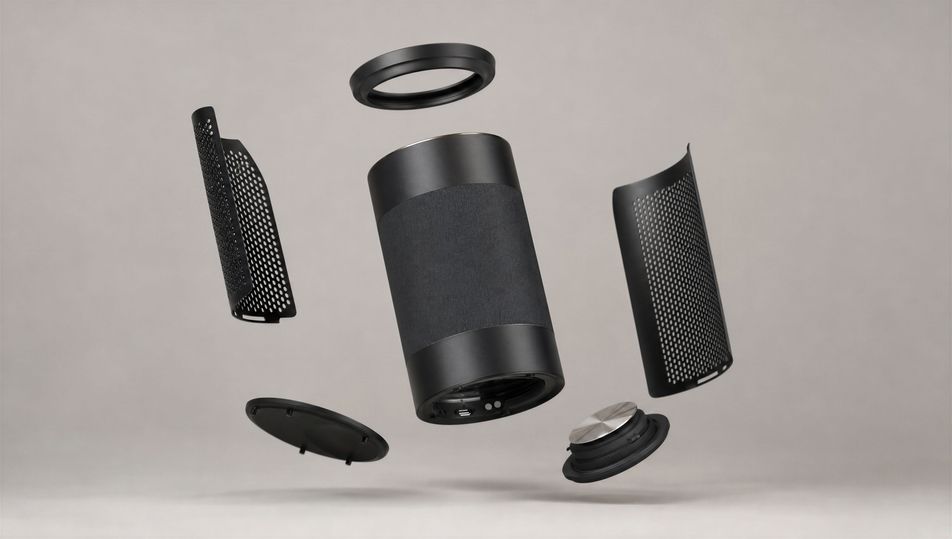
Floating-product gravity composition

An unbranded product suspended mid-air with its components floating in formation around it, soft even studio light, 50mm lens, neutral grey background, weightless gravity-defying arrangement.

Edit prompt
Floating-product gravity composition

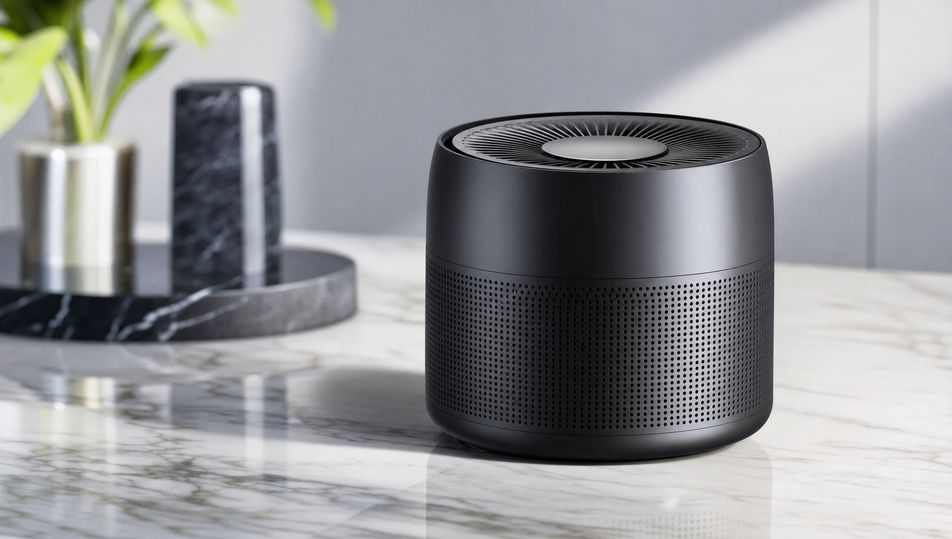
Marble-surface flat hero

An unbranded product laid on a polished white-marble surface shot from a low three-quarter angle, soft window-style key, 50mm lens, cool grey veining, elegant editorial product mood.

Edit prompt
Marble-surface flat hero

Make Product photography in three steps

  1. 01

    Describe your Product photography

    Describe the Product photography you want, including the subject, setting, and lighting.

  2. 02

    Generate the image

    Morphic generates a clean, ready-to-publish image on your canvas in seconds, no editing software required.

  3. 03

    Refine your Product photography

    Tweak the prompt, regenerate variations, then download or share the moment the frame lands.

Related workflows

Vous pourriez aussi aimer

FAQs

Where can I make product photography with AI?
You can shoot product photography directly in your browser on Morphic. Open the Image tool, describe the product, the surface, the lens, and the lighting, and Morphic renders the hero shot. No studio rental and no camera gear needed.
What defines product photography at the prompt level?
Controlled studio lighting, true material rendering, clean reflections, and a deliberate background. Name the product material, the surface, and the light source in every prompt so glass reads as glass and metal reads as metal rather than as flat plastic.
How do I get the lighting and reflections right in a product shot?
Specify the light directly: name the source ("two large softboxes feathering soft light", "single hard rim light"), and call the reflections ("twin strip-light reflections down the glass", "soft mirror reflection beneath"). Reuse those cues so highlights and falloff stay consistent across the set.
How do I keep a product set feeling consistent across shots?
Use the Style Transfer workflow to lock the lighting signature, the surface, and the colour palette, then reference that style card in every prompt. The full set then reads as one studio session across every product angle.
Do I need a studio or lighting gear to shoot product photography?
No. Morphic runs in your browser and you direct it with plain-language prompts. Anyone who can describe a product, a surface, and a lighting setup can produce hero shots. Softboxes, sweeps, and a macro lens are not required.