Title slide
A slideshow background behind a title slide, the calmest area centred so a headline and subtitle read clearly.
Modifier le prompt
Design slideshow background images in your browser with Morphic's slideshow background generator. Create looks like a soft gradient wash, a clean abstract shape backdrop, or a subtle textured paper, then use Style Transfer to keep one look across every slide. Crop, recolour, and refine each background on the Canvas, or add gentle motion for reels with Image to Video.
A slideshow background behind a title slide, the calmest area centred so a headline and subtitle read clearly.
Modifier le promptA slideshow background behind body content, low-contrast detail kept to the edges so bullets stay easy to read.
Modifier le prompt
A bolder slideshow background for a section break, a stronger accent with clear space for one large heading.
Modifier le prompt
A vertical slideshow background for a reel, gentle motion-friendly detail with a clean band for animated captions.
Modifier le prompt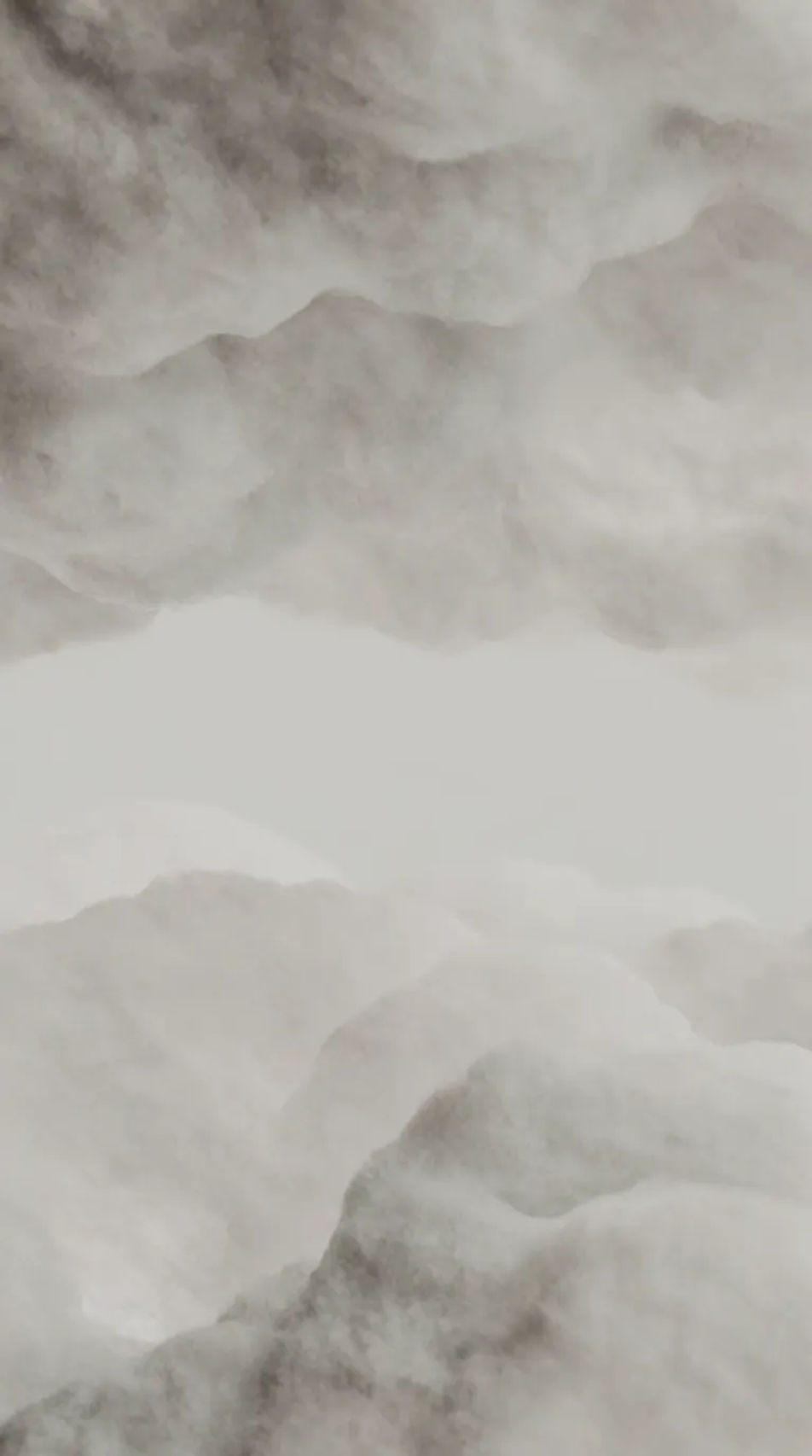
Décrivez le Slideshow Background Images que vous voulez, en mots simples.
Morphic génère votre image prête à publier en quelques secondes.
Ajustez le prompt, régénérez des variantes, téléchargez ou partagez l’image.
Choisissez une image de référence, appliquez son style visuel à votre propre photo ou œuvre d'art.
Choisissez vos angles de vision et obtenez des changements de perspective précis de n'importe quelle image avec un contrôle total de la caméra.
Convertir n'importe quelle image à un nouveau rapport hauteur/largeur. Recadrer intelligemment ou étendre les bords pour s'adapter.

Décrivez votre type de tissu, motif, couleur et utilisation. Obtenez un échantillon de textile photoréaliste 2K pour spécification.
Restaurez toute image endommagée, floue ou de faible résolution. Obtenez une version 4K nette et détaillée avec une clarté naturelle restaurée.
Définissez le look avec une image de référence. Appliquez cette note exacte à n'importe quelle scène ou lot.
Images IA d'arrière-plan esthétique
Arrière-plan esthétique haute résolution pour tout projet. Parcourez des collections générées par IA ou générez une version personnalisée avec Morphic.
Arrière-plans studio IA
Créez des arrière-plans studio IA avec notre générateur d'arrière-plan studio. Trouvez des arrière-plans studio professionnels pour tout projet en quelques secondes.
Fond d'été IA
Créez des fonds d'été IA avec notre générateur de fond d'été. Trouvez des fonds d'été éclatants pour tout projet en quelques secondes.
Arrière-plans coucher de soleil IA
Créez des arrière-plans de coucher de soleil IA avec notre générateur. Trouvez des arrière-plans de coucher de soleil cinématiques pour tout projet en quelques secondes. Concevez des couchers de soleil dramatiques et sereins instantanément.
Commencez gratuitement dès aujourd'hui, avec la possibilité de mettre à niveau ou d'annuler à tout moment.
Basic
2400 mensuel crédits
1 utilisateur uniquement
Tous les modèles
Workflows
Standard
3625 mensuel crédits
1 utilisateur uniquement
Tous les modèles
Workflows
Pro
6350 partagé mensuel crédits
1 utilisateur
Tous les modèles
Workflows
Max
24650 partagé mensuel crédits
1 utilisateur
Tous les modèles
Workflows
Enterprise
Pour des limites plus élevées
Personnalisé
conditions de tarification et de facturation

Free
Pour expérimenter
$0
gratuit pour toujours