Edge-to-edge smile
One single glossy smile emoji face scaled so it nearly touches the edges of the wide frame, strong color, no small extra emoji, nothing in the corners.
Modifier le prompt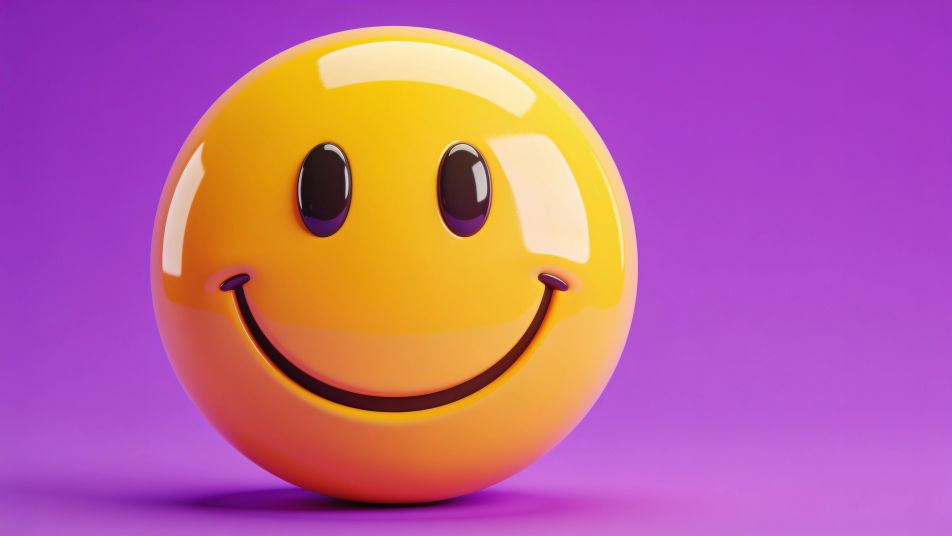
Design a smile emoji DP in the Image tool on Morphic by describing the kind of smile, the finish, and the background color you want on your profile. Pick a glossy 3D face, a flat vector icon, or a hand-drawn grin, fill the square with it, and download a cheerful avatar that reads at a glance in any chat list.
One single glossy smile emoji face scaled so it nearly touches the edges of the wide frame, strong color, no small extra emoji, nothing in the corners.
Modifier le promptA flat smile emoji centered on a smooth sunset gradient from coral to gold, lots of calm space around the face.
Modifier le prompt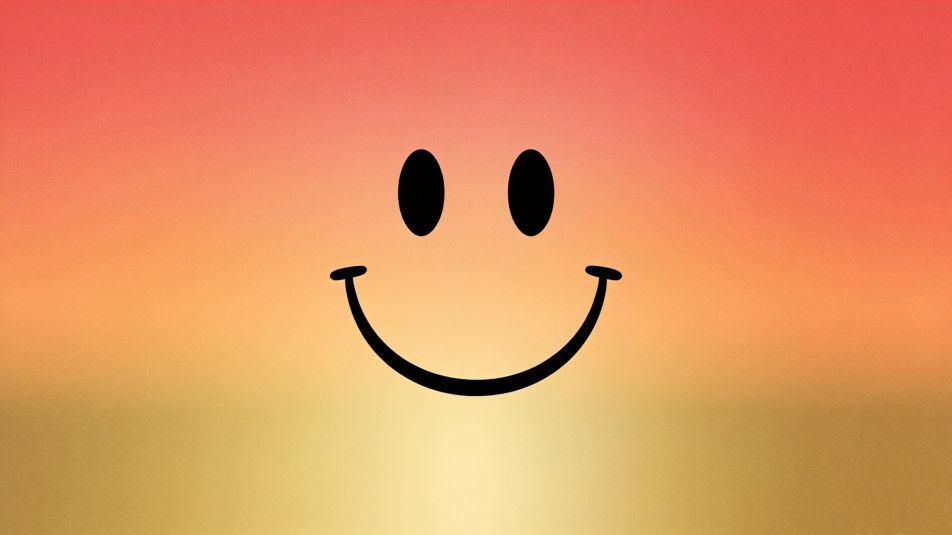
A smile emoji surrounded by a few small sparkle shapes and tiny hearts, bright and upbeat, clean white background.
Modifier le prompt
A smile emoji tilted at an angle with one eye winking, soft drop shadow, pastel blue background for a playful profile.
Modifier le prompt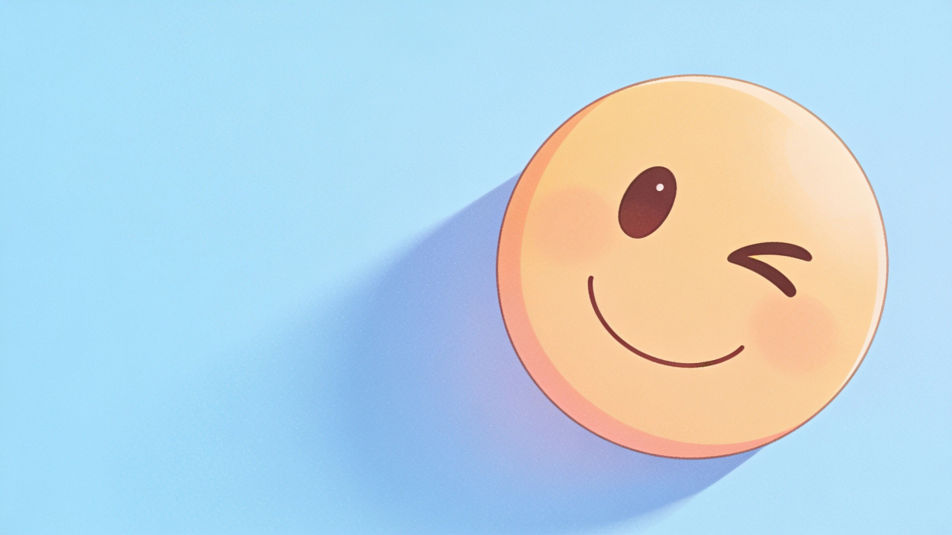
Décrivez le Smile emoji DP que vous voulez, en mots simples.
Morphic génère votre image prête à publier en quelques secondes.
Ajustez le prompt, régénérez des variantes, téléchargez ou partagez l’image.
Convertir n'importe quelle image à un nouveau rapport hauteur/largeur. Recadrer intelligemment ou étendre les bords pour s'adapter.
Une seule selfie devient une série de portraits professionnels. Qualité studio, styles multiples.

Transformez n'importe quelle image en autocollants de style anime au format PNG. Prêt pour les applications de messagerie ou les réseaux sociaux.

Générer une influenceuse IA. Sortie verticale, prête pour les réseaux sociaux.
Restaurez toute image endommagée, floue ou de faible résolution. Obtenez une version 4K nette et détaillée avec une clarté naturelle restaurée.
Séance photo complète du modèle à partir d'une photo de vous
Images de sourire - Photographie IA
Besoin d'images de sourire en HD ? Cette sélection chaleureuse et fraîche s'utilise partout, des réseaux aux présentations. Téléchargez-la maintenant.
Cute DP maker
Make a cute dp image in Morphic. Describe the look you want on your profile, generate options to compare, then refine the prompt and download the picture.
Générateur IA de PFP drôle
PFP drôles à télécharger en HD. Parcourez des photos de profil uniques générées par IA pour WhatsApp, Instagram et Discord, ou créez le vôtre avec Morphic.
Générateur IA de DP Krishna
DP Krishna à télécharger en HD. Parcourez des photos de profil uniques générées par IA pour WhatsApp, Instagram et Discord, ou créez la vôtre avec Morphic.
Commencez gratuitement dès aujourd'hui, avec la possibilité de mettre à niveau ou d'annuler à tout moment.
Basic
2400 mensuel crédits
1 utilisateur uniquement
Tous les modèles
Workflows
Standard
3625 mensuel crédits
1 utilisateur uniquement
Tous les modèles
Workflows
Pro
6350 partagé mensuel crédits
1 utilisateur
Tous les modèles
Workflows
Max
24650 partagé mensuel crédits
1 utilisateur
Tous les modèles
Workflows
Enterprise
Pour des limites plus élevées
Personnalisé
conditions de tarification et de facturation

Free
Pour expérimenter
$0
gratuit pour toujours