Taco plate with lime and salsa
A wide drawing of three tacos on a plate with lime wedges and a small bowl of salsa, ink contour with light wash, the plate rim kept simple.
Modifier le prompt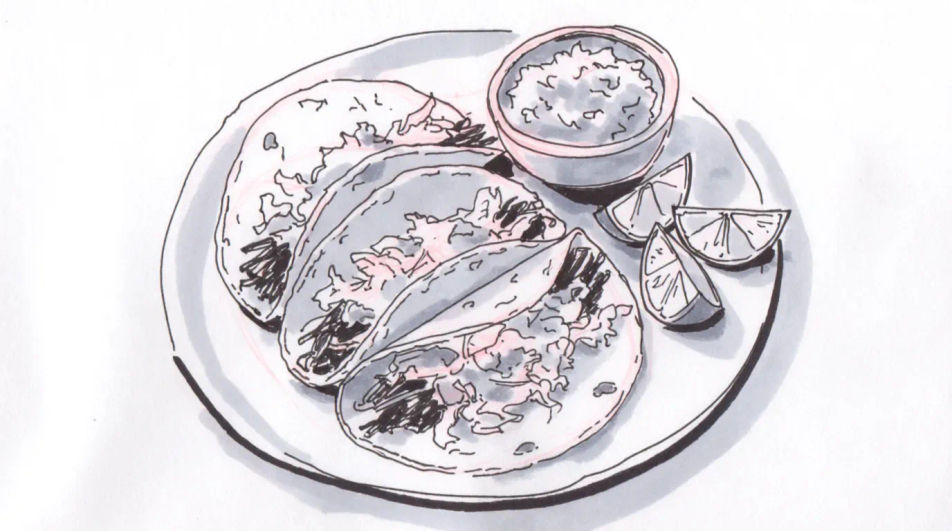
Describe the taco you want in Morphic's Image tool, from a quick ink menu sketch to a shaded study of a loaded shell. Set the fill, the shell type, the line weight and the paper, adjust the drawing on the Canvas, then download it in HD for a menu or a print.
A wide drawing of three tacos on a plate with lime wedges and a small bowl of salsa, ink contour with light wash, the plate rim kept simple.
Modifier le promptA charcoal composition of a small street food stand with a hanging light, a cook at the griddle and a queue suggested by a few loose figures.
Modifier le prompt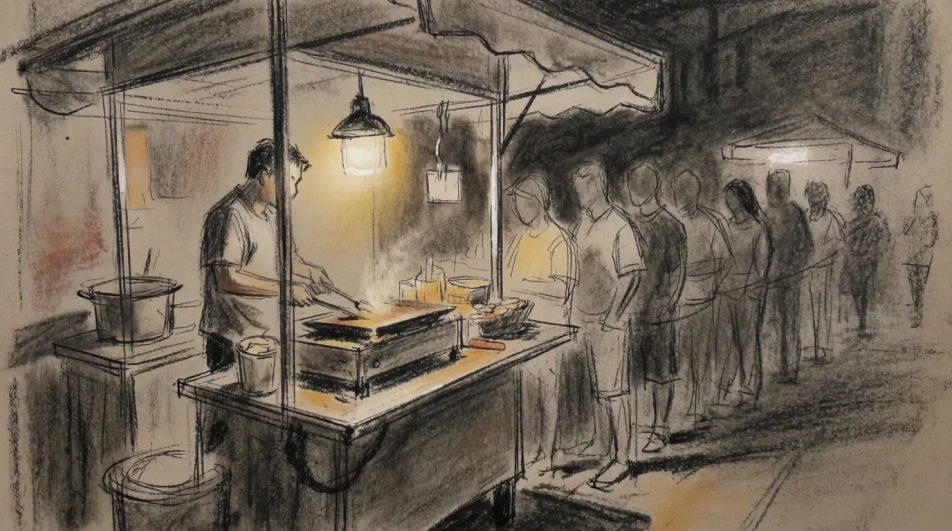
A flat line drawing of four tacos arranged in a row with space left beneath each for a name and a price, even stroke weight throughout.
Modifier le prompt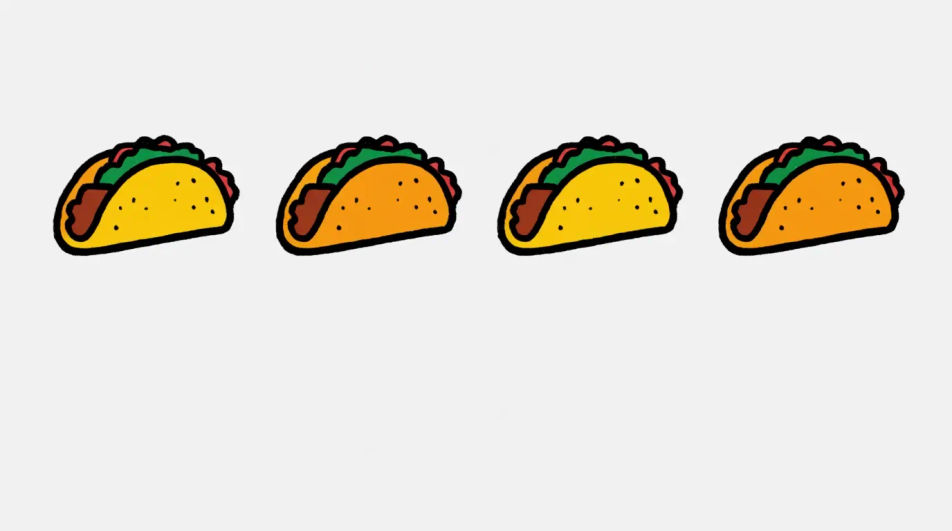
A close wide drawing of a taco held mid meal with one bite taken, filling visible at the cut edge, the background left as bare paper.
Modifier le prompt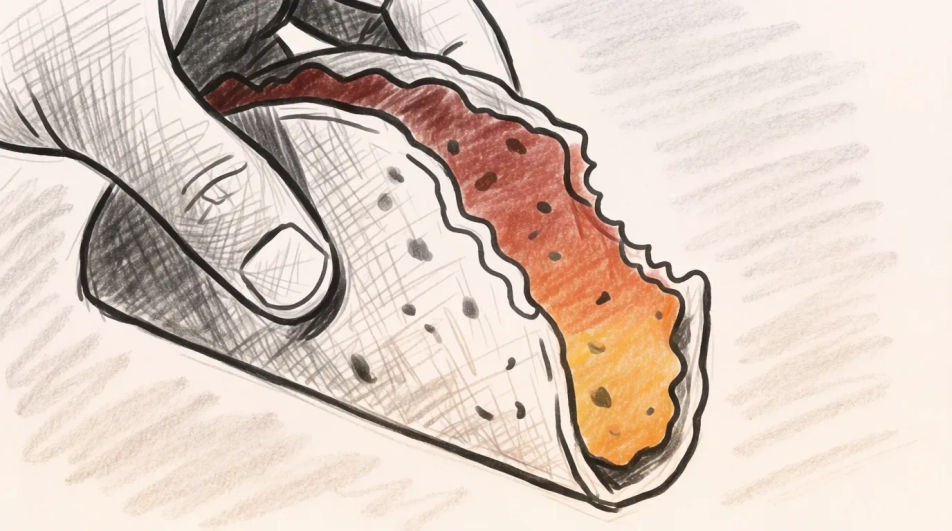
Décrivez le Taco drawing que vous voulez, en mots simples.
Morphic génère votre image prête à publier en quelques secondes.
Ajustez le prompt, régénérez des variantes, téléchargez ou partagez l’image.
Associez une photo de vêtement à une photo de personne. Voyez-les le porter, l'identité reste intacte.
Choisissez vos angles de vision et obtenez des changements de perspective précis de n'importe quelle image avec un contrôle total de la caméra.
Vidéo de présentation de produit multi-prises à partir d'une image fixe, d'une personne et d'un script.

Vidéo de révélation de produit dramatique de 5 secondes avec audio.

Une prise de produit devient un pack de campagne complet avec des plans principaux, des angles et des variations de format.
Convertir n'importe quelle image à un nouveau rapport hauteur/largeur. Recadrer intelligemment ou étendre les bords pour s'adapter.
Tamales drawing generator
Turn a tamales drawing idea into a finished image in Morphic. Describe the line work and style, generate variations, then refine it on the canvas.
Food drawing generator
Turn a food drawing idea into a finished image in Morphic. Describe the line work and style, generate variations, then refine it on the canvas.
Burger drawing generator
Turn a burger drawing idea into a finished image in Morphic. Describe the line work and style, generate variations, then refine it on the canvas.
Lemon drawing for food and menu art
Turn a lemon drawing idea into a finished image in Morphic. Describe the line work and style, generate variations, then refine it on the canvas.
Commencez gratuitement dès aujourd'hui, avec la possibilité de mettre à niveau ou d'annuler à tout moment.
Basic
2400 mensuel crédits
1 utilisateur uniquement
Tous les modèles
Workflows
Standard
3625 mensuel crédits
1 utilisateur uniquement
Tous les modèles
Workflows
Pro
6350 partagé mensuel crédits
1 utilisateur
Tous les modèles
Workflows
Max
24650 partagé mensuel crédits
1 utilisateur
Tous les modèles
Workflows
Enterprise
Pour des limites plus élevées
Personnalisé
conditions de tarification et de facturation

Free
Pour expérimenter
$0
gratuit pour toujours