Direct a 15 second ad video in your browser with Morphic's ad video generator. Generate the hook, the product beat, and the end card that a paid spot needs to land in fifteen seconds. Voice it with Speech, then cut the six, fifteen, and thirty second versions from one concept on Compose.

15 second ad cuts you can direct

15 second ad beats you can stage

A 2-second scroll-stopping hook

A tight opening frame where the product snaps into focus against a bold color field, a fast push-in and a bright key light making it register before the second is up, the camera locking on the item.

Modifier le prompt

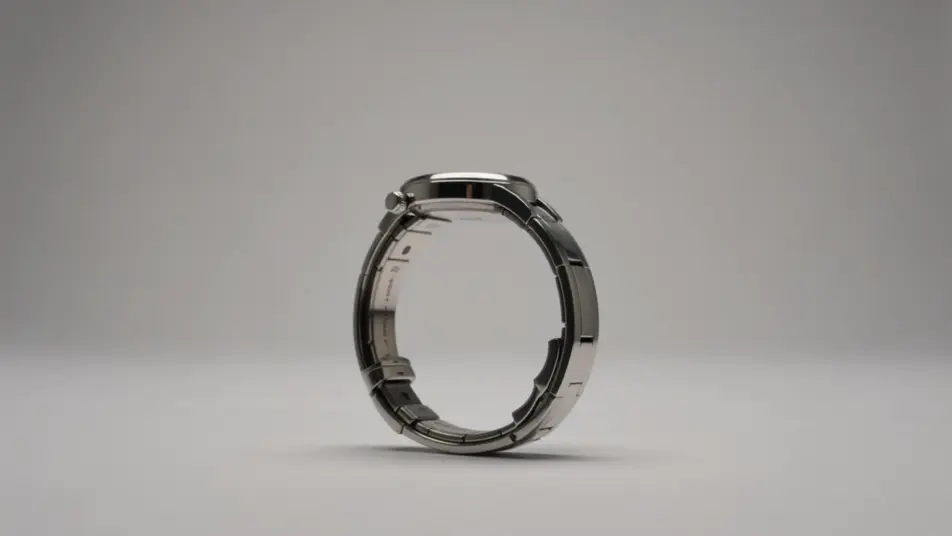
A 3-second product reveal

A slow push-in on the product against a clean seamless backdrop, soft even light rolling across the surface as the item turns a few degrees, the shot held long enough to read clearly at speed.

Modifier le prompt

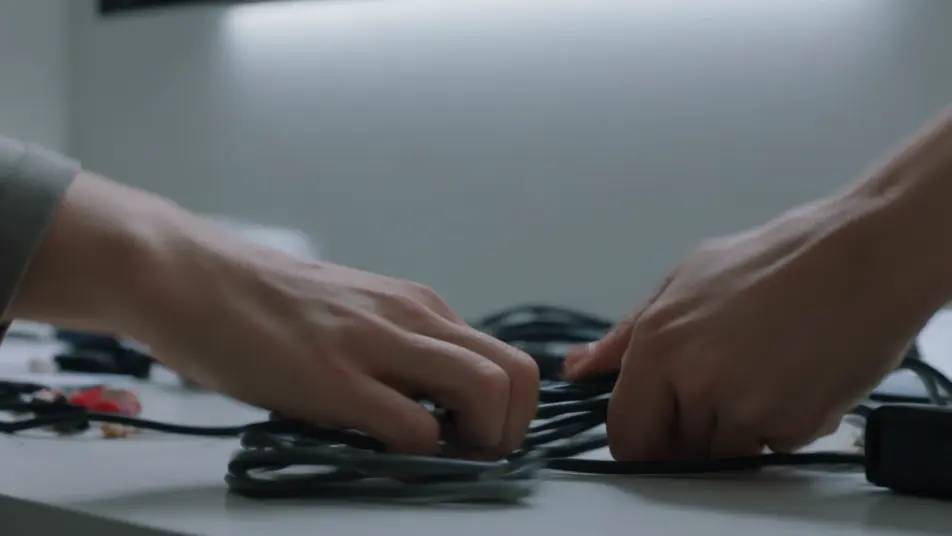
A problem-to-solution flash

A frame that opens on a small everyday frustration and cuts to the smooth result the product delivers, the transition quick and satisfying under a palette that shifts from tense to calm.

Modifier le prompt

A brand sign-off end frame

A closing frame filled with a smooth brand-color gradient where a single abstract geometric mark settles at center and a soft forward-arrow motion sweeps upward as the field holds for the final beat.

Modifier le prompt

Créez des vidéos 15 second ad video en trois étapes

  1. 01

    Décrivez votre scène 15 second ad video

    Écrivez la scène 15 second ad video que vous voulez, en mots simples.

  2. 02

    Générez la vidéo

    Morphic génère votre clip cinématographique en quelques secondes.

  3. 03

    Peaufinez votre vidéo 15 second ad video

    Ajustez le prompt, régénérez des variantes, téléchargez ou partagez le plan.

Tarifs simples

Commencez gratuitement dès aujourd'hui, avec la possibilité de mettre à niveau ou d'annuler à tout moment.

Basic

$9/ mois
facturé comme $0 par an

900 mensuel crédits

1 utilisateur uniquement

Tous les modèles

Workflows

Standard

$24/ mois
facturé comme $0 par an

3200 mensuel crédits

1 utilisateur uniquement

Tous les modèles

Workflows

Pro

$45/ mois
facturé comme $0 par an

6200 partagé mensuel crédits

1 utilisateur

+ jusqu'à 4 plus à un coût supplémentaire

Tous les modèles

Workflows

Pro Max

$170/ mois
facturé comme $0 par an

24000 partagé mensuel crédits

1 utilisateur

+ jusqu'à 9 plus à un coût supplémentaire

Tous les modèles

Workflows

Enterprise

Pour des limites plus élevées

Personnalisé

conditions de tarification et de facturation

Crédits à haut volume
Limites de sièges personnalisées
Tous les modèles
Workflows
Pricing Gradient

Free

Pour expérimenter

$0

gratuit pour toujours

Jusqu'à 20 crédits
1 utilisateur uniquement
Modèles limités
Workflows

Questions fréquentes

Where can I make a 15 second ad video with AI?
You can create a 15 second ad video directly in your browser on Morphic. Open the Text to Video tool, describe the hook, the product beat, and the end card, and the model generates each cut. On Compose you trim the beats to a tight fifteen seconds and export.
Can I make the 6 and 30 second versions from the same idea?
Yes. Build the concept once, then on Compose you re-cut it to a six second bumper and a thirty second spot from the same beats. Keeping one look and one product shot across all three lengths is what makes them read as one campaign.
What beats work best in a 15 second ad?
A strong hook in the first two seconds, one clear product beat, and a call-to-action end card carry most short spots. Fifteen seconds holds three to four fast cuts cleanly, so keep each beat readable at speed and let the offer land last.
How do I write a good prompt for a short ad?
Name the single takeaway, then prompt the hook, the product shot, and the end card in the same style and palette. Describe the motion, whether the product pushes in, snaps, or turns. Consistent look and pacing across the beats is what makes fifteen seconds feel deliberate.
Can I add music and voiceover to a 15 second ad?
Yes. The Speech tool generates a short voiceover in the voice you choose, and a tight line often lands better than a full script at this length. The Music tool adds a bed underneath, kept low so the hook and offer stay in focus.