Rain on a cafe window
A wide hold from inside an empty cafe on a rain-streaked window, the street lights beyond softened into warm discs while a candle burns.
Modifier le prompt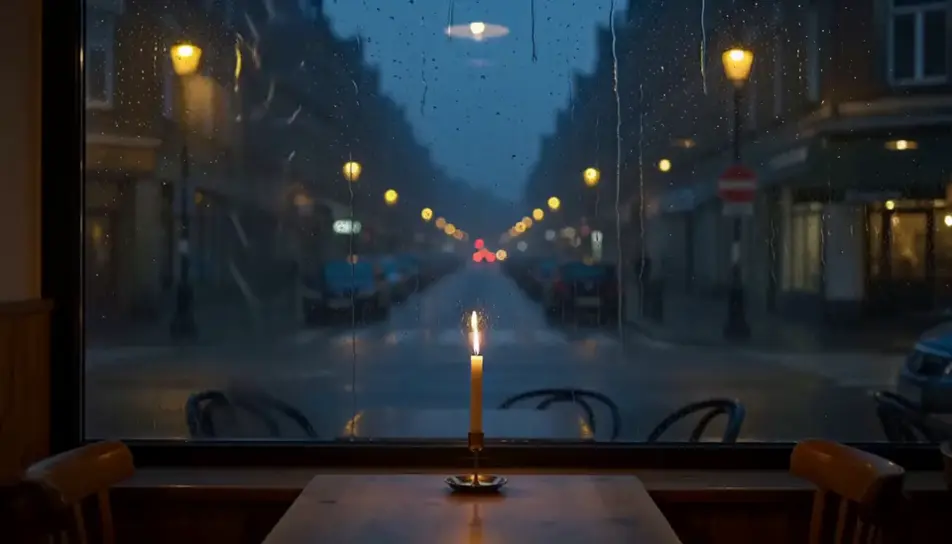
Generate aesthetic video in Morphic's AI video generator: rain beading on a window over street bokeh, or sheer curtains lifting in a warm room. Grade the reel on Compose.
A wide hold from inside an empty cafe on a rain-streaked window, the street lights beyond softened into warm discs while a candle burns.
Modifier le promptMorning sun moves slowly across rumpled white linen in an empty room, the shadow of a window frame stretching over the sheets as it goes.
Modifier le prompt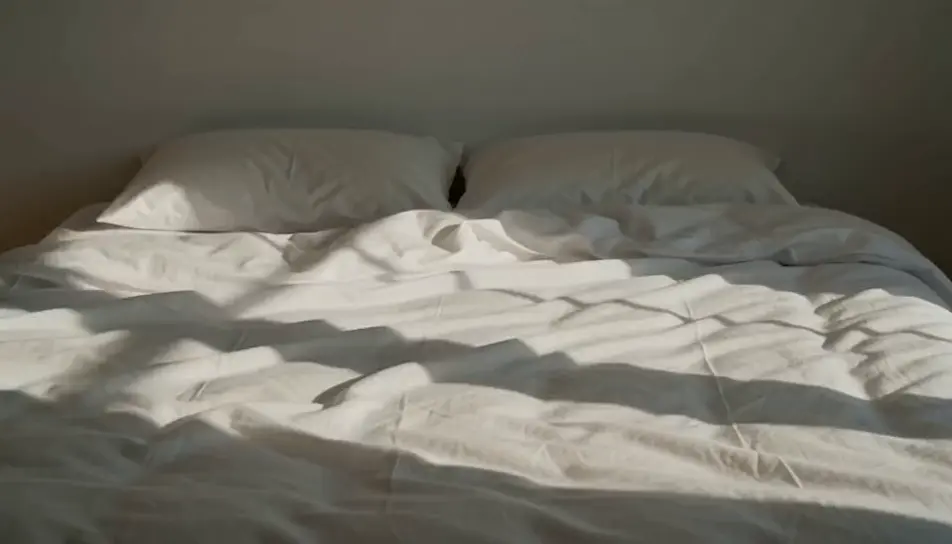
A side-window view rolling past a terrace of pastel facades in soft evening light, the pace slow enough to read each colour as it passes.
Modifier le prompt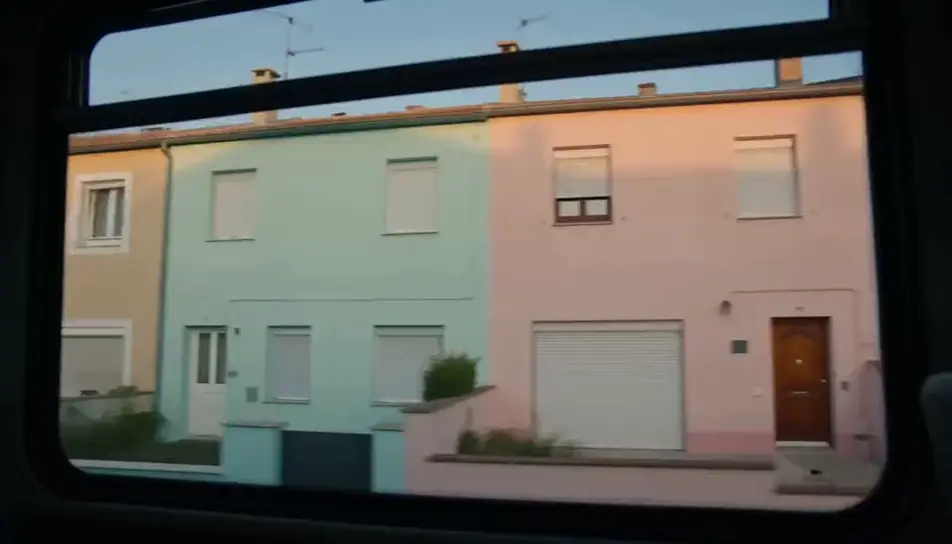
A tall window with sheers swelling and settling in a warm breeze, the low sun blooming through the fabric onto a bare wooden floor below.
Modifier le prompt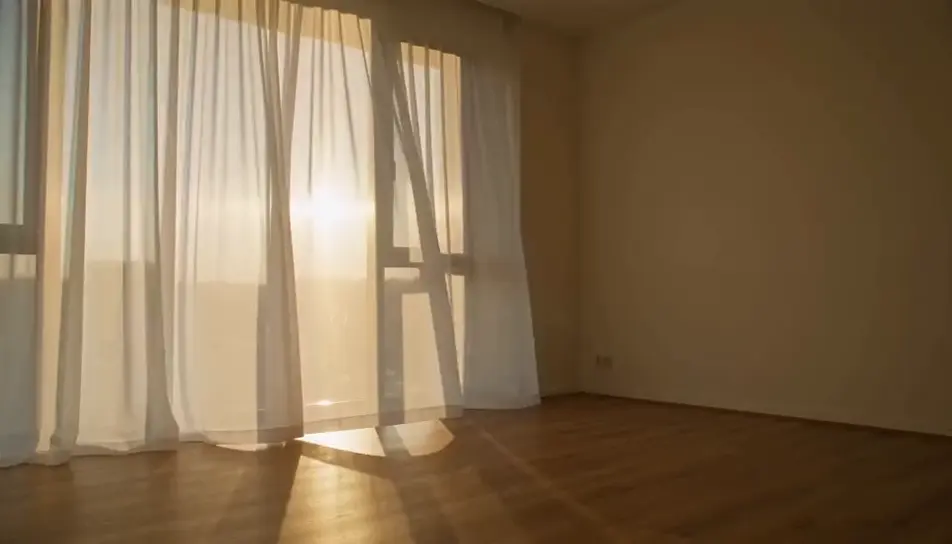
Écrivez la scène aesthetic que vous voulez, en mots simples.
Morphic génère votre clip cinématographique en quelques secondes.
Ajustez le prompt, régénérez des variantes, téléchargez ou partagez le plan.

Dramatiser toute conversation textuelle en une vidéo cinématographique multi-plans.
Court-métrage cinématographique avec effet de gel du temps pour toute scène

Générer une carte de titre de film professionnelle à partir de zéro, avec animation cinématographique optionnelle.
Photo of any real-estate becomes a cinematic renovation timelapse video with construction SFX and music.
Une image pour une vidéo cinématographique en 9 scènes.
Déposez une photo de vous. Obtenez un film cinématique de 12 secondes avec animation et une bande sonore assortie.
Vidéos IA golden hour
Générez des vidéos golden hour avec Morphic. Lumière de contour à 4300K, auréole de halation, rendu Vision3 250D, brume atmosphérique et palette de l'heure magique à la demande.
Vidéos avec effet de grain argentique IA
Générez de la vidéo avec du grain argentique sur Morphic. Intégrez une texture fine 35 mm ou lourde 16 mm dans les clips pour un rendu analogique chaleureux, avec un grain qui tient naturellement d'une image à l'autre.
Vidéos d'effet bokeh IA
Générez des vidéos bokeh IA avec Morphic. Flou d'arrière-plan crémeux, orbes de lumière flottants, révélations en rack focus et prompts de bokeh prêts à l'emploi qui tournent dans votre navigateur.
AI coffee shop stock video
Browse coffee shop stock video and generate your own shots at the exact length, ratio and look the cut needs. Morphic makes video, image, voice and sound.
Commencez gratuitement dès aujourd'hui, avec la possibilité de mettre à niveau ou d'annuler à tout moment.
Basic
2400 mensuel crédits
1 utilisateur uniquement
Tous les modèles
Workflows
Standard
3625 mensuel crédits
1 utilisateur uniquement
Tous les modèles
Workflows
Pro
6350 partagé mensuel crédits
1 utilisateur
Tous les modèles
Workflows
Max
24650 partagé mensuel crédits
1 utilisateur
Tous les modèles
Workflows
Enterprise
Pour des limites plus élevées
Personnalisé
conditions de tarification et de facturation

Free
Pour expérimenter
$0
gratuit pour toujours