Direct an animated diagram video in your browser with Morphic's animated diagram video generator and show how a mechanism works. Generate an exploded view separating into parts, a cross-section peeling back layers, or a cycle turning through its stages. Narrate it with Speech, then order the segments on the Canvas.

Diagram motions you can direct

Diagram sequences you can stage

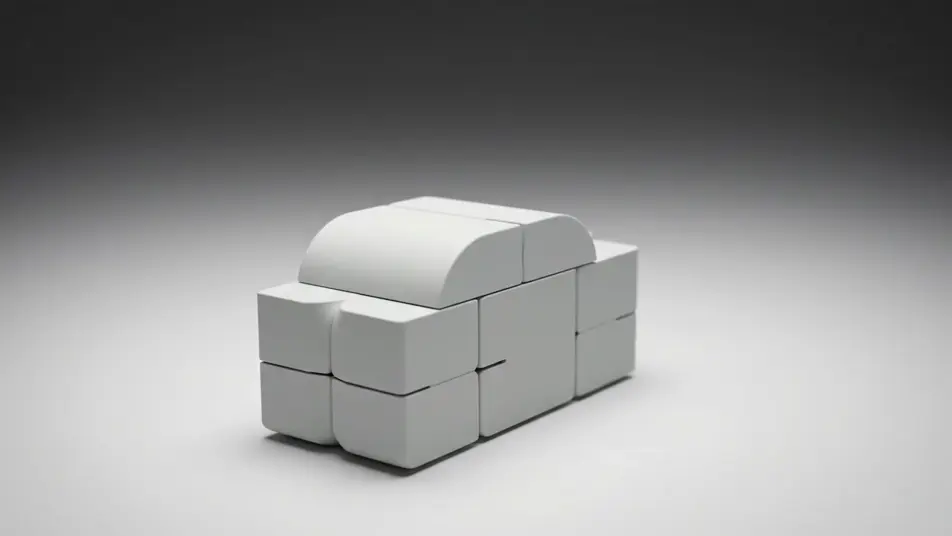
A mechanism exploding into parts

A solid form on a clean studio surface separates outward into its components, each part drifting to a held position under soft even light while the camera orbits slowly.

Modifier le prompt

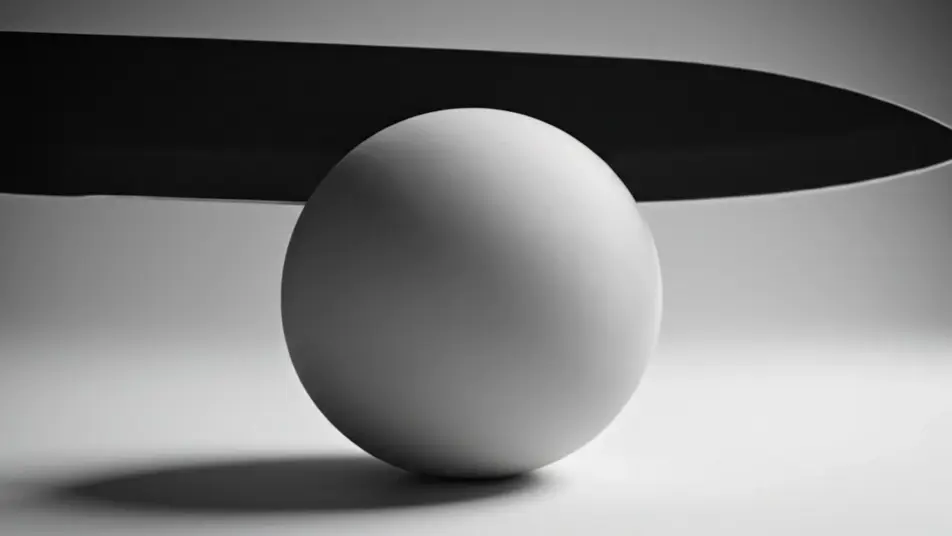
A cross-section opening up

A cutting plane sweeps through a rounded form and the near half falls away to expose stacked inner layers, the camera pushing in on the exposed face under diffuse light.

Modifier le prompt

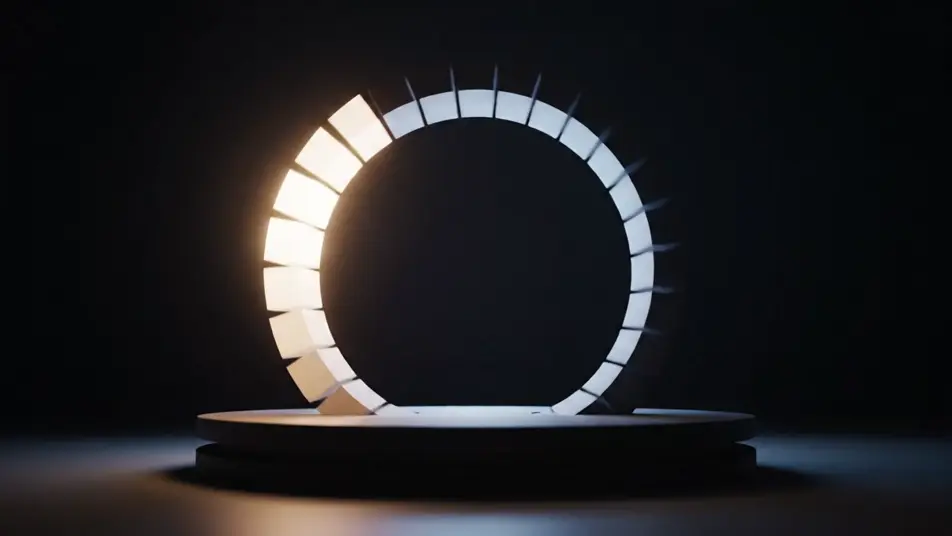
A cycle turning through its stages

A ring of linked stages rotates steadily against a dark field, each stage brightening as it reaches the top and dimming as it moves away, the camera locked off and level.

Modifier le prompt

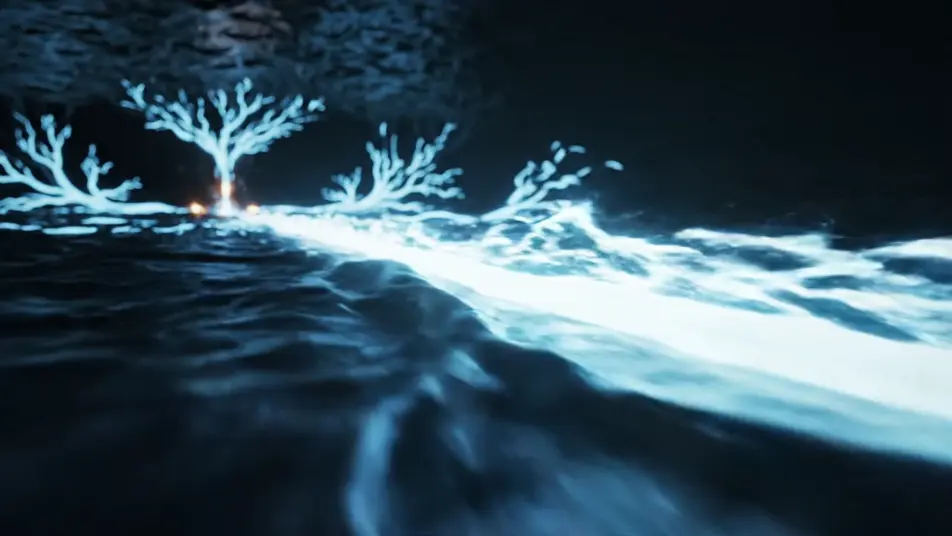
A flow running through a network

A glowing pulse travels a branching set of channels across a dark field, splitting at junctions and rejoining downstream, the camera tracking alongside the fastest branch.

Modifier le prompt

Créez des vidéos animated diagram video en trois étapes

  1. 01

    Décrivez votre scène animated diagram video

    Écrivez la scène animated diagram video que vous voulez, en mots simples.

  2. 02

    Générez la vidéo

    Morphic génère votre clip cinématographique en quelques secondes.

  3. 03

    Peaufinez votre vidéo animated diagram video

    Ajustez le prompt, régénérez des variantes, téléchargez ou partagez le plan.

Tarifs simples

Commencez gratuitement dès aujourd'hui, avec la possibilité de mettre à niveau ou d'annuler à tout moment.

Basic

$9/ mois
facturé comme $0 par an

900 mensuel crédits

1 utilisateur uniquement

Tous les modèles

Workflows

Standard

$24/ mois
facturé comme $0 par an

3200 mensuel crédits

1 utilisateur uniquement

Tous les modèles

Workflows

Pro

$45/ mois
facturé comme $0 par an

6200 partagé mensuel crédits

1 utilisateur

+ jusqu'à 4 plus à un coût supplémentaire

Tous les modèles

Workflows

Pro Max

$170/ mois
facturé comme $0 par an

24000 partagé mensuel crédits

1 utilisateur

+ jusqu'à 9 plus à un coût supplémentaire

Tous les modèles

Workflows

Enterprise

Pour des limites plus élevées

Personnalisé

conditions de tarification et de facturation

Crédits à haut volume
Limites de sièges personnalisées
Tous les modèles
Workflows
Pricing Gradient

Free

Pour expérimenter

$0

gratuit pour toujours

Jusqu'à 20 crédits
1 utilisateur uniquement
Modèles limités
Workflows

Questions fréquentes

Where can I make animated diagram videos with AI?
You can direct animated diagram videos in your browser on Morphic. Open the Text to Video tool, describe the form and the motion that explains it, and the model renders the segment. Order the segments on the Canvas to build the full sequence.
What kinds of diagram motions work best with AI video?
Exploded views, cross-sections, turning cycles, and flowing paths read cleanly because each one carries a single idea. Motion that separates, slices, rotates, or travels shows structure far better than a static arrangement holding on screen.
How do I write a good prompt for an animated diagram video?
Lead with the motion, then the form, then the light. Say what separates, what slices open, or what travels, and give the material and the camera move. Keeping one palette across every segment makes a multi-part explanation read as one piece.
Why should I avoid labels in an animated diagram?
AI models render on-screen lettering as gibberish, so a labelled diagram tends to look broken. Direct the structure and the motion instead, then add any callouts or titles later in your editor over a clean plate.
Can I add narration and music to my animated diagram videos?
Yes. The Speech tool generates a clear narration track in the voice you pick, which carries most diagrams. The Music tool lays an original bed underneath, and a diagram lands best when the track stays quiet under the voice.