Corridor emptying after the bell
A wide hold down a school corridor as figures drift out of frame, leaving one seated teenager at the far end in soft grey daylight.
Modifier le prompt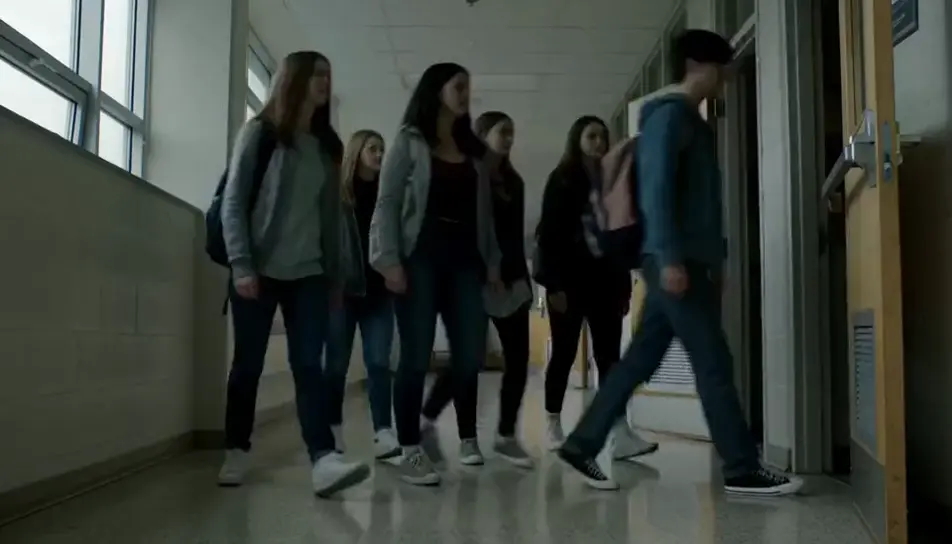
Generate bullying stock video in Morphic's AI video generator: a phone face down on a lunch table, or a hand held out on a corridor bench. Cut the campaign on Compose.
A wide hold down a school corridor as figures drift out of frame, leaving one seated teenager at the far end in soft grey daylight.
Modifier le promptA row of plain lockers in low afternoon sun, one door swinging slowly shut on its own, the corridor beyond it already empty and quiet.
Modifier le prompt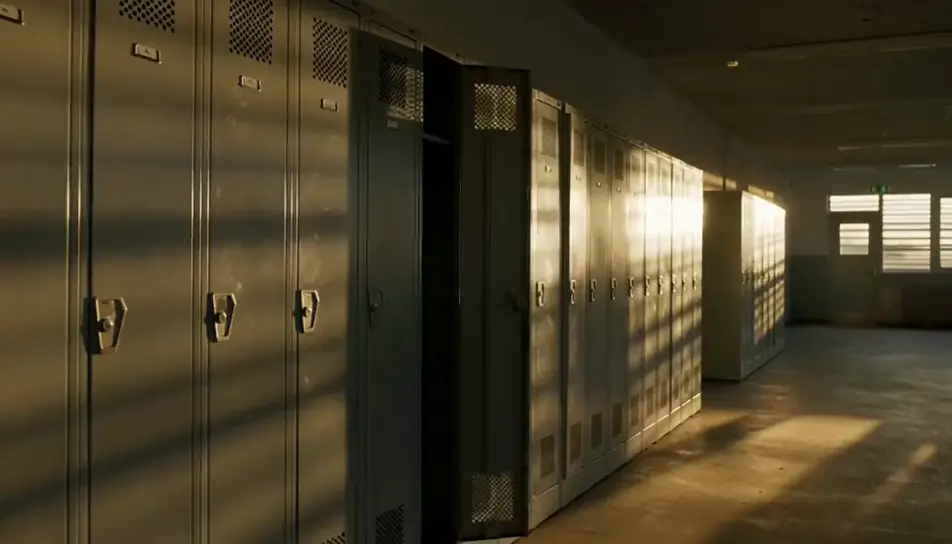
A second teenager sits down beside the first on a low wall outside school, afternoon sun behind them, shoulders slowly turning inward.
Modifier le prompt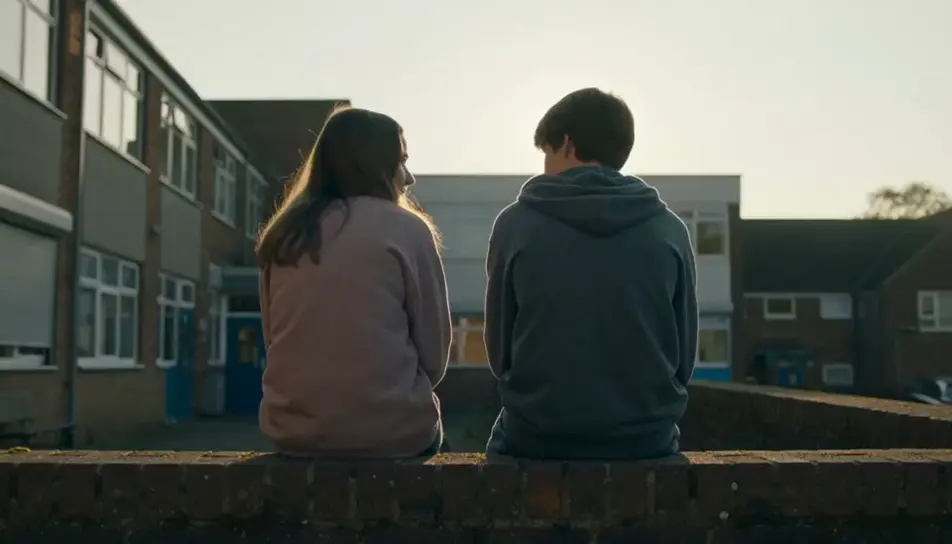
A very wide frame of one figure walking the far edge of an empty playing field while a small group plays a long way off, overcast light.
Modifier le prompt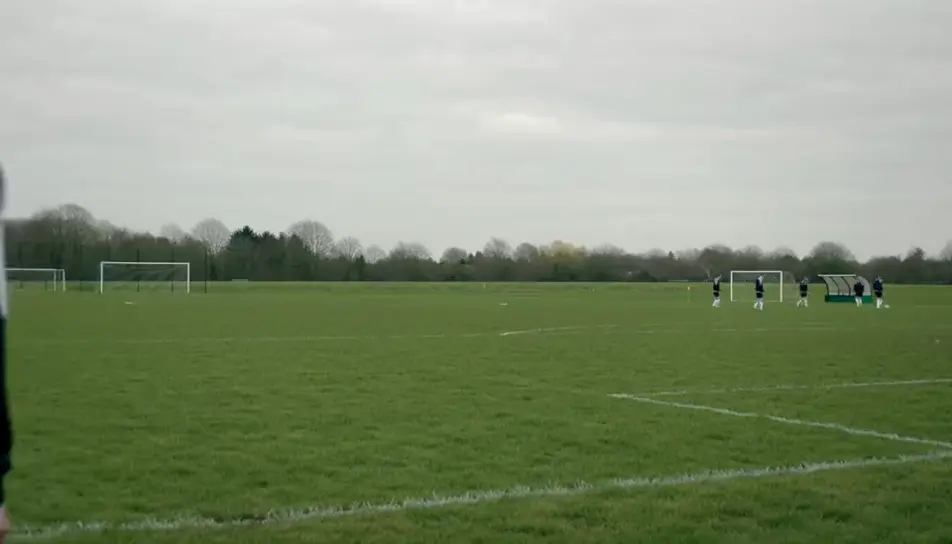
Écrivez la scène bullying stock que vous voulez, en mots simples.
Morphic génère votre clip cinématographique en quelques secondes.
Ajustez le prompt, régénérez des variantes, téléchargez ou partagez le plan.

Dramatiser toute conversation textuelle en une vidéo cinématographique multi-plans.
Court-métrage cinématographique avec effet de gel du temps pour toute scène

Générer une carte de titre de film professionnelle à partir de zéro, avec animation cinématographique optionnelle.
Photo of any real-estate becomes a cinematic renovation timelapse video with construction SFX and music.
Une image pour une vidéo cinématographique en 9 scènes.
Déposez une photo de vous. Obtenez un film cinématique de 12 secondes avec animation et une bande sonore assortie.
AI teacher stock video
Browse teacher stock video and generate your own shots at the exact length, ratio and look the cut needs. Morphic makes video, image, voice and sound.
Vidéos IA de journée portes ouvertes
Vidéo de journée portes ouvertes filmée dans votre navigateur : mot d'accueil, visite façon reportage, prises de parole d'élèves. Générez la vôtre avec Morphic.
Vidéo de rentrée étudiante par IA
Générez une vidéo de rentrée étudiante sans tournage : accueil, traversée du campus, salle commune et chambre, prête pour l'intégration.
Vidéos IA de formation sécurité
Créez une vidéo de formation sécurité dans votre navigateur : repérage des risques, procédure correcte, comparatif faire/ne pas faire, prête pour le web.
Commencez gratuitement dès aujourd'hui, avec la possibilité de mettre à niveau ou d'annuler à tout moment.
Basic
2400 mensuel crédits
1 utilisateur uniquement
Tous les modèles
Workflows
Standard
3625 mensuel crédits
1 utilisateur uniquement
Tous les modèles
Workflows
Pro
6350 partagé mensuel crédits
1 utilisateur
Tous les modèles
Workflows
Max
24650 partagé mensuel crédits
1 utilisateur
Tous les modèles
Workflows
Enterprise
Pour des limites plus élevées
Personnalisé
conditions de tarification et de facturation

Free
Pour expérimenter
$0
gratuit pour toujours