Afternoon window, one cat, no cuts
A Maine Coon in a bay window, dust visible in the shaft of light, the cat shifting weight once and settling. Slow push-in over fifteen seconds.
Modifier le prompt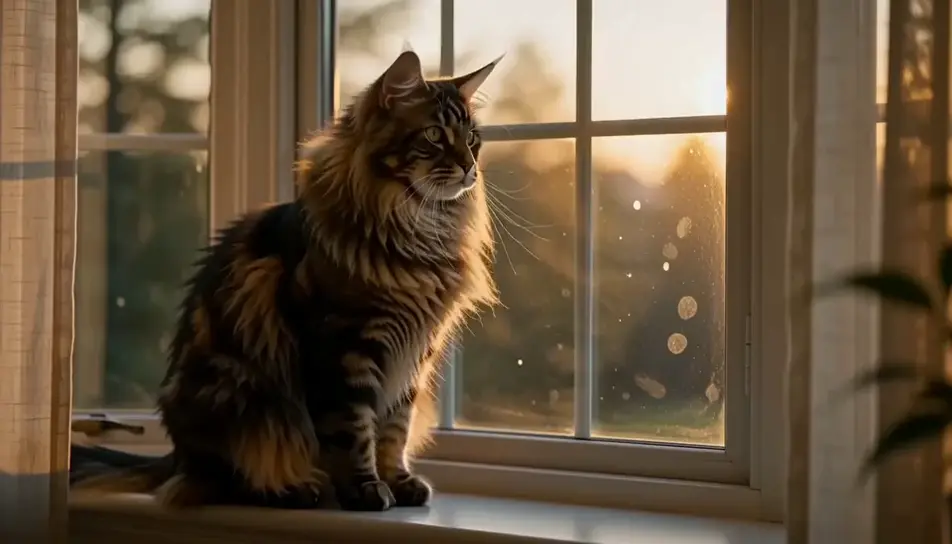
Direct a cat in your browser with Morphic's cat video AI generator. Generate a Maine Coon's ruff catching low window light, or a kitten asleep in a laundry basket, then score the sequence with the Music tool.
A Maine Coon in a bay window, dust visible in the shaft of light, the cat shifting weight once and settling. Slow push-in over fifteen seconds.
Modifier le promptLiving room at dusk, a Siamese on the back of a sofa following a moth along the ceiling. The camera stays on the cat, never on the moth.
Modifier le prompt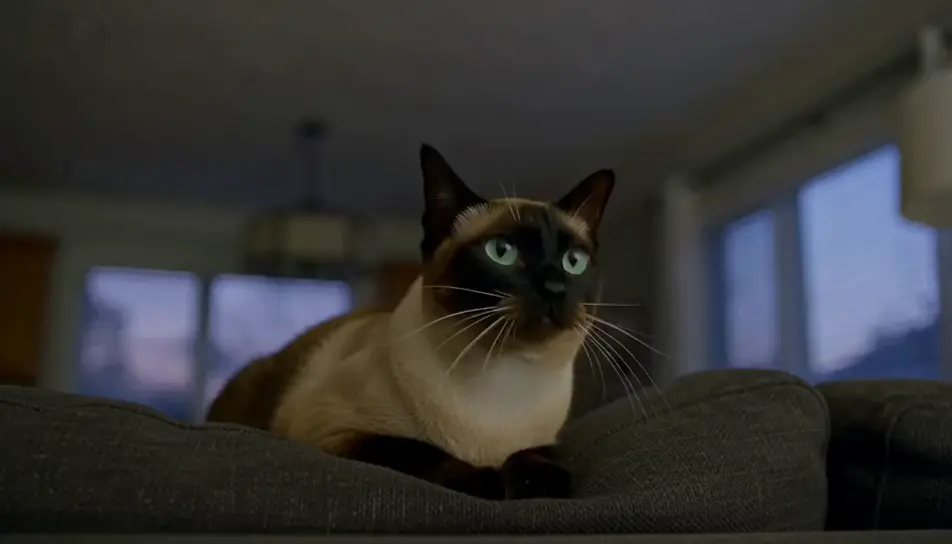
Close on a basket of folded washing with a black kitten asleep in the fold. Warm daylight, very shallow focus, only the breathing moves.
Modifier le prompt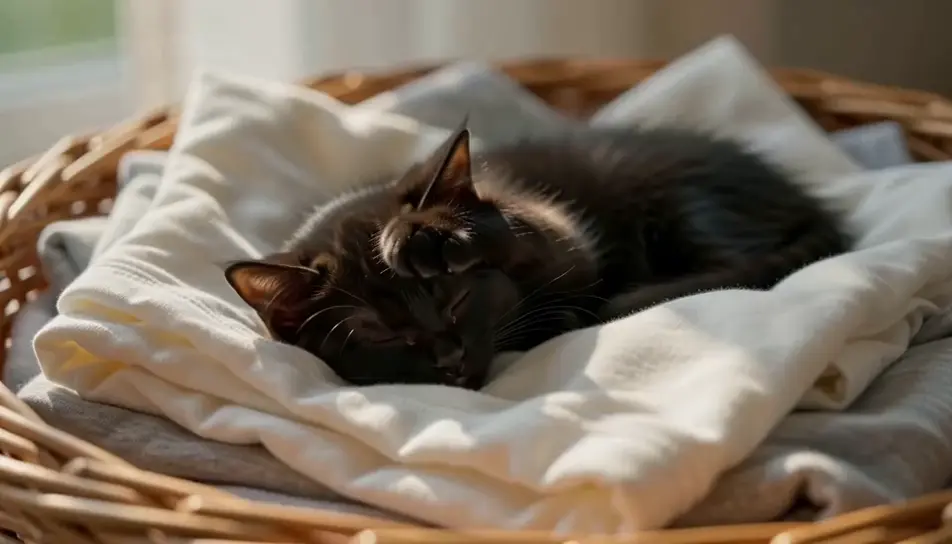
A grey cat silhouetted against a rain-streaked window in flat grey light, drops running down the pane in front of its face, reflections doubling the eyes.
Modifier le prompt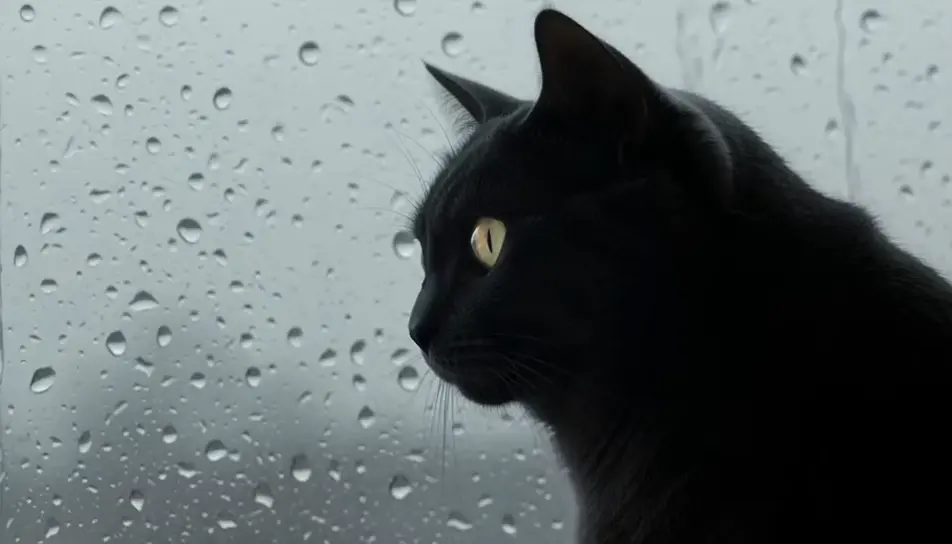
Écrivez la scène cat que vous voulez, en mots simples.
Morphic génère votre clip cinématographique en quelques secondes.
Ajustez le prompt, régénérez des variantes, téléchargez ou partagez le plan.

Dramatiser toute conversation textuelle en une vidéo cinématographique multi-plans.
Court-métrage cinématographique avec effet de gel du temps pour toute scène

Générer une carte de titre de film professionnelle à partir de zéro, avec animation cinématographique optionnelle.
Photo of any real-estate becomes a cinematic renovation timelapse video with construction SFX and music.
Une image pour une vidéo cinématographique en 9 scènes.
Déposez une photo de vous. Obtenez un film cinématique de 12 secondes avec animation et une bande sonore assortie.
AI funny cat videos
Browse funny cat videos and generate your own shots at the exact length, ratio and look the cut needs. Morphic makes video, image, voice and sound.
AI funny videos
Browse funny videos and generate your own shots at the length, ratio and look the cut needs. Morphic makes video, image, voice and sound in one workspace.
Vidéos d'ambiance nature IA
Générez des vidéos d'ambiance nature IA avec Morphic. Forêts ensoleillées, ruisseaux de montagne et boucles nature apaisantes pour le sommeil, la concentration et les écrans d'arrière-plan.
Vidéos ASMR IA
Générez des vidéos ASMR IA avec Morphic. Boucles de déclencheurs en gros plan, ambiances sonores, narration chuchotée et clips prêts à publier pour YouTube et TikTok.
Commencez gratuitement dès aujourd'hui, avec la possibilité de mettre à niveau ou d'annuler à tout moment.
Basic
2400 mensuel crédits
1 utilisateur uniquement
Tous les modèles
Workflows
Standard
3625 mensuel crédits
1 utilisateur uniquement
Tous les modèles
Workflows
Pro
6350 partagé mensuel crédits
1 utilisateur
Tous les modèles
Workflows
Max
24650 partagé mensuel crédits
1 utilisateur
Tous les modèles
Workflows
Enterprise
Pour des limites plus élevées
Personnalisé
conditions de tarification et de facturation

Free
Pour expérimenter
$0
gratuit pour toujours