Un dégradé pour un hall
Un dégradé plein cadre fond lentement le bleu profond vers l'ambre chaud, les vagues roulant bord à bord sans coupure visible. Le mouvement reste assez calme pour accompagner un message toute la journée.
Modifier le prompt
Un écran qui tourne toute la journée n'a pas besoin de texte, juste d'un mouvement qui ne lasse jamais. Morphic génère ce fond en boucle : dégradé qui coule, motif géométrique, champ de particules. Comparez plusieurs versions sur Canvas, puis choisissez celle qui habille votre espace.
Un dégradé plein cadre fond lentement le bleu profond vers l'ambre chaud, les vagues roulant bord à bord sans coupure visible. Le mouvement reste assez calme pour accompagner un message toute la journée.
Modifier le promptDes formes nettes et des lignes fines glissent en rythme mesuré, comme la mire des chaînes françaises d'autrefois. Le recoupement et l'ombre douce construisent la profondeur sur un fond neutre et lumineux, pensé pour un mur de magasin.
Modifier le prompt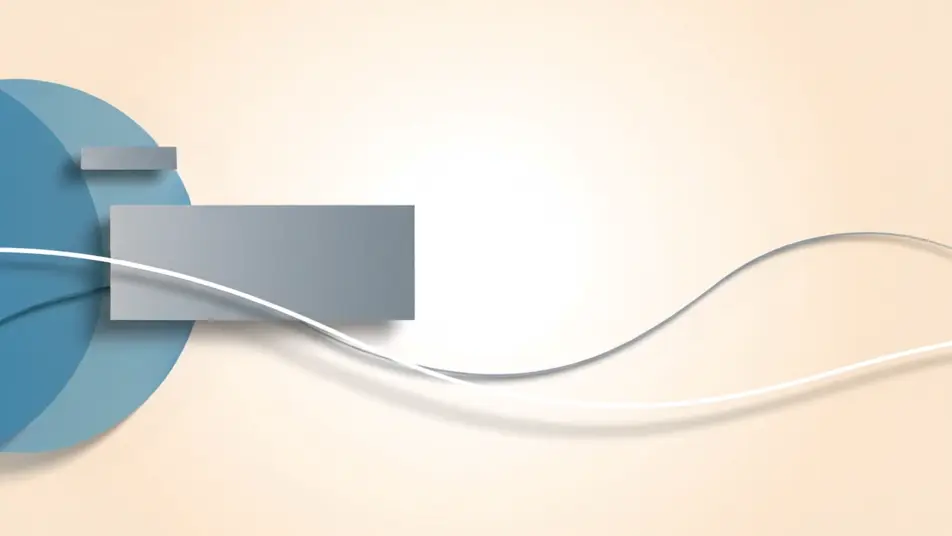
Des milliers de points lumineux dérivent dans l'obscurité en courants lents qui se forment et se dissolvent. L'ambiance rappelle les illuminations de la Fête des Lumières à Lyon, lisible depuis l'autre côté d'une rue la nuit.
Modifier le prompt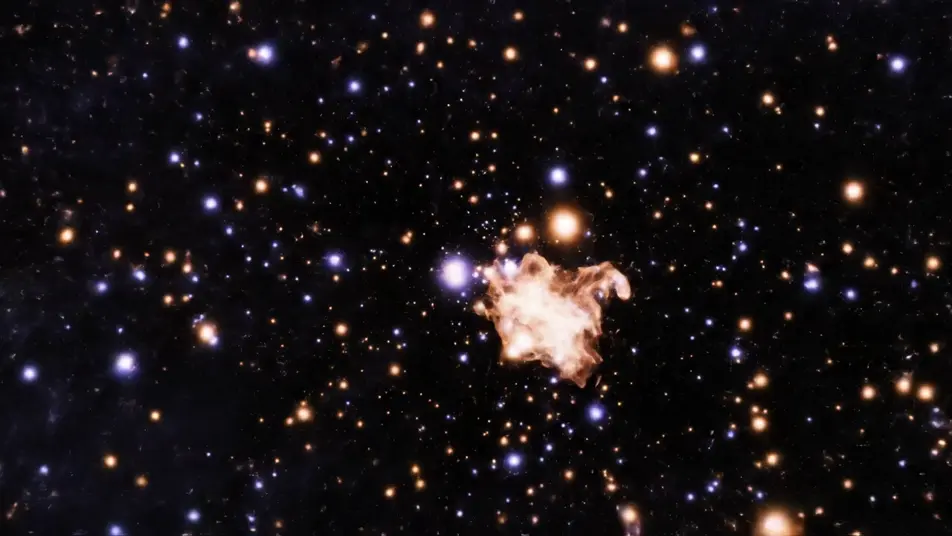
Des volutes d'encre saturée se replient et s'enroulent dans un liquide clair au ralenti, chaque éclosion nourrissant la suivante. La boucle ne redémarre jamais de façon visible, sur un fond propre et coloré.
Modifier le prompt
Écrivez la scène vidéo d'affichage dynamique que vous voulez, en mots simples.
Morphic génère votre clip cinématographique en quelques secondes.
Ajustez le prompt, régénérez des variantes, téléchargez ou partagez le plan.

Dramatiser toute conversation textuelle en une vidéo cinématographique multi-plans.
Court-métrage cinématographique avec effet de gel du temps pour toute scène

Générer une carte de titre de film professionnelle à partir de zéro, avec animation cinématographique optionnelle.
Photo of any real-estate becomes a cinematic renovation timelapse video with construction SFX and music.
Une image pour une vidéo cinématographique en 9 scènes.
Déposez une photo de vous. Obtenez un film cinématique de 12 secondes avec animation et une bande sonore assortie.
Vidéo audiogramme IA
Créez un audiogramme IA pour vos podcasts : ondes lumineuses, barres d’égaliseur et particules qui suivent le rythme, avec voix française et musique.
Vidéos promo Black Friday par IA
Créez votre vidéo promo Black Friday avec l'IA. Révélations sous spot, orbites néon, confettis, sans tournage ni stock. Générez le buzz dès maintenant.
Publicités de concession automobile par IA
Créez une publicité de concession automobile avec l'IA. Showroom qui brille, remise des clés, cour au crépuscule. Exportez le jour même.
Vidéo de culture d'entreprise par IA
Créez une vidéo de culture d'entreprise avec l'IA : pause café, mentorat, ambiance de bureau, sans tournage. Essayez gratuitement.
Commencez gratuitement dès aujourd'hui, avec la possibilité de mettre à niveau ou d'annuler à tout moment.
Basic
2400 mensuel crédits
1 utilisateur uniquement
Tous les modèles
Workflows
Standard
3625 mensuel crédits
1 utilisateur uniquement
Tous les modèles
Workflows
Pro
6350 partagé mensuel crédits
1 utilisateur
Tous les modèles
Workflows
Max
24650 partagé mensuel crédits
1 utilisateur
Tous les modèles
Workflows
Enterprise
Pour des limites plus élevées
Personnalisé
conditions de tarification et de facturation

Free
Pour expérimenter
$0
gratuit pour toujours