AI Employee spotlight videos

Produce an employee spotlight video in your browser with Morphic's employee spotlight video generator. Generate a name-and-role title card, a short interview-style cut, a day-in-the-role montage, or a quote card in one warm look. Voice the intro with Speech, then assemble the parts into one profile on the Canvas.

Employee spotlight segments you can direct

Employee spotlight moments you can stage

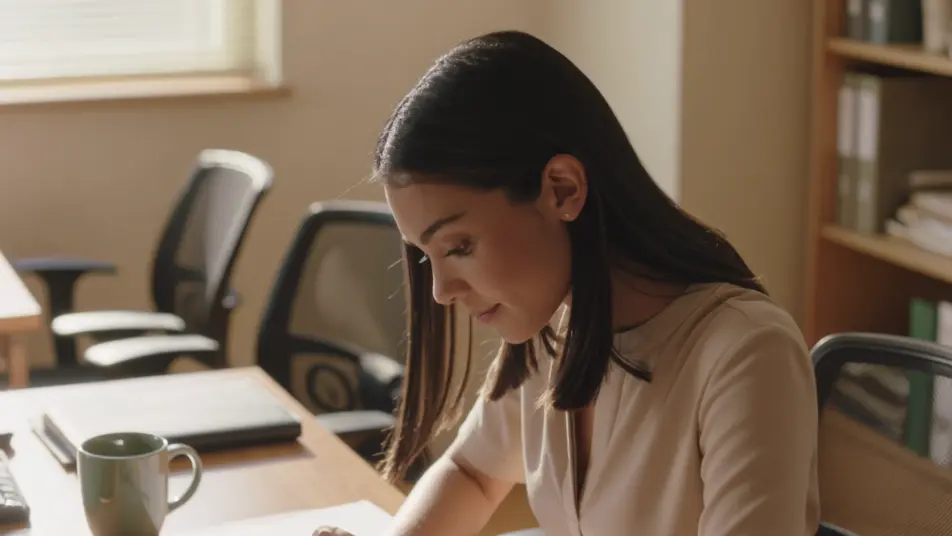
A colleague introduction moment

A warm wide office frame where the colleague looks up from their work into a natural smile, a gentle push-in introducing the person through their expression instead of a title card.

Modifier le prompt

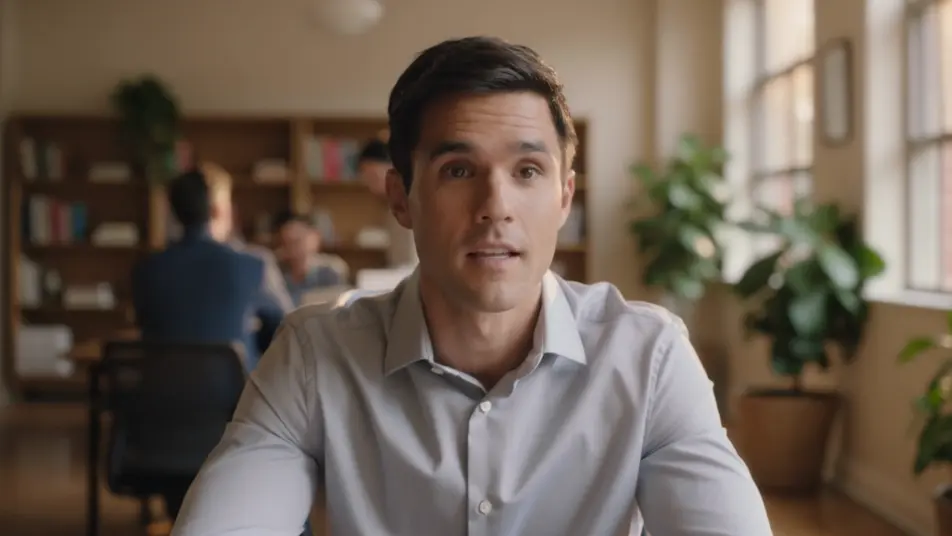
An interview-style talking moment

A soft-lit frame where the colleague answers one question to camera, shallow depth of field holding them sharp against a blurred office background under warm natural light and a steady eye-level angle.

Modifier le prompt

A day-in-the-role montage

A bright frame where quick everyday work moments cut together in an even rhythm, each shot warm and candid under natural office light with a light handheld energy carrying between them.

Modifier le prompt

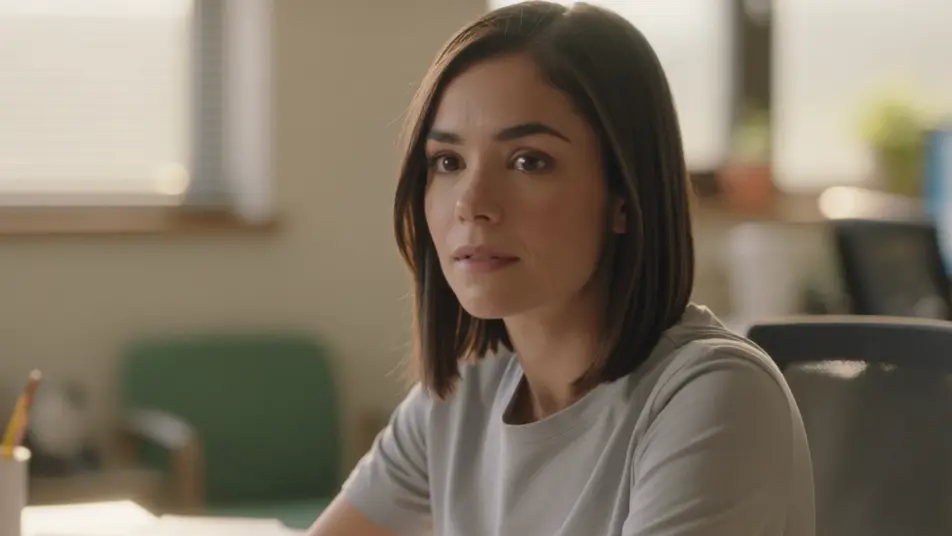
A personality moment close

A soft wide frame of the colleague in a warm reflective beat, a quiet smile settling as the profile closes, the personality carried by the human moment rather than a pull-quote.

Modifier le prompt

Créez des vidéos employee spotlight video en trois étapes

  1. 01

    Décrivez votre scène employee spotlight video

    Écrivez la scène employee spotlight video que vous voulez, en mots simples.

  2. 02

    Générez la vidéo

    Morphic génère votre clip cinématographique en quelques secondes.

  3. 03

    Peaufinez votre vidéo employee spotlight video

    Ajustez le prompt, régénérez des variantes, téléchargez ou partagez le plan.

Tarifs simples

Commencez gratuitement dès aujourd'hui, avec la possibilité de mettre à niveau ou d'annuler à tout moment.

Basic

$9/ mois
facturé comme $0 par an

900 mensuel crédits

1 utilisateur uniquement

Tous les modèles

Workflows

Standard

$24/ mois
facturé comme $0 par an

3200 mensuel crédits

1 utilisateur uniquement

Tous les modèles

Workflows

Pro

$45/ mois
facturé comme $0 par an

6200 partagé mensuel crédits

1 utilisateur

+ jusqu'à 4 plus à un coût supplémentaire

Tous les modèles

Workflows

Pro Max

$170/ mois
facturé comme $0 par an

24000 partagé mensuel crédits

1 utilisateur

+ jusqu'à 9 plus à un coût supplémentaire

Tous les modèles

Workflows

Enterprise

Pour des limites plus élevées

Personnalisé

conditions de tarification et de facturation

Crédits à haut volume
Limites de sièges personnalisées
Tous les modèles
Workflows
Pricing Gradient

Free

Pour expérimenter

$0

gratuit pour toujours

Jusqu'à 20 crédits
1 utilisateur uniquement
Modèles limités
Workflows

Questions fréquentes

Where can I make an employee spotlight video with AI?
You can create an employee spotlight video directly in your browser on Morphic. Open the Text to Video tool, describe each segment and the warm office look you want, and the parts generate. On the Canvas you assemble them into one continuous profile.
What segments work best in an employee spotlight video?
A name-and-role title card, an interview-style cut, and a day-in-the-role montage give the profile a clear shape and a real voice. Holding one warm look and natural light across every part makes the profile feel like one piece rather than assorted clips.
How do I write a good prompt for an employee spotlight?
Name the office setting, the natural light, and the framing for each segment, whether it is a title card, a talking moment, or a candid work montage. Prompt every part in the same warm style so the profile reads as one continuous piece.
How do I keep a spotlight video consistent across segments?
Reuse the same office look, light, and type treatment across every prompt so no segment breaks the tone. On the Canvas you order the title card, interview, and montage so the profile builds cleanly from the introduction through the work to the closing quote.
Can I add narration to an employee spotlight video?
Yes. The Speech tool generates a warm narration track to introduce the colleague and bridge the segments, and the Music tool can add a light bed underneath. Keep the score gentle so the interview and the on-screen moments stay in focus.