Un développeur au clavier
Un plan large de bureau, des mains qui travaillent, un écran qui diffuse son halo derrière. L'interface ne devient jamais lisible : toute l'interaction se lit dans les mains.
Modifier le prompt
Une mise à jour annoncée par e-mail se perd ; montrée en vidéo, elle se retient. Le générateur de Morphic filme la fonctionnalité en action, l'avant-après, le tuto rapide ou la carte de changelog dans un seul style. Racontez-la avec Speech, puis assemblez les plans en une annonce sur Canvas.
Un plan large de bureau, des mains qui travaillent, un écran qui diffuse son halo derrière. L'interface ne devient jamais lisible : toute l'interaction se lit dans les mains.
Modifier le promptUne personne reprend son poste et la posture se détend au fil du travail. L'écran garde une lueur douce : ce sont la réaction et le corps qui montrent le progrès, pas l'interface.
Modifier le prompt
Un cadre minimal, des étapes numérotées qui apparaissent l'une après l'autre sur un écran produit. Un halo doux glisse vers le contrôle actif, puis la caméra tient le centre du cadre.
Modifier le prompt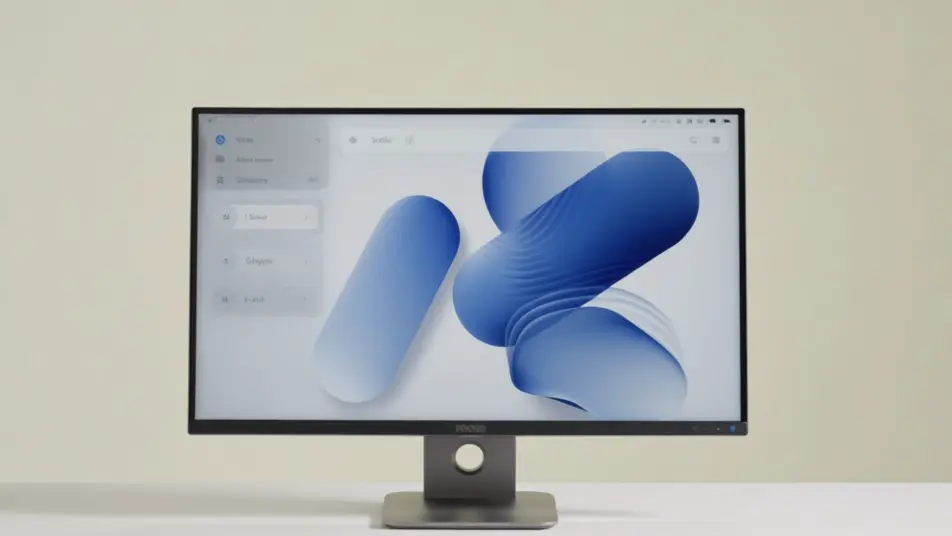
Une petite équipe se rassemble en open space, un membre pointe un écran lumineux. L'écran flou tient lieu du moment où le lancement se raconte, en interne, avant de sortir.
Modifier le prompt
Écrivez la scène vidéo de lancement de fonctionnalité que vous voulez, en mots simples.
Morphic génère votre clip cinématographique en quelques secondes.
Ajustez le prompt, régénérez des variantes, téléchargez ou partagez le plan.

Dramatiser toute conversation textuelle en une vidéo cinématographique multi-plans.
Court-métrage cinématographique avec effet de gel du temps pour toute scène

Générer une carte de titre de film professionnelle à partir de zéro, avec animation cinématographique optionnelle.
Photo of any real-estate becomes a cinematic renovation timelapse video with construction SFX and music.
Une image pour une vidéo cinématographique en 9 scènes.
Déposez une photo de vous. Obtenez un film cinématique de 12 secondes avec animation et une bande sonore assortie.
Vidéos de démonstration logicielle IA
Créez une vidéo de démonstration logicielle avec l'IA sur Morphic : visite guidée, focus fonctionnalité et parcours de clics, en interne, prêts pour le web.
Vidéo de feuille de route par IA
Créez une vidéo de feuille de route avec l'IA : frise animée, cartes de jalons, classement maintenant/ensuite/plus tard, sans équipe technique.
Démos vidéo d'intégration IA
Générez une démo vidéo d'intégration en interne. Connexion, flux de données entre applications et workflow complet, sans équipe de tournage.
Vidéo explicative API IA
Transformez votre référence API en parcours animé requête-réponse. Authentification, appel pas à pas, correction d’erreur, le tout produit en interne.
Commencez gratuitement dès aujourd'hui, avec la possibilité de mettre à niveau ou d'annuler à tout moment.
Basic
2400 mensuel crédits
1 utilisateur uniquement
Tous les modèles
Workflows
Standard
3625 mensuel crédits
1 utilisateur uniquement
Tous les modèles
Workflows
Pro
6350 partagé mensuel crédits
1 utilisateur
Tous les modèles
Workflows
Max
24650 partagé mensuel crédits
1 utilisateur
Tous les modèles
Workflows
Enterprise
Pour des limites plus élevées
Personnalisé
conditions de tarification et de facturation

Free
Pour expérimenter
$0
gratuit pour toujours