Direct a help centre video in your browser with Morphic's help centre video generator, so each article carries a short clip that shows the steps. Render a screen walkthrough, a single-task how-to, and a quick answer to a common question in one style. Voice it with Speech, then assemble the clips into an article-ready video on Compose.

Help centre clips you can direct

Help centre moments you can stage

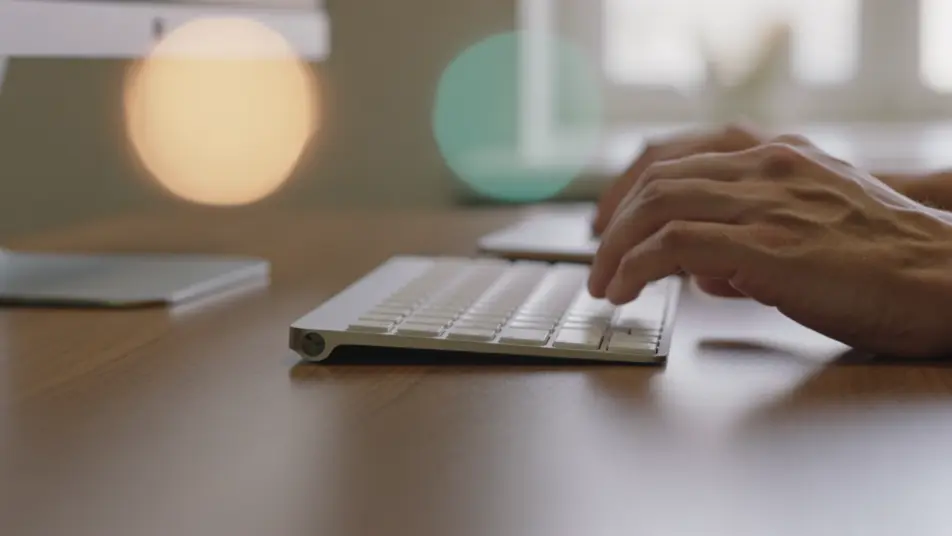
Hands walking through a task

A wide desk shot of a user's hands working at a keyboard and trackpad with the monitor's soft glow behind, the interface never legible, the task carried by the hands.

Modifier le prompt

A quick-answer explainer frame

A bright flat-style frame where plain type and a simple diagram answer one common question, elements sliding in on cue with a calm steady pace and a friendly palette held throughout.

Modifier le prompt

From frustration to relief

A wide frame of a user at a desk whose expression turns from frustration to relief as a problem is resolved, the screen a soft glow, the fix shown through the human response.

Modifier le prompt

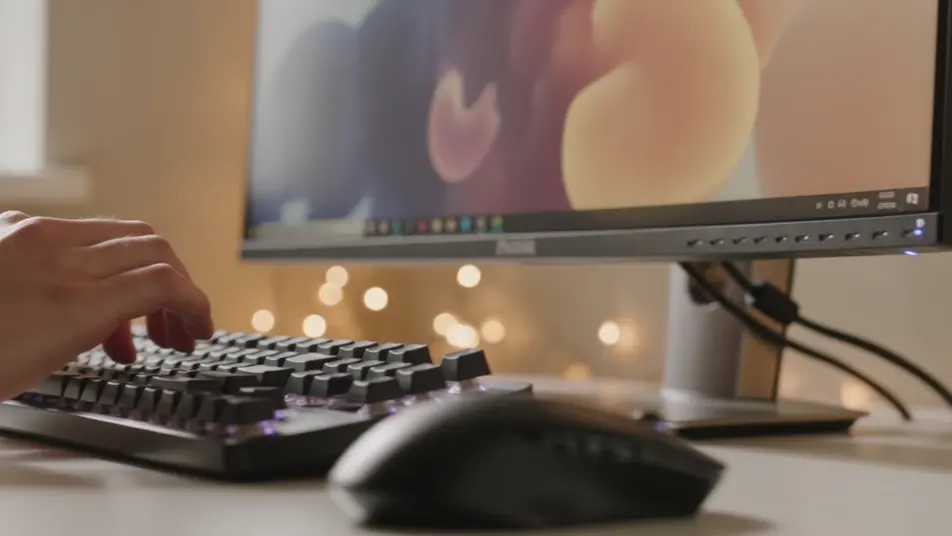
A tour across the desk

A wide over-the-shoulder pan across a desk as a user's hands navigate, the monitor a soft glow blooming behind, framing where a feature lives without any legible interface.

Modifier le prompt

Créez des vidéos help centre video en trois étapes

  1. 01

    Décrivez votre scène help centre video

    Écrivez la scène help centre video que vous voulez, en mots simples.

  2. 02

    Générez la vidéo

    Morphic génère votre clip cinématographique en quelques secondes.

  3. 03

    Peaufinez votre vidéo help centre video

    Ajustez le prompt, régénérez des variantes, téléchargez ou partagez le plan.

Tarifs simples

Commencez gratuitement dès aujourd'hui, avec la possibilité de mettre à niveau ou d'annuler à tout moment.

Basic

$9/ mois
facturé comme $0 par an

900 mensuel crédits

1 utilisateur uniquement

Tous les modèles

Workflows

Standard

$24/ mois
facturé comme $0 par an

3200 mensuel crédits

1 utilisateur uniquement

Tous les modèles

Workflows

Pro

$45/ mois
facturé comme $0 par an

6200 partagé mensuel crédits

1 utilisateur

+ jusqu'à 4 plus à un coût supplémentaire

Tous les modèles

Workflows

Pro Max

$170/ mois
facturé comme $0 par an

24000 partagé mensuel crédits

1 utilisateur

+ jusqu'à 9 plus à un coût supplémentaire

Tous les modèles

Workflows

Enterprise

Pour des limites plus élevées

Personnalisé

conditions de tarification et de facturation

Crédits à haut volume
Limites de sièges personnalisées
Tous les modèles
Workflows
Pricing Gradient

Free

Pour expérimenter

$0

gratuit pour toujours

Jusqu'à 20 crédits
1 utilisateur uniquement
Modèles limités
Workflows

Questions fréquentes

Where can I make a help centre video with AI?
You can create one directly in your browser on Morphic. Open the Text to Video tool, describe the task and the steps you want on screen, and each clip is generated. On Compose you assemble the steps into an article-ready video with no editing suite needed.
What kinds of help centre clips work best?
Single-task walkthroughs, quick animated answers, and troubleshooting fixes read cleanly because each one resolves exactly one question. Keeping every clip scoped to a single job is what lets a viewer find the answer fast and get back to work.
How do I write a good prompt for a help centre clip?
Reduce the clip to one task and prompt the interface, the cursor path, and the step callouts you want. Name whether a control highlights, a label appears, or an error resolves. Keeping the same layout and pacing across clips is what makes an article set feel consistent.
How do I keep clips consistent across the help centre?
Reuse the same interface style, callout treatment, and pacing descriptors across every prompt so no clip breaks the pattern. On Compose you trim each step and time the transitions so a multi-part guide plays as one continuous walkthrough.
Can I add narration to a help centre video?
Yes. The Speech tool generates a clear narration track in the voice you choose to talk a viewer through each step. A spoken line paired with the on-screen action is what turns a silent capture into a clip someone can follow hands-free.