Direct an HR policy video in your browser with Morphic's HR policy video generator, so a written policy becomes a short clip staff will actually watch. Render a plain-language explainer, a scenario that shows the rule in practice, and a what-to-do-next summary in one style. Voice it with Speech, then assemble the sections into one policy video on Compose.

HR policy segments you can direct

HR policy moments you can stage

A plain-language policy explainer

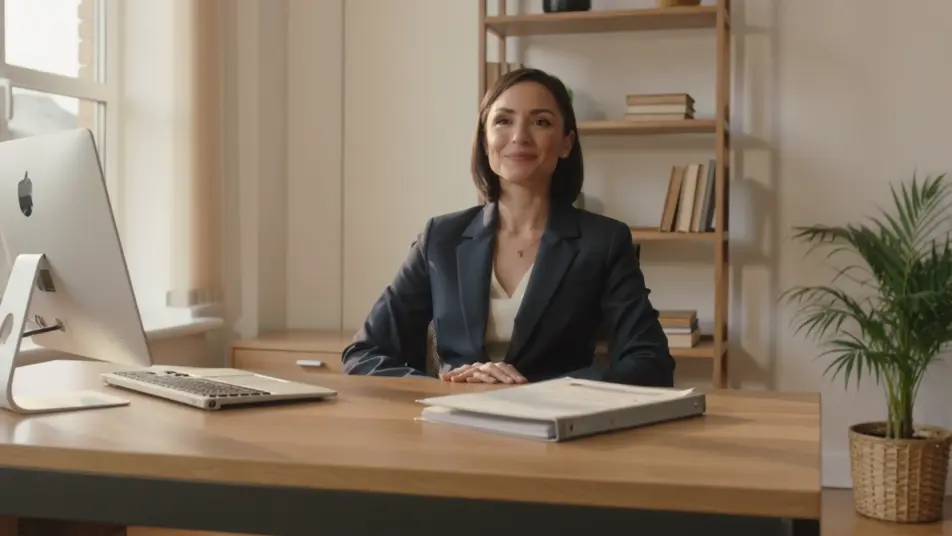
A warm office-toned frame where a calm narrator voice pairs with clean animated key points, each line sliding in on cue under soft even light with a steady, unhurried pace held throughout.

Modifier le prompt

A workplace scenario beat

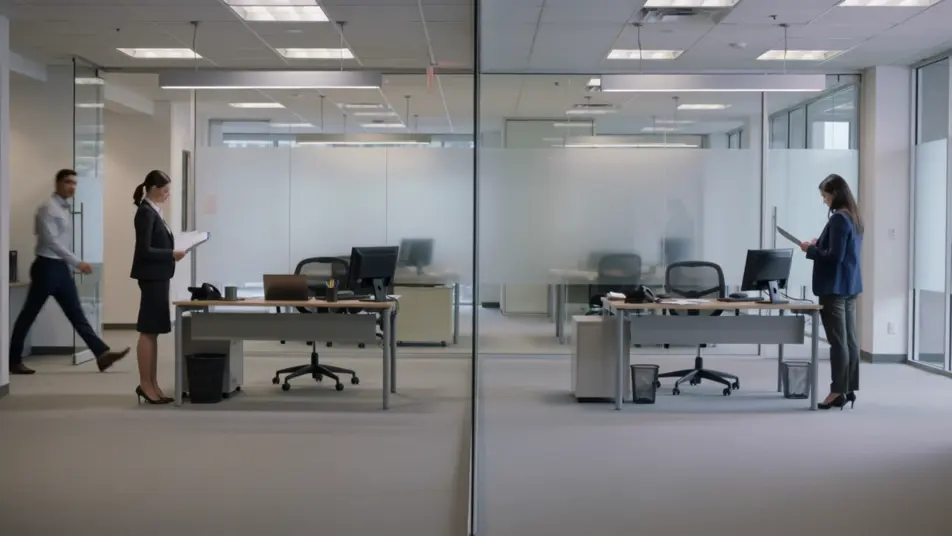
A wide candid frame where two colleagues play out a common workplace situation under natural window light, any whiteboards or notices kept out of focus, grounding an abstract policy in a recognizable moment.

Modifier le prompt

A do and do-not split

A clean split frame contrasting a correct approach on one side with the wrong one on the other, tidy motion labels marking each and neutral even lighting keeping the comparison clear.

Modifier le prompt

A summary recap card

A calm brand-colored end frame where three key points list in as tidy motion type and a single acknowledgement step settles beneath them, a gentle hold closing the policy cleanly.

Modifier le prompt

Créez des vidéos HR policy video en trois étapes

  1. 01

    Décrivez votre scène HR policy video

    Écrivez la scène HR policy video que vous voulez, en mots simples.

  2. 02

    Générez la vidéo

    Morphic génère votre clip cinématographique en quelques secondes.

  3. 03

    Peaufinez votre vidéo HR policy video

    Ajustez le prompt, régénérez des variantes, téléchargez ou partagez le plan.

Tarifs simples

Commencez gratuitement dès aujourd'hui, avec la possibilité de mettre à niveau ou d'annuler à tout moment.

Basic

$9/ mois
facturé comme $0 par an

900 mensuel crédits

1 utilisateur uniquement

Tous les modèles

Workflows

Standard

$24/ mois
facturé comme $0 par an

3200 mensuel crédits

1 utilisateur uniquement

Tous les modèles

Workflows

Pro

$45/ mois
facturé comme $0 par an

6200 partagé mensuel crédits

1 utilisateur

+ jusqu'à 4 plus à un coût supplémentaire

Tous les modèles

Workflows

Pro Max

$170/ mois
facturé comme $0 par an

24000 partagé mensuel crédits

1 utilisateur

+ jusqu'à 9 plus à un coût supplémentaire

Tous les modèles

Workflows

Enterprise

Pour des limites plus élevées

Personnalisé

conditions de tarification et de facturation

Crédits à haut volume
Limites de sièges personnalisées
Tous les modèles
Workflows
Pricing Gradient

Free

Pour expérimenter

$0

gratuit pour toujours

Jusqu'à 20 crédits
1 utilisateur uniquement
Modèles limités
Workflows

Questions fréquentes

Where can I make an HR policy video with AI?
You can produce one directly in your browser on Morphic. Open the Text to Video tool, describe the policy in plain words and the scenario that shows it, and each segment is generated. On Compose you assemble the parts into one policy video ready to share.
What segments work best in an HR policy video?
A plain-language explainer, a short workplace scenario, and a do and do-not comparison make an abstract rule concrete. Close on a who-to-contact segment and a recap so staff know exactly what to do and where to raise a question.
How do I write a good prompt for a policy video?
Reduce the policy to one behavior and prompt each segment separately in the same office palette. Name the shot, whether a narrator explains, two colleagues act out a scenario, or a split frame contrasts approaches. Consistent light and pace keep the video calm and clear.
How do I keep the video consistent across sections?
Reuse the same palette, light, and pacing descriptors across every prompt so no section breaks the tone. On Compose you order the segments and time each cut so the video builds from the explanation through the scenario to the recap.
Can I add narration to an HR policy video?
Yes. The Speech tool generates a clear, even narration in the voice you choose to carry the policy without a recording session. A calm spoken line over animated key points is what makes a dense document watchable.