Office corridor lights going out
Ceiling lights shut off one by one down an empty office corridor. In the last flash before darkness, a pale figure is standing right at the lens.
Modifier le prompt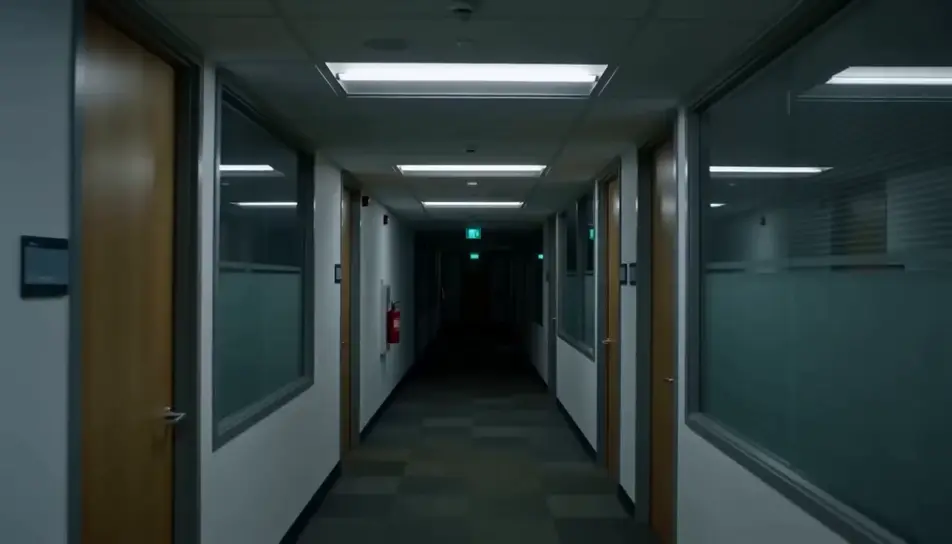
Generate jump scare videos in Morphic's AI video generator: a calm hallway that ends on a face at the lens, or a mirror wipe that shows someone behind you. Cut the reveal on Compose.
Ceiling lights shut off one by one down an empty office corridor. In the last flash before darkness, a pale figure is standing right at the lens.
Modifier le promptA parked car on a dark country road, the rear-view mirror showing an empty back seat. Then a pale, hollow-eyed face rises into the mirror from behind.
Modifier le prompt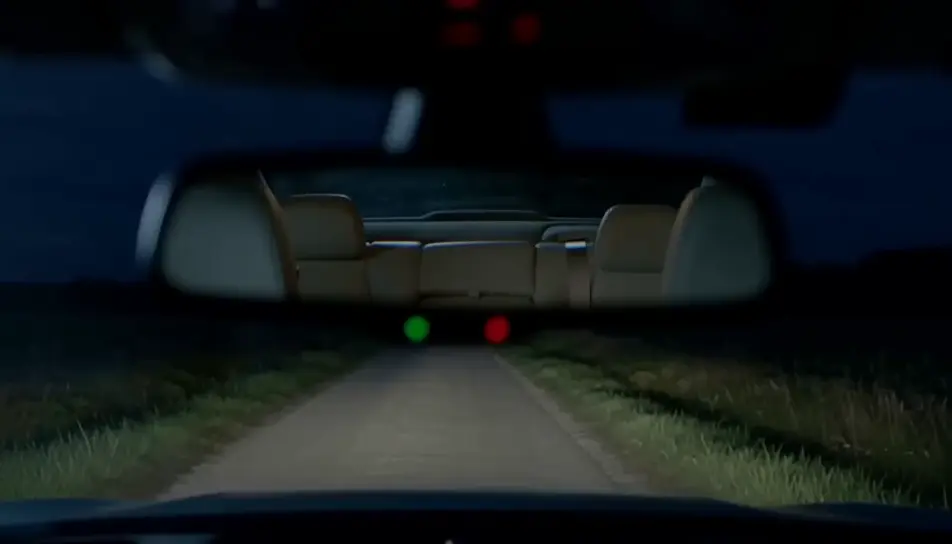
A dark kitchen lit only by an open fridge, the frame resting on a black doorway. At the end a pale face leans out from the doorframe at a wrong angle.
Modifier le prompt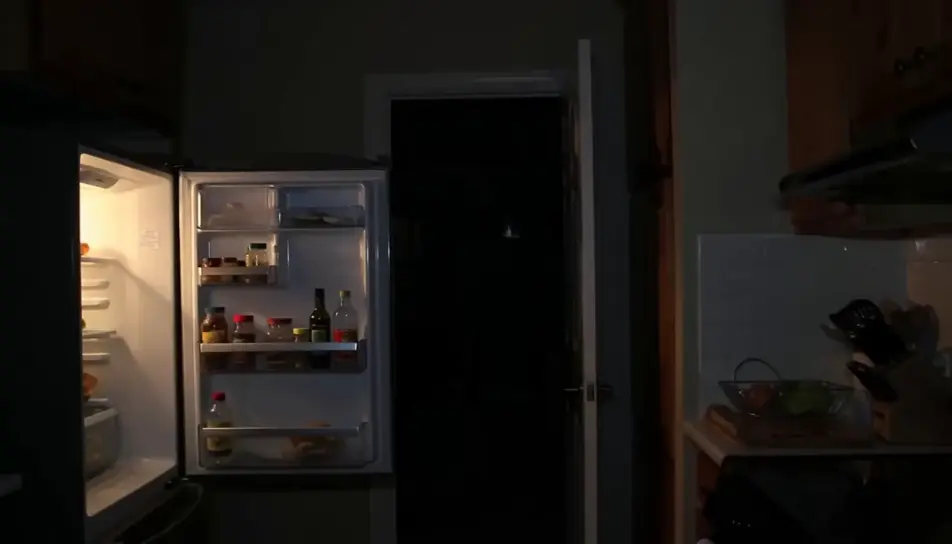
Looking up at a closed attic hatch on a dim landing, the pull cord swaying. The hatch drops open and a pale figure falls headfirst toward the camera.
Modifier le prompt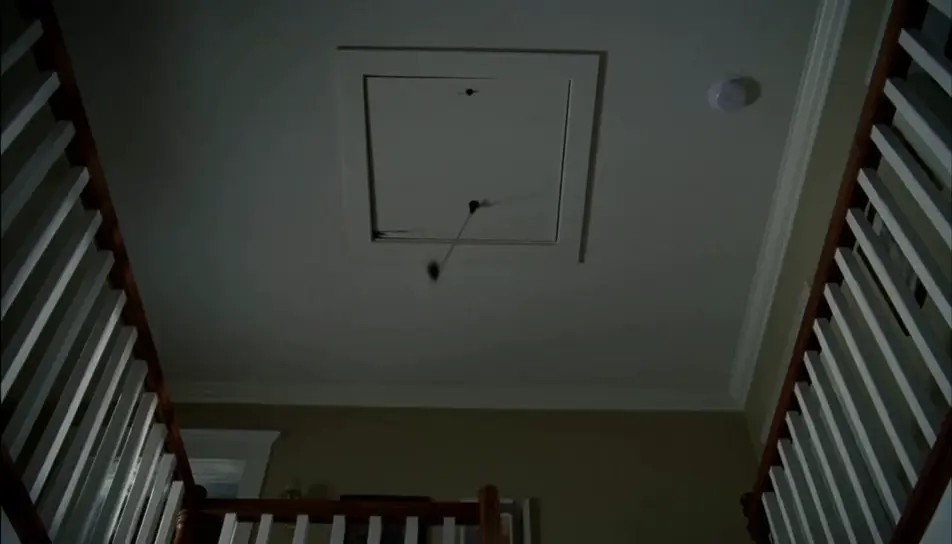
Écrivez la scène jump scare que vous voulez, en mots simples.
Morphic génère votre clip cinématographique en quelques secondes.
Ajustez le prompt, régénérez des variantes, téléchargez ou partagez le plan.
Court-métrage cinématographique avec effet de gel du temps pour toute scène

Dramatiser toute conversation textuelle en une vidéo cinématographique multi-plans.
Une image pour une vidéo cinématographique en 9 scènes.
Déposez une photo de vous. Obtenez un film cinématique de 12 secondes avec animation et une bande sonore assortie.

Partagez une description de scène avec des références de personnages. Obtenez un storyboard complet avec des angles de prise de vue et une ambiance.

Fournissez une seule image. Obtenez 9 plans cinématographiques présentés sous forme de grille de storyboard 3x3.
Comment faire une vidéo jump scare avec l'IA
Pour faire une vidéo jump scare avec l'IA, générez un plan de montée en tension calme, transformez une image fixe de la révélation en un bond rapide vers la caméra, puis enchaînez les deux par une coupe nette, avec un son de salle quasi silencieux sous la montée et un stinger puissant sur la coupe. Morphic réunit tout au même endroit : les modèles vidéo, image et son tournent sur le même Canvas, et Compose, l'éditeur intégré, cale la coupe et le stinger à l'image près.
Vidéos d'Halloween IA
Créez des vidéos d'Halloween avec l'IA : maisons hantées, citrouilles, fantômes, déguisements. Choisissez une ambiance, écrivez votre prompt et générez en quelques minutes.
Bruit de jumpscare
Générez un bruit de jumpscare avec Morphic. Modelez la montée, l’attaque et la résonance du screamer pour qu’il tombe pile là où vous coupez.
AI scary videos
Browse scary videos and generate your own shots at the length, ratio and look the cut needs. Morphic makes video, image, voice and sound in one workspace.
Commencez gratuitement dès aujourd'hui, avec la possibilité de mettre à niveau ou d'annuler à tout moment.
Basic
2400 mensuel crédits
1 utilisateur uniquement
Tous les modèles
Workflows
Standard
3625 mensuel crédits
1 utilisateur uniquement
Tous les modèles
Workflows
Pro
6350 partagé mensuel crédits
1 utilisateur
Tous les modèles
Workflows
Max
24650 partagé mensuel crédits
1 utilisateur
Tous les modèles
Workflows
Enterprise
Pour des limites plus élevées
Personnalisé
conditions de tarification et de facturation

Free
Pour expérimenter
$0
gratuit pour toujours