The garden, full of bubbles
A back garden in bright afternoon sun filling with bubbles that drift, catch colour and pop. Wide, slow and entirely wordless, made to sit under a song.
Modifier le prompt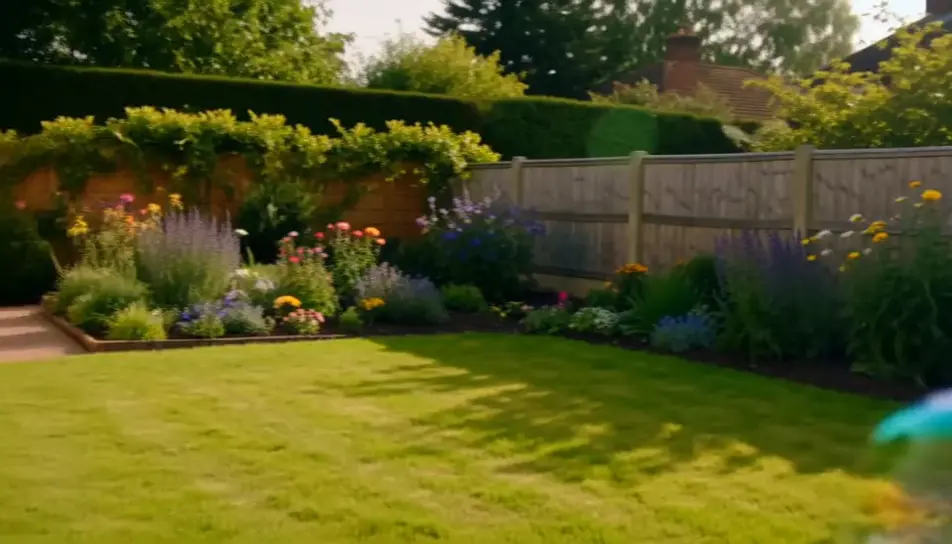
Create kids videos in your browser with Morphic's kids AI video generator and keep every clip bright, gentle and short. Generate bubbles drifting across a back garden, or a cardboard rocket counting down in a playroom, then score the cut with Music.
A back garden in bright afternoon sun filling with bubbles that drift, catch colour and pop. Wide, slow and entirely wordless, made to sit under a song.
Modifier le promptA hand-painted cardboard rocket in a warm playroom as a torch on the nose cone brightens and the countdown reaches zero. The camera stays put throughout.
Modifier le prompt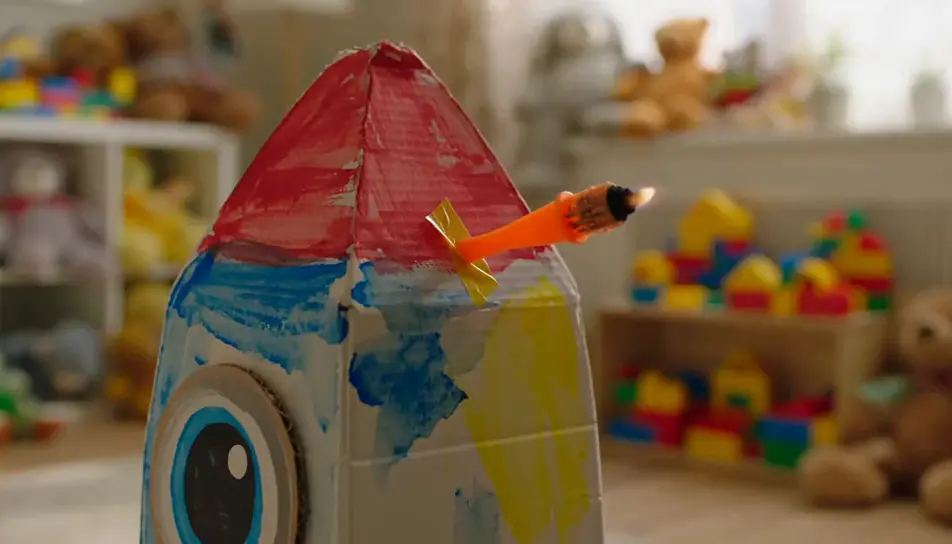
Grey daylight on a wet lane, framed low on a pair of yellow boots that land in a puddle and send water up in a wide fan. The second jump lands harder.
Modifier le prompt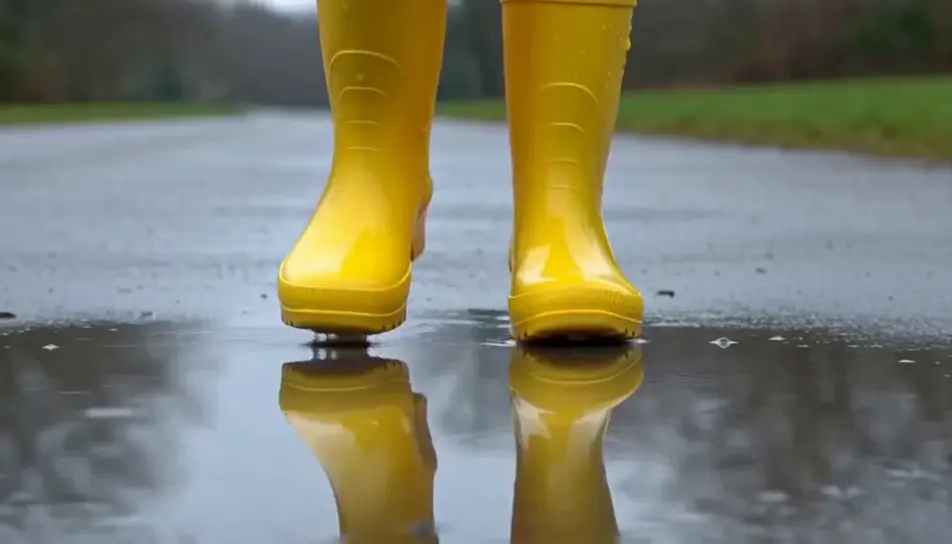
A paper boat entering a shallow stream, turning in an eddy, then moving away between stones with the camera walking alongside on the bank.
Modifier le prompt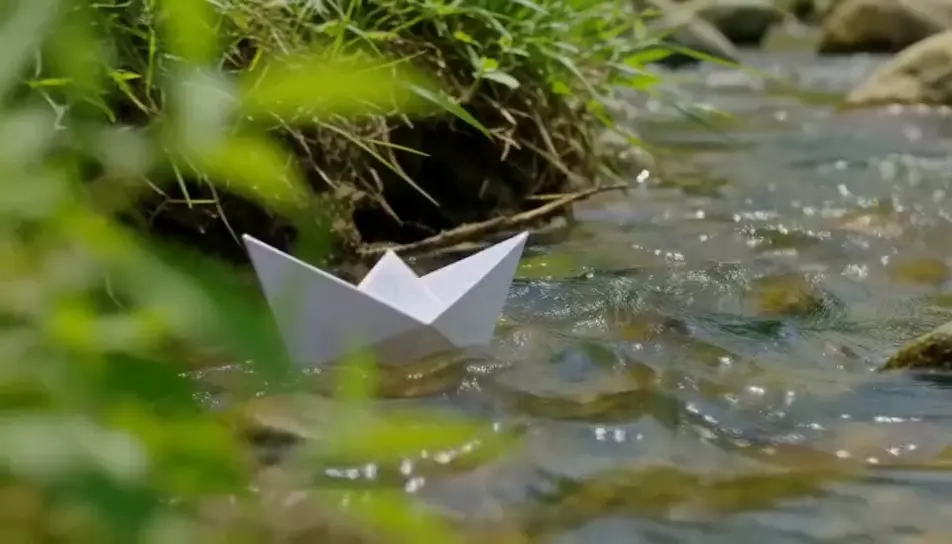
Écrivez la scène kids que vous voulez, en mots simples.
Morphic génère votre clip cinématographique en quelques secondes.
Ajustez le prompt, régénérez des variantes, téléchargez ou partagez le plan.

Dramatiser toute conversation textuelle en une vidéo cinématographique multi-plans.
Court-métrage cinématographique avec effet de gel du temps pour toute scène

Générer une carte de titre de film professionnelle à partir de zéro, avec animation cinématographique optionnelle.
Photo of any real-estate becomes a cinematic renovation timelapse video with construction SFX and music.
Une image pour une vidéo cinématographique en 9 scènes.
Déposez une photo de vous. Obtenez un film cinématique de 12 secondes avec animation et une bande sonore assortie.
Vidéos IA Story Time
Créez des vidéos IA l'heure du conte avec Morphic. Narration d'histoires sur des visuels assortis, format sans visage, voix off IA et prompts de scène prêts à lancer.
Vidéos IA de dessin animé
Créez des vidéos de dessin animé avec Morphic. Styles 2D, 3D, livre illustré et étirement-écrasement, cohérence complète des personnages et scènes guidées par prompt, le tout dans votre navigateur.
AI baby videos
Browse baby videos and generate your own shots at the length, ratio and look the cut needs. Morphic makes video, image, voice and sound in one workspace.
Vidéos IA en stop motion
Générez des vidéos stop motion sur Morphic. Marionnettes faites main, décors miniatures tactiles, texture artisanale et saccadé image par image à partir de prompts en langage clair.
Commencez gratuitement dès aujourd'hui, avec la possibilité de mettre à niveau ou d'annuler à tout moment.
Basic
2400 mensuel crédits
1 utilisateur uniquement
Tous les modèles
Workflows
Standard
3625 mensuel crédits
1 utilisateur uniquement
Tous les modèles
Workflows
Pro
6350 partagé mensuel crédits
1 utilisateur
Tous les modèles
Workflows
Max
24650 partagé mensuel crédits
1 utilisateur
Tous les modèles
Workflows
Enterprise
Pour des limites plus élevées
Personnalisé
conditions de tarification et de facturation

Free
Pour expérimenter
$0
gratuit pour toujours