Une boucle vapeur et grésillement
Un gros plan cinématographique lent sur la vapeur qui s’enroule au-dessus d’un plat, sous une lumière chaude et directionnelle. Un large espace vide à gauche accueille le texte du menu.
Modifier le prompt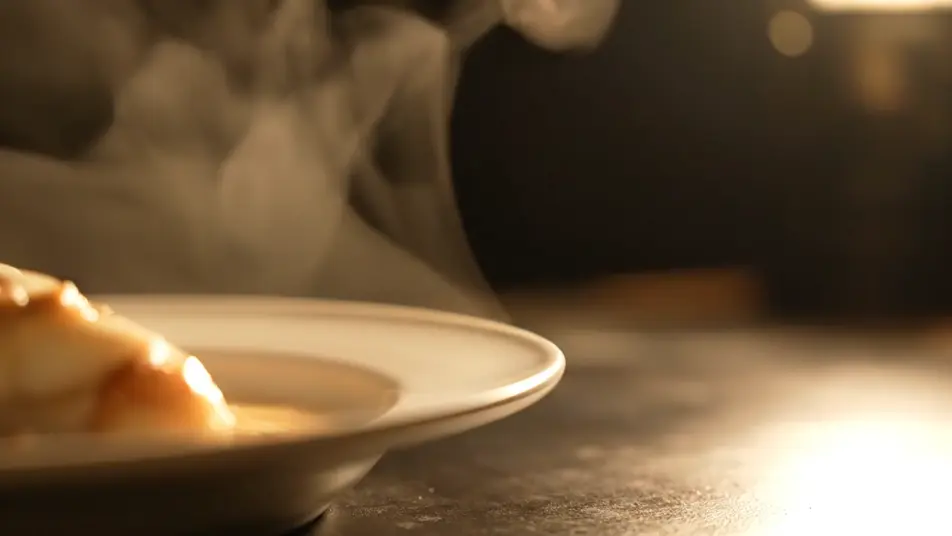
Un écran de menu qui ne bouge pas se fait oublier. Générez de la vapeur qui s’élève, une boisson versée au ralenti, ou des ingrédients qui tombent, chaque plan propre pour que votre carte se pose par-dessus. Assemblez la boucle sur Compose, ajoutez votre vrai texte de menu, et envoyez-la sur n’importe quel écran.
Un gros plan cinématographique lent sur la vapeur qui s’enroule au-dessus d’un plat, sous une lumière chaude et directionnelle. Un large espace vide à gauche accueille le texte du menu.
Modifier le promptUn filet de boisson rétroéclairé coule dans un verre transparent, sur un fond sombre et feutré, le liquide prenant une teinte ambrée. Le cadre laisse un espace ouvert à côté du verre.
Modifier le prompt
Des légumes et herbes du Sud tombent au ralenti sous une lumière de studio nette, avec des gouttes suspendues. Le fond sombre laisse un large espace ouvert pour une colonne de menu.
Modifier le prompt
Un chef en tenue neutre trace le dernier geste sur une assiette, sous une lumière de cuisine chaude. Le rythme artisanal et posé laisse le temps d’apprécier le détail.
Modifier le prompt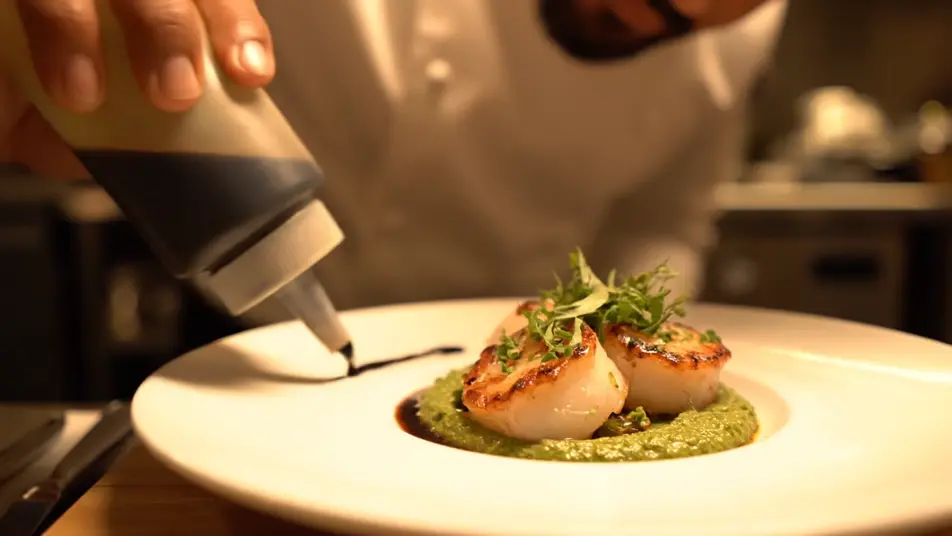
Écrivez la scène vidéo pour écran de menu que vous voulez, en mots simples.
Morphic génère votre clip cinématographique en quelques secondes.
Ajustez le prompt, régénérez des variantes, téléchargez ou partagez le plan.

Dramatiser toute conversation textuelle en une vidéo cinématographique multi-plans.
Court-métrage cinématographique avec effet de gel du temps pour toute scène

Générer une carte de titre de film professionnelle à partir de zéro, avec animation cinématographique optionnelle.
Photo of any real-estate becomes a cinematic renovation timelapse video with construction SFX and music.
Une image pour une vidéo cinématographique en 9 scènes.
Déposez une photo de vous. Obtenez un film cinématique de 12 secondes avec animation et une bande sonore assortie.
Vidéos promo d’hôtel IA
Générez une vidéo promo d’hôtel avec l’IA sur Morphic : piscine au crépuscule, lobby chaleureux, vue sur mer. Sans filigrane, montage le jour même.
Vidéos IA promo de salle de sport
Vidéo promo de salle de sport générée avec l’IA. Plateau lumineux, cours en pleine énergie, séance de natation, remplissez vos cours plus vite.
Vidéos IA de l'histoire du fondateur
Vidéos de fondateur générées par IA. Les mains sur l'ouvrage dans un atelier des débuts, la personne derrière le produit.
Publicités vidéo LinkedIn IA
Créateur de publicité vidéo LinkedIn sans équipe ni tournage. Générez un expert convaincant ou une équipe au travail, montez pour le fil, publiez aujourd’hui.
Commencez gratuitement dès aujourd'hui, avec la possibilité de mettre à niveau ou d'annuler à tout moment.
Basic
2400 mensuel crédits
1 utilisateur uniquement
Tous les modèles
Workflows
Standard
3625 mensuel crédits
1 utilisateur uniquement
Tous les modèles
Workflows
Pro
6350 partagé mensuel crédits
1 utilisateur
Tous les modèles
Workflows
Max
24650 partagé mensuel crédits
1 utilisateur
Tous les modèles
Workflows
Enterprise
Pour des limites plus élevées
Personnalisé
conditions de tarification et de facturation

Free
Pour expérimenter
$0
gratuit pour toujours