Un ruban coupé à l'entrée
Une entrée de bureau lumineuse où les ciseaux referment le ruban qui tombe, sous les sourires d'une petite foule. La caméra tient le moment, puis recule doucement.
Modifier le prompt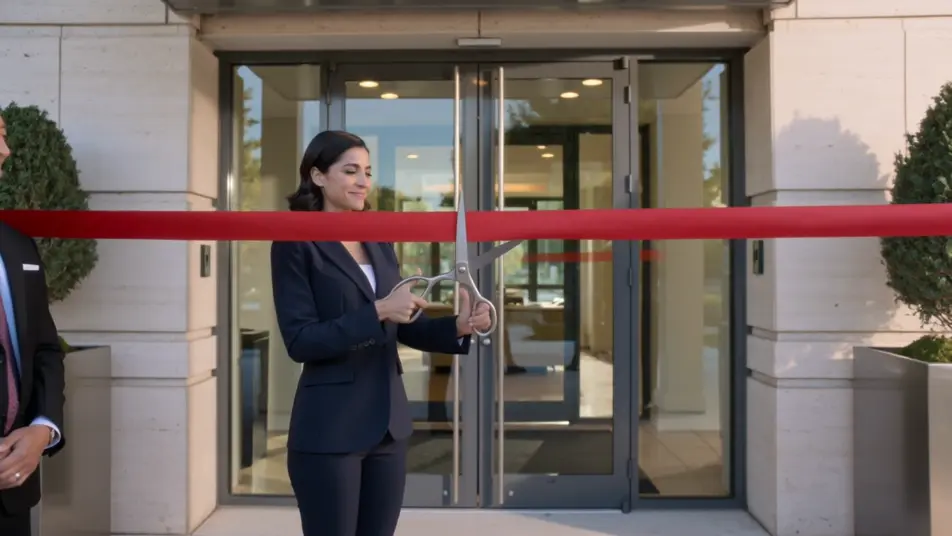
Une inauguration de bureau se raconte en quelques plans clés : le ruban qui tombe, la visite des lieux, un mot de l'équipe, le chemin jusqu'à la porte. Sur Morphic, vous décrivez chaque moment et l'outil le génère. Ajoutez une voix avec Speech, puis assemblez le tout en un seul film d'accueil sur Compose.
Une entrée de bureau lumineuse où les ciseaux referment le ruban qui tombe, sous les sourires d'une petite foule. La caméra tient le moment, puis recule doucement.
Modifier le promptUn mouvement fluide traverse un bureau ouvert et moderne, entre bureaux et salles vitrées, comme une rentrée dans des locaux tout neufs. La lumière naturelle entre par de grandes fenêtres, sur un rythme calme et confiant.
Modifier le prompt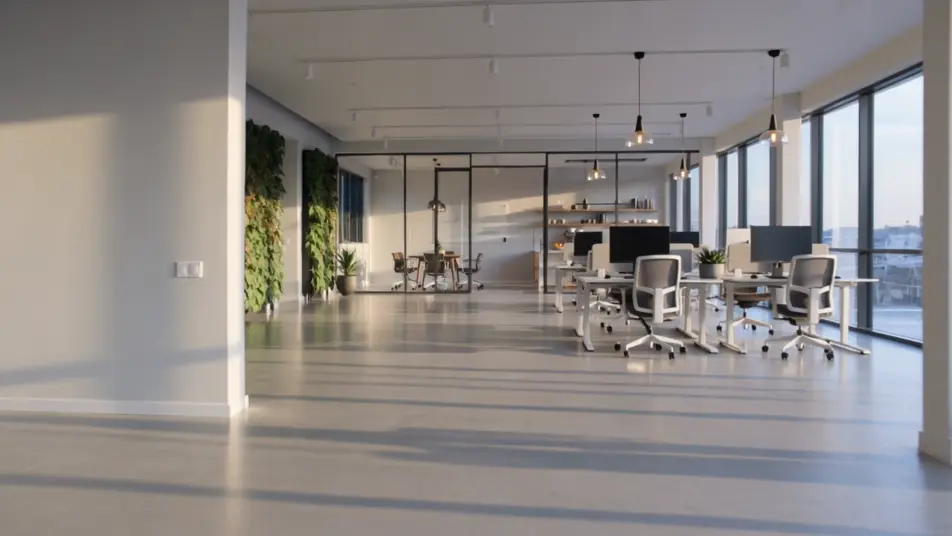
Un bureau ouvert et baigné de lumière où un membre de l'équipe s'adresse à la caméra à propos du déménagement. Une lumière douce éclaire le visage, avec un mouvement lent vers l'avant.
Modifier le prompt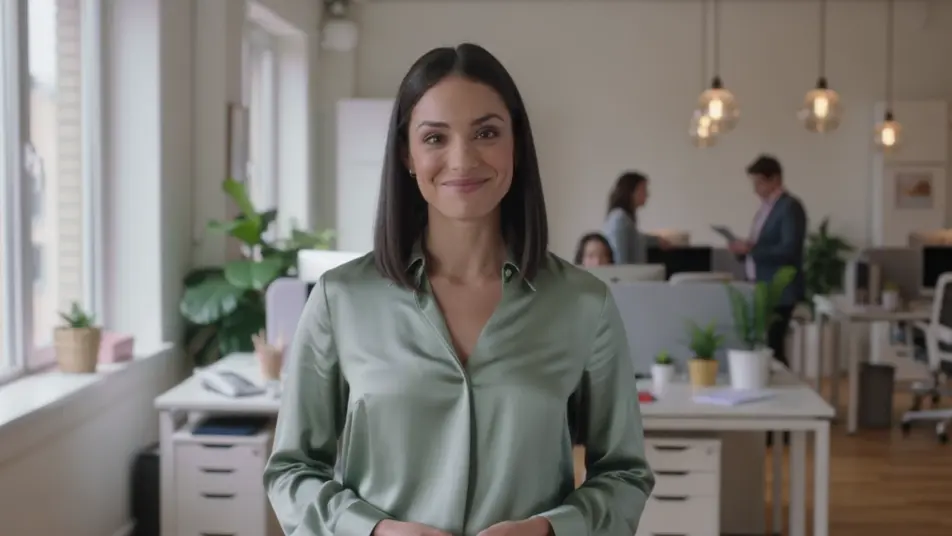
Un plan large et lumineux montre l'immeuble sur une rue animée, comme un quartier du centre-ville de Lyon. Les passants circulent sur le trottoir pendant que le cadre reste stable pour poser le décor.
Modifier le prompt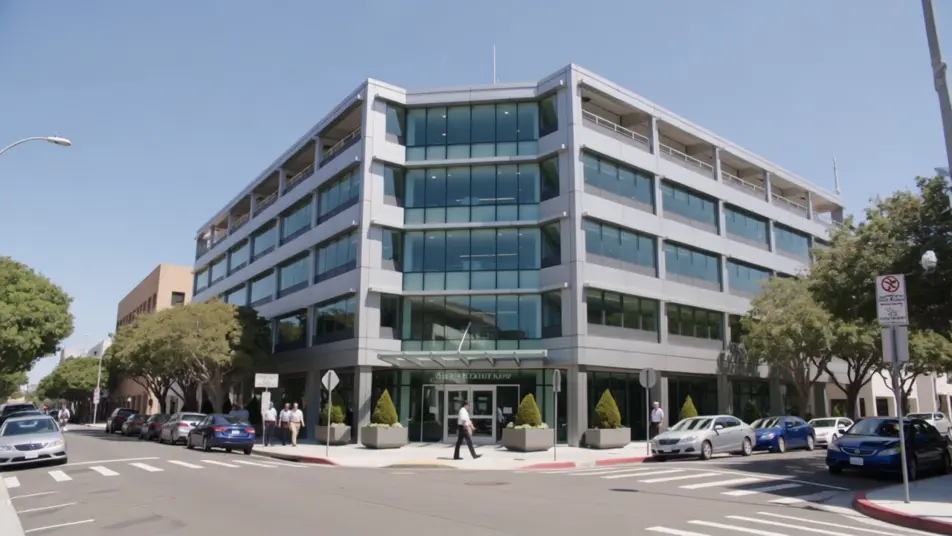
Écrivez la scène vidéo d'inauguration de bureau que vous voulez, en mots simples.
Morphic génère votre clip cinématographique en quelques secondes.
Ajustez le prompt, régénérez des variantes, téléchargez ou partagez le plan.

Dramatiser toute conversation textuelle en une vidéo cinématographique multi-plans.
Court-métrage cinématographique avec effet de gel du temps pour toute scène

Générer une carte de titre de film professionnelle à partir de zéro, avec animation cinématographique optionnelle.
Photo of any real-estate becomes a cinematic renovation timelapse video with construction SFX and music.
Une image pour une vidéo cinématographique en 9 scènes.
Déposez une photo de vous. Obtenez un film cinématique de 12 secondes avec animation et une bande sonore assortie.
Vidéos de visite de clinique par IA
Créez la visite de votre cabinet sans tournage : accueil, salles de soins, équipe. Générez chaque étape sur Morphic et actualisez-la quand vous voulez.
Visites de concession automobile par IA
Créez une visite de concession automobile avec l'IA, prête pour le web ou les réseaux. Showroom, présentation véhicule, atelier. Essayez maintenant.
Générateur de vidéo d’annonce de jalon
Créez une vidéo d’annonce de jalon en quelques minutes : révélez le chiffre, ajoutez un mot du fondateur et une frise, puis mettez à jour le chiffre plus tard.
Créateur de vidéo d'annonce de partenariat
Créez une vidéo d'annonce de partenariat pour le web ou les réseaux. Dirigez un lockup de logos, un mot des dirigeants, un battement sur ce qui change.
Commencez gratuitement dès aujourd'hui, avec la possibilité de mettre à niveau ou d'annuler à tout moment.
Basic
2400 mensuel crédits
1 utilisateur uniquement
Tous les modèles
Workflows
Standard
3625 mensuel crédits
1 utilisateur uniquement
Tous les modèles
Workflows
Pro
6350 partagé mensuel crédits
1 utilisateur
Tous les modèles
Workflows
Max
24650 partagé mensuel crédits
1 utilisateur
Tous les modèles
Workflows
Enterprise
Pour des limites plus élevées
Personnalisé
conditions de tarification et de facturation

Free
Pour expérimenter
$0
gratuit pour toujours